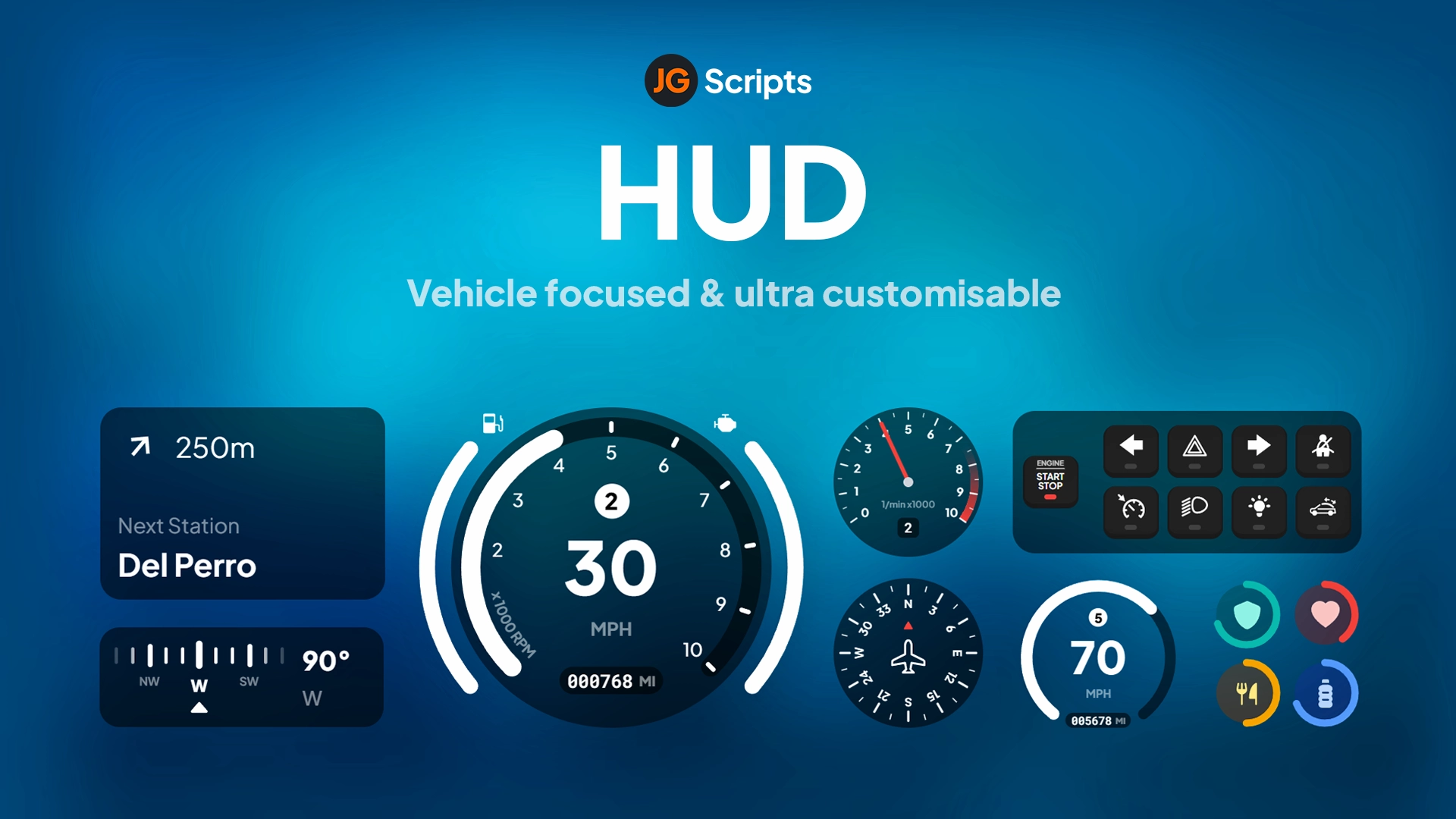
7 images produit disponibles.
Compatibilité:
iNotificationV3
Advanced notification system with customizable messages, durations, and styles. Supports client-side triggers for professional UI notifications.
Accès instantané
7 images produit disponibles.
Advanced notification system with customizable messages, durations, and styles. Supports client-side triggers for professional UI notifications.
Utilisez les informations publiées sur cette page pour confirmer si iNotificationV3 correspond à votre serveur avant l'achat.
Seuls les faits publiés sur cette page doivent être considérés comme confirmés. Si vous avez besoin de plus de détails, consultez la description, les prérequis, le journal des modifications, les avis et les questions produit avant l'achat.
esx
Publié sur cette page
Disponible
Carte, Klarna et wallets pris en charge via Stripe. D'autres moyens de paiement locaux peuvent apparaître selon votre région.
Attente de support
Le support couvre l'accès au téléchargement, les fichiers livrés manquants et les questions basées sur les notes d'installation publiées.
L'installation personnalisée, la conversion de framework, la mise en place sur serveur en production et les développements sur mesure ne sont pas inclus sauf mention contraire sur la page produit.
Contactez-nous avant l'achat si votre serveur utilise des ressources de framework, d'inventaire ou de base de données fortement modifiées.
Utilisez cette checklist pour vérifier rapidement si la ressource correspond à votre serveur, votre framework et vos attentes de support.
Gain pour l'administrateur serveur
iNotificationV3 vise à réduire HUDs au lieu de vous obliger à reconstruire le même système.
Compatibilité
Fonctionne avec esx. Vérifiez le bloc des prérequis avant de l'ajouter à un serveur en production.
Confiance avant achat
Téléchargement instantané, paiement Stripe, accès au support et contexte de remboursement sont affichés avant le paiement.
Éléments de décision
Prérequis, détails d'installation, Vidéo d'aperçu, Questions produit
iNotificationV3 folder into your resources.ensure iNotificationV3 to your server.cfg.~h~ in text, it will make the text bold (example: ~h~Trying bold text~h~).~i~ in text, it will make the text italic (example: ~i~Trying italic text~i~).
line 1
line 2).-- showNotification
TriggerEvent(iNotificationV3:showNotification, This is a message, 5, left);
-- showAdvancedNotification
TriggerEvent(iNotificationV3:showAdvancedNotification, Title, Subtitle, this is a message, CHAR_MP_BIKER_BOSS, 7, left);
-- showHelpNotification
TriggerEvent(iNotificationV3:showHelpNotification, Press ~INPUT_PICKUP~ to ..., 10, right);
-- showAdvancedHelpNotification
TriggerEvent(iNotificationV3:showAdvancedHelpNotification, Interactions, Press ~INPUT_PICKUP~ to trigger ..., CHAR_MP_BRUCIE, 8, left);
-- showNotification
TriggerClientEvent(iNotificationV3:showNotification, source, This is a message, 5, left);

-- showAdvancedNotification
TriggerClientEvent(iNotificationV3:showAdvancedNotification, source, Title, Subtitle, this is a message, CHAR_MP_BIKER_BOSS, 7, left);

-- showHelpNotification
TriggerClientEvent(iNotificationV3:showHelpNotification, source, Press ~INPUT_PICKUP~ to ..., 10, right);

-- showAdvancedHelpNotification
TriggerClientEvent(iNotificationV3:showAdvancedHelpNotification, source, Interactions, Press ~INPUT_PICKUP~ to trigger ..., CHAR_MP_BRUCIE, 8, left);
ex_extended/client.functions.lua.ESX.ShowNotification = function(msg)
SetNotificationTextEntry('STRING');
AddTextComponentString(msg);
DrawNotification(0, 1);
end
ESX.ShowAdvancedNotification = function(sender, subject, msg, textureDict, iconType, flash, saveToBrief, hudColorIndex)
if saveToBrief == nil then saveToBrief = true end
AddTextEntry('esxAdvancedNotification', msg)
BeginTextCommandThefeedPost('esxAdvancedNotification')
if hudColorIndex then ThefeedNextPostBackgroundColor(hudColorIndex) end
EndTextCommandThefeedPostMessagetext(textureDict, textureDict, false, iconType, sender, subject)
EndTextCommandThefeedPostTicker(flash or false, saveToBrief)
end
ESX.ShowHelpNotification = function(msg, thisFrame, beep, duration)
AddTextEntry('esxHelpNotification', msg)
if thisFrame then
DisplayHelpTextThisFrame('esxHelpNotification', false)
else
if beep == nil then beep = true end
BeginTextCommandDisplayHelp('esxHelpNotification')
EndTextCommandDisplayHelp(0, false, beep, duration or -1)
end
end
ESX.ShowNotification = function(msg, time, position)
    TriggerEvent(iNotificationV3:showNotification, msg, time or 12, position or left);
end

ESX.ShowAdvancedNotification = function(sender, subject, msg, textureDict, iconType, flash, saveToBrief, hudColorIndex)
    TriggerEvent(iNotificationV3:showAdvancedNotification, sender, subject, msg, textureDict, 12, left)
end

ESX.ShowHelpNotification = function(msg, thisFrame, beep, duration)
    TriggerEvent(iNotificationV3:showHelpNotification, msg, 12, left);
end
showNotification-- message: string (message content) (⚠️ Required)
-- duration: number (seconds the notification stays visible) (❌ Optional)
-- location: string[left, middle, right] (screen position) (❌ Optional)
exports[iNotificationV3]:showNotification(message, duration, location);
-- or:
TriggerEvent(iNotificationV3:showNotification, message, duration, location);
TriggerClientEvent(iNotificationV3:showNotification, playerId or source, message, duration, location)
showAdvancedNotification-- title: string (title of notification) (❌ Optional)
-- subtitle: string (subtitle) (❌ Optional)
-- message: string (message content) (⚠️ Required)
-- duration: number (display duration) (❌ Optional)
-- location: string[left, middle, right] (screen position) (❌ Optional)
-- icon: string (GTA 5 notification image or custom image name from assets/images/) (❌ Optional)
exports[iNotificationV3]:showAdvancedNotification(title, subtitle, message, icon, duration, location);
-- or:
TriggerEvent(iNotificationV3:showAdvancedNotification, title, subtitle, message, icon, duration, location);
local inotif = iNotificationV3:showAdvancedNotification;
TriggerClientEvent(inotif, playerId or source, title, subtitle, message, icon, duration, location)
showHelpNotificationexports[iNotificationV3]:showHelpNotification(message, duration, location);
-- or:
TriggerEvent(iNotificationV3:showHelpNotification, message, duration, location);
local inotif = iNotificationV3:showHelpNotification;
TriggerClientEvent(inotif, playerId or source, message, duration, location)
showAdvancedHelpNotification (Preview)exports[iNotificationV3]:showAdvancedHelpNotification(title, message, icon, duration, location);
-- or:
TriggerEvent(iNotificationV3:showAdvancedHelpNotification, title, message, icon, duration, location);
local inotif = iNotificationV3:showAdvancedHelpNotification;
TriggerClientEvent(inotif, playerId or source, title, message, icon, duration, location)
readme_en.md) that you can download?Supports showNotification, showAdvancedNotification, showHelpNotification, and showAdvancedHelpNotification for varied notification displays.
Set how many seconds each notification stays visible on screen with optional duration parameters.
Display notifications at left, middle, or right positions on the screen.
Use ~h~ for bold text, ~i~ for italic text, and <br/> tags to create line breaks within notifications.
Display notifications with GTA 5 notification images or custom image names from the assets/images/ folder.
0 questions
Aucune question
Soyez le premier à poser une question !
Learn more about setting up, configuring, and using this type of resource.

Complete reference of ESX admin commands for FiveM RP servers — player management, vehicle spawning, money & jobs, world manipulation, plus a self-hosting setup guide for setting your first admin.

Choosing a framework is the single most consequential decision when building a FiveM server. It determines which scripts you can use, how your developers write code, the…

ESX is the original FiveM roleplay framework, and despite newer alternatives, it remains one of the most widely used frameworks in 2026.
Utilisez ce produit dans une configuration plus large. Explorez les catégories associées, les frameworks alternatifs, les packs premium et les téléchargements gratuits complémentaires.