




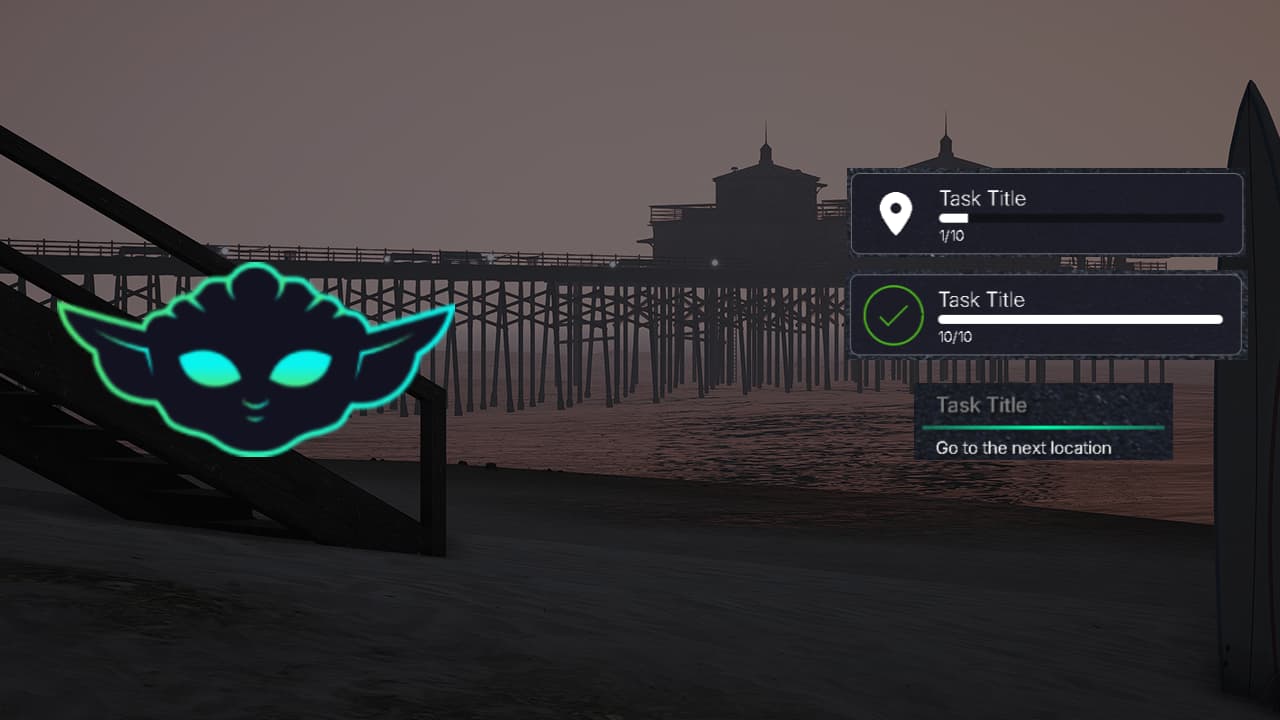
Yoda Tasks Task UI System is listed on FiveMX as a free FiveM resource reference. This page keeps the useful notes from the old listing, removes promotional filler, and gives server owners a clear review path before testing it.
Do not treat this page as a production recommendation. Free resources can be useful for prototypes, small events, cosmetics or utility workflows, but the current package still needs source review, staging tests and a rollback note.
What the old page mentioned
- The old page described a task UI system for FiveM.
- It mentioned a clean interface, customizable colors and standalone use.
- It also listed ESX, QBCore, QBOX and VRP context.
Checks before live use
- Test task display, completion state and color customization.
- Confirm the package actually supports the framework mode you plan to use.
- Review the manifest, dependency names, config defaults and event names before starting it.
- Test the main workflow on a staging server with realistic permissions, inventory items and player roles.
- Check client and server console output after a clean restart.
- Keep a backup of affected resource folders, config files and database state before replacing live files.
Minimum staging record
Write down the tested server build, framework version, dependencies, changed files and the result of the main test action. If the resource stays installed, revisit that note after the next framework or artifact update and remove anything that no longer matches the live setup.
For live servers, also decide who owns future updates for this resource. If no one can review patches, replace broken dependencies, or answer staff questions after launch, keep the resource off the main server and use a maintained alternative instead.
Document one simple pass or fail result after staging, including the reason for that decision.
External source links
Related FiveMX resources
For broader comparison, review FiveM job scripts, FiveM HUD scripts, free FiveM scripts before deciding whether this resource fits your server.