Zum Hauptinhalt springen
  • Sofortiger digitaler Versand
  • Lebenslange Updates für ausgewählte Produkte
  • Vertraut von Server-Betreibern
FiveMX
Marktplatz
Komplette ServerBundlesNeuerscheinungen
FiveMX

Starte heute mit deinem Server.

Kuratierte FiveM-Ressourcen, sofortige Lieferung, kostenlose Starter-Mods und praktische Guides in einem ruhigen Marktplatz.

Shop durchsuchensupport@fivemx.com

Marktplatz

  • Marktplatz
  • FiveM Mods
  • Alle Produkte
  • Gratis-Mods
  • Beste Scripts und Mods
  • FiveM Scripts

Frameworks

  • QBCore Scripts
  • ESX Scripts
  • QBox
  • Standalone

Community

  • Blog
  • Hilfe
  • Creator
  • Partnerprogramm

Rechtliches

  • Datenschutz
  • AGB
  • Rückerstattung
  • Digitale Lieferung
  • Cookie-Richtlinie
  • DSGVO
  • DMCA
  • Impressum
  • Redaktionsrichtlinie

Server-Templates

  • QBCore-Server-Template
  • ESX-Server-Template
  • NoPixel-Server-Template
  • Server-Packs
  • Kostenlose Templates
  • Tebex-Alternative
© 2026 FiveMX. Alle Rechte vorbehalten.·FiveMX ist nicht mit Rockstar Games, Take-Two Interactive oder CFX.re verbunden. Alle Marken sind Eigentum ihrer jeweiligen Inhaber.
DiscordDocs
  1. Startseite
  2. Blog
  3. Scripts & Ressourcen
Table of Contents
Introduction to Welcome to the future of FiveM developmentWhat is “Vibe‑Coding”?The Core Rule: The AI is the junior developer; youThe Demo Script: “Item Use + Progress + Validation”Chapter 0: Setup & ToolingChapter 1: Define the SpecOur Spec for vibe-consumable :

How To Vibe-Code a FiveM Script

Veröffentlicht am 9. Januar 2026·von Lars Miller(Founder & Lead Editor)·Profil·4 Min. Lesezeit·Aktualisiert am 24. März 2026
Scripts & Ressourcenhow to vibe-code fivem script

Welcome to the future of FiveM development. If you’ve been scripting for a while, you know the grind: boilerplate code, repetitive config setups, and hunting down syntax errors in…

Share
How To Vibe-Code a FiveM Script

Introduction to Welcome to the future of FiveM development

Welcome to the future of FiveM development. If you’ve been scripting for a while, you know the grind: boilerplate code, repetitive config setups, and hunting down syntax errors in the documentation. If you’re new, the learning curve of Lua and client-server networking can feel steep.

This guide is part of our , covering everything from MLO design to scripting, vehicle modding, and building your creator brand.

Enter Vibe‑Coding.

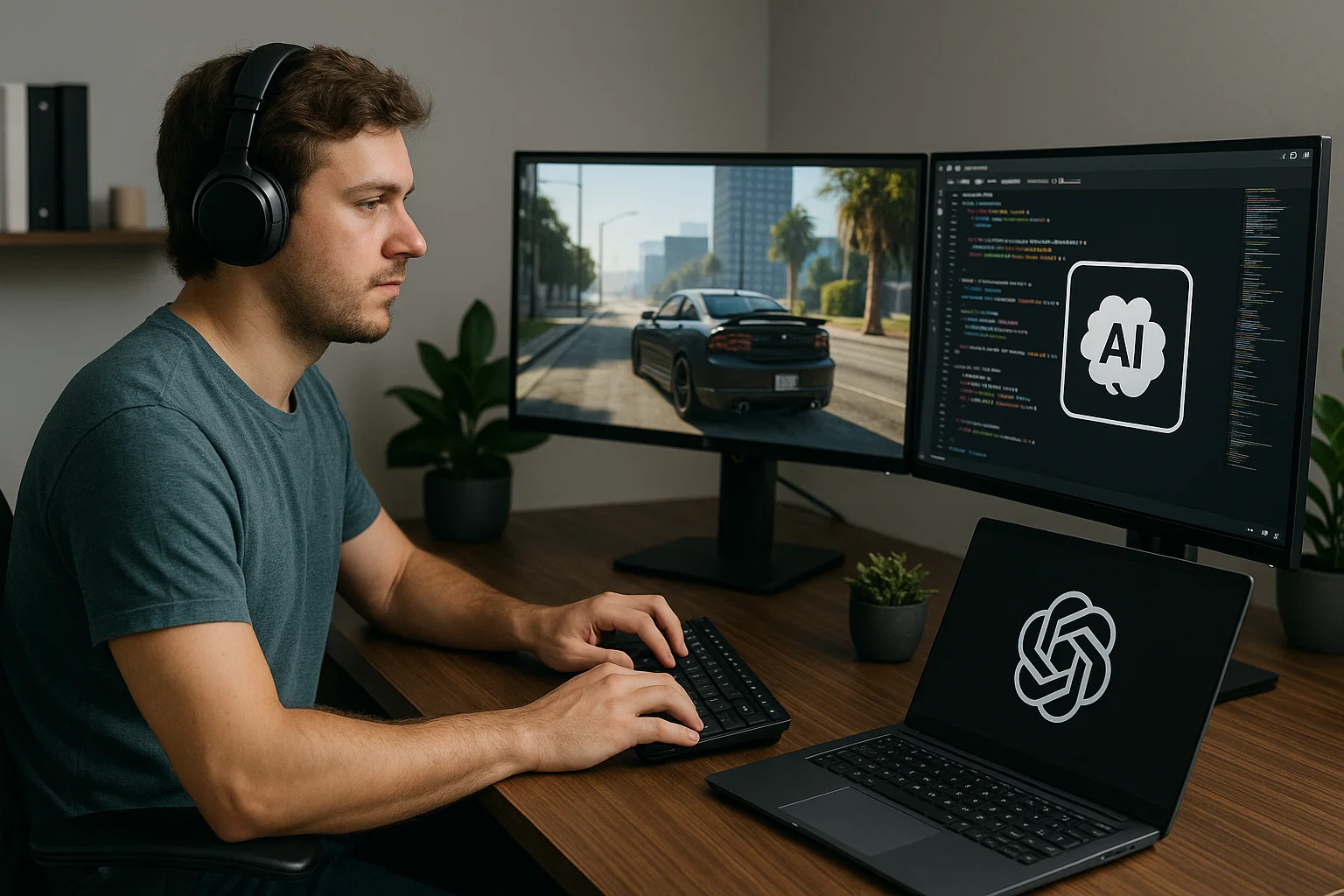
It’s not just about letting AI write code for you; it’s about becoming a “technical director” while an AI assistant handles the manual labor. In this guide, we’ll walk through a repeatable workflow to build, harden, and polish a FiveM resource using AI as your copilot—without sacrificing quality or security.

For a broader look at AI tools in our ecosystem, check out our guide on .

What is “Vibe‑Coding”?

Vibecoding

In the context of this tutorial, vibe‑coding is the art of fast iteration with an AI assistant (like ChatGPT, Claude, or Cursor) where you follow a strict loop:

  1. You define the Spec: You tell the AI exactly what needs to happen.
  2. AI Drafts the Code: The AI generates the boilerplate, the logic, and the structure.
  3. You Review & Validate: You check the diffs for security holes (trusting the client?), performance issues (busy loops?), and logic errors.
  4. You Ship Decisions: You don’t write every line, but you make every architectural choice.

The Core Rule: The AI is the junior developer; you

Häufig gestellte Fragen

What are the key differences between using VS Code and Cursor for vibe-coding FiveM scripts?

While VS Code is a standard code editor, Cursor, a fork of VS Code, offers built-in AI assistance, making it an ideal tool for vibe-coding. Cursor allows you to directly "Chat with codebase" and instantly apply suggested changes from the AI, streamlining the development process. VS Code lacks this built-in AI integration, requiring reliance on external tools or plugins to achieve similar AI-assisted coding capabilities. The direct integration in Cursor facilitates a more fluid and efficient vibe-coding workflow.

How do I ensure the AI-generated code is secure and doesn't introduce vulnerabilities into my FiveM script?

When vibe-coding with AI, it's crucial to meticulously review and validate all AI-generated code. Pay close attention during the review stage specifically for potential security holes, such as client-side trust or data exposure. Scrutinize the suggested changes for logic errors and performance issues like busy loops that could impact server performance. Remember, you are the senior developer ensuring quality.

What does it mean to treat the AI as a 'junior developer' during vibe-coding?

Treating the AI as a 'junior developer' means that while the AI can generate code and handle boilerplate tasks, you, as the senior developer, are ultimately responsible for the architecture, security, and overall quality of the FiveM script. The AI provides drafts, but you make the final decisions on what gets implemented, ensuring that the code aligns with your vision and meets the necessary standards.


Table of Contents

Introduction to Welcome to the future of FiveM developmentWhat is “Vibe‑Coding”?The Core Rule: The AI is the junior developer; youThe Demo Script: “Item Use + Progress + Validation”Chapter 0: Setup & ToolingChapter 1: Define the SpecOur Spec for vibe-consumable :

Mehr zu diesem Thema

Von der Recherche zu einem produktionsreifen Server-Stack wechseln

Sobald die Richtung klar ist, kommst du über diese Angebotsseiten direkt zu verifizierten Scripts, kuratierten Bundles und framework-spezifischen Kaufpfaden.

Framework hub

Move into the QBCore landing page to compare verified scripts, framework fit, and install-ready products built for modern FiveM servers.

Open QBCore hub

Premium catalog

Move from research into the main shop to compare real products, framework labels, screenshots, and production-ready quality signals.

Open premium shop

Launch faster

Bundles shorten the path from planning to launch by grouping the highest-leverage scripts into a cleaner commercial starting point.

View bundles

Hinweis: Einige Links unten sind Affiliate-Links zu FiveMX-Produkten. Wir verdienen möglicherweise eine Provision ohne zusätzliche Kosten für dich.

Kostenlose Scripts die dich interessieren könnten

Ähnliche Artikel

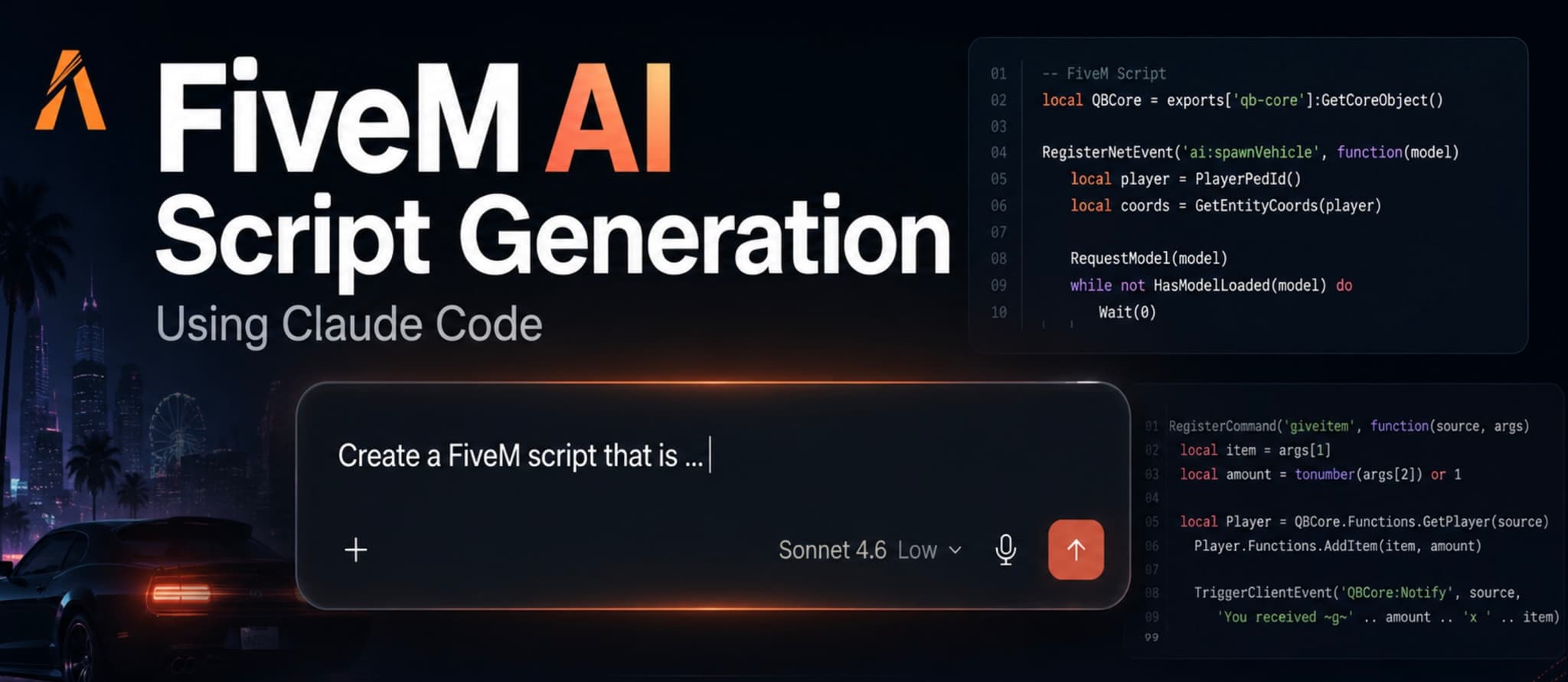
So nutzt du Claude Code, um FiveM-Scripts schneller zu entwerfen, zu prüfen und sicher zu testen, ohne fragile AI-Lua direkt live zu stellen.

June 18, 2026

Wenn ein HUD-Skript auf deinem FiveM-Server ausfällt, sehen es alle Spieler innerhalb von Sekunden. Dieser Leitfaden beschreibt die 12 häufigsten HUD-Fehler – unsichtbare HUDs, defekte Tachometer, Framework-Konflikte, FPS-Einbrüche – mit Diagnoseschritten und Copy-Paste-Lösungen für ESX, QBCore und QBox.

March 30, 2026

Willkommen in der Zukunft der FiveM-Entwicklung. Lerne, wie du mit KI-Unterstützung als technischer Direktor arbeitest und hochwertige, sichere Skripte erstellst.

January 9, 2026

The Core Rule: The AI is the junior developer; you are the senior lead. AI writes drafts; you ship decisions.


The Demo Script: “Item Use + Progress + Validation”

To learn this workflow, we aren’t just printing “Hello World.” We are building a real-world scenario that teaches the most important concept in FiveM: Server Authority.

The Script: vibe-consumable

  • Action: Player uses an item (e.g., a “repair kit” or “energy drink”).
  • Client: Checks if player is busy, plays an animation, shows a progress bar.
  • Server: Verifies the player actually has the item, removes it, and grants a reward (health/armor/status).
  • Security: We will specifically focus on preventing exploiters from triggering the reward without using the item.

If you need a refresher on the basics before diving in, read our Introduction to Lua Scripting.


Chapter 0: Setup & Tooling

Before we vibe, we need a studio.

  1. Code Editor: VS Code is standard, but Cursor (a fork of VS Code with built-in AI) is the ultimate vibe-coding tool. It allows you to “Chat with codebase” and apply diffs instantly.
  2. The Environment: A local FXServer for rapid testing.
  3. The Mindset: “The Client is Untrusted.” This is your mantra. The AI will often forget this and trust the client blindly. You must catch it.

Chapter 1: Define the Spec

The biggest mistake developers make with AI is vague prompting. “Make a script that eats food” will give you garbage. “Make an ESX script where using bread triggers a 5s progress bar via ox_lib, then triggers a server event to remove bread and add hunger” will give you gold.

Our Spec for vibe-consumable :

Our Spec for vibe-consumable:

“Create a standalone resource compatible with QBCore/ESX (via bridge or config).

  1. Config: Define items, duration, anim dict, and reward type (health/armor).

  2. Client: Listens for a specific event or export to ‘use’ the item. Checks if ped is alive/not busy. Plays anim. Uses ox_lib for the progress bar.

  3. Server: Listens for the completion event. MUST verify item count before removing. Adds reward.

  4. Structure: config.lua, client/main.lua, server/main.lua, fxmanifest.lua.”


    Chapter 2: The Scaffold

    Let’s generate the skeleton. We want a clean folder structure immediately.

    “I need a folder structure for a FiveM resource named vibe-consumable. Please generate the fxmanifest.lua with standard metadata, a config.lua with one example item (water), and empty client/main.lua and server/main.lua files. Use ‘1.0.0’ version.”

Review:
Does the fxmanifest.lua include the client/server scripts correctly? | You can read here what a fxmanifest is | fx_version 'cerulean' | |

When defining the 'Spec' for the AI, what level of detail should I provide to get the best results?

The more specific you are when defining the 'Spec' for the AI, the better the generated code will be. Clearly outline the desired functionality, data structures, and any specific requirements for the script. A well-defined spec acts as a blueprint for the AI, guiding it to produce code that closely aligns with your expectations, reducing the need for extensive revisions later in the process.

How do I install Vibe-Code a FiveM Script?

Before we vibe, we need a studio. 1. Code Editor: VS Code is standard, but Cursor (a fork of VS Code with built-in AI) is the ultimate vibe-coding tool. It allows you to “Chat with codebase” and apply diffs instantly. 2. The Environment: A local FXServer for rapid testing.

What is Vibe-Code a FiveM Script?

Welcome to the future of FiveM development. If you’ve been scripting for a while, you know the grind: boilerplate code, repetitive config setups, and hunting down syntax errors in the documentation. If you’re new, the learning curve of Lua and client-server networking can feel steep.

complete FiveM content creation guide
Writing FiveM Scripts Using AI
Beste FiveM Phone Scripts 2026: Kompletter Vergleichsguide
Beste FiveM Angel-Scripts 2026 — Entspannte RP-Aktivitäten für deinen Server
Beste FiveM Black Market Scripts 2026 — Untergrundhandel für deinen Server
FiveM K9 Polizei Script Guide 2026 — K9-Einheiten auf deinem Server einrichten
Beste FiveM Abschlepp-Scripts 2026 — Towing-Job-Systeme für deinen Server
Browse QBCore-ready scripts
Browse premium FiveM scripts
Compare curated bundles
Gameconfig for Legacy & Enhanced

Gameconfig for Legacy & Enhanced

8,243,364 Downloads
PC Trainer V

PC Trainer V

1,272,946 Downloads
LemonUI: Open Source UI Library

LemonUI: Open Source UI Library

1,138,096 Downloads
NFS gauge - RPM Gear Speedometer & Timer

NFS gauge - RPM Gear Speedometer & Timer

1,058,515 Downloads
FiveM AI Script-Generierung mit Claude Code
FiveM HUD Scripts Fehlerbehebung FAQ: 12 häufige Probleme behoben
Wie man ein FiveM-Skript per Vibe-Coding entwickelt

Keine Zeit, alles selbst zu konfigurieren?

Starte mit einem vorgefertigten, getesteten FiveM Server-Pack. Framework-optimiert, alle Scripts vorinstalliert.

Super ESX Server
esxstandalone

Super ESX Server

The Super ESX Server is one of the best FiveM server templates - over 1.000 purchases! Want to know why we call it our Super Server? Check out our video to find out some of the basics details of the world. Update 10 is included, make sure to install v7 first and then use content of v10 yo

$228.32
ESX Server Base (by RibSosay)
esxstandalone

ESX Server Base (by RibSosay)

Prebuilt FiveM server with ESX framework GUARANTEE : We offer a guarantee ensuring compatibility with your setup.

$53.99
Alle Server-Packs ansehen