Pre-Purchase Checklist: Red Flags, License Terms & Benchmarks
If you buy the wrong FiveM script, you won’t just waste money—you’ll inherit downtime, chargebacks, FPS complaints, and a support burden.

Introduction to If you buy the wrong FiveM script, you won’t just
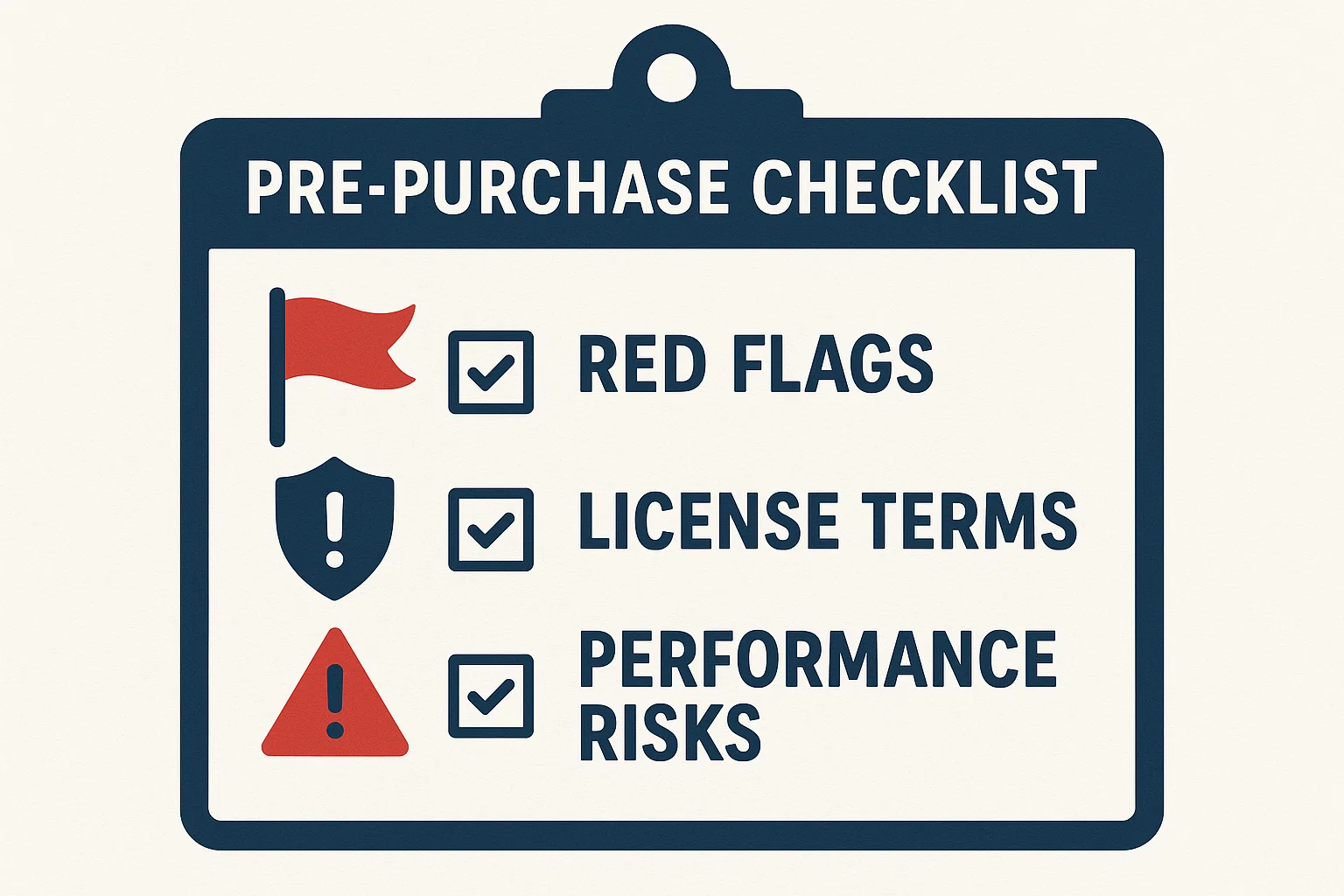
If you buy the wrong FiveM script, you won’t just waste money—you’ll inherit downtime, chargebacks, FPS complaints, and a support burden. Use this page as your pre-purchase gate: audit the vendor, decode the license, predict performance, and compare refund/update terms before you spend a cent.
This guide is part of our , where you'll find all our script recommendations, framework comparisons, and buying guides.
Related reading (open in new tabs):
- How to Evaluate, Test, and Maintain — pillar process for sandboxing, CI, and long-term upkeep:
- FiveM Asset Escrow: Limits, Myths, and Workarounds — what you can/can’t do when code is locked:
TL;DR — Quick Pre-Purchase Checklist
Vendor & Reputation
- Legal entity listed (name, country, registration or VAT).
- Active support (Discord/ticket/email) with response time < 24h.
- Public changelog; last update < 60 days.
- No unresolved scam/leak threads tied to the seller.
License & Policy
- Commercial use and multi-admin use allowed on your server.
- Refund window (≥ 7 days) with objective criteria.
- Update policy (lifetime or clear major/minor rules).
- terms documented; performance-critical parts editable.
- No hidden telemetry / remote code execution without signatures.
Häufig gestellte Fragen
What is the difference between 1) Vendor Due Diligence (Red Flags and Green Flags)?
Green flags * Registered business, VAT/Tax ID, country visible on storefront. * Public changelog and issue tracker; frequent small updates > rare big ones.
What is the difference between 3) Refund & Updates Policy — and Worksheet?
What to capture * Refund window & conditions: objective testability (“not as described”, reproducible critical bug). * Update policy: lifetime vs. major vs. minor; paid upgrades; security patches guaranteed.
How do I optimize Pre-Purchase Checklist: Red Flags, License Terms & Benchmarks?
Acceptance targets * Server CPU (resmon avg): < 0.10 ms idle & typical use; p99 < 0.50 ms under burst. * Client FPS delta: baseline vs. with resource ≥ −5 FPS on mid-tier GPU.
How much does Pre-Purchase Checklist: Red Flags, License Terms & Benchmarks cost?
TCO formula (rough): TCO = Price + (Paid updates over 12 months) + (Dependency licenses) + (Staff time to integrate & tune) + (Expected downtime cost) If TCO > alternative’s TCO by 30% with equal features/perf, don’t buy.