Home
Shop
Free Mods
Tools
Bundles
Full Servers
  1. Home
  2. Blog
  3. Tutorials & Guides

Pre-Purchase Checklist: Red Flags, License Terms & Benchmarks

Published on August 17, 2025·by Lars Miller(Founder & Lead Editor)·Credentials·9 min read·Updated on April 18, 2026
Tutorials & Guidespre-purchase checklist red flags license terms

If you buy the wrong FiveM script, you won’t just waste money—you’ll inherit downtime, chargebacks, FPS complaints, and a support burden.

Pre-Purchase Checklist: Red Flags, License Terms & Benchmarks

Introduction to If you buy the wrong FiveM script, you won’t just
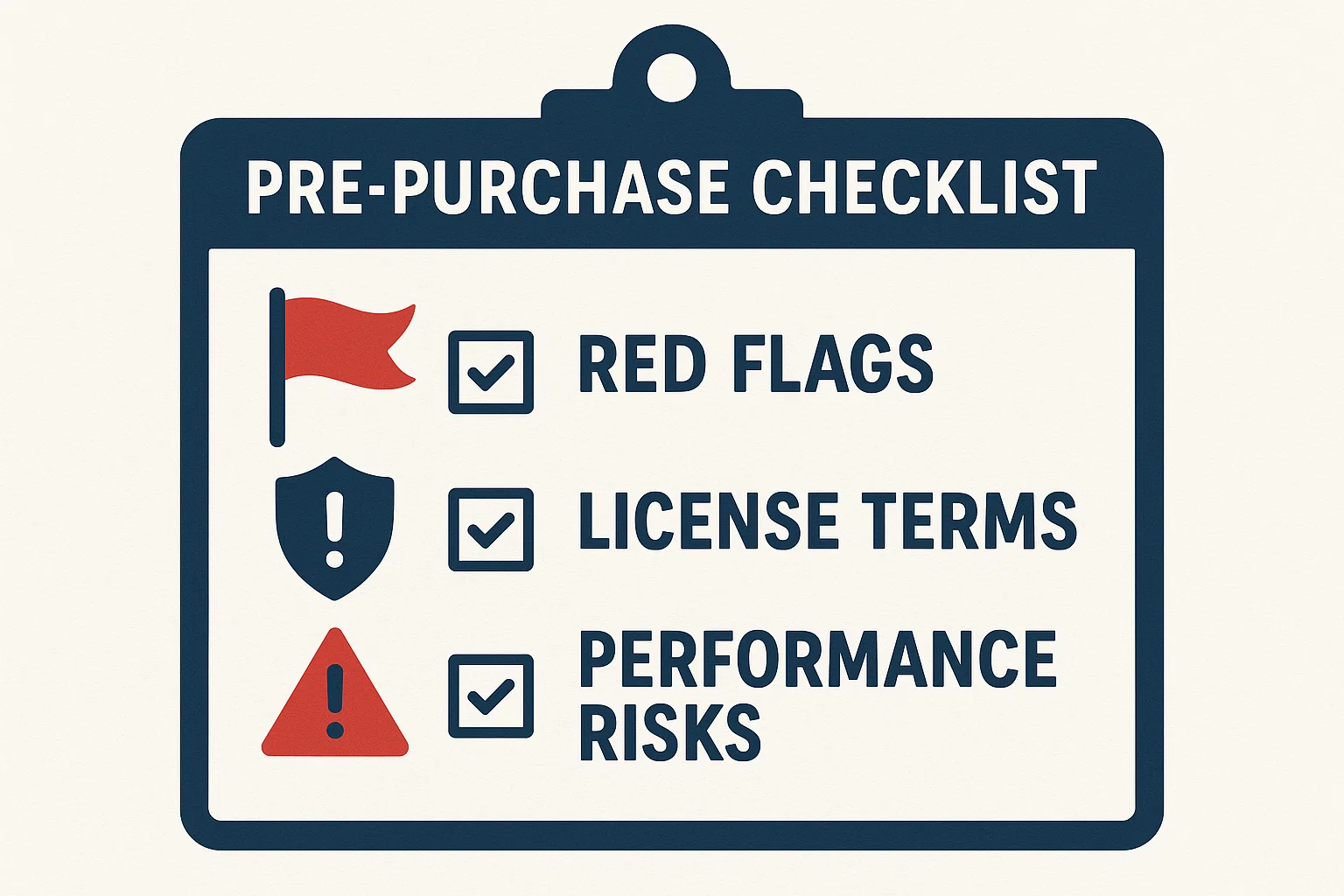
FiveM Script Purchase Checklist for Server Owners

If you buy the wrong FiveM script, you won’t just waste money—you’ll inherit downtime, chargebacks, FPS complaints, and a support burden. Use this page as your pre-purchase gate: audit the vendor, decode the license, predict performance, and compare refund/update terms before you spend a cent.

This guide is part of our comprehensive FiveM scripts resource, where you'll find all our script recommendations, framework comparisons, and buying guides.

Related reading (open in new tabs):

  • How to Evaluate, Test, and Maintain FiveM Scripts — pillar process for sandboxing, CI, and long-term upkeep: https://fivemx.com/blog/maintain-fivem-scripts
  • FiveM Asset Escrow: Limits, Myths, and Workarounds — what you can/can’t do when code is locked: https://fivemx.com/blog/pre-purchase-checklist

TL;DR — Quick Pre-Purchase Checklist

Vendor & Reputation

  • Legal entity listed (name, country, registration or VAT).
  • Active support (Discord/ticket/email) with response time < 24h.
  • Public changelog; last update < 60 days.
  • No unresolved scam/leak threads tied to the seller.

License & Policy

  • Commercial use and multi-admin use allowed on your server.
  • Refund window (≥ 7 days) with objective criteria.
  • Update policy (lifetime or clear major/minor rules).
  • FiveM Asset Escrow terms documented; performance-critical parts editable.
  • No hidden telemetry / remote code execution without signatures.

Performance & Compatibility

  • Resmon avg < 0.10 ms, p99 < 0.50 ms under expected load.
  • No DB N+1; key queries indexed; timeouts handled.
  • Framework support stated (ESX/QBCore/QBOX) and artifact/version range.
  • No heavy global event handlers, no tight while true loops.

1) Vendor Due Diligence (Red Flags vs. Green Flags)

Green flags

Green flags

  • Registered business, VAT/Tax ID, country visible on storefront.
  • Public changelog and issue tracker; frequent small updates > rare big ones.
  • Clear product boundaries (compatible frameworks, server build tested).
  • Support SLAs: first response within 24h, bugfix ETA policy, security patch policy.

Red flags

  • New store, no identity, only DMs for support.
  • “No refunds ever” + no demo and no test server.
  • “Lifetime updates” claim but no changelog or recent commit history.
  • Reputation tied to leaks, bans, or mass DMCA disputes.

By the way: If a script is open source, it’s mostly high quality.

Vendor Audit Template (copy/paste)

Field

ValueVendor name
Storefront URLDiscord/Support URL
Legal entity / Reg No. / VATCountry
Age of store (months)Average response time
Update cadence (days)Public changelog URL
Price / Payment methodsDependencies (ESX/QBCore/etc.)
Server build testedRefund policy summary
Warranty / SLARisk notes
JSON schema (drop into your tracker):{
{
  "vendorName": "",
  "storeUrl": "",
  "support": { "discord": "", "email": "", "slaHours": 24 },
  "legal": { "entity": "", "regNo": "", "taxId": "", "country": "" },
  "reputation": { "disputesOpen": 0, "notes": "" },
  "changelogUrl": "",
  "updateCadenceDays": 30,
  "product": {
    "priceEUR": 0,
    "dependencies": ["ESX", "ox_lib"],
    "artifactTested": ">= 6148",
    "frameworks": ["ESX", "QBCore"]
  },
  "policies": {
    "refund": { "windowDays": 7, "conditions": ["not as described", "critical bug"] },
    "updates": "lifetime",
    "escrow": { "enabled": true, "editableFiles": ["config.lua"] }
  },
  "riskScore": 0,
  "notes": ""
}

2) License Clause Cheat-Sheet (Decode Before You Buy)

Clause

What good looks like

Red flags

Scope of Use

Commercial use on buyer-owned servers; unlimited players

“Personal use only,” per-IP lock, vague “non-commercial”

Seats/Instances

Per server/org with offline mode if DRM

Per-CPU/machine DRM, breaks on host migration

Modifications

Config edits allowed; source edits where escrow isn’t required

“No edits at all; edits void support”

Asset Escrow

Clear list of unencrypted files; performance-critical parts editable; fallback path

Everything locked; remote checks; no method to tune performance — see Asset Escrow

Updates

Lifetime or versioned policy spelled out (e.g., v1.x free)

“At-will” paid updates; no security patch commitment

Refunds

≥ 7-day window; objective criteria; process documented

Blanket “no refunds,” no demo/test server

Telemetry

Opt-in, purposes & data categories listed, toggle in config

Hidden telemetry, device fingerprinting, outbound on start

Liability/Warranty

Bug/security warranty period; best-effort SLA

Full disclaimer, terminate anytime, no recourse

Termination

Notice + cure period

Immediate termination at sole discretion

Tip: If escrow is used, confirm which Lua/NUI files

Tip: If escrow is used, confirm which Lua/NUI files remain editable (configs, translations, performance-critical loops) and whether the vendor provides profiling advice. If not, add points to the risk score.


3) Refund & Updates Policy — Comparison Worksheet

What to capture

  • Refund window & conditions: objective testability (“not as described”, reproducible critical bug).
  • Update policy: lifetime vs. major vs. minor; paid upgrades; security patches guaranteed.
  • Transferability: can you transfer the license if you sell the server?
  • Auto-updates: delivery mechanism and rollback plan.

Vendor

Refund window

Conditions

Request method

Update policy

Paid upgrades?

Security patch policy

Transfers allowed?

Notes


4) Performance Risk Model (Decide Before You Commit)

Acceptance targets

  • Server CPU (resmon avg): < 0.10 ms idle & typical use; p99 < 0.50 ms under burst.
  • Client FPS delta: baseline vs. with resource ≥ −5 FPS on mid-tier GPU.
  • DB discipline: no N+1; indexing on foreign keys; timeouts handled.
  • NUI: input→paint < 100 ms; no blocking fetch loops.
  • Tick safety: no heavy work on global events; avoid while true do busy-waits; use timers.

Evidence to request from vendor

  • Short resmon video/screens under scripted scenarios (idle, 8 players doing the core action).
  • Explain/Analyze for heaviest queries; show index plan.
  • NUI performance capture (DevTools Performance panel).
  • Config toggles that lower draw calls or network spam.

5) Security & Compliance (Don’t Import a Backdoor)

Require: No remote code execution / loadstring

Require:

  • No remote code execution / loadstring from HTTP without signature verification.
  • No hidden analytics or device fingerprinting (opt-in only, clear data categories).
  • Clear handling for keys/activation in offline mode.
  • No credential collection; no Discord token harvesting; no “anti-leak” that acts like malware.

Red flags: binary blobs with network calls, obfuscated HTTP endpoints, “phone-home” on start, or “anti-leak” that bans staff/admin IPs.


6) Price & ROI (Total Cost of Ownership)

TCO formula (rough):
TCO = Price + (Paid updates over 12 months) + (Dependency licenses) + (Staff time to integrate & tune) + (Expected downtime cost)

If TCO > alternative’s TCO by 30% with equal features/perf, don’t buy.


7) Decision Framework (Pass/Fail + Risk Score)

Hard fails (auto-reject)

  • No refund window and no demo/test server.
  • Hidden telemetry or remote code without signatures.
  • Last update > 6 months ago for mission-critical resources.

Risk score (0–100, lower is better)
Score each axis 0–20, sum:

  1. Vendor & Reputation
  2. License & Policies
  3. Performance & DB discipline
  4. Security posture
  5. Compatibility & Maintenance

Go/No-Go rule: Only buy if score ≤ 40 and no hard fails.


When Skipping This Checklist Costs More Than the Script

The instinct is to trust the promotional video, check the price, and buy. Most server owners learn the hard way that a $30 script with a broken refund policy and no performance benchmarks can cost $300 in lost player goodwill and developer hours to debug or replace. Three scenarios explain exactly how this happens.

Scenario 1 — The performance trap. A server owner purchases a housing script after watching a polished demo video. The video was recorded with one developer in a private session. On a live 64-player server, the script runs 18 tick-heavy loops that didn't exist in the demo environment. Resmon climbs from 0.02ms to 1.4ms within 20 minutes of busy roleplay. The script vendor's support response: "It works on our test server." The refund policy: no refunds once installed. Cost: $80 for the script, plus 40 hours of developer time to identify, profile, and ultimately remove the resource. The players who left during the performance issue did not come back.

Scenario 2 — The license ambiguity problem. A script is purchased with "lifetime updates" prominently advertised. Six months later, the vendor releases v2.0 and defines it as a new product requiring repurchase. The original license terms said nothing about version boundaries. Legal recourse is impractical for a $60 purchase. The server owner either pays again or runs permanently on outdated v1.x code. A 5-minute license clause review before purchase — specifically checking whether "lifetime" applies to major versions — prevents this entirely.

Scenario 3 — The hidden telemetry incident. A free-to-use script with thousands of downloads is later discovered to make outbound HTTP calls to an external server, collecting player license identifiers and server IPs on every resource start. The author's stated purpose: "anti-leak protection." The actual effect: every server running the resource has its player data collected by a third party without consent. Because the resource was obfuscated via Cfx.re Escrow, this goes undetected for months. The security section of this checklist — specifically the requirement for no remote code without signature verification — would have flagged this during pre-purchase review.

Each of these scenarios involves a real pattern seen in the FiveM community. None required exotic circumstances to occur. They happened because buyers trusted the surface-level presentation instead of running the five-minute vendor audit described in Section 1 above. The checklist exists precisely because promotional content is optimized to bypass critical evaluation. Take 15 minutes before every significant purchase. The alternative is significantly more expensive.

8) Print-Ready Checklists & Worksheets

You can work directly from the tables above, or download the structured workbook (multiple sheets: Checklist, Vendor Audit, License Clauses, Refund_Updates, Performance Risks):

fivemx-prepurchase-checklistDownload

Use it to compare vendors side-by-side and keep

Use it to compare vendors side-by-side and keep evidence links (screenshots, test clips).


9) How to Validate Claims After Purchase

  • Follow the end-to-end testing flow in How to Evaluate, Test, and Maintain FiveM Scripts — spin up a Test City sandbox, capture baseline vs. resource metrics, and keep a changelog.
  • If escrow blocks reasonable tuning, revisit your risk score and see FiveM Asset Escrow for safe workarounds.

Appendix A — Copy/Paste “Pre-Purchase Checklist” (compact)

- [ ] Vendor identity verified (legal name, country, VAT/reg no.)

  • [ ] Active support & SLA (<24h first response)
  • [ ] Public changelog; last update <60 days
  • [ ] Clear frameworks & artifact versions supported
  • [ ] License: commercial use allowed; instances clarified
  • [ ] License: modifications allowed (config + perf-critical areas)
  • [ ] Asset Escrow terms documented (editable files listed)
  • [ ] Refund window ≥7 days with objective criteria
  • [ ] Update policy defined (lifetime/major/minor), security patches guaranteed
  • [ ] No hidden telemetry; no remote code without signatures
  • [ ] Resmon avg <0.10 ms; p99 <0.50 ms
  • [ ] No DB N+1; indexes on FKs; timeouts handled
  • [ ] NUI input→paint <100 ms; no blocking loops
  • [ ] No heavy global handlers; no hot `while true` loops
  • [ ] TCO within 30% of best alternative

Appendix B — License Clause Review (fill-in)

ClauseOK?Notes
Commercial use allowed
Seats/instances clear
Modifications allowed
Asset Escrow scope clear
Refund window & process
Update policy & security patches
Telemetry opt-in only
Liability/Warranty stated
Termination with cure period

Ship it: Run the checklist, assign the risk score,

Ship it: Run the checklist, assign the risk score, and only proceed if it passes. If anything feels hand-wavy, it’s a no.

Bonus: Trusted Tebex Shops

The Best Tebex Shops for FiveM

Frequently Asked Questions

What is the difference between 1) Vendor Due Diligence (Red Flags and Green Flags)?

Green flags * Registered business, VAT/Tax ID, country visible on storefront. * Public changelog and issue tracker; frequent small updates > rare big ones.

What is the difference between 3) Refund & Updates Policy — and Worksheet?

What to capture * Refund window & conditions: objective testability (“not as described”, reproducible critical bug). * Update policy: lifetime vs. major vs. minor; paid upgrades; security patches guaranteed.

How do I optimize Pre-Purchase Checklist: Red Flags, License Terms & Benchmarks?

Acceptance targets * Server CPU (resmon avg): &lt; 0.10 ms idle & typical use; p99 &lt; 0.50 ms under burst. * Client FPS delta: baseline vs. with resource ≥ −5 FPS on mid-tier GPU.

How much does Pre-Purchase Checklist: Red Flags, License Terms & Benchmarks cost?

TCO formula (rough): TCO = Price + (Paid updates over 12 months) + (Dependency licenses) + (Staff time to integrate & tune) + (Expected downtime cost) If TCO > alternative’s TCO by 30% with equal features/perf, don’t buy.


Previous Article

From mysql-async to oxmysql: Safe Migration & Query Patterns

Next Article

How to Evaluate, Test, and Maintain FiveM Scripts

More on This Topic

The Best Pre-configured FiveM Server PacksBest FiveM Scripts 2026: Tested Picks with Real Resmon BenchmarksSQL & Identifiers Migration: steam/license to citizenidHow to Reduce NPC Density in FiveM: Complete GuideBest FiveM Loading Screen Scripts 2026 — Custom Screens That Impress

Move from research to a production-ready server stack

Once you know the direction, jump into the highest-leverage commercial hubs for verified scripts, curated bundles, and framework-specific buying paths.

Framework hub

Browse QBCore-ready scripts

Move into the QBCore landing page to compare verified scripts, framework fit, and install-ready products built for modern FiveM servers.

Open QBCore hub

Premium catalog

Browse premium FiveM scripts

Move from research into the main shop to compare real products, framework labels, screenshots, and production-ready quality signals.

Open premium shop

Launch faster

Compare curated bundles

Bundles shorten the path from planning to launch by grouping the highest-leverage scripts into a cleaner commercial starting point.

View bundles

Disclosure: Some links below are affiliate links to FiveMX products. We may earn a commission at no extra cost to you.

Related Articles

FiveM Server Performance: Linux vs Windows Complete Techn...

FiveM Server Performance: Linux vs Windows Complete Techn...

Performance Summary: Linux delivers 23% better CPU efficiency and 40% lower memory overhead compared to Windows Server 2022 in controlled FiveM hosting...

October 11, 2024
How to Evaluate, Test, and Maintain FiveM Scripts

How to Evaluate, Test, and Maintain FiveM Scripts

This no-fluff guide how to maintain FiveM scripts is for server owners, developers, and QA leads. You’ll get a production-like “Test City” in Docker, an acceptance checklist you…

August 17, 2025
Eliminate Annoying Delays: Optimize FiveM Server Loading ...

Eliminate Annoying Delays: Optimize FiveM Server Loading ...

Learn how to optimize FiveM server loading times by managing resources, using efficient mods, and choosing the right server host to eliminate annoying delays.

September 3, 2024
Secure CheckoutInstant AccessMoney-Back GuaranteeLifetime Updates
FiveMX

Premium FiveM scripts and mods for serious server owners.

Shop

  • Shop
  • QBCore Scripts
  • ESX Scripts
  • FiveM Scripts
  • Free Mods
  • Best Scripts & Mods

Help

  • About
  • FAQ
  • Support
  • Contact
  • Account
  • Affiliate Program

Legal

  • Privacy Policy
  • Terms of Service
  • Refund Policy
  • Cookie Policy
  • GDPR Compliance
  • DMCA
  • Imprint
  • Editorial Policy
© 2026 FiveMX. All rights reserved.·support@fivemx.com

FiveMX is not affiliated with Rockstar Games, Take-Two Interactive, or CFX.re. All trademarks are property of their respective owners.

Flash Sale — Up to 19% off!Flash Sale — 19% off!Shop Now




