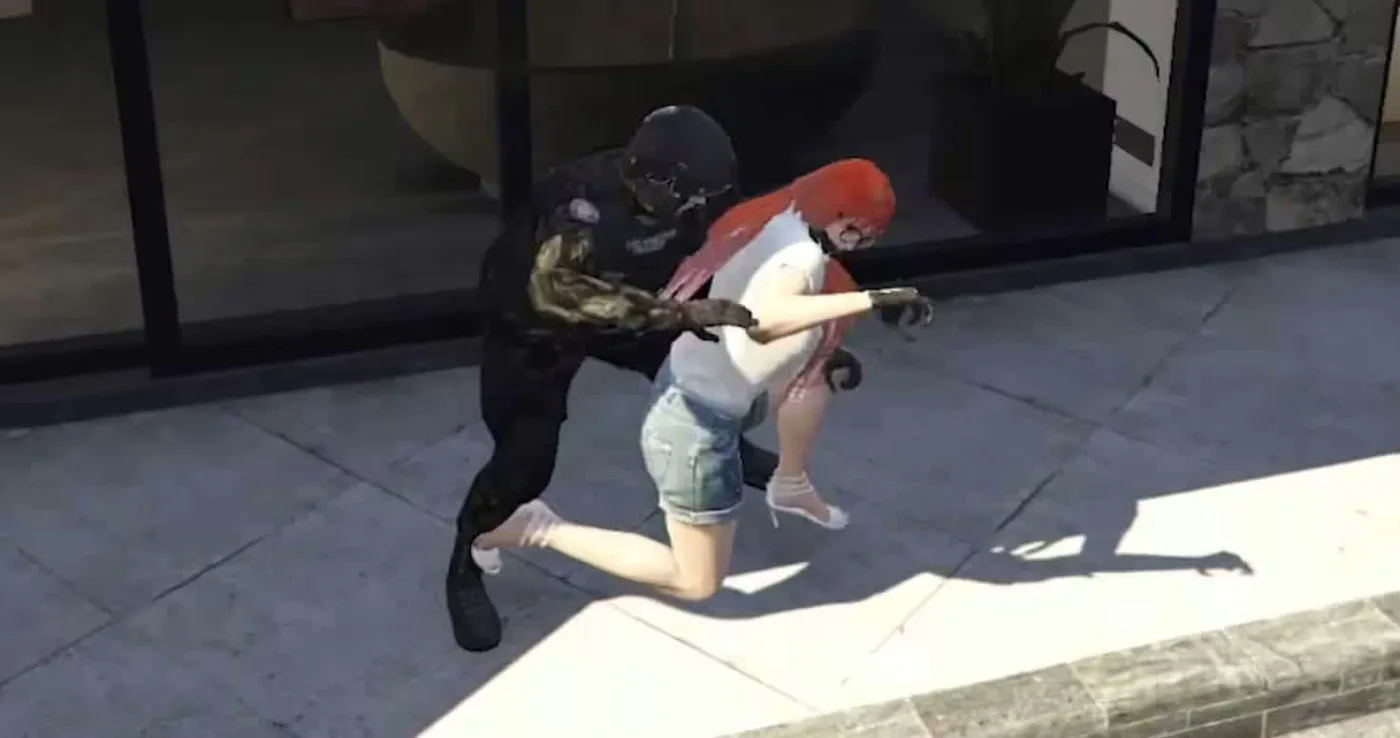
7 Produktbilder verfügbar.
Sicherer Checkout
Karten, Apple Pay, Google Pay, iDEAL/Wero, Bancontact, EPS, Przelewy24 und optional Crypto, wenn über Stripe verfügbar.
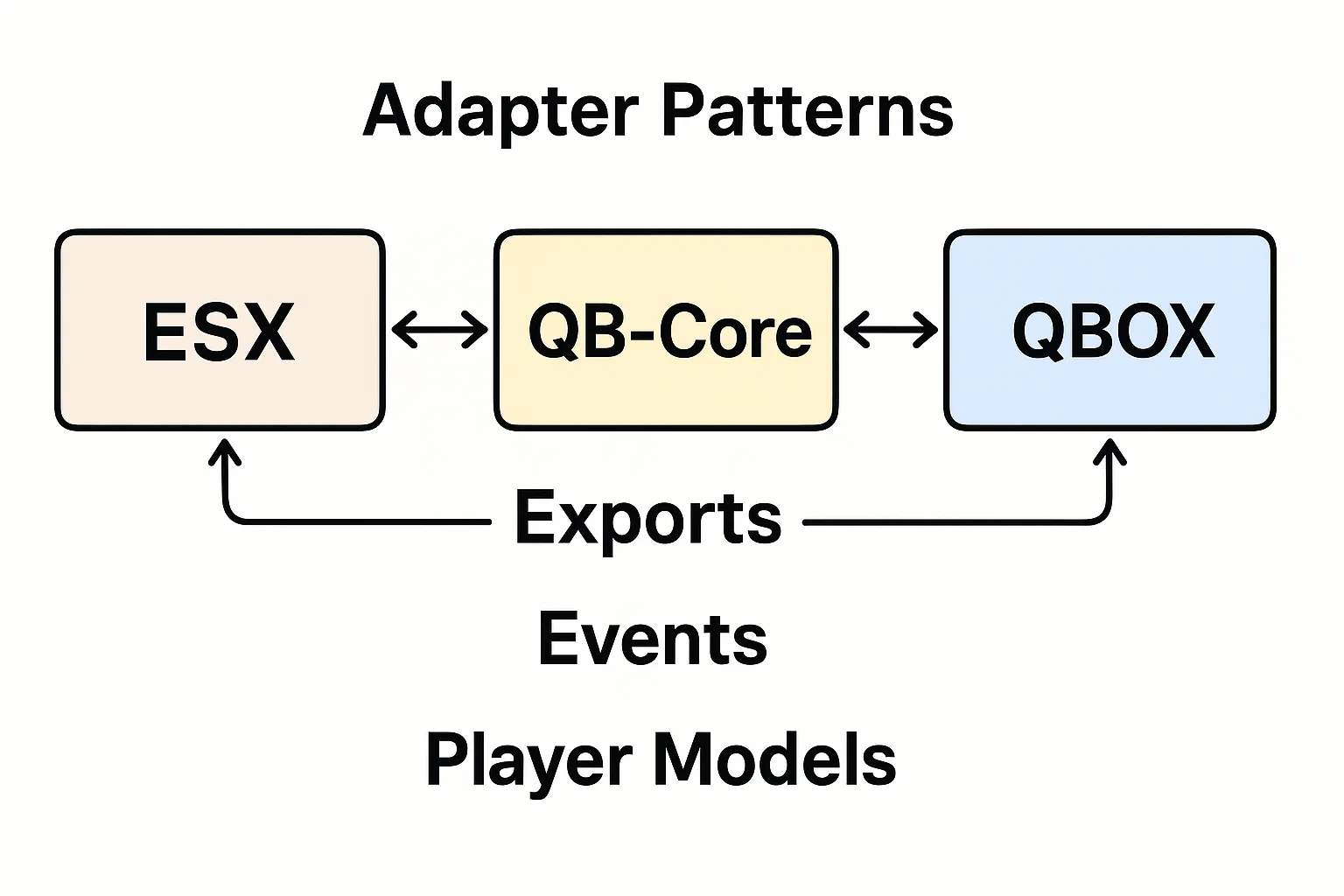
Requires a FiveM server, ESX or QBCore, access to server resources, and permission to restart the resource after configuration.
Beschreibung
Video Preview
https://www.youtube.com/watch?v=Ar3B396SegAEinstellungen
-- << Framework >> Config.Core = 'l2s-core'Config.GangUpdateEvent = 'QBCore:Client:OnGangUpdate'Config.JobUpdateEvent = 'QBCore:Client:OnJobUpdate'Config.LoadEvent = 'QBCore:Client:OnPlayerLoaded'Config.UnLoadEvent = 'QBCore:Client:OnPlayerUnload'Config.SQL = { players = 'players', gang = 'gang',}-- << Target >>Config.TargetSystem = 'qb' -- ox , qbConfig.TargetExport = 'qb-target' -- ox , qb-- << Inventory >>Config.Inventory = 'qb-inventory' -- qb-inventory , ox_inventory , l2s-inventory , qs-inventory , custom (change export from cl_editable)-- << Menu >>Config.MenuSystem = 'qb_menu' -- ox_lib , qb_menu customConfig.MenuExport = 'qb-menu' -- ox_lib , qb-menu, l2s-interface, ... (Resource name of your menu)-- << Script Settings >>Config.Webhok = '' -- Logs WebhokConfig.Color = '' -- if you want use 1 color for all UI example : #66666 , if you want to use color gang Leave it blank ESX:
-- << Framework >> Config.FrameworkFolder = 'es_extended'Config.JobUpdateEvent = 'esx:setJob'Config.LoadEvent = 'esx:playerLoaded'Config.onPlayerSpawn = 'esx:onPlayerSpawn'Config.SQL = { players = 'users', gang = 'job',}-- << Target >>Config.TargetSystem = 'ox' -- ox , qbConfig.TargetExport = 'ox_target' -- ox , qb-- << Inventory >>Config.Inventory = 'ox_inventory' -- ox_inventory , qs-inventory , custom (change export from cl_editable)-- << Menu >>Config.MenuSystem = 'ox_lib' -- ox_lib , qb_menu customConfig.MenuExport = 'ox_lib' -- ox_lib , qb-menu, l2s-interface, ... (Resource name of your menu)-- << Script Settings >>Config.Webhok = '' -- Logs WebhokConfig.Color = '' -- if you want use 1 color for all UI example : #66666 , if you want to use color gang Leave it blank Config.Ped = 'g_m_importexport_01' -- Spray seller PedConfig.LimtSprayPay = 2 -- How much Palyer can pay gang sprayer in 1 Restart , (Defult : 2 )Config.SprayPrice = 5000 -- Sprayer Price , (Defult : 5000)Config.SprayRemoverPrice = 3000 -- Remove Sprayer Price , (Defult : 3000)Config.SprayItem = 'turfspray' -- Sprayer ItemConfig.RemoveSprayItem = 'spray_remover' -- Remoing Spraying ItemConfig.PedCoords = vec4(-509.32272338867, -2222.1071777344, 6.3940186500549, 239.59478759766) -- Spray seller location-- << Turf Settings >>Config.ProggressBar = 7 * 60000 -- How many minutes does it take to consept the spray? , (Defult : 7 min)Config.RemoveProggressBar = 7 * 60000 -- How many minutes do you need to scratch the spray? , (Defult : 7 min)Config.BlipOpacity = 85 -- the opacity of the blip (0-100) Config.BlipRaduis = 80.0 --Blips Cricle Raduis in FiveM Mini MapConfig.OneSprayInRadius = true -- true : you cant consept 2 spray in same Raduis , False = you can consept spray anywhareConfig.ContestCount = 0 -- How many from you gang must be online to consept the spray? , (Defult : 3 )Config.RemoveCount = 0 -- How many must be online from another gang to scratch theier spray? , (Defult : 4 )Config.LimtSpray = 2 -- How much gang can consept sprayer in 1 Restart , (Defult : 2 )Config.PoliceCanClean = true -- If you want to allow to officers to clean the gangs GrafifitiConfig.ShowForAll = true -- true : show for all players || false : show only for gangs members and police jobs Config.PoliceCleanProggressBar = 3 * 60000 -- How many minutes do you need to clean the spray (for officer)? , (Defult : 3 min)Config.PoliceJobs = { -- you can add any job (this working only if Config.ShowForAll = false ) ['police'] = true, ['sheriff'] = false,}-- << Gangs Level Settings >> :Config.ConseptAddLevel = 4 -- The Level that added to your gang after consept sprayConfig.ScratchAddLevel = 5 -- The Level that added to your gang after scratch another gangConfig.ScratchRemoveLevel = 3 -- The Level that is deducted from your gang, after another gang scratch your gang sprayer-- << God Father Commands >> :Config.GodFatherCommands = trueConfig.GodFatherGang = 'godfather'Config.CommandsList = { [1] = 'turf', -- to open Turf Ui [2] = 'addganglevel', -- to add gang level (God father only) [3] = 'removeganglevel', -- to remove gang level (God father only) [4] = 'toggleturf', -- to toggle turf wars (God father only)}-- << Alert Blip Settings >> Notification settings for the gang whose area is under scratchingConfig.WarNotify = { ['sprite'] = 161, ['color'] = 1, ['scale'] = 2.7, ['time'] = 7 * 60000, ['sound'] = true, ['msg'] = true,}Verwandte FiveM Police Scripts
Installationshinweise
Kaufen, wenn es Setup-Zeit spart
Nutze diese Checkliste, um schnell zu prüfen, ob die Ressource zu deinem Server-Build, Framework und Support-Bedarf passt.
Nutzen für Serverbetreiber
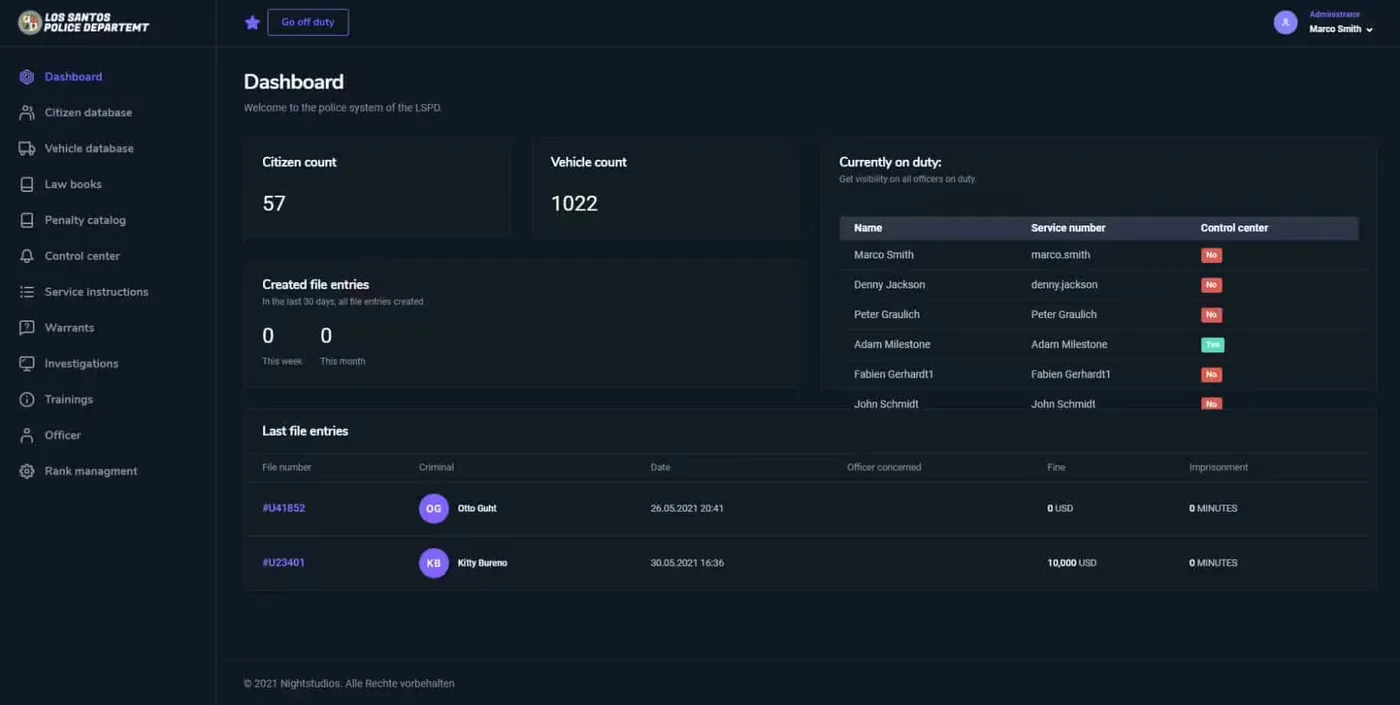
l2s-Einsatzzentrale soll Police Scripts reduzieren, statt dass du dasselbe System von Grund auf neu bauen musst.
Kompatibilität
Funktioniert mit esx, qbcore, qbox, standalone. Prüfe vor dem Einsatz auf einem Live-Server den Anforderungsblock.
Kaufsicherheit
Sofort-Download, Stripe-Checkout, Supportzugang und Hinweise zur Erstattung sind vor der Zahlung sichtbar.
Entscheidungsgrundlagen
Anforderungen, Vorschauvideo, Produkt-Q&A
Produkt-Fit, Setup und Nachweise auf einen Blick
Nutze die auf dieser Seite veröffentlichten Fakten, um vor dem Checkout zu prüfen, ob l2s-Einsatzzentrale zu deinem Server passt.
Kompatibilität
- Frameworks
- ESX, QBCore, QBOX, Standalone
- Category
- Polizei-Skripte
Setup & Anforderungen
- Install flow
- Download → resources-Ordner → ensure in server.cfg
- Requirements
- Auf dieser Seite veröffentlicht
- File size
- 1.85 MB
Nachweise & Käuferfragen
- Reviews
- Noch keine Bewertungen
- Answered Q&A
- Vor dem Kauf fragen
Nur die auf dieser Seite veröffentlichten Fakten sollten als bestätigt gelten. Wenn du mehr Details brauchst, prüfe vor dem Checkout Beschreibung, Anforderungen, Changelog, Bewertungen und die Produkt-Q&A.