


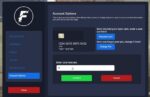



FzD Banking – Advanced ATM & Bank UI System for FiveM
change your server’s economy with this sleek, modern banking interface that brings real-world financial management to FiveM roleplay. FzD Banking replaces default money systems with a fully-featured banking UI including ATM access, account management, wire transfers, transaction history, and multi-account support – giving players the tools to manage their virtual finances like an actual bank.
What This System Provides
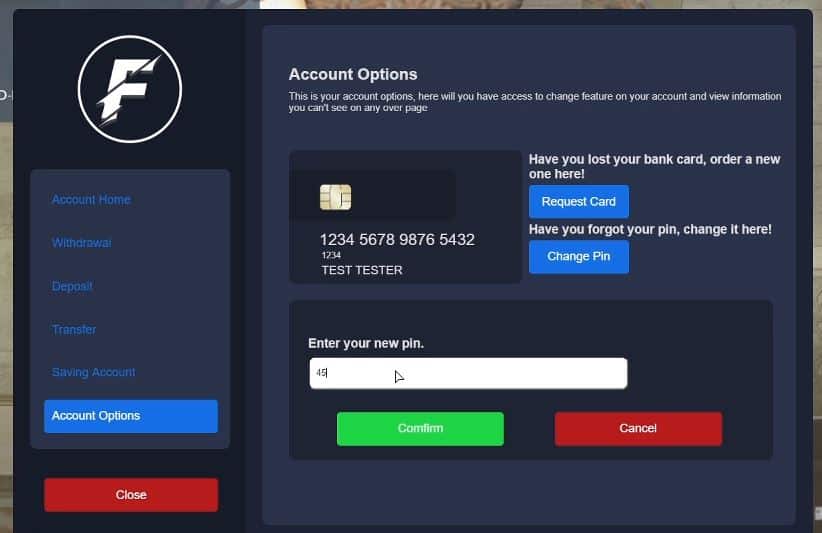
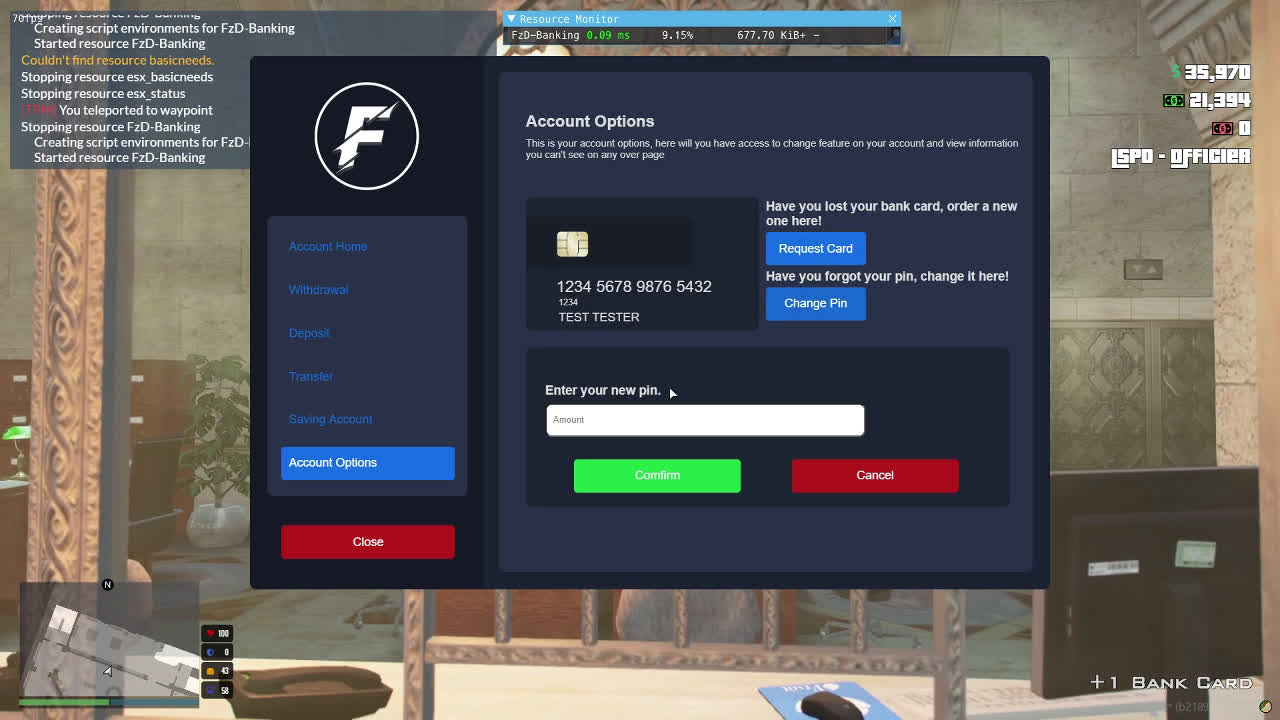
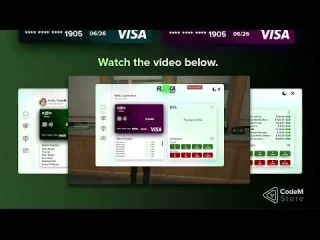
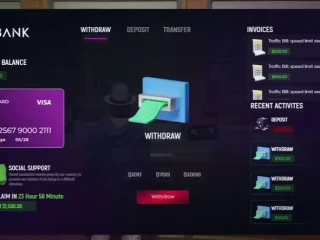
FzD Banking is a comprehensive financial interface that modernizes how players interact with money on your server. Instead of simple cash-in-pocket mechanics, players maintain bank accounts with balances, transaction records, and proper banking operations. The system features a beautifully designed UI accessible through ATMs placed throughout Los Santos, bank interiors, and mobile banking options.
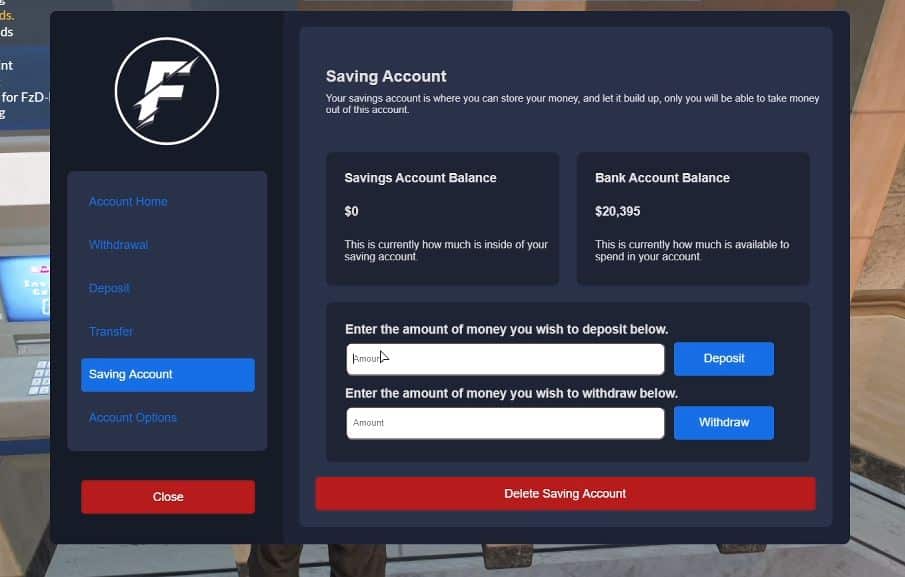
Players can deposit cash for safekeeping, withdraw funds for purchases, transfer money to other players instantly, check transaction history to track spending, and manage multiple accounts (personal, business, savings). The system integrates directly with your server’s existing economy, job payments, shop purchases, and criminal activities.
Key Features
- Modern Banking UI – Clean, responsive interface accessible via ATMs and bank tellers
- Deposit & Withdrawal – Move money between cash and bank with transaction limits
- Wire Transfers – Send money to other players instantly with recipient ID or phone number
- Transaction History – Complete log of deposits, withdrawals, transfers, and payments
- Multi-Account Support – Personal accounts, business accounts, and savings accounts
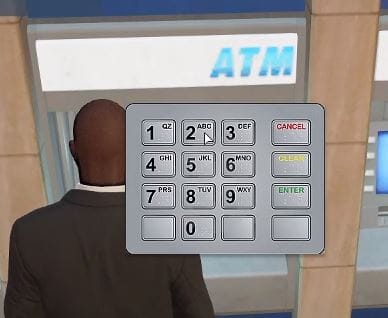
- ATM Locations – Hundreds of ATM prop spawns across San Andreas
- Mobile Banking – Optional phone integration for banking on the go
- Account Statements – Detailed financial reports and balance summaries
- Interest System – Configurable interest on savings accounts (optional)
- Overdraft Protection – Prevent negative balances or allow with fees
- Admin Panel – Server management tools for monitoring accounts and transactions
Works for
- Economy-Focused Servers – Realistic financial systems for serious roleplay
- Business Roleplay – Companies need accounts for payroll and operations
- Criminal Activities – Money laundering, bank fraud, and financial crimes
- Government Servers – Tax collection, welfare payments, and public finance
- Property Ownership – Rent payments, mortgages, and real estate transactions
- Job Systems – Direct deposit paychecks into player bank accounts
How It Works
Players approach any ATM location (or visit bank interiors) and interact to open the banking interface. The main dashboard displays current balances for all accounts, recent transactions, and quick action buttons. Want to deposit cash? Select the deposit option, enter amount, confirm – your cash converts to bank balance instantly with a transaction record.
Transferring money to another player is simple: choose wire transfer, enter recipient identifier (player ID, phone number, or account number depending on configuration), specify amount, add optional memo, and confirm. The recipient receives instant notification and funds appear in their account immediately. Transaction history shows both sender and receiver details for accountability.
Mobile banking (if phone integration is enabled) allows players to check balances, review transactions, and send transfers without visiting an ATM. This is crucial for business owners processing payments on the go or criminals coordinating financial operations from remote locations.
Business Account Management
Business owners can open dedicated business accounts separate from personal finances. Employee paychecks draw from business accounts. Revenue from customer purchases deposits automatically. Company accountants (assigned roles) can view business transaction history to track profitability. This creates realistic business operations where owners must maintain sufficient account balances to cover expenses.
Multiple employees can have access permissions to business accounts – some authorized only to deposit, others able to withdraw for company purchases. The owner maintains full control with ability to review all employee transactions and revoke access if needed.
Crime & Law Enforcement Integration
Criminal enterprises use banking for money laundering operations – dirty cash from drug sales or robberies gets deposited, then transferred through multiple accounts to obscure the source. Law enforcement with proper warrants can subpoena transaction records, tracking money trails to identify criminal networks.
Bank robberies target institutions, forcing tellers to transfer large sums to criminal accounts. ATM hacking scripts can integrate with FzD Banking to simulate card skimming operations. Fraud investigations examine suspicious transfer patterns and freeze accounts linked to criminal activity.
Installation & Setup
- Download the FzD Banking resource package
- Extract files to your server’s resources directory (usually [economy] or [banking] folder)
- Install required dependencies (check documentation for framework requirements)
- Add
ensure fzd-bankingto server.cfg - Configure ATM locations, transaction limits, and account types in config.lua
- Set up database tables (SQL file included for automatic setup)
- Configure framework integration (ESX, QBCore, etc.) for money handling
- Restart server and test at any ATM location or bank interior
Framework Compatibility
- ✅ ESX – Full integration with ESX economy, replaces default banking
- ✅ QBCore – Compatible with QB-Core money management and inventory
- ✅ QBOX – Works with QBOX framework banking systems
- ✅ Standalone – Can operate independently with custom economy scripts
- ✅ Custom Frameworks – Configurable integration with any money system
Configuration Options
Customize banking operations to match your server’s economy. Set daily withdrawal limits to prevent sudden wealth transfers. Configure transaction fees (flat rate or percentage) on transfers to create money sinks. Enable or disable interest on savings accounts with configurable annual percentage rates. Set minimum opening balances for new accounts.
Control ATM locations – use the default extensive ATM placement or define custom locations where banking access is available. Configure which jobs can access business account features. Set up notification systems for large transactions that alert admins to potential money exploits or unusual activity patterns.
Transaction Security & Logging
Every financial operation logs to database with timestamps, player identifiers, amounts, and transaction types. This creates complete audit trails for investigating economy issues, tracking down money exploits, or resolving player disputes about missing funds. Admins can search transaction history by player, date range, amount, or transaction type.
The system prevents common exploits – players can’t deposit more cash than they possess, can’t withdraw more than their balance, and transfer recipients must be valid online players or registered accounts. Transaction limits prevent rapid-fire money moving that might lag the server or facilitate cheating.
UI/UX Design Philosophy
The FzD Banking interface prioritizes clarity and ease of use. Large, readable fonts ensure players can quickly scan their balances. Color-coded transaction types (green for deposits/incoming, red for withdrawals/outgoing) allow instant recognition. Smooth animations and transitions create a polished, professional feel that matches real banking apps.
Responsive design works across different screen resolutions. Keyboard shortcuts enable power users to navigate quickly (Tab to switch accounts, Enter to confirm, Esc to cancel). Mouse users appreciate large clickable buttons and intuitive layout. The balance between aesthetics and functionality makes banking feel less like a chore and more like a natural part of roleplay.
What Makes It differentiate the setup
FzD Banking isn’t just a reskin of default money systems – it’s a complete financial infrastructure. The multi-account support enables realistic business operations. The comprehensive transaction history provides accountability and investigations. The modern UI design makes financial management intuitive rather than frustrating.
Unlike basic banking scripts that only handle deposits and withdrawals, FzD Banking creates a proper financial ecosystem. Wire transfers with notifications enable player-to-player commerce. Interest systems reward saving behavior. Transaction limits and security features prevent exploits while maintaining immersion. It transforms money from numbers on screen to a managed resource.
Technical Specifications
- File Size – Approximately 5-10 MB (UI assets and scripts)
- Performance – 0.00-0.01ms resmon when idle, 0.02ms during active use
- Database – MySQL/MariaDB for account and transaction storage
- UI Framework – HTML/CSS/JS (NUI-based interface)
- Dependencies – Framework (ESX/QB/etc.), SQL database
- ATM Props – 200+ default spawn locations (customizable)
Advanced Features
Loan systems can integrate with FzD Banking – players apply for loans through bank tellers, funds deposit to their account, and automatic payments deduct weekly until paid off. Credit scores track payment history, affecting future loan approval and interest rates.
Investment accounts allow players to deposit money that grows over time based on server-wide economic performance. Government treasuries manage public funds with transparency – citizens can audit where tax money gets spent. Charitable organizations accept donations through banking transfers with public fundraising trackers.
Customer Support & Updates
The FzD Banking system receives regular updates addressing bugs, adding features, and maintaining compatibility with framework updates. Documentation includes configuration guides, troubleshooting steps, and integration tutorials for popular server scripts. Community support through Discord helps server owners optimize banking settings for their specific economy needs.
https://streamable.com/rdjs35[/embed


Ebba (verified owner) –
Our community has responded positively since we added this resource.
LenaChill463 (verified owner) –
The integration with [ESX/QBCore/Qbox] was smooth and required minimal changes.
Dax (verified owner) –
Worth every cent. It improved our server and saved us considerable development time.
Brian (verified owner) –
Great resource for GTA RP servers.
AxelYoung239 (verified owner) –
An awesome product with great flexibility. The customer support is superb. I recommend this without any doubt.
Sigrid (verified owner) –
Installed it today and everything worked immediately. Very satisfied with the purchase.
Vladimir (verified owner) –
One of the few resources I purchased that worked correctly without extensive troubleshooting.