Gli script gratuiti vanno bene per controlli rapidi. Per server in produzione, confronta pacchetti server completi o script a pagamento mantenuti, in base al framework e al caso d'uso.
Control access to items and weapons on your FiveM server with NEX Item Whitelist, restricting specific items to authorized jobs or inventories.
Anteprima
Panoramica
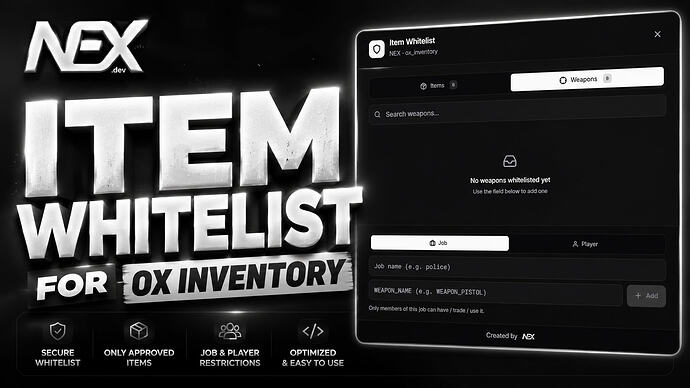
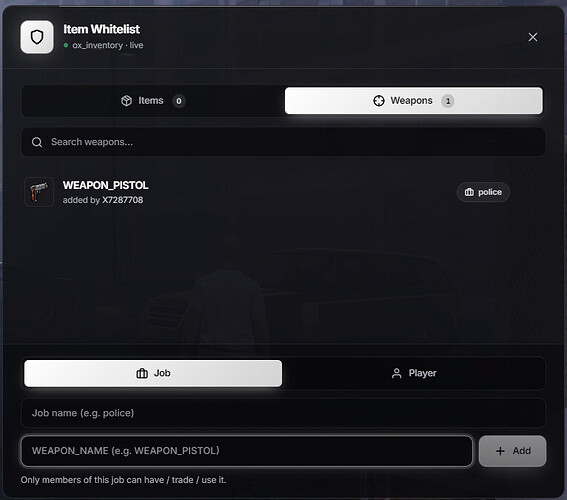
Take full control over who can access specific items and weapons on your FiveM server with NEX Item Whitelist. Designed for simplicity, performance, and usability, this resource lets server owners restrict items to certain jobs or inventories.
Whether managing police equipment, EMS gear, gang-specific items, staff tools, or progression-based rewards, NEX Item Whitelist ensures only authorized players can access restricted content. The system is lightweight and integrates with ESX, QBCore, and QBox.
Fonte
Pagina fonte verificata: https://forum.cfx.re/t/free-nex-item-whitelist-qb-qbx-esx/5412536
Installazione
- Scarica la risorsa tramite il pulsante di download recensito.
- Leggi le note del creatore sulla pagina della fonte verificata.
- Estrai la risorsa e posizionala nella cartella corretta delle risorse del server FiveM.
- Aggiungi la risorsa a server.cfg quando la release include una cartella resource.
- Riavvia e testa su un server di staging prima di utilizzarlo in produzione.