



Lab Crew System – Complete Gang & Crew Management Platform
Build thriving gang and crew organizations on your FiveM server with this comprehensive crew management system. Far beyond basic gang scripts, this platform delivers everything crews need to operate – from private communications and shared resources to territory control and inter-crew warfare. It’s a complete social and territorial system that creates deep player engagement and long-term loyalty to your server.
Comprehensive Crew Management
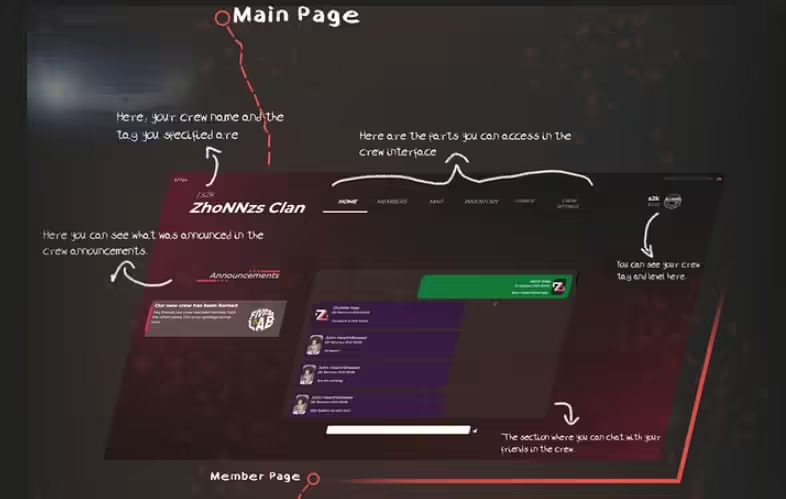
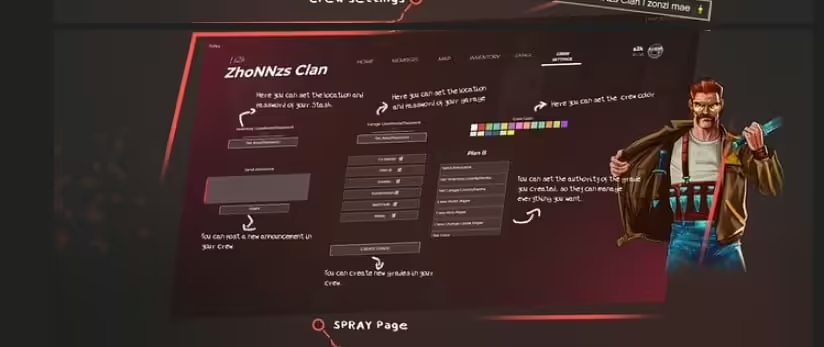
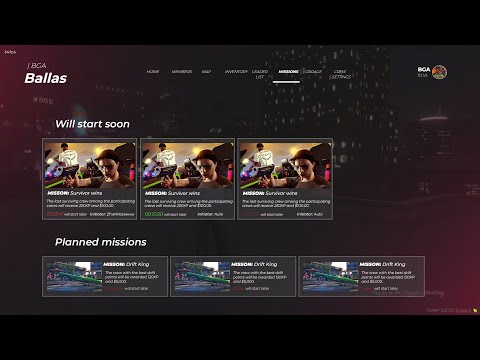
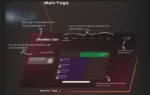
The crew menu provides leaders with complete control over their organization through an intuitive interface that manages every aspect of crew operations. Create custom rank structures, invite new members, manage permissions, communicate with your crew, and control shared resources all from one central system.
Core Features
- Announcement System – Leaders can broadcast important messages to all crew members
- Crew Chat – Private communication channel for crew-only conversations
- Invitation System – Recruit new members with proper authorization controls
- Custom Permissions – Create unlimited authorization groups with specific privileges
- Crew Inventory – Shared storage system for weapons, items, and supplies
- Crew Garage – Collective vehicle storage accessible to authorized members
- Password Protection – Secure garage and inventory with crew-specific passwords
- Custom Crew Colors – Personalize GPS markers, map icons, and UI elements
Territory & Warfare System
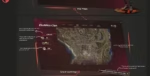
The crew system transforms your map into contested territory where organizations compete for control and dominance:
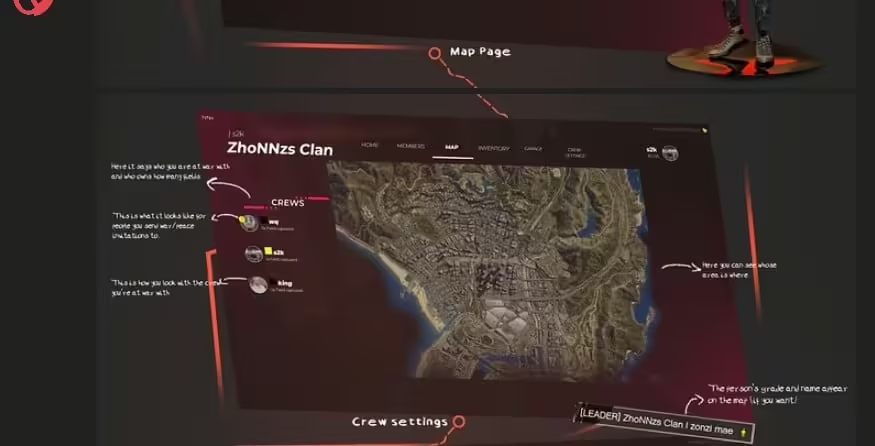
- War Declarations – Send war invitations to rival crews for official conflicts
- Peace Treaties – Negotiate and formalize peace agreements between crews
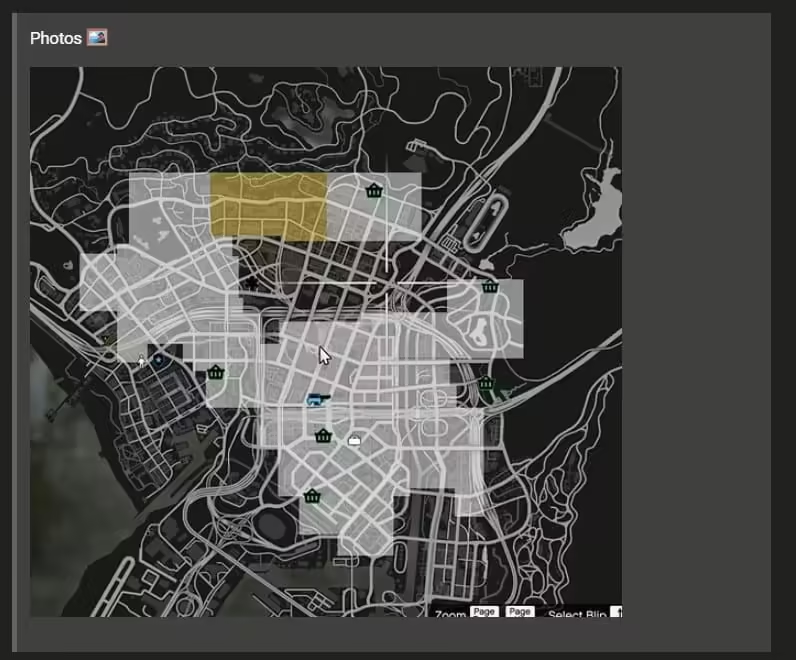
- Territory Capture – Conquer enemy zones during active warfare
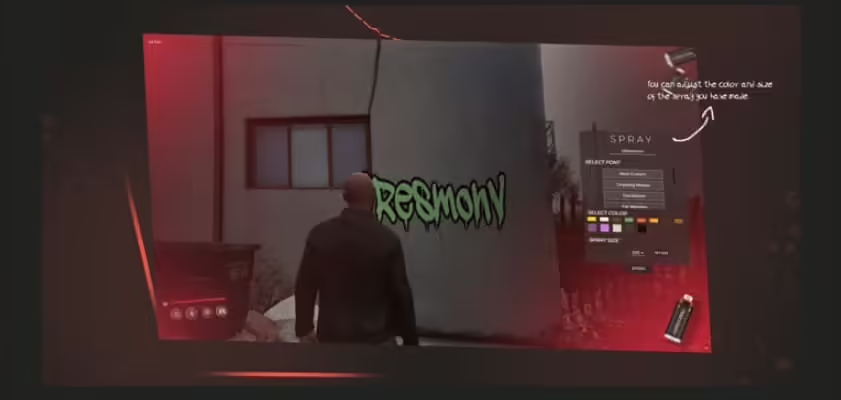
- Spray System – Mark territory with unlimited crew tags and graffiti
- Hold The Corner – Territory-based drug dealing with location bonuses
- Economic Warfare – Earn bonuses in friendly zones, penalties in enemy territory
- Visual Indicators – On-screen displays show which crew controls each area
Hold The Corner Drug System
The integrated drug dealing mechanics add depth to territory control. When crew members sell drugs in their own captured territory, they earn bonus profits. Selling in enemy crew zones results in reduced or negative profits, creating real economic incentives for territory control. This system naturally encourages crews to defend their areas and compete for valuable dealing locations.
Advanced Permission System
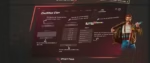
Create sophisticated organizational structures with unlimited custom authorization groups. Define exactly what each rank can do – who can access the garage, who can withdraw from crew inventory, who can invite members, who can declare war, and dozens of other granular permissions. This flexibility supports everything from simple hierarchies to complex multi-tier organizations.
GPS & Tracking Features
Crew members benefit from a special GPS system that shows the real-time locations of fellow crew members on the map. This enables coordinated operations, quick responses to threats, and efficient crew activities. The system respects privacy settings and can be toggled by individual members.
Key Benefits
- Instant Updates – All systems update in real-time across all crew members
- Excellent Performance – Only 0.02-0.04ms resource consumption
- Easy Configuration – Everything customizable through config file
- Dual Framework – Works with both QBCore and ESX
- Shared Resources – Build collective wealth and power
- Territory Gameplay – Create meaningful competition between crews
- Social Features – Foster crew loyalty and organization
Perfect For
- Gang-focused roleplay servers
- Servers wanting organized crime systems
- Communities with competitive crew culture
- Territorial control and warfare servers
- Any server wanting deep crew management
Framework Compatibility
- ✅ QBCore – Full support with native integration
- ✅ ESX – Complete ESX framework compatibility
Installation Process
- Download the Lab Crew System resource
- Configure framework settings (QBCore or ESX)
- Adjust crew limits, territory zones, and permissions
- Set up database tables using included SQL
- Add “ensure lab-crew-system” to your server.cfg
- Restart and start creating crews
Crew Inventory & Garage
The shared inventory system lets crews pool resources for collective benefit. Store weapons for war efforts, keep supplies for crew operations, share valuable items among trusted members, and build organizational wealth. The garage system works similarly – crews can maintain a fleet of vehicles accessible to authorized members, perfect for coordinated operations or supporting newer members who need transport.
Security Features
Password protection on both inventory and garage systems prevents unauthorized access even from crew members. Leaders can set passwords that only trusted ranks know, adding layers of security for valuable assets. This prevents internal theft while still allowing resource sharing among trusted members.
Economic Integration
The territory-based economy creates natural gameplay loops. Crews want to capture and hold valuable dealing territories for profit bonuses, which leads to competition and conflict with rival crews. Wars have real economic consequences beyond just bragging rights. The system integrates seamlessly with your server’s existing economy without requiring major changes.
Visual Customization
Crews can establish unique identities through color customization. The chosen crew color affects GPS markers so members can easily find each other, map territory indicators showing controlled zones, UI elements in crew menus, and other visual identifiers throughout the system. This helps crews build distinct brands and visual presence on your server.
Real-Time Synchronization
Every action – territory captures, inventory changes, member invitations, permission updates – synchronizes instantly across all online crew members. No delays, no refreshing menus, no confusion about current status. The system maintains perfect consistency across all clients through efficient networking and state management.
What Makes It Stand Out
While basic gang scripts might offer chat channels or shared storage, Lab Crew System delivers a complete organizational platform that supports every aspect of crew operations. The territory warfare mechanics create meaningful competition with real rewards, the permission system enables sophisticated org structures, and the shared resources foster genuine crew loyalty. The dual framework support (QBCore and ESX) with exceptional performance (0.02-0.04ms) means you can run this powerful system without sacrificing server performance. You’re getting enterprise-level crew management that transforms how players engage with your server, creating the foundation for long-term player communities and compelling territorial gameplay.
Related ESX Scripts
- rcore Airhockey
- Fivem Casino Heist System (Script + Map)
- CodeM Trading Script (ESX/QB)
- 0r CarControl

Kaleb (verified owner) –
Been using a lot of items, this one is obviously the best
Deja (verified owner) –
Think everyone should know about this, it’s just beyond my expectations
Parker (verified owner) –
The support alone makes this worth purchasing. Fast answers and practical solutions.
Monique (verified owner) –
Excellent work. The resource runs smoothly and integrates well with our existing setup.
Camden (verified owner) –
Thank you guys for this amazing creation! Absolutely mind-blowing!
Charley (verified owner) –
Very flexible and well designed.