







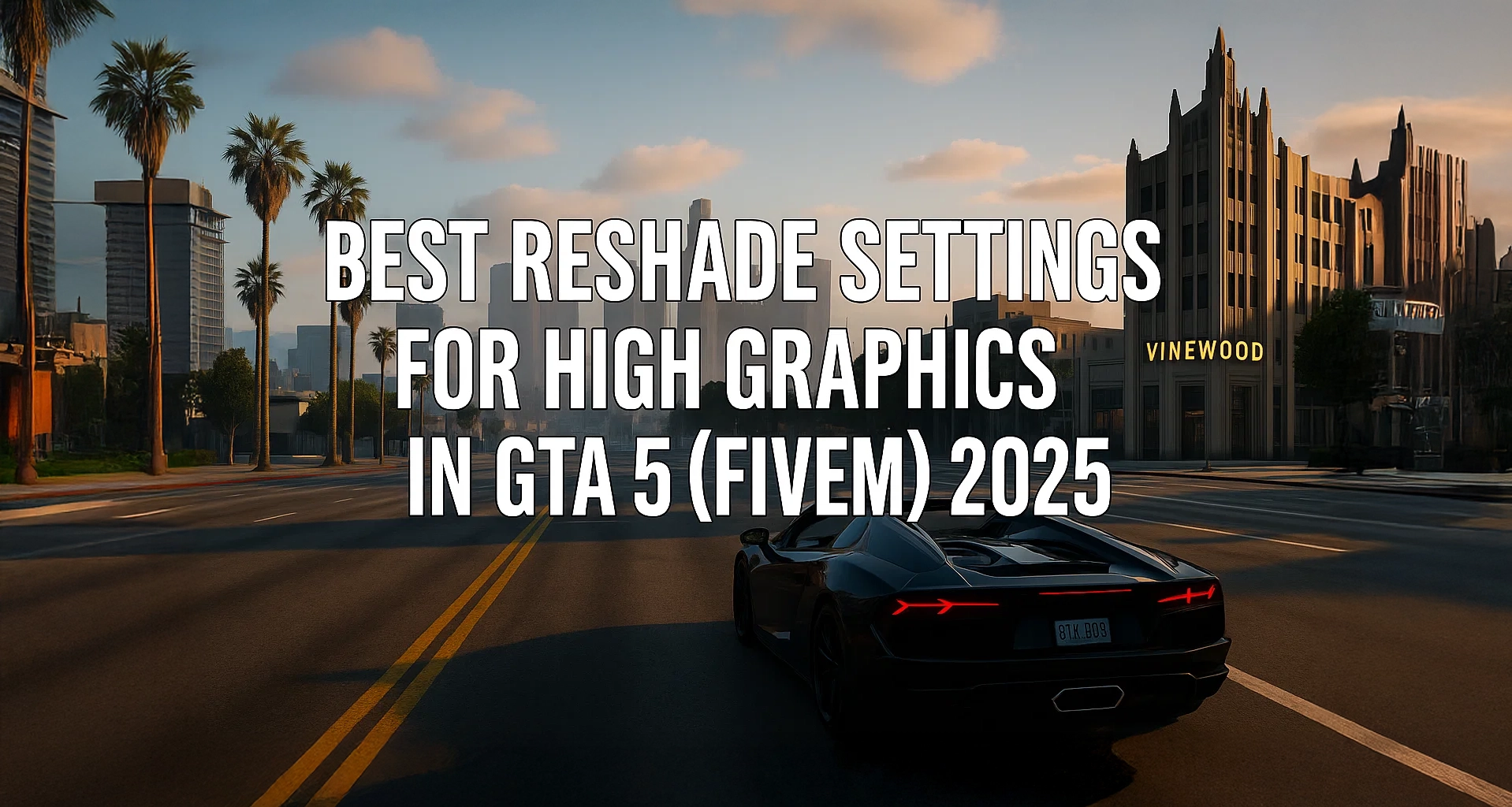
TL;DR Zdobądź nasz ultrarealistyczny preset na 2025, wrzuć go do folderu ReShade, wybierz swój styl (żywiołowy lub atmosferyczny) i ciesz się grafiką nowej generacji w mniej niż 5 minut konfiguracji. – Tworzy wygląd GTA 6! Pobierz

Link do kanału: https://www.youtube.com/@Buggy.01_
Dlaczego warto zaktualizować swoją grafikę w 2025 roku?
- Wiek to tylko liczba — dopóki nią nie jest. GTA V ma 12 lat, ale ReShade 5.9+ w połączeniu z nowoczesnymi shaderami (qUINT, AstrayFX, RTGI) może podnieść go do jakości obecnej generacji.
- FiveM-bezpieczne. Samodzielne środowisko uruchomieniowe FiveM pozwala na wstrzyknięcie bez uruchamiania antycheata Rockstar, pod warunkiem że używasz tylko wizualne shadery. Nigdy nie wstrzykuj DLL rozgrywki.
- Zapas sprzętowy. Karty graficzne Nvidia RTX 40-serii i AMD RDNA3 mogą obsłużyć pełny RTGI; starsze karty mogą przełączyć się na profil atmosferyczny dla +30 FPS.
Standard referencyjny: ReShade 5.9.1 jest zgodny z Microsoft DirectX DXGI wytyczne wstrzykiwania (spec v1.4).
Wymagania wstępne
| Komponent | Minimalne | Zalecane (Fotorealistyczne) |
|---|---|---|
| GPU | GTX 1060 \/ RX 580 | RTX 3060 \/ RX 7600 |
| Sterownik | Listopad 2024 WHQL | Najnowsze WHQL |
| ReShade | 5.9.1 | Najnowsze WHQL |
| FiveM | Wersja z kwietnia 2025 | Wersja z kwietnia 2025 |
Kliknij tutaj, aby zobaczyć, które karty graficzne (GPU) są dla Ciebie sugerowane!
Pobierz preset
Instalacja — krok po kroku
- Pobierz ReShade 5.9.1
Oficjalna strona:reshade.me→ Pobierz. - Uruchom instalator
• CelGTA5.exew folderze Rockstar.
• Wybierz DirectX 10/11/12.
Po wyświetleniu monitu, zaznacz qUINT, AstrayFX, Legacy Standard Effects. - Pobierz nasz preset
Pobierz preset FiveMX 2025 Ultra ReShade (placeholder) - Skopiuj preset
UmieśćFiveMX_2025_Ultra.iniw%localappdata%FiveMFiveM.appdatagame-storage_commonGrand Theft Auto V. - Uruchom FiveM, dołącz do dowolnego serwera, naciśnij Strona główna (
⇧+F2) aby otworzyć ReShade. - Z listy rozwijanej ustawień, wybierz FiveMX 2025 Ultra. Jeśli zasoby się nie kompilują, kliknij Przeładuj raz.
Wybierz swój wygląd
Przełączaj w grze za pomocą skrótów klawiszowych, aby porównywać wersje A/B na żywo.
| Profil | Klawisz skrótu | Włączone shadery | Wynik |
| Fotorealistyczny | F11 | RTGI, qUINT_mxAO, FilmicPass, Colourfulness | Ostra, nasycona jakość HDR |
| Atmosferyczny | F10 | RTGI (niska liczba próbek), AdaptiveFog, Deband, CAS | Miękkie kino, stonowana paleta |
Kluczowe wartości cieniowania
[qUINT_rtgi.fx]
RayAmount=8 ; Photorealistic
RayAmount=4 ; Atmospheric

[qUINT_mxao.fx]
SampleRadius=1.2
Samples=32

[FilmicPass.fx]
Contrast=0.85
Exposure=-0.15
Saturation=1.10
(Pełny .ini jest wstępnie dostrojony; powyższe liczby służą do dostrajania w locie.)
Wskazówki dotyczące wydajności
- Włącz Generowanie klatek Nvidia (DLSS 3) lub AMD FSR 3 dla +30-50 FPS.
- W ReShade Ustawienia, włącz Tryb wydajności po zakończeniu dostrajania.
- Uważaj na temperatury; RTGI dodaje około 20–30 W obciążenia GPU.
Rozwiązywanie problemów
| Objaw | Rozwiązanie |
| Czarny ekran podczas uruchamiania | Usuń dxgi.dll, Zainstaluj ponownie ReShade z poprawnym API. |
| Awaria podczas wchodzenia na serwer | Odznacz RTGI; niektóre serwery blokują dostęp do głębokich danych. |
| Ustawienie wstępne jest puste | Sprawdź ścieżkę ustawień i upewnij się RESHADE_DEPTH_INPUT_IS_REVERSED=1 jeśli wymagane. |
Często zadawane pytania
Czy to jest banowalne?
Nie. FiveM zezwala tylko wizualne shadery. Unikaj wstrzykiwaczy skryptów .asi.
Czy to działa na konsolach?
Nie. ReShade jest wyłączny dla Windows.
A co z ENB?
ENB Series jest niekompatybilny z FiveM; ReShade jest bezpieczniejszy i lżejszy
Podsumowanie
Dzięki ustawieniu FiveMX 2025 Ultra i ReShade 5.9+, GTA V na FiveM wygląda i działa jak wydanie nowej generacji w mniej niż pięć minut.
Źródła
- Dokumentacja ReShade 5.9 — Wytyczne dotyczące wstrzykiwania shaderów.
- Microsoft DXGI Spec v1.4 — DirectX Graphics Infrastructure.
- YouTube: “Ultra-Realistic ReShade 2025” autorstwa (00:03 – 02:20).
FiveMX uwaga dotycząca bezpieczeństwa
Ten starszy, darmowy zasób jest udostępniany użytkownikom, ale jest oznaczony jako noindex, dopóki nie zostanie potwierdzone czystsze źródło podstawowe lub wyższa wartość strony. Jeśli go pobierzesz, przeskanuj pliki, przejrzyj kod, przetestuj na serwerze staging i zrób kopię zapasową przed dodaniem go do działającego serwera FiveM.
Aby znaleźć czystsze alternatywy, przeglądaj FiveM resources, płatne skrypty FiveM, lub FiveM MLOs.