







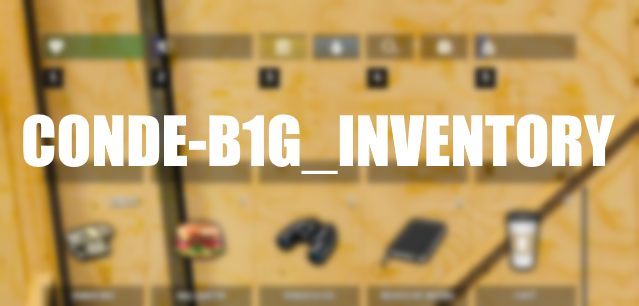





Conde B1g ESX Inventory — Das ultimative Inventory-HUD fur ESX
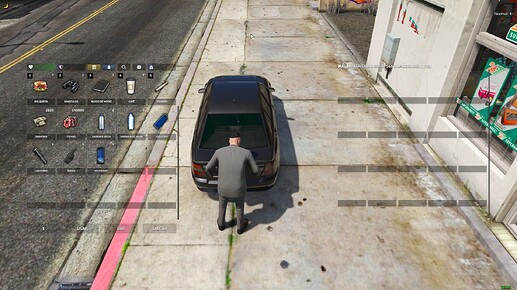
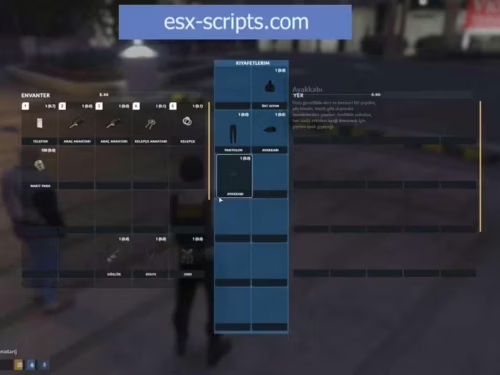
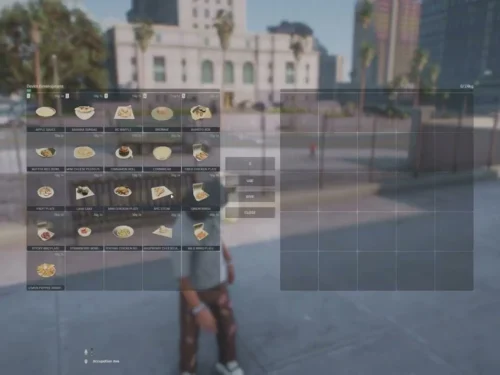
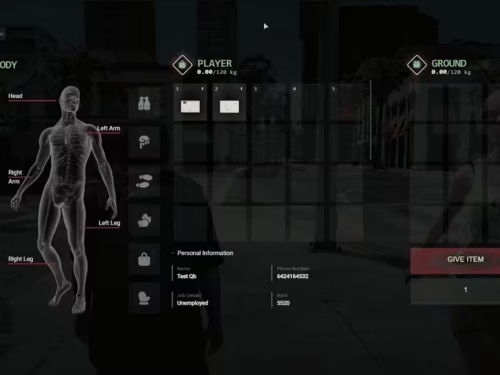
Das Conde B1g ESX Inventory ist eines der beliebtesten Inventory-Systeme fur FiveM-Server mit ESX-Framework. Mit uber 412 Downloads auf fivemx.com hat dieses Script seinen Platz als Go-To-Inventory fur ESX-Server langst bewiesen.
Basierend auf dem TSRAK esx_inventoryhud-Framework wurde es von Creator Conde & B1G (CarlosVergikosk) mit zahlreichen neuen Features, Optimierungen und einer sauberen UI erweitert.
Cechy
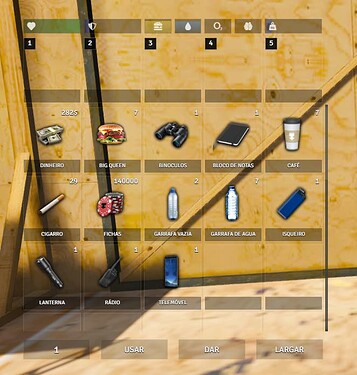
- Przeciągnij i upuść — Intuitive Inventarverwaltung per Maus
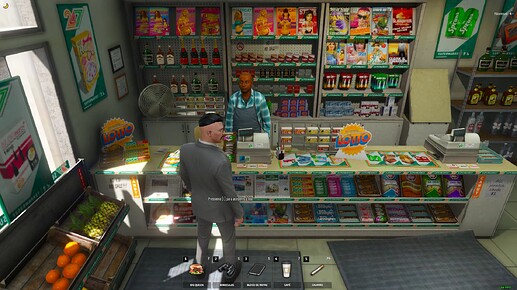
- Hotbar (1–5 Tasten) — 5 Schnellzugriff-Slots fur haufig genutzte Items
- Waffen als Items — Waffen werden wie normale Items behandelt (disc_ammo-kompatibel)
- Gewichtssystem — Vollstandige Weight-Unterstutzung
- Accounts-Support — Bank, Black Money und weitere Konten integriert
- Item-Benachrichtigungen — Anzeige beim Erhalten oder Verlieren von Items
- Doppelklick zum Benutzen — Rechtsklick legt Items in den Hotbar
- Items fallen lassen & weitergeben — Mit Animationen und Props
- Leichen/Handcuff Stehlen —
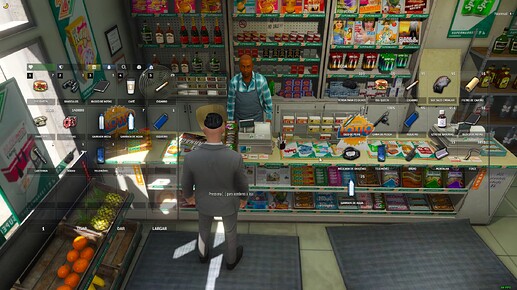
/stealCommand zum Durchsuchen von Spielern - Integriertes Status-HUD — Sauberes HUD ohne externen HUD-Script
- Geblockte Waffenauswahl — Verhindert Waffen-Scroll-Wheel wahrend Inventory offen
- Shops (legal & illegal) — Polizei-Shop, Schwarzmarkt und legale Shops integriert
- Optimiert — Ressourcenschonend fur produktive Server
Dołączone pliki
fxmanifest.luaclient/main.luaundserver/main.luaconfig.lua— vollstandig konfigurierbarhtml/— UI (JavaScript, CSS, HTML)img/— Item-Icons- SQL-Datei fur Datenbanksetup
Wymagania
- es_rozszerzony (ESX Legacy oder kompatible Version)
- mythic_notify
- disc_ammo (optionale Abhangigkeit, entfernbar)
Instalacja
- Resource-Ordner in
resources/Kopiuj - SQL-Datei in Datenbank importieren (Datenbankname anpassen)
ensure conde-b1g_inventorywserver.cfghinzufugen- Konfiguration in
config.luaundhtml/js/app.jsdopasuj
DavidNova (zweryfikowany) –
The resource matched the description and screenshots perfectly. No unpleasant surprises.
Hazel (zweryfikowany) –
I’m caught :) Find my love and will never buy in any other shop.
TessaHero (zweryfikowany) –
Quite easy to use, nice design, surely will buy again
Jeremie (zweryfikowany) –
Our community has responded positively since we added this resource.
Jaiden (zweryfikowany) –
We tested several similar resources, but this one had the best combination of features, design, and performance.
Alfred (zweryfikowany) –
Been using a lot of items, this one is obviously the best
Lillie (zweryfikowany) –
It’s far better than those similar products, while the price is still acceptable.