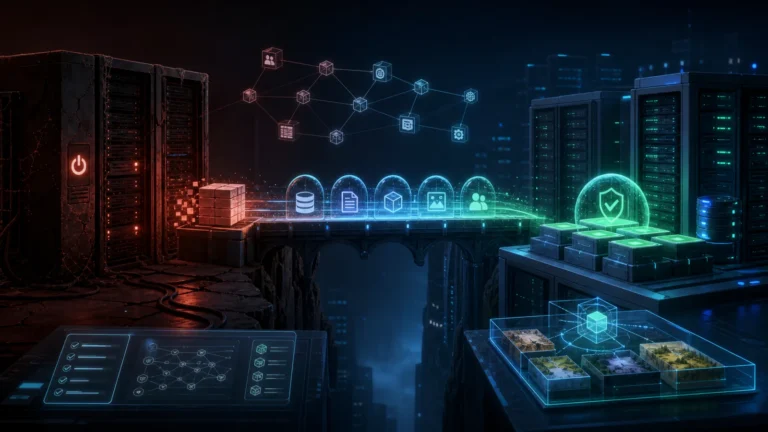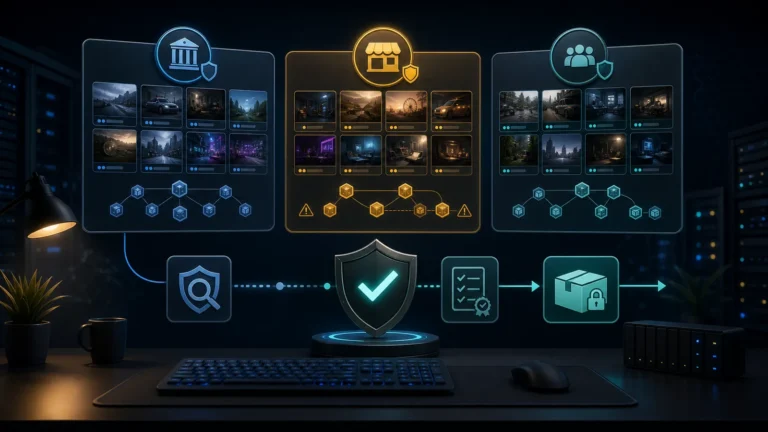
A complete FiveM police setup is usually a stack, not one resource. The police job controls duties and interactions, an MDT or CAD organizes records, and dispatch distributes incidents and unit information. Maps, vehicles, evidence and medical workflows can sit around those core systems. This buyer guide separates the responsibilities so server owners can choose compatible parts instead of buying overlapping features.
Understand the three core layers
| Layer | Typical responsibility | Questions before buying |
|---|---|---|
| Praca policyjna | Duty state, ranks, interactions, arrests, evidence or armory access | Which framework, inventory and target systems does it use? |
| MDT or CAD | Profiles, reports, warrants, vehicles, incidents and permissions | How are characters, jobs and database records identified? |
| Dispatch | Alerts, callsigns, units, blips, routing and responder coordination | Which events and exports connect jobs, phone and custom alerts? |
Some products combine two or three layers. That can reduce integration work, but it can also duplicate a system you already use. Make a simple responsibility map before shopping: one owner for duty state, one source for reports and one source for dispatch calls. If two resources both create alerts or records, decide which integration will be disabled.
Start with framework and identity compatibility
Confirm the exact ESX, QBCore or QBOX integration and the character identifier used by every layer. A police job may store grades differently from an MDT, while a multicharacter server may require a specific citizen or character identifier. Check how permissions map to job names and grades, whether off-duty states are supported and how callsigns are stored.
Next, list shared dependencies such as an inventory, target resource, menu library, database library, phone or voice system. The goal is not to maximize dependencies; it is to ensure every required dependency already fits the server. Browse current skrypty policyjne and related Skrypty pracy FiveM with that list beside you.
Design the incident flow before installation
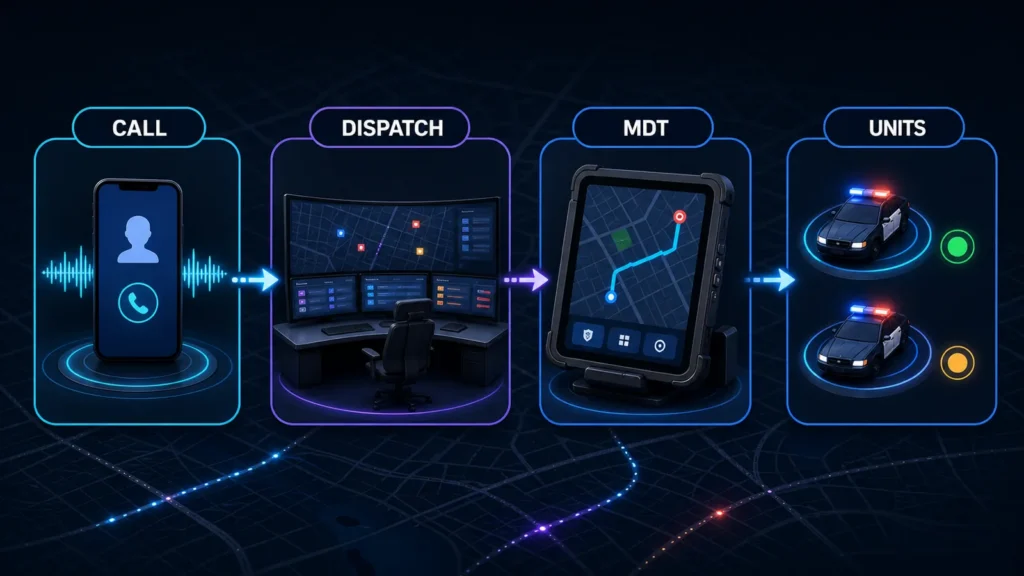
Walk through one realistic incident from start to finish. A civilian action or manual call creates an alert. Dispatch sends the alert to eligible units. An officer accepts it, navigates to the scene and records the result in the MDT. Evidence or inventory items may be created, and medical staff may need a related workflow. This exercise exposes missing events and duplicate responsibilities before they reach players.
Ask whether alerts can be created through documented exports or events, how units change status, how blips expire and whether dispatch history connects to reports. If a phone app creates emergency calls, verify its integration path as well. A visible feature in a demo does not prove that a third-party phone or job will connect automatically.
Match the station and world space
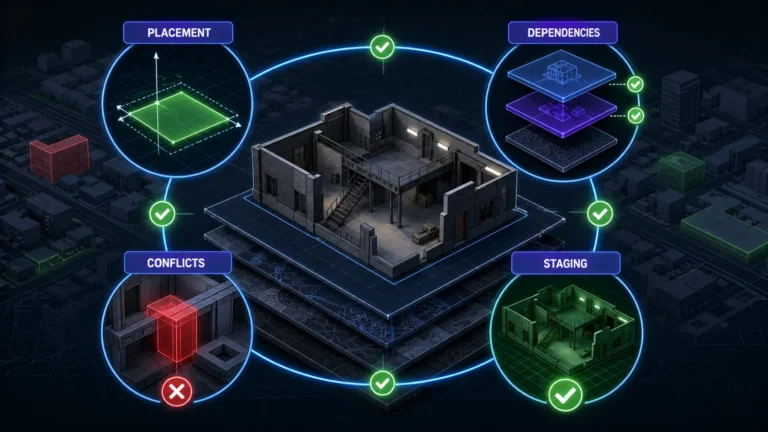
The operational stack should fit the physical station. Door locks, evidence rooms, armories, garages and elevators can require coordinates or zones. When comparing FiveM MLOs, note whether the chosen police resource expects a specific interior layout. A map can usually be tested independently, but interaction points and door systems still need configuration.
Stage the stack in a safe order
- Back up the database and current police resources.
- Install shared libraries and framework bridges.
- Configure the police job and confirm grades, duty and interactions.
- Add the MDT and test character, vehicle, report and permission records.
- Add dispatch and test manual, automatic and phone-originated alerts.
- Connect the station, doors, inventory, evidence and medical workflows.
Test with at least two police roles and one civilian role, including reconnects and permission failures. The dynamic product shortlist attached to this guide represents current options across the stack. Review every product page for present framework support, dependencies and included features before checkout; the best combination is the one with clear interfaces and no duplicated system owner.
Test the complete incident lifecycle
The most important integration test is not whether each interface opens. It is whether one incident keeps the same location, caller context, status and assigned units from dispatch creation to closure. Create a staging scenario that moves through call intake, dispatcher assignment, officer acknowledgement, MDT lookup, status changes and final disposition.
- Confirm permissions for civilians, dispatchers, officers, supervisors and administrators separately.
- Verify that reconnects and resource restarts do not duplicate active incidents or lose unit status.
- Check retention rules before storing names, reports, images or other player-linked records.
- Document which resource owns alerts, records and evidence so two systems do not write conflicting data.
A smaller stack with defined ownership is usually easier to operate than several overlapping police resources.
Compare a police system, MDT and dispatch path, then check exact framework, job, inventory and map integrations on each product page.