








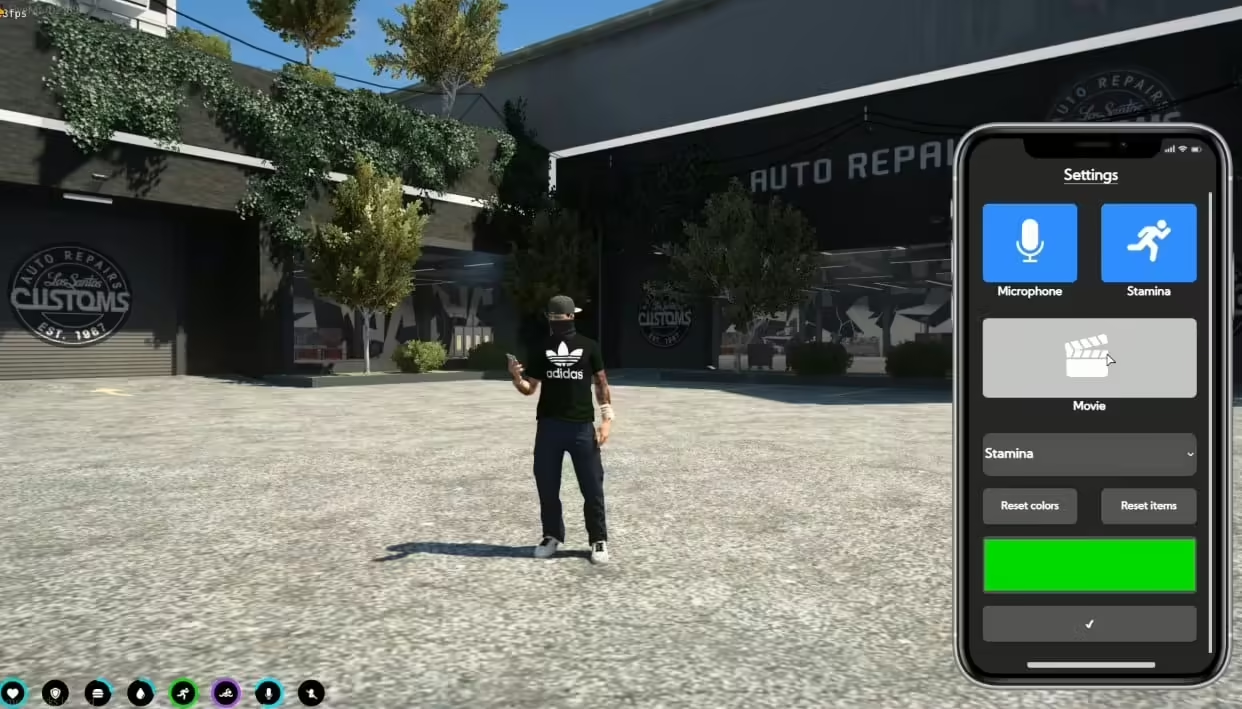
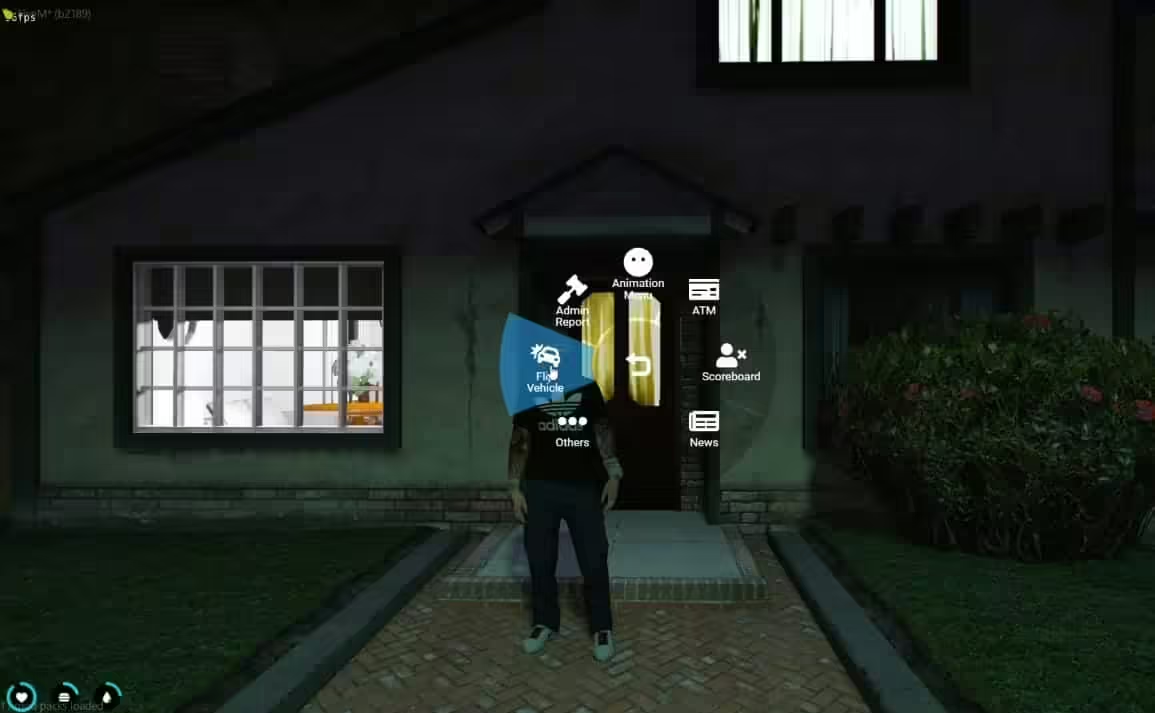
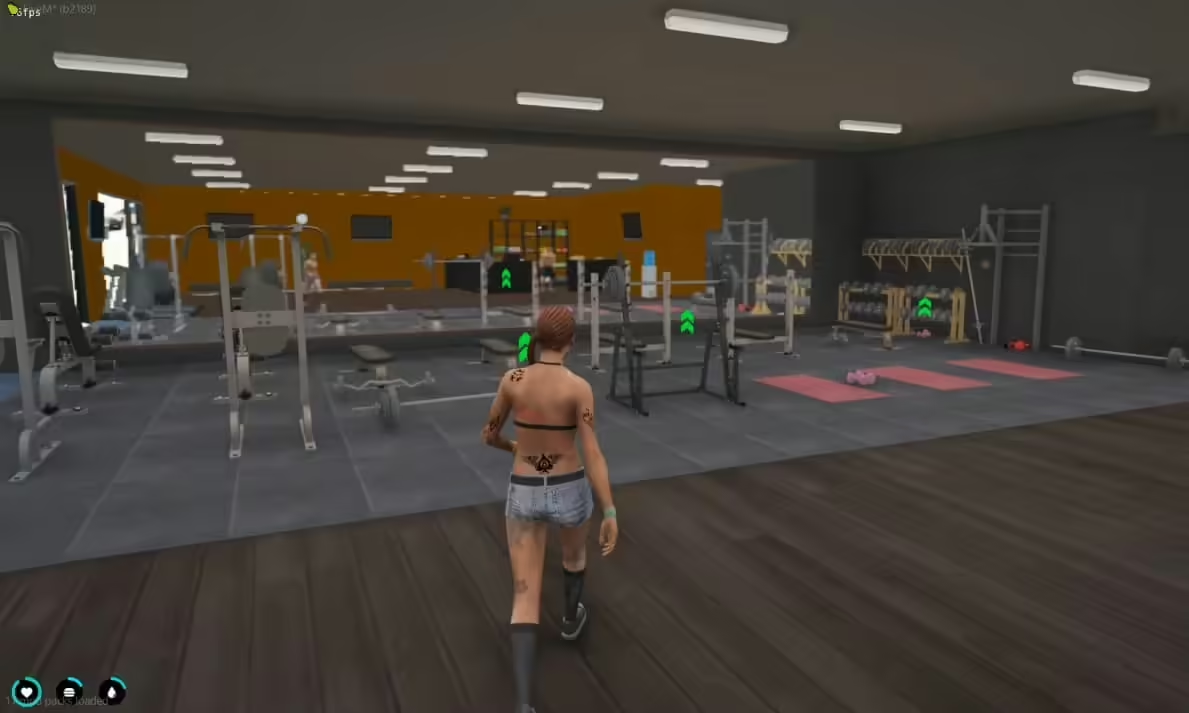
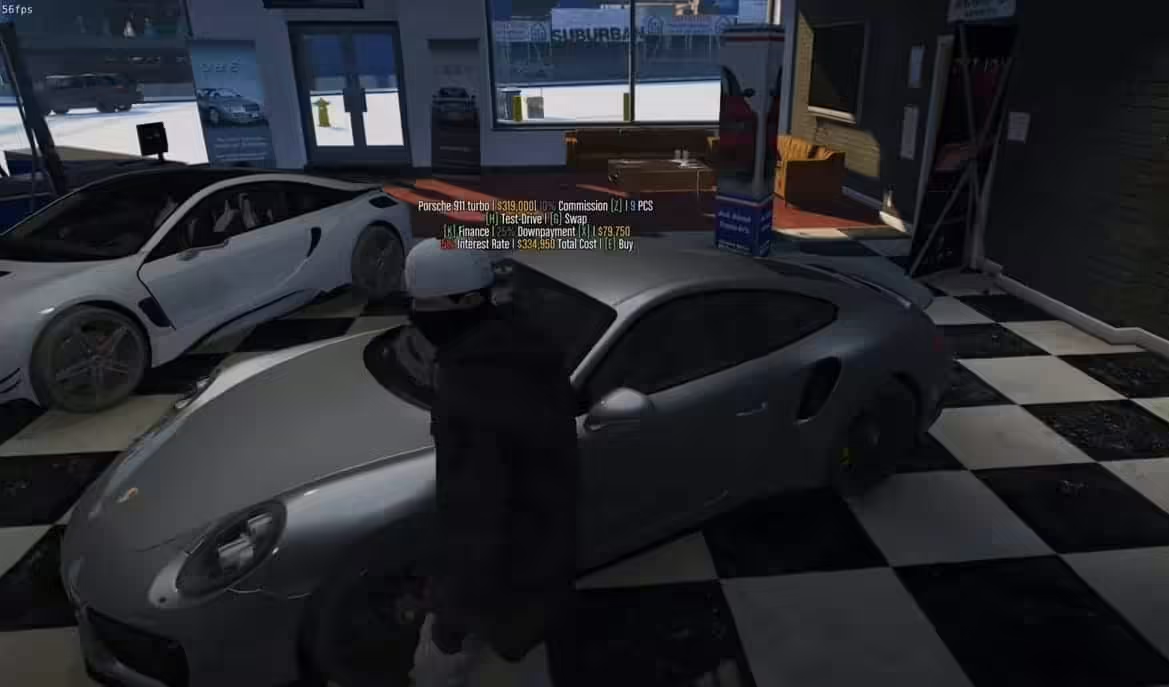




Witamy w Season 2 od 5M Servers. Upewnij się, że przeczytałeś ten przewodnik, ponieważ powie Ci
większość podstaw, takich jak lokalizacje narkotyków i wiele innych przydatnych wskazówek. To jest normalny framework ESX
i używa wszystkich normalnych poleceń i funkcji zarządzania ESX! nie będziemy edukować klientów, jak zarządzać
lub uruchamiać serwer fivem, ani nie pomagamy w przypadku skryptów lub zmian stron trzecich.
—- iSSUES ON FIRST START UP? PLEASE READ —-
if once you have imported the database, you get an error in the console when first booting up, it is likely
that you are using root machine without a passwork, so your machine is unable to connect to the database..
the error would be something like, unable to connect using passaword yes.
- Open Heidi MYSQL and run this query in your database
SET PASSWORD FOR ‘root’@’localhost’ = PASSWORD(‘password123’);
- feel free to change the password XD you will also then want to add this to your
server.cfg.. in this case the password we just created was password123 - Then open the script ‘ghmattimysql’
Location = resources[FrameWork][Framework][mysql]\ghmattimysql - Then open ‘config.json’ and import your password into this file, your server and database will then be synced
Keybinds & Commands
F1: Phone
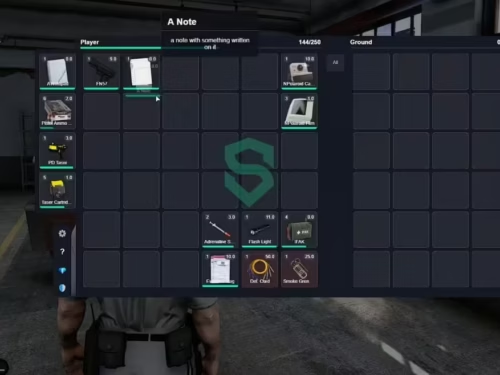
F2: Inventory / Vehicle Trunk
F3: Radial Wheel
F7: HUD options
F9: Crypto Menu
Home: Admin menu (If you are superadmin)
T: Chat
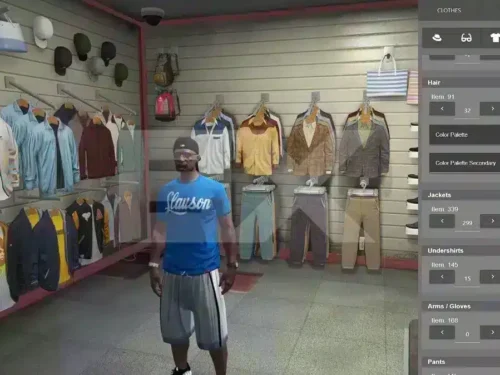
Y: Clothing Menu
X: Hands up
B: Point
Eye Target Sytstem: Press ‘Left Alt’ to open the Eye menu, press the ‘E’ button to select and then use your mouse to click
Admin Commands: Server uses normal ESX framework, all normal esx commands such as /giveitem /givejob /revive all work normally
/Admin : Open admin menu
/chargeMe : View pending charges
/em : Animation menu
/finance : Pay vehicle finance
/HUD : Edit HUD
/impound : impound vehicle
/livery : use this command to change vehicle livery on cars such as policji or EMS
/sv : police can use this command such as /sv 1 or /sv2 all the way up /sv 8 and this will spawn a police vehicle anywhere they are
/mask : place mask on or off
/news : Open nearby news stands to read paper
/ooc : Out of character chat
/chat : normal chat
[ USEFUL TIPS & INFORMATION ]
Tip 1: Finding Certain Text
If you are trying to find a location for certain text, then the best thing to do is open the entire server files via Visual Stuido
then search for the text.. this will search every script and highlight every location of desired text! Just open visual studio
then select ‘open folder’ find your server resource folder then open it. You will then have every scirpt open and can search for
anything and it will automatically find the exact location.. this can save you lots of time!
Tip 2: In game locations
If you are trying to find a location for something, perhaps something like where to harvest weed.. or perhaps where to sell weed.
All you need to do is look in the scripts config.lua file, this will have all the basic locations or things needed such as setting
amount of cops on duty in order to harvest.
[ Gang Information ]
Job Names:
gang1
gang2
gang3
Gang 1 House Location: -1570.5, 24.4669, 59.5537
Gang 2 House Location: -116.52, 984.807, 235.754
Gang 3 House Location: -1805.1, 439.160, 128.707
Gang 4 House Location: 985.290, -3203.1, -17.322 (Not used)
Your gangs have access to a gang sklep & clothes shop at each of there mansions.
Use the eye target system when looking around to find them.
[ Job Center Job Information ]
You will need to activate the job blips via the radial Wheel
If you are unsure of job locations, its simple.. just open each job config.lua and all
the locations will be there.
Job Folder Location: super\resources[Jobs][5m-jobs]
[ Common Questions ]
Question: What are the locations to for all the drugs?
Answer: You need to open the config.lua for each script and you will see locations & items needed
Location: super\resources[Criminal-Stuff][Drug]
Question: What are the locations to for all the Gang houses?
Answer: Each map has a text file with Coords to teleport to each gang house
Location: \super\resources[Criminal-Stuff][Gangs]
Question: How do I make myself an admin?
Answer: there are 2x easy steps to follow! do not ask on Discord just use our guide below
Location: https://www.5mservers.com/guides/how-to-make-yourself-an-admin
Question: A vehicle is saying its out of stock, how do I add more?
Answer: go to your datbabase, then open the ‘vehicles’ table. In here you have the stock number, if the number is 0 stock then the vehicle cannot be sold
Question: How do I change the max weight a player can carry?
Answer: like most scripts, you will need to edit the config.lua
Location: \resources[FrameWork][Framework]\es_extended
Question: How do I change the max weight a player can carry?
Answer: like most scripts, you will need to edit the config.lua
Location: super\resources[FrameWork][Inventory]\qb-shops
Question: Where do I edit the police armoury items?
Answer: this is built into the inventory system, like most scripts, you will need to edit the config.lua
Location: super\resources[FrameWork][Inventory]\qb-inventory
Question: can I add new scripts? or remove some I do not wish to use?
Answer: of course, you can certainly add new scripts or remove old unsued scripts. We do not assit with editing anything that has been ecrypted, so do not even ask us
Question: can I add new scripts? or remove some I do not wish to use?
Answer: of course, you can certainly add new scripts or remove old unsued scripts. We do not assit with editing anything that has been ecrypted, so do not even ask us
Question: what are the locations for the Crypto etc?
Answer: like most scripts, you can find locations for these in the config.lua
Location: super\resources[Script][PC-Crypto]
Question: where can I find the animated banner scripts, the ones near car dealership that show the 5M logo?
Answer: You will need to edit these with OpenIV
Location: super\resources[Maps-Clothes-Cars][Animated Logo Banners]
We will be creating a video guide in the next few days.

Deonte (zweryfikowany) –
I think this is amazing. Lots of features and customizable from every point of view. The few times I asked for help in support they were competent, fast and above all very patient. Really recommend
GrimGavin749 (zweryfikowany) –
I received a personalized and attentive treatment. Thanks to this deal, I was able to find a solution to my problem in a short time. :)
Mallie (zweryfikowany) –
The developer helped me with a custom configuration and explained everything clearly.
Elody (zweryfikowany) –
Think this could be a potential item in the future
Hilda (zweryfikowany) –
I want to say thanks to the support team for helping with my continuously silly questions, you’re the best!
Laura (zweryfikowany) –
The resource matched the description and screenshots perfectly. No unpleasant surprises.
Verla (zweryfikowany) –
No complicated installation process and no hidden dependencies. Everything was clearly explained.
Alva (zweryfikowany) –
I had a compatibility problem with [framework/resource], and the support team helped me fix it immediately.