
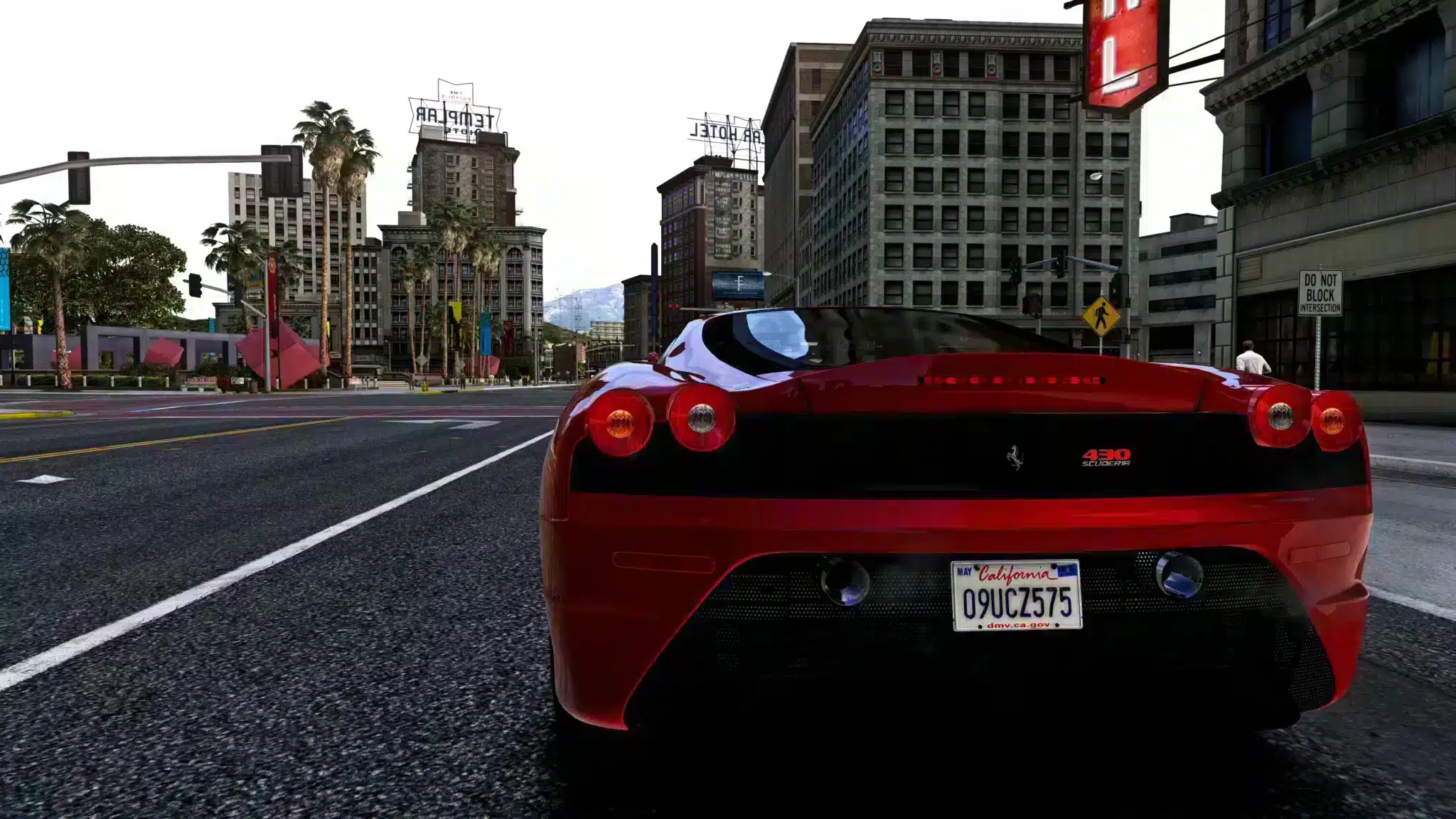
FiveM, graphics mods and troubleshooting guides work best from a clean, updated PC installation of GTA V. Use official PC sources and avoid repacks or modified installers. A questionable GTA V install can create support problems before FiveM, server resources or graphics settings even matter.
Official GTA V sources
- FiveM documentation: where to buy GTA V
- Rockstar Store: Grand Theft Auto V
- Steam: Grand Theft Auto V Enhanced
- Epic Games Store: Grand Theft Auto V
Why clean installs matter
When a player reports FiveM crashes, missing files or graphics mod issues, the first question is whether GTA V itself is clean and updated. Unofficial copies, old modded files and mixed installs make troubleshooting slower. A clean base install gives you a reliable starting point before changing FiveM cache, graphics settings, ReShade, NVE or server resources.
Before installing FiveM or mods
- Install GTA V from an official PC source.
- Launch GTA V once and let required updates complete.
- Keep a clean backup if you plan to test graphics mods often.
- Install FiveM only after the base game starts normally.
- Change one thing at a time when troubleshooting crashes or visual bugs.
What to avoid
Avoid installers that bundle unknown scripts, pre-modded archives, old graphics packs copied from random mirrors and anything that asks you to disable normal security checks. Even if a file starts, it can make support nearly impossible because nobody knows what changed in the base game.
After GTA V is installed cleanly, continue with how to play FiveM, how to use FiveM mods or GTA V graphics mod guidance.
Keep clean and modded installs separate
If you test graphics mods often, keep a clean baseline or at least document what changed. Mixing old visual packs, ReShade presets and random replacement files into the same install makes every crash harder to diagnose. A clean baseline lets you prove whether the issue is FiveM, GTA V, a graphics mod or one server.
Troubleshooting order
- Confirm GTA V starts without FiveM.
- Confirm FiveM starts and reaches the main menu.
- Join a known stable server before blaming one custom server.
- Disable graphics mods and overlays for one clean comparison.
- Only then clear cache, reinstall tools or change server resources.
Advice for server owners
When players report crashes, ask whether they use an official GTA V install, a clean FiveM cache and extra graphics tools. That basic checklist saves time before you investigate MLO streaming, scripts or server-side errors. Do not build support instructions around unofficial game copies.
Why unofficial copies create bad support data
A modified installer can change files, leave old mod loaders behind or skip updates that FiveM expects. When that player crashes, the server owner cannot know whether the problem came from the server, the FiveM client or the base game. Official sources do not make every issue disappear, but they remove one major unknown from troubleshooting.
Clean install checklist for players
- Use one official PC platform and let GTA V update fully.
- Do not mix several old GTA V folders into one install.
- Test FiveM before adding visual presets or replacement files.
- Keep screenshots of errors instead of reinstalling blindly.
- Tell server staff which platform and graphics tools you use.
That checklist is especially useful before testing heavy MLOs, graphics mods, custom vehicles or large clothing packs. Those resources can stress a client, but they should be tested from a known clean starting point.
When to reinstall
Do not reinstall GTA V after every FiveM error. Reinstall only when the base game itself fails, files are clearly damaged, or you cannot return to a clean state after graphics or replacement-file testing. Most FiveM connection and cache issues can be investigated without rebuilding the whole game install.
Keep purchase receipts, launcher access and platform login details available. If you manage community PCs for media or staff work, document which GTA V source each machine uses so updates and troubleshooting stay consistent.
For players, the safest habit is to solve base-game problems before adding FiveM, then solve FiveM client problems before blaming one server. That order prevents unnecessary reinstalls and gives staff cleaner evidence when a real server issue exists.
It also keeps support fair: everyone starts from the same known baseline.