• Instant digital delivery
  • Lifetime updates on selected products
  • Trusted by server owners
FiveMX
Shop
Full ServersBundlesNew releases
FiveMX

Start building your server today.

Curated FiveM resources, instant delivery, free starter mods, and practical guides in one calm marketplace.

Browse the shopsupport@fivemx.com

Shop

  • Shop
  • FiveM Mods
  • All Products
  • Free Mods
  • Best Scripts & Mods
  • FiveM Scripts

Frameworks

  • QBCore Scripts
  • ESX Scripts
  • QBox
  • Standalone

Community

  • Blog
  • Support
  • Creators
  • Affiliate

Legal

  • Privacy Policy
  • Terms of Service
  • Refund Policy
  • Digital Delivery
  • Cookie Policy
  • GDPR Compliance
  • DMCA
  • Imprint
  • Editorial Policy

Server Templates

  • QBCore Server Template
  • ESX Server Template
  • NoPixel Server Template
  • Server Packs
  • Free Server Templates
  • Tebex Alternative
© 2026 FiveMX. All rights reserved.·FiveMX is not affiliated with Rockstar Games, Take-Two Interactive, or CFX.re. All trademarks are property of their respective owners.
DiscordDocs
Compatibility:

Advanced GPS Menu

$12.00

Secure Checkout

Cards, Apple Pay, Google Pay, iDEAL/Wero, Bancontact, EPS, Przelewy24, and optional Crypto where available via Stripe.

Instant file access after paymentSupport and refund policy shown before checkout
Ask support before buyingRead refund policy
Instant Access
SSL Encrypted
Cards, wallets, bank redirects
Frameworksesx, qbcore, qbox, standalone
Setup

Requires a FiveM server, ESX or QBCore, access to server resources, and permission to restart the resource after configuration.

RequirementsPublished on this page
PreviewNot available

Description

Overview

Transform your FiveM server with the Advanced GPS Menu, a comprehensive dispatch and GPS interface script that revolutionizes emergency services coordination and unit management. This professionally designed script delivers real-time tracking capabilities, emergency response systems, and advanced dispatch functionality, providing law enforcement, EMS, and emergency services with cutting-edge tools for seamless communication and coordination.

Built for compatibility with ESX, QBCore, and standalone frameworks, this GPS system offers dynamic color customization, SOS emergency broadcasting, and comprehensive unit management with real-time status monitoring. Perfect for serious roleplay servers focused on realistic emergency services, it includes GPS connection logging, custom profile integration, and multilingual support. Works excellently with our emergency services scripts and enhances any professional roleplay environment.

Key Features

  • Professional Login Interface - Quick access shortcuts, announcements, and status checks integrated into streamlined authentication
  • Real-Time Dashboard - Live Discord profile integration, GPS connectivity status, time/weather display, and active unit monitoring
  • SOS Emergency System - One-click global emergency broadcasts with automatic unit dispatch and location sharing
  • GPS Connection Logging - Real-time tracking of unit connections and disconnections for command staff oversight
  • Dynamic Color System - Profession-based automatic theming with custom color options and icon assignments
  • Settings Customization - User-configurable interface sizing, color schemes, and preference management with reset capabilities
  • Multi-Framework Support - Compatible with QBCore, ESX, and standalone implementations for universal deployment
  • Unit Management - Active patrol vehicle tracking, duty status monitoring, and dispatch code integration
  • Admin Controls - Permission-based access control, profession assignment management, and system oversight tools
  • Performance - Lightweight operation with optimized resource usage and minimal server impact

What's Included

  • Complete Advanced GPS Menu script files
  • Comprehensive configuration system
  • Multi-language translation support
  • Installation guide and setup documentation
  • Optional PSD design templates for customization

Technical Specifications

  • Framework: ESX, QBCore, and standalone compatible
  • Performance: Optimized for minimal resource usage and fast response times
  • Dependencies: Job-based framework integration required for profession features
  • Installation: Drag-and-drop with automated configuration detection
  • Customization: Full config support with hot-reload capabilities

Emergency Response Integration

The Advanced GPS Menu transforms emergency services coordination through comprehensive SOS functionality and real-time unit tracking. Emergency broadcasts instantly notify all connected units with precise location data, while the GPS connection log provides command staff with complete oversight of unit availability and response capabilities. The system automatically assigns profession-specific colors and icons, creating immediate visual identification for different emergency services.

Perfect Integration

Designed for seamless integration with existing emergency services frameworks and dispatch systems. The script automatically detects job assignments and applies appropriate permissions, while the configuration system allows complete customization of activation methods, profile settings, and display preferences. Administrative tools provide comprehensive control over system access and profession-specific features that enhance realistic emergency services roleplay.

Why Choose Advanced GPS Menu

Unlike basic GPS scripts, Advanced GPS Menu provides a complete emergency services coordination platform that enhances both unit effectiveness and command oversight. The combination of real-time tracking, emergency broadcasting, and professional interface design creates an immersive emergency services environment that elevates roleplay quality and operational efficiency for serious FiveM communities.

Configuration & Support

Extensive configuration options include activation method selection (inventory or command-based), default profile settings, temperature display preferences, dispatch code definitions, and complete UI translation support. The system includes lifetime updates and comprehensive support documentation, ensuring continuous compatibility and feature enhancement for evolving server requirements.

Installation notes

Requires a FiveM server, ESX or QBCore, access to server resources, and permission to restart the resource after configuration.
Installation notes
Requires a FiveM server, ESX or QBCore, access to server resources, and permission to restart the resource after configuration.

Buy this when it saves setup time

Use this checklist to decide quickly whether the resource fits your current server build, framework, and support expectations.

Server-owner payoff

Advanced GPS Menu is positioned to reduce Police Scripts instead of making you rebuild the same system from scratch.

Compatibility

Works with esx, qbcore, qbox, standalone. Check the requirements block before adding it to a live stack.

Purchase confidence

Instant download, Stripe checkout, support access, and refund policy context are shown before payment.

Decision assets

Requirements, Product Q&A

Product fit, setup, and proof at a glance

Use the published facts on this page to confirm whether Advanced GPS Menu matches your server before checkout.

Compatibility

Frameworks
ESX, QBCore, QBOX, Standalone
Category
Police Scripts

Setup & requirements

Install flow
Download → resources folder → ensure in server.cfg
Requirements
Published on this page
File size
15.06 MB

Proof & buyer questions

Reviews
No reviews yet
Answered Q&A
Ask before buying

Only the facts published on this page should be treated as confirmed. If you need more detail, review the description, requirements, changelog, reviews, and product Q&A before checkout.

DescriptionRequirements
Police Scripts
Compatibility:
ESX
QBCore
QBOX
Standalone

Advanced GPS Menu

Review process
$12.00

Secure Checkout

Cards, Apple Pay, Google Pay, iDEAL/Wero, Bancontact, EPS, Przelewy24, and optional Crypto where available via Stripe.

Instant file access after paymentSupport and refund policy shown before checkout
Ask support before buyingRead refund policy
Instant Access
SSL Encrypted
Cards, wallets, bank redirects
Frameworksesx, qbcore, qbox, standalone
Setup

Requires a FiveM server, ESX or QBCore, access to server resources, and permission to restart the resource after configuration.

RequirementsPublished on this page
PreviewNot available
Home
Shop
Police Scripts
Police Scripts
ESX
QBCore
QBOX
Standalone
Review process

Key Features

  • SOS Emergency System

    One-click global emergency broadcasts with automatic unit dispatch and location sharing for immediate emergency response coordination

  • Real-Time Dashboard

    Live Discord profile integration, GPS connectivity status, time/weather display, and active unit monitoring on a single interface

  • GPS Connection Logging

    Real-time tracking of unit connections and disconnections for command staff oversight and availability management

  • Dynamic Color System

    Profession-based automatic theming with custom color options and icon assignments for visual identification of different emergency services

  • Multi-Framework Support

    Compatible with QBCore, ESX, and standalone framework implementations for universal deployment across different server configurations

Frequently Asked Questions

Related Products

$21.00
$8.00
$7.00
$7.00

Related Tutorials & Guides

Learn more about setting up, configuring, and using this type of resource.

ESX vs QBCore vs QBOX: Technical Framework Comparison 2026

ESX vs QBCore vs QBOX: Technical Framework Comparison 2026

Choosing a framework is the single most consequential decision when building a FiveM server. It determines which scripts you can use, how your developers write code, the…

FiveM Frameworks Explained: Complete Guide to ESX, QBCore & QBOX

FiveM Frameworks Explained: Complete Guide to ESX, QBCore & QBOX

FiveM frameworks form the backbone of roleplay servers. They're not just code libraries—they're complete systems that manage player identity, jobs, inventory, permissions,…

QBox vs QBCore Migration Guide: Compatibility, Scripts & Performance (2026)

QBox vs QBCore Migration Guide: Compatibility, Scripts & Performance (2026)

Compare QBox vs QBCore in 2026, check script compatibility, and follow a practical migration plan for ox_lib, ox_inventory, banking, jobs, and testing.

Continue Building Your FiveM Server

Use this product as part of a larger setup. Explore related categories, alternative frameworks, premium bundles, and free companion downloads.

Explore EMS ScriptsExplore Admin ToolsBrowse all scriptsPolice Scripts scriptsesx scriptsTry QBCore insteadTry QBox insteadFree FiveM modsCompare bundles
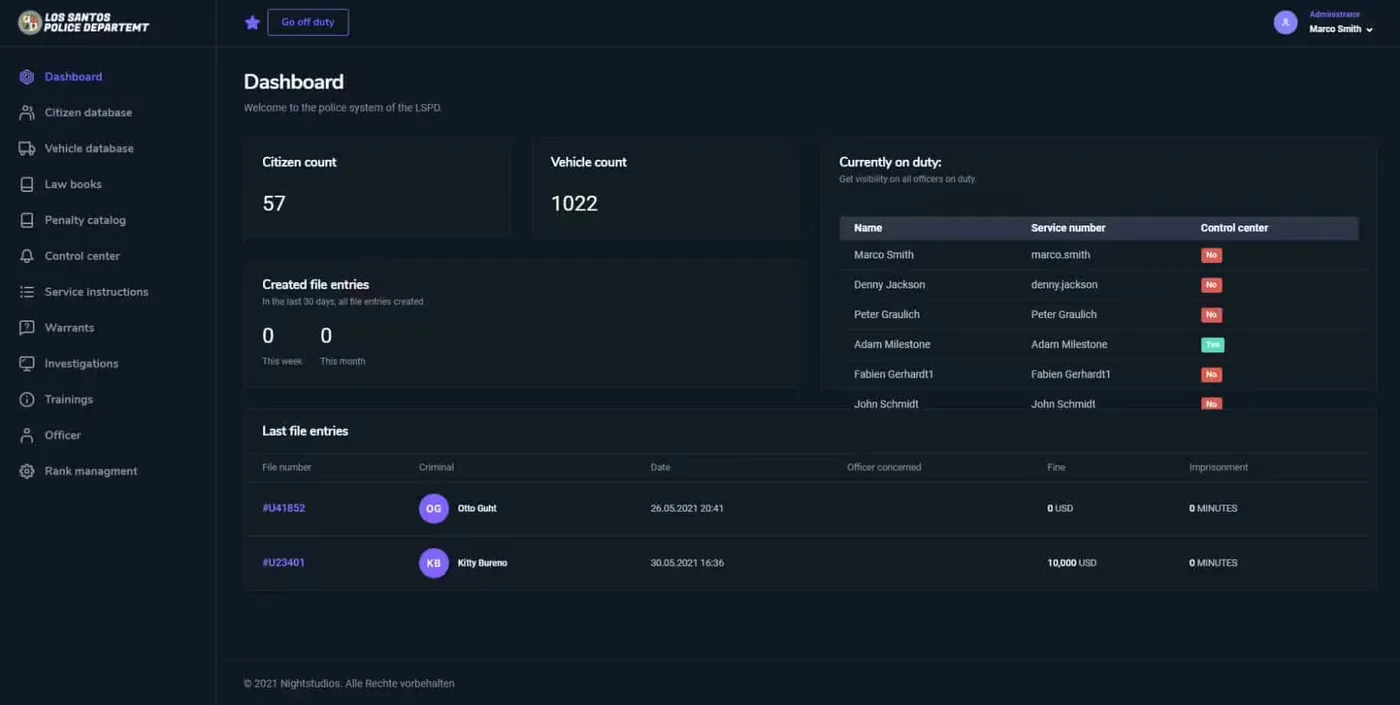
Police System CAD/MDT

Police System CAD/MDT

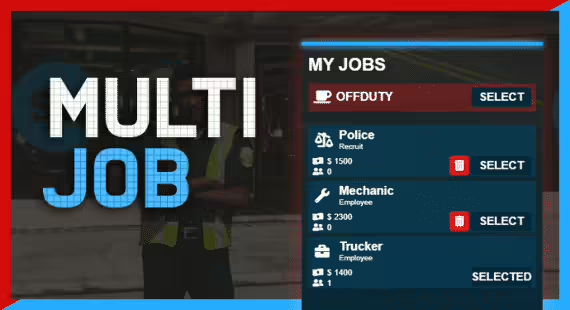
Core Multiple Jobs

Core Multiple Jobs

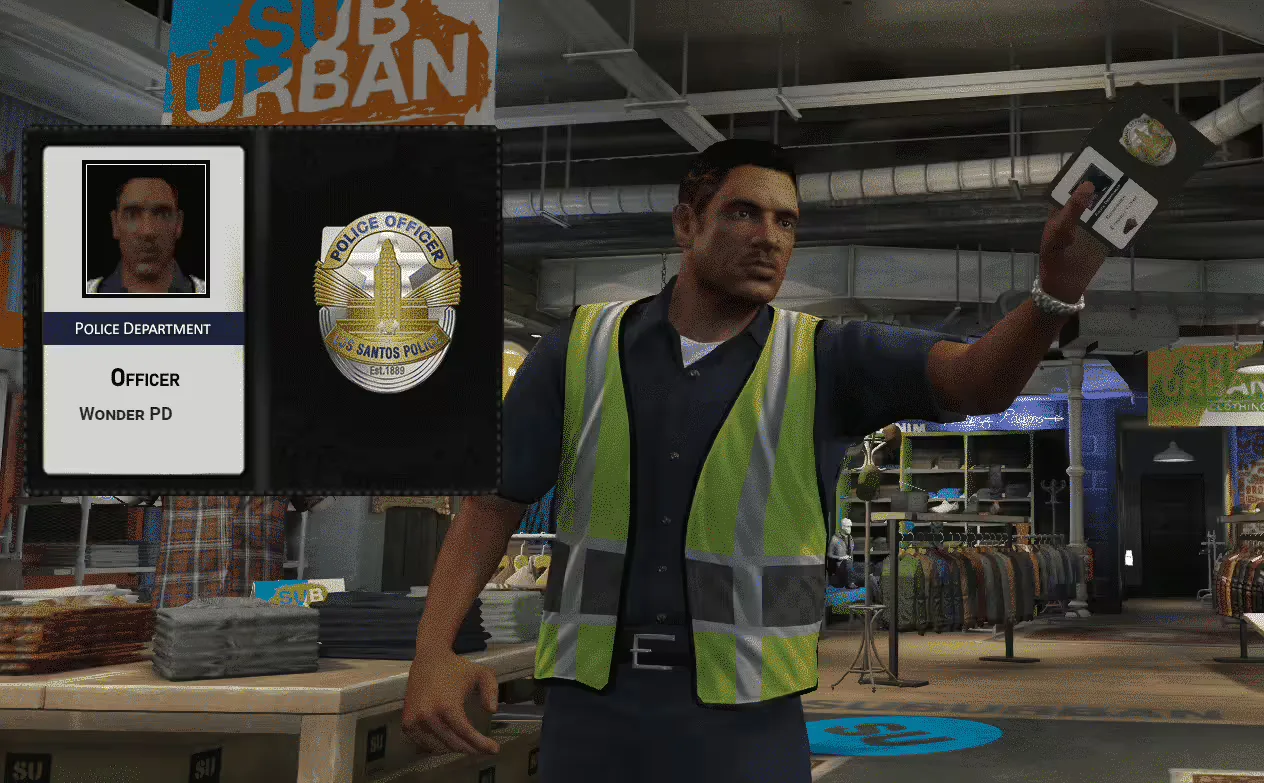
Police Badge Show

Police Badge Show

Policejob Animations

Policejob Animations