• Instant digital delivery
  • Lifetime updates on selected products
  • Trusted by server owners
FiveMX
Shop
Full ServersBundlesNew releases
FiveMX

Start building your server today.

Curated FiveM resources, instant delivery, free starter mods, and practical guides in one calm marketplace.

Browse the shopsupport@fivemx.com

Shop

  • Shop
  • FiveM Mods
  • All Products
  • Free Mods
  • Best Scripts & Mods
  • FiveM Scripts

Frameworks

  • QBCore Scripts
  • ESX Scripts
  • QBox
  • Standalone

Community

  • Blog
  • Support
  • Creators
  • Affiliate

Legal

  • Privacy Policy
  • Terms of Service
  • Refund Policy
  • Digital Delivery
  • Cookie Policy
  • GDPR Compliance
  • DMCA
  • Imprint
  • Editorial Policy

Server Templates

  • QBCore Server Template
  • ESX Server Template
  • NoPixel Server Template
  • Server Packs
  • Free Server Templates
  • Tebex Alternative
© 2026 FiveMX. All rights reserved.·FiveMX is not affiliated with Rockstar Games, Take-Two Interactive, or CFX.re. All trademarks are property of their respective owners.
DiscordDocs
Compatibility:

FiveM Text-UI Script

5.0·2 reviews
$3.49

Secure Checkout

Cards, Apple Pay, Google Pay, iDEAL/Wero, Bancontact, EPS, Przelewy24, and optional Crypto where available via Stripe.

Instant file access after paymentSupport and refund policy shown before checkout
Ask support before buyingRead refund policy
Instant Access
SSL Encrypted
Cards, wallets, bank redirects
Frameworksesx, qbcore, qbox, standalone
Setup

Requires a FiveM server, ESX or QBCore, access to server resources, and permission to restart the resource after configuration.

RequirementsPublished on this page
PreviewAvailable

Description

https://www.youtube.com/watch?v=jLsjwAjQ9vo

FiveM Text-UI Script - Standalone Display Solution

A lightweight, high-performance text display script that brings clean UI notifications to your FiveM server. This standalone resource works with any framework and delivers smooth, responsive text prompts that won't bog down your server.

What Makes It Stand Out

Unlike bloated notification systems, this Text-UI focuses on doing one thing exceptionally well: displaying text prompts with zero performance impact. The optimized code uses native GTA V rendering, resulting in crisp text that appears instantly and disappears without flicker.

Built by 0Resmon, this script has become the go-to choice for developers who need reliable text displays for interactions, help prompts, keybind hints, and contextual information. It's the foundation that powers countless other scripts.

Key Features

  • Standalone Architecture - No framework dependency, works with ESX, QBCore, QBOX, or any custom base
  • Export System - Simple API for triggering text from any other script
  • Event-Based Control - Show and hide text through client/server events
  • Customizable Appearance - Adjust position, color, size, and styling to match your theme
  • Performance Optimized - Uses native rendering with minimal resource usage (0.00ms typical)
  • Multiple Display Modes - Support for different text styles and positions
  • Thread-Safe - Handles rapid show/hide calls without breaking
  • Documentation Included - Complete API reference and implementation examples

Perfect For

  • Interaction prompts (doors, vehicles, NPCs, objects)
  • Job system notifications and instructions
  • Vehicle interaction displays (fuel, trunk, hood, engine)
  • Shop and business UI text (ATMs, registers, terminals)
  • Keybind hints and help text
  • Custom minigame instructions
  • Any script that needs clean text display

How to Setup

https://youtu.be/7DaAMdvCJC8?si=l0lxe_H061hnIwBw
  1. Download and extract to your resources folder
  2. Add ensure fivem-text-ui-script to your server.cfg
  3. Review the config file to customize appearance
  4. Use exports from your other scripts to trigger displays
  5. Test and adjust positioning for your UI layout

Implementation Examples

Client-Side Export:

Call exports['script-name']:Show(text) to display text and exports['script-name']:Hide() to remove it. The documentation includes dozens of working examples for common scenarios.

Event-Based Triggers:

Use TriggerEvent() or TriggerClientEvent() to show/hide text from server-side scripts, perfect for job systems and interactive elements that need server validation.

Documentation & Support

Full API documentation available at: https://docs.0resmon.org/0resmon/frkn-resources/frkn-drawtext/export-and-events

The documentation covers every export, event, and configuration option with code examples you can copy directly into your projects.

Technical Details

  • Resource Type: Standalone (framework-independent)
  • File Size: Minimal (~500 KB)
  • Performance: 0.00ms average (client-side only)
  • Dependencies: None required
  • Language Support: Works with all character sets
  • Client/Server: Client-side with optional server events

Framework Compatibility

  • ✅ ESX Legacy - Full compatibility, commonly used for job interactions
  • ✅ QBCore - Perfect replacement for default QB text displays
  • ✅ QBOX - Works seamlessly with QBOX framework
  • ✅ Standalone - Use with any custom framework or vanilla FiveM
  • ✅ OX Framework - Compatible with ox_lib resource systems

Why Developers Love It

This script has become an essential dependency for countless FiveM resources because it just works. No complex setup, no performance issues, no compatibility headaches. It's the reliable text display solution that lets you focus on building features instead of debugging UI glitches.

The clean API makes integration trivial - add two lines of code to any script and you've got professional text displays. Whether you're building a complex job system or just need to show Press E to open, this script handles it perfectly.


Installation notes

Requires a FiveM server, ESX or QBCore, access to server resources, and permission to restart the resource after configuration.
Installation notes
Requires a FiveM server, ESX or QBCore, access to server resources, and permission to restart the resource after configuration.

Buy this when it saves setup time

Use this checklist to decide quickly whether the resource fits your current server build, framework, and support expectations.

Server-owner payoff

FiveM Text-UI Script is positioned to reduce Admin Tools instead of making you rebuild the same system from scratch.

Compatibility

Works with esx, qbcore, qbox, standalone. Check the requirements block before adding it to a live stack.

Purchase confidence

Instant download, Stripe checkout, support access, and refund policy context are shown before payment.

Decision assets

Requirements, Preview video, Product Q&A

Product fit, setup, and proof at a glance

Use the published facts on this page to confirm whether FiveM Text-UI Script matches your server before checkout.

Compatibility

Frameworks
ESX, QBCore, QBOX, Standalone
Category
Admin Tools

Setup & requirements

Install flow
Download → resources folder → ensure in server.cfg
Requirements
Published on this page
File size
1.33 MB

Only the facts published on this page should be treated as confirmed. If you need more detail, review the description, requirements, changelog, reviews, and product Q&A before checkout.

DescriptionRequirementsPreview videoReviews
Admin Tools
Compatibility:
ESX
QBCore
QBOX
Standalone

FiveM Text-UI Script

5.0·2 reviews
$3.49

Secure Checkout

Cards, Apple Pay, Google Pay, iDEAL/Wero, Bancontact, EPS, Przelewy24, and optional Crypto where available via Stripe.

Instant file access after paymentSupport and refund policy shown before checkout
Ask support before buyingRead refund policy
Instant Access
SSL Encrypted
Cards, wallets, bank redirects
Frameworksesx, qbcore, qbox, standalone
Setup

Requires a FiveM server, ESX or QBCore, access to server resources, and permission to restart the resource after configuration.

RequirementsPublished on this page
PreviewAvailable
Home
Shop
Admin Tools
Admin Tools
ESX
QBCore
QBOX
Standalone

Key Features

  • Standalone Architecture

    No framework dependency, works with ESX, QBCore, QBOX, or any custom base

  • Export System

    Simple API for triggering text from any other script using exports['script-name']:Show(text) and exports['script-name']:Hide()

  • Event-Based Control

    Show and hide text through client/server events using TriggerEvent() or TriggerClientEvent()

  • Customizable Appearance

    Adjust position, color, size, and styling to match your theme

  • Performance Optimized

    Uses native GTA V rendering with minimal resource usage at 0.00ms average with no dependencies required

Frequently Asked Questions

Related Products

$21.99
$4.49
$18.99
$4.49

Related Tutorials & Guides

Learn more about setting up, configuring, and using this type of resource.

FiveM Frameworks Explained: Complete Guide to ESX, QBCore & QBOX

FiveM Frameworks Explained: Complete Guide to ESX, QBCore & QBOX

FiveM frameworks form the backbone of roleplay servers. They're not just code libraries—they're complete systems that manage player identity, jobs, inventory, permissions,…

ESX vs QBCore vs QBOX: Technical Framework Comparison 2026

ESX vs QBCore vs QBOX: Technical Framework Comparison 2026

Choosing a framework is the single most consequential decision when building a FiveM server. It determines which scripts you can use, how your developers write code, the…

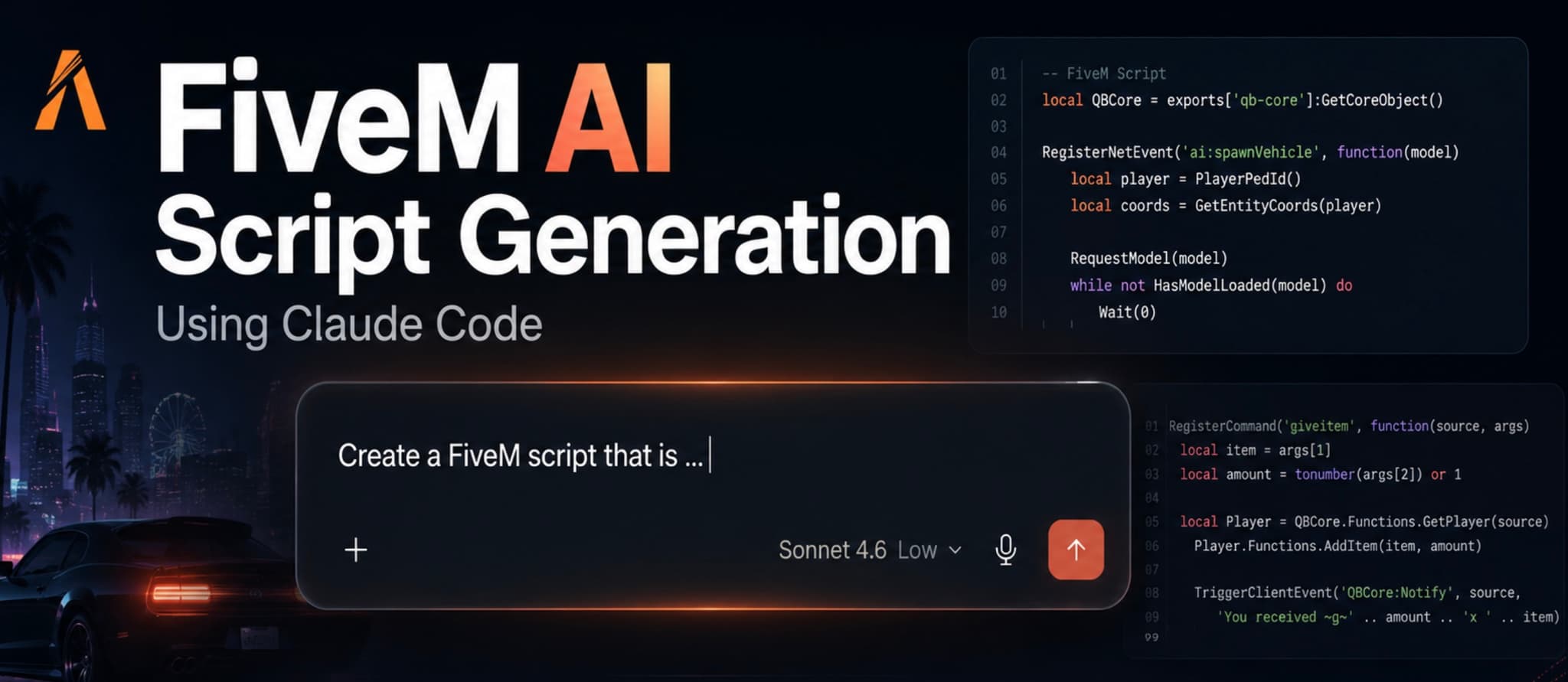
FiveM AI Script Generation with Claude Code

FiveM AI Script Generation with Claude Code

Learn how to use Claude Code to draft, review, and harden FiveM scripts without shipping fragile AI-generated Lua into production.

Continue Building Your FiveM Server

Use this product as part of a larger setup. Explore related categories, alternative frameworks, premium bundles, and free companion downloads.

Explore Police ScriptsExplore Economy & BankingBrowse all scriptsAdmin Tools scriptsesx scriptsTry QBCore insteadTry QBox insteadFree FiveM modsCompare bundles
FiveM AntiCheat 2025 (updated)

FiveM AntiCheat 2025 (updated)

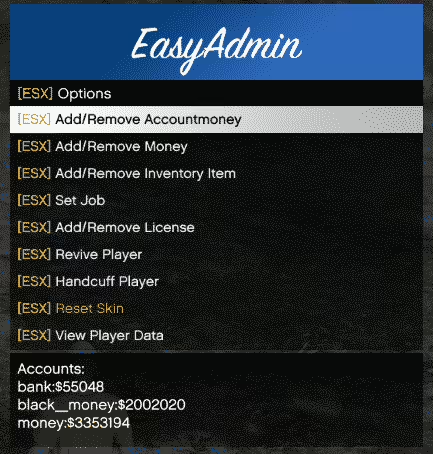
ESX Plugin For EasyAdmin

ESX Plugin For EasyAdmin

FiveM Admin Menu

FiveM Admin Menu

ESX Menu List

ESX Menu List