• Instant digital delivery
  • Lifetime updates on selected products
  • Trusted by server owners
FiveMX
Shop
Full ServersBundlesNew releases
FiveMX

Start building your server today.

Curated FiveM resources, instant delivery, free starter mods, and practical guides in one calm marketplace.

Browse the shopsupport@fivemx.com

Shop

  • Shop
  • FiveM Mods
  • All Products
  • Free Mods
  • Best Scripts & Mods
  • FiveM Scripts

Frameworks

  • QBCore Scripts
  • ESX Scripts
  • QBox
  • Standalone

Community

  • Blog
  • Support
  • Creators
  • Affiliate

Legal

  • Privacy Policy
  • Terms of Service
  • Refund Policy
  • Digital Delivery
  • Cookie Policy
  • GDPR Compliance
  • DMCA
  • Imprint
  • Editorial Policy

Server Templates

  • QBCore Server Template
  • ESX Server Template
  • NoPixel Server Template
  • Server Packs
  • Free Server Templates
  • Tebex Alternative
© 2026 FiveMX. All rights reserved.·FiveMX is not affiliated with Rockstar Games, Take-Two Interactive, or CFX.re. All trademarks are property of their respective owners.
DiscordDocs
Compatibility:

GFX Marker Script

$4.49

Secure Checkout

Cards, Apple Pay, Google Pay, iDEAL/Wero, Bancontact, EPS, Przelewy24, and optional Crypto where available via Stripe.

Instant file access after paymentSupport and refund policy shown before checkout
Ask support before buyingRead refund policy
Instant Access
SSL Encrypted
Cards, wallets, bank redirects
Frameworksesx, qbcore, qbox, standalone, vrp
Setup

Requires a FiveM server, ESX or QBCore, access to server resources, and permission to restart the resource after configuration.

RequirementsPublished on this page
PreviewAvailable

Description

GFX Marker Script - Add Custom Visual Markers to Your FiveM Server

If you've ever wanted to add custom visual markers to your FiveM server without diving into complex code, this script makes it dead simple. It's a lightweight tool that lets you place custom 3D markers anywhere on your map - perfect for highlighting locations, creating visual waypoints, or adding that extra polish to your server's presentation.

What's Included

You get a fully functional marker system with 7 pre-configured marker styles that you can drop into any location on your map. The script comes with a simple configuration file where you can adjust display times, keybinds, and enable/disable sound effects. It's designed to be plug-and-play - no framework dependencies, just pure functionality.

Key Features

  • 7 Pre-Configured Marker Styles - Different visual options to match your server's aesthetic
  • Customizable Display Time - Set how long markers stay visible (default 10 seconds)
  • Configurable Keybind - Choose which key opens the marker menu (default Z)
  • Optional Sound Effects - Toggle audio feedback when markers are created
  • Simple Configuration - All settings in one easy-to-edit config file
  • Standalone Script - No framework required, works with any server setup

Perfect For

  • Event coordinators who need to mark locations quickly
  • Server admins creating guided tours or treasure hunts
  • Developers testing spawn points or interaction zones
  • Roleplay scenarios requiring temporary location markers
  • Anyone who wants clean visual indicators without permanent map changes

Technical Details

  • Framework: Standalone (works with ESX, QBCore, QBOX, or no framework)
  • Performance: Extremely lightweight - markers only render when active
  • Customization: Full config control over timing, keys, sounds, and marker types
  • File Structure: Clean, simple codebase - easy to modify if needed

Installation

  1. Download the resource and extract to your server's resources folder
  2. Add ensure gfx-marker-script to your server.cfg
  3. Edit the config.lua to customize display time, keybind, and sound preferences
  4. Restart your server and press your configured key to access the marker menu

Configuration Example

The config file is straightforward and well-documented. You can adjust the display duration (how long markers stay visible), change the activation key, toggle sound effects on/off, and select which of the 7 marker styles are available. Everything's explained with inline comments so you don't need to guess what each setting does.

What Makes It Stand Out

Most marker scripts either require framework integration or come loaded with features you'll never use. This one's different - it does one thing really well. It's genuinely standalone, so you can drop it into any server type without conflicts. The 7 marker styles give you visual variety without overwhelming your config file, and the optional sound effects add nice feedback without being annoying. It's also optimized to only render markers when they're active, so it won't tank your server performance even if multiple players are using it simultaneously.

Who This Is For

If you run events, create custom scenarios, or just want a quick way to mark locations without permanent map changes, this script fits the bill. It's especially useful for servers that do treasure hunts, racing events, or guided roleplay scenarios where you need to highlight specific spots temporarily. The lack of framework dependency also makes it perfect as a utility tool for developers who work across different server setups.

https://www.youtube.com/watch?v=2Y5mvt755_Q
Config = {
    showTime = 10, -- 10 seconds default
    DefaultKey = Z, -- Default key to open the menu
    PlaySound = true, -- Play sound when a marker is created
    Markers = {
        marker1,
        marker2,
        marker3,
        marker4,
        marker5,
        marker6,
        marker7,
    }
}

Related vRP Scripts

  • CodeM mVehicleshop v2
  • Claw Machine
  • Car Lift Script
  • 0R-WEAPON DRAW: 7 DIFFERENT DRAW ANIMATIONS

Installation notes

Requires a FiveM server, ESX or QBCore, access to server resources, and permission to restart the resource after configuration.
Installation notes
Requires a FiveM server, ESX or QBCore, access to server resources, and permission to restart the resource after configuration.

Buy this when it saves setup time

Use this checklist to decide quickly whether the resource fits your current server build, framework, and support expectations.

Server-owner payoff

GFX Marker Script is positioned to reduce FiveM Mods instead of making you rebuild the same system from scratch.

Compatibility

Works with esx, qbcore, qbox, standalone, vrp. Check the requirements block before adding it to a live stack.

Purchase confidence

Instant download, Stripe checkout, support access, and refund policy context are shown before payment.

Decision assets

Requirements, Preview video, Product Q&A

Product fit, setup, and proof at a glance

Use the published facts on this page to confirm whether GFX Marker Script matches your server before checkout.

Compatibility

Frameworks
ESX, QBCore, QBOX, Standalone, vRP
Category
FiveM Mods

Setup & requirements

Install flow
Download → resources folder → ensure in server.cfg
Requirements
Published on this page
File size
817.46 KB

Proof & buyer questions

Reviews
No reviews yet
Answered Q&A
Ask before buying

Only the facts published on this page should be treated as confirmed. If you need more detail, review the description, requirements, changelog, reviews, and product Q&A before checkout.

DescriptionRequirementsPreview video
FiveM Mods
Compatibility:
ESX
QBCore
QBOX
Standalone
vRP

GFX Marker Script

Review process
$4.49

Secure Checkout

Cards, Apple Pay, Google Pay, iDEAL/Wero, Bancontact, EPS, Przelewy24, and optional Crypto where available via Stripe.

Instant file access after paymentSupport and refund policy shown before checkout
Ask support before buyingRead refund policy
Instant Access
SSL Encrypted
Cards, wallets, bank redirects
Frameworksesx, qbcore, qbox, standalone, vrp
Setup

Requires a FiveM server, ESX or QBCore, access to server resources, and permission to restart the resource after configuration.

RequirementsPublished on this page
PreviewAvailable
Home
Shop
FiveM Mods
FiveM Mods
ESX
QBCore
QBOX
Standalone
vRP
Review process

Key Features

  • 7 Pre-Configured Marker Styles

    Different visual options to match your server's aesthetic

  • Customizable Display Time

    Set how long markers stay visible with a default of 10 seconds

  • Configurable Keybind

    Choose which key opens the marker menu with default key Z

  • Optional Sound Effects

    Toggle audio feedback when markers are created

  • Standalone Framework

    No framework required and works with ESX, QBCore, QBOX, or no framework

Frequently Asked Questions

Related Products

$18.99
$15.49
$30.99

Related Tutorials & Guides

Learn more about setting up, configuring, and using this type of resource.

ESX vs QBCore vs QBOX: Technical Framework Comparison 2026

ESX vs QBCore vs QBOX: Technical Framework Comparison 2026

Choosing a framework is the single most consequential decision when building a FiveM server. It determines which scripts you can use, how your developers write code, the…

FiveM Frameworks Explained: Complete Guide to ESX, QBCore & QBOX

FiveM Frameworks Explained: Complete Guide to ESX, QBCore & QBOX

FiveM frameworks form the backbone of roleplay servers. They're not just code libraries—they're complete systems that manage player identity, jobs, inventory, permissions,…

Best QBCore Scripts 2026: Essential Server Stack

Best QBCore Scripts 2026: Essential Server Stack

A practical QBCore script stack for FiveM server owners in 2026. Covers police, jobs, HUD, phone, inventory, housing, economy, vehicles, and free starter options.

Continue Building Your FiveM Server

Use this product as part of a larger setup. Explore related categories, alternative frameworks, premium bundles, and free companion downloads.

Browse all scriptsFiveM Mods scriptsesx scriptsTry QBCore insteadTry QBox insteadFree FiveM modsCompare bundles
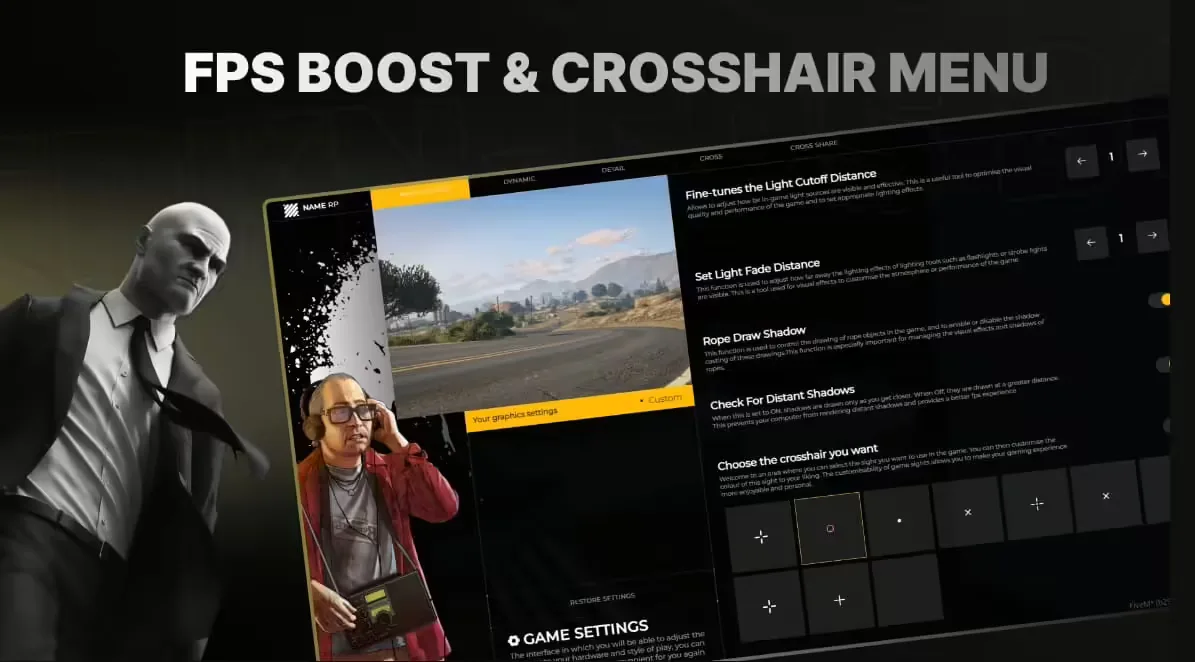
FPS Boost / Crosshair

FPS Boost / Crosshair

$12.49
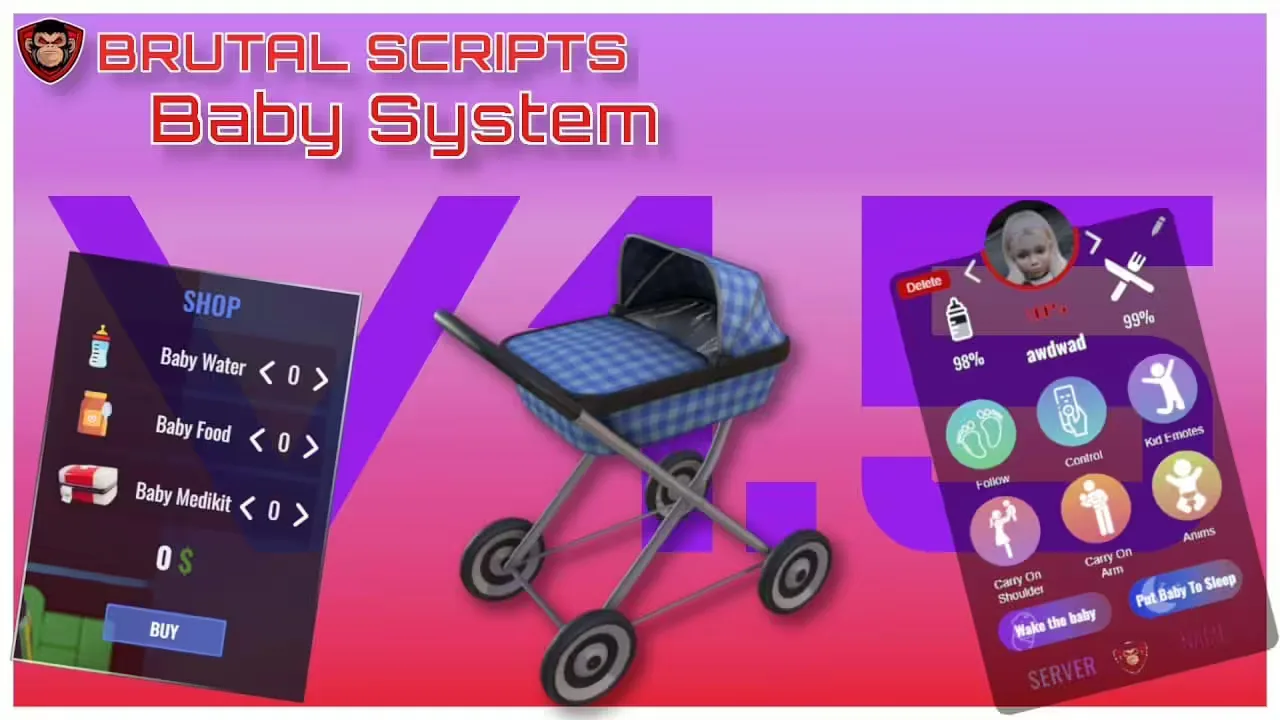
FiveM Baby Script

FiveM Baby Script

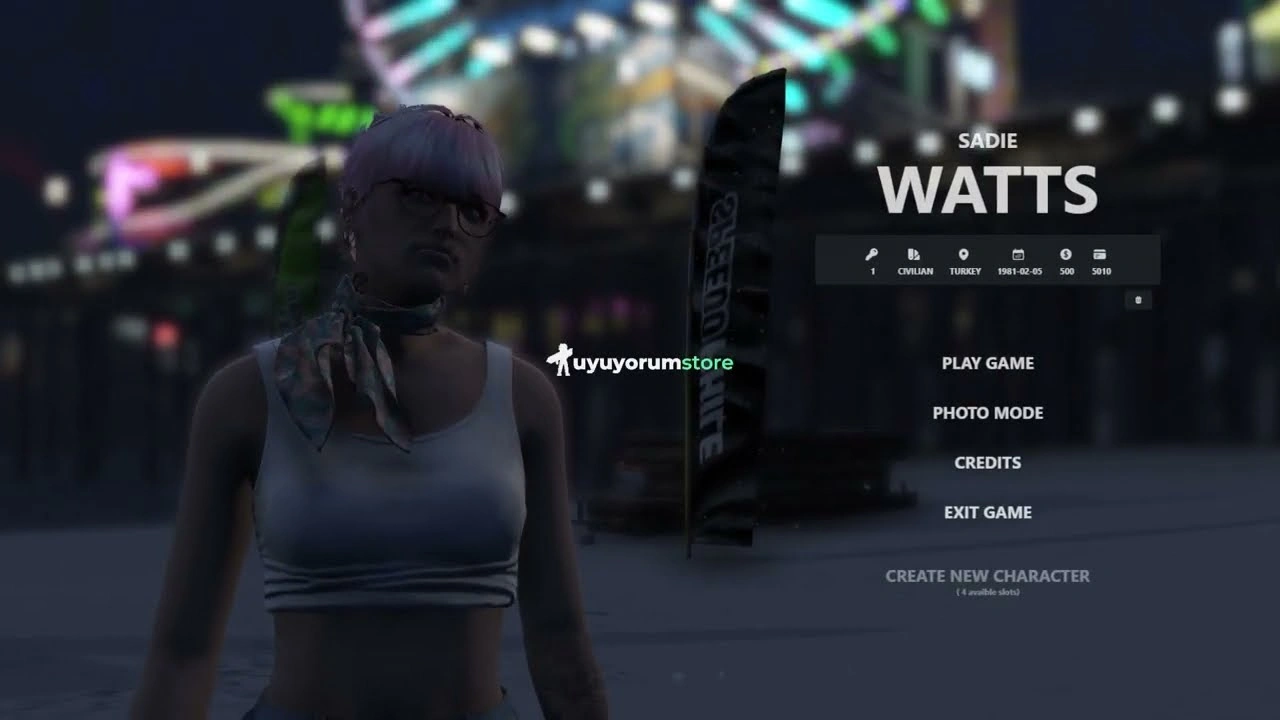
um Multicharacter

um Multicharacter

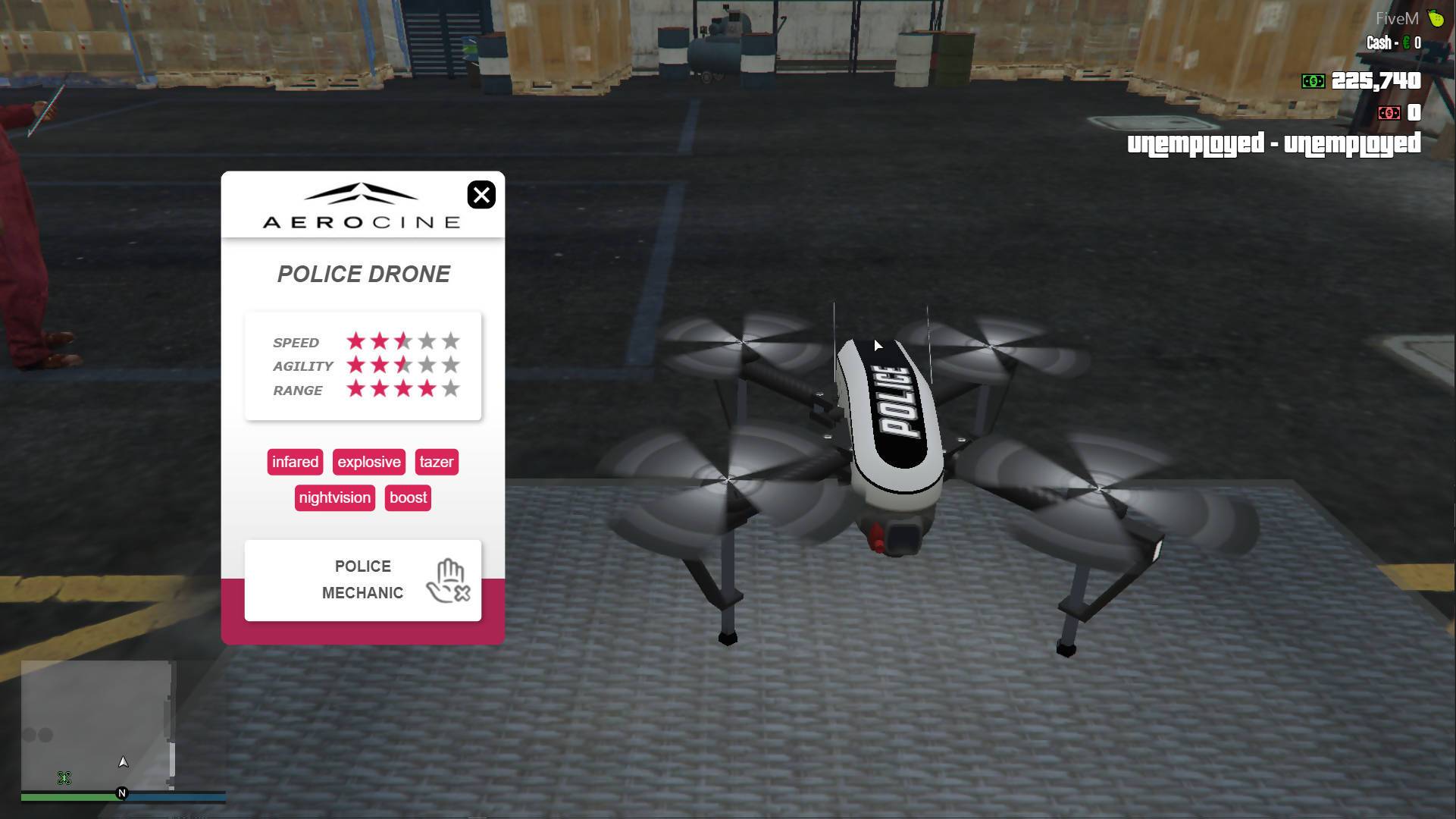
ModFreakz Drones Pack

ModFreakz Drones Pack