• Instant digital delivery
  • Lifetime updates on selected products
  • Trusted by server owners
FiveMX
Shop
Full ServersBundlesNew releases
FiveMX

Start building your server today.

Curated FiveM resources, instant delivery, free starter mods, and practical guides in one calm marketplace.

Browse the shopsupport@fivemx.com

Shop

  • Shop
  • FiveM Mods
  • All Products
  • Free Mods
  • Best Scripts & Mods
  • FiveM Scripts

Frameworks

  • QBCore Scripts
  • ESX Scripts
  • QBox
  • Standalone

Community

  • Blog
  • Support
  • Creators
  • Affiliate

Legal

  • Privacy Policy
  • Terms of Service
  • Refund Policy
  • Digital Delivery
  • Cookie Policy
  • GDPR Compliance
  • DMCA
  • Imprint
  • Editorial Policy

Server Templates

  • QBCore Server Template
  • ESX Server Template
  • NoPixel Server Template
  • Server Packs
  • Free Server Templates
  • Tebex Alternative
© 2026 FiveMX. All rights reserved.·FiveMX is not affiliated with Rockstar Games, Take-Two Interactive, or CFX.re. All trademarks are property of their respective owners.
DiscordDocs

5 product images available.

Compatibility:

RTX Waterpark

$9.491 sold

Secure Checkout

Cards, Apple Pay, Google Pay, iDEAL/Wero, Bancontact, EPS, Przelewy24, and optional Crypto where available via Stripe.

Instant file access after paymentSupport and refund policy shown before checkout
Ask support before buyingRead refund policy
Instant Access
SSL Encrypted
Cards, wallets, bank redirects
Frameworksesx, qbcore, qbox, standalone, vrp
Setup

Requires a FiveM server, esx or qbcore or qbox or standalone or vrp, access to server resources, and permission to restart the resource after configuration.

RequirementsPublished on this page
PreviewAvailable

Description

Video Preview

https://www.youtube.com/watch?v=4uhVWs1E3wg

Technical / Compatibility

  • OneSync Infinity Ready — scales with large player counts.

  • Compatible with all maps & MLOs — spawn and positioning are configurable.

  • Files you can edit: config.lua, language.lua, HTML/CSS for UI styling.

  • Exports & Hooks: Designed to be called from other resources (passes, admin tools, telemetry).

  • Protection: Escrow system active for core code; settings and UI remain editable for server owners.


Quick Install (3 steps)

  1. Drop the resource into your resources/[your-folder] and add to server.cfg.

  2. Configure config.lua (prices, pass timers, slide positions) and language.lua.

  3. Start resource, verify spawn points on your map/MLO, and enjoy.


Support & Customization

  • Support included — installation help and basic troubleshooting.

  • Customization services available upon request (models, animations, pass mechanics).

  • Recommended: Adjust slide spawn points and target markers per MLO to avoid clipping.

Install instructions (Standalone): 1. Put rtx_waterpark folder to your resources 2. Open config.lua file 3. Configure your config.lua to your preferences (Configure notify line in bottom of config.lua you need use our notify system or you need change notify line to your system) 4. Put rtx_waterpark to the server.cfg Install instructions (QBCore): 1. Put rtx_waterpark folder to your resources 2. Open config.lua file 3. Configure your config.lua to your preferences (Configure notify line in bottom of config.lua you need use our notify system or you need change notify line to your system) 4. Put rtx_waterpark to the server.cfg 5. If you want use waterpass system, add new items to qb-core/shared/items.lua - items name: waterpass, waterpassunlimited Example items line for items.lua: ['waterpass'] = {['name'] = 'waterpass', ['label'] = 'Water Pass', ['weight'] = 1000, ['type'] = 'item', ['image'] = 'waterpass.png', ['unique'] = false, ['useable'] = true, ['shouldClose'] = true, ['combinable'] = nil, ['description'] = 'Water Pass'}, ['waterpassunlimited'] = {['name'] = 'waterpassunlimited', ['label'] = 'Water Pass Unlimited', ['weight'] = 1000, ['type'] = 'item', ['image'] = 'waterpassunlimited.png', ['unique'] = false, ['useable'] = false, ['shouldClose'] = true, ['combinable'] = nil, ['description'] = 'Water Pass Unlimited'}, Install instructions (ESX): 1. Put rtx_waterpark folder to your resources 2. Open config.lua file 3. Configure your config.lua to your preferences (Configure notify line in bottom of config.lua you need use our notify system or you need change notify line to your system) 4. Put rtx_waterpark to the server.cfg 5. If you want use waterpass system, upload sql sql_ESX.sql file to your mysql database. Common issues: ----------------------------- If you use an anticheat, put an object named prop_cs_box_clothes in the whitelist License agreement / Terms of Service 1. Any purchase is non-refundable. 2. Each product is to be used on a singular server, with the exception of a test server. 3. Any form of redistribution of our content is considered copyright infringement. 4. If any of these rules are broken, legal actions can be taken. © 2025 RTX Development, all rights reserved.

Related Standalone Scripts

  • VMS Documents
  • VIEWPOINT V
  • okok TextUI
  • GFX Leaderboard (ESX/QB)

Installation notes

Requires a FiveM server, esx or qbcore or qbox or standalone or vrp, access to server resources, and permission to restart the resource after configuration.
Installation notes
Requires a FiveM server, esx or qbcore or qbox or standalone or vrp, access to server resources, and permission to restart the resource after configuration.

Buy this when it saves setup time

Use this checklist to decide quickly whether the resource fits your current server build, framework, and support expectations.

Server-owner payoff

RTX Waterpark is positioned to reduce Clubs & Entertainment instead of making you rebuild the same system from scratch.

Compatibility

Works with esx, qbcore, qbox, standalone, vrp. Check the requirements block before adding it to a live stack.

Purchase confidence

Instant download, Stripe checkout, support access, and refund policy context are shown before payment.

Decision assets

Requirements, Preview video, Product Q&A

Product fit, setup, and proof at a glance

Use the published facts on this page to confirm whether RTX Waterpark matches your server before checkout.

Compatibility

Frameworks
ESX, QBCore, QBOX, Standalone, vRP
Category
Clubs & Entertainment

Setup & requirements

Install flow
Download → resources folder → ensure in server.cfg
Requirements
Published on this page
File size
11.41 MB

Proof & buyer questions

Reviews
No reviews — be the first
Sales
1

Only the facts published on this page should be treated as confirmed. If you need more detail, review the description, requirements, changelog, reviews, and product Q&A before checkout.

DescriptionRequirementsPreview video
Clubs & Entertainment
Compatibility:
ESX
QBCore
QBOX
Standalone
vRP

RTX Waterpark

Review process
$9.491 sold

Secure Checkout

Cards, Apple Pay, Google Pay, iDEAL/Wero, Bancontact, EPS, Przelewy24, and optional Crypto where available via Stripe.

Instant file access after paymentSupport and refund policy shown before checkout
Ask support before buyingRead refund policy
Instant Access
SSL Encrypted
Cards, wallets, bank redirects
Frameworksesx, qbcore, qbox, standalone, vrp
Setup

Requires a FiveM server, esx or qbcore or qbox or standalone or vrp, access to server resources, and permission to restart the resource after configuration.

RequirementsPublished on this page
PreviewAvailable
Home
Shop
Clubs & Entertainment
ESX
QBCore
QBOX
Standalone
vRP
Review process

Key Features

  • OneSync Infinity Ready

    Scales with large player counts for server performance optimization.

  • Compatible with all maps & MLOs

    Spawn and positioning are fully configurable across different map and MLO setups.

  • Editable configuration files

    Server owners can customize config.lua, language.lua, and HTML/CSS for UI styling.

  • Exports & Hooks integration

    Designed to be called from other resources including passes, admin tools, and telemetry systems.

  • Escrow protection with customization

    Core code is protected via escrow system while settings and UI remain editable for server owners.

Frequently Asked Questions

Related Products

$17.99
$11.49
$18.99

Related Tutorials & Guides

Learn more about setting up, configuring, and using this type of resource.

ESX vs QBCore vs QBOX: Technical Framework Comparison 2026

ESX vs QBCore vs QBOX: Technical Framework Comparison 2026

Choosing a framework is the single most consequential decision when building a FiveM server. It determines which scripts you can use, how your developers write code, the…

FiveM Frameworks Explained: Complete Guide to ESX, QBCore & QBOX

FiveM Frameworks Explained: Complete Guide to ESX, QBCore & QBOX

FiveM frameworks form the backbone of roleplay servers. They're not just code libraries—they're complete systems that manage player identity, jobs, inventory, permissions,…

QBox Framework Guide: Migrate from QBCore and Boost Performance (2026)

QBox Framework Guide: Migrate from QBCore and Boost Performance (2026)

QBox has firmly established itself as the natural successor to QBCore in the FiveM roleplay ecosystem.

Continue Building Your FiveM Server

Use this product as part of a larger setup. Explore related categories, alternative frameworks, premium bundles, and free companion downloads.

Explore FiveM MLOsExplore Restaurants & ShopsExplore FiveM MinigamesBrowse all scriptsClubs & Entertainment scriptsesx scriptsTry QBCore insteadTry QBox insteadFree FiveM modsCompare bundles
Sandy Shores Airfield (EXTERIOR+SMALL INTERIOR)

Sandy Shores Airfield (EXTERIOR+SMALL INTERIOR)

$8.49
Clawles Diamond Casino (MLO)

Clawles Diamond Casino (MLO)

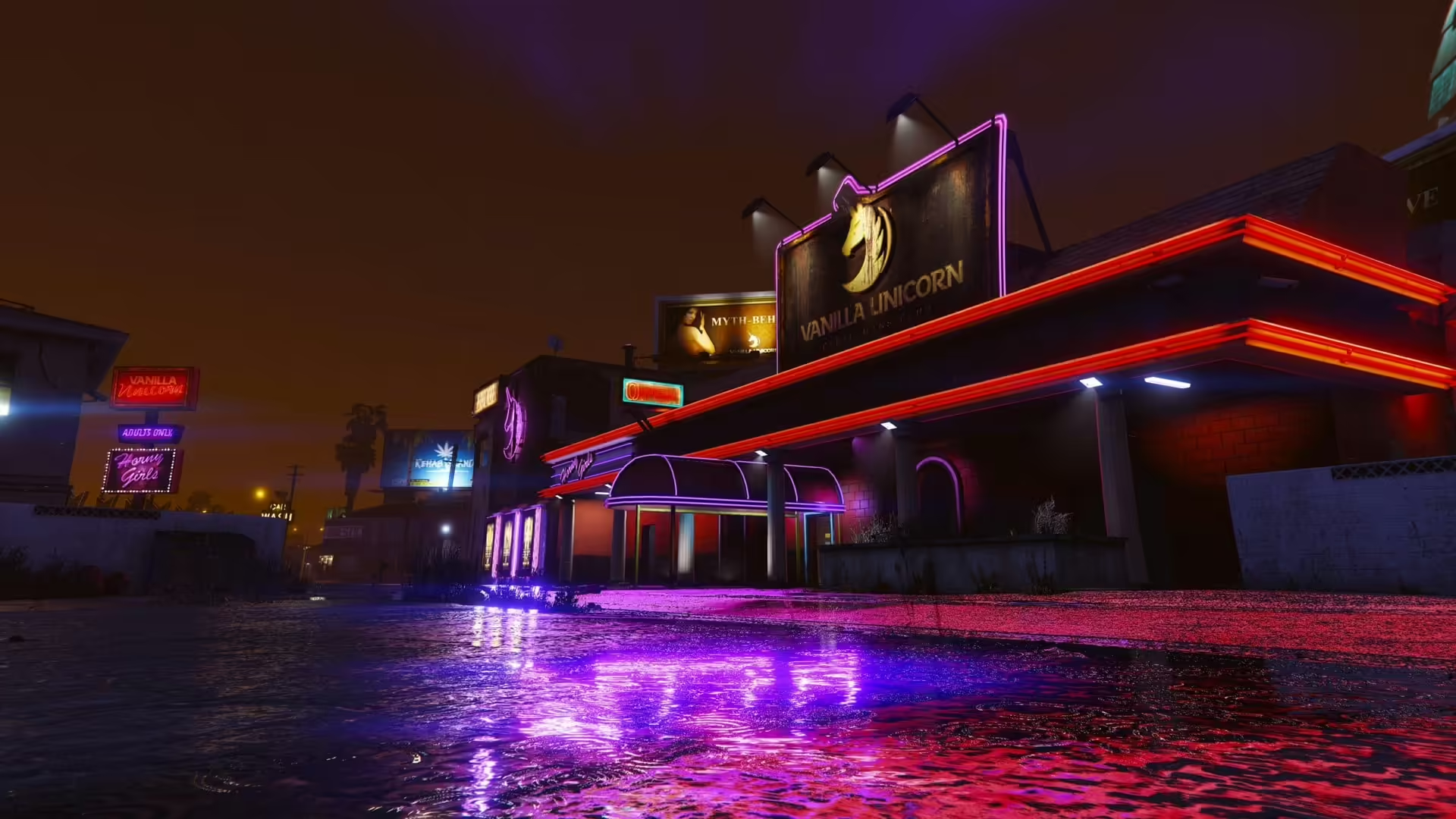
Custom Vanilla Unicorn MLO

Custom Vanilla Unicorn MLO

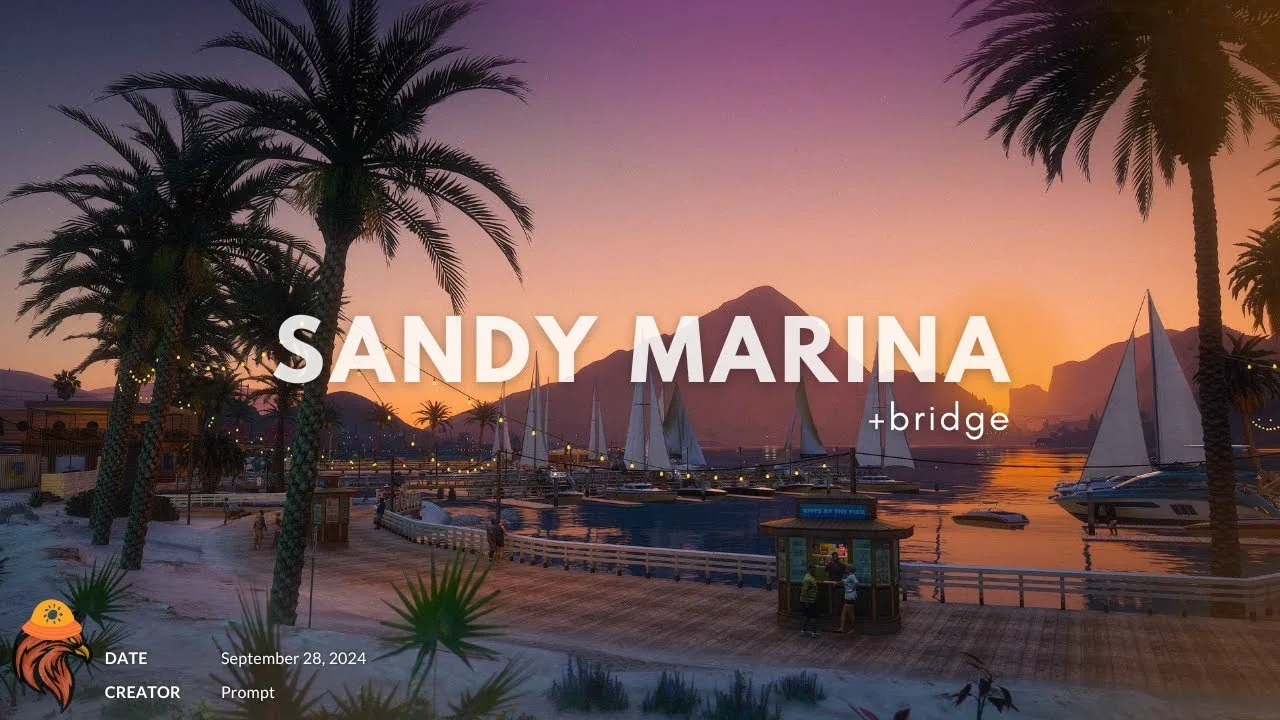
Sandy Shores Beaches

Sandy Shores Beaches