



Configure sm_smelterdelivery for ESX: ore recipes, customer jobs, ox dependencies and payout checks. Review API compatibility before installation.

 English
Configure sm_smelterdelivery for ESX: ore recipes, customer jobs, ox dependencies and payout checks. Review API compatibility before installation.

Configure AZ XP System 1.0.1 for QBCore or ESX, match its SQL and manifest, and review unguarded XP grants and level persistence.

Review DrSnyder’s ERS integration with its actual SQL location, framework dependencies and manual dispatch and radial-menu changes.

Review SwiftLink’s QBCore requirements, speed-camera settings, CCTV permissions and webhook handling before enabling automatic fines.

Direct answer: Migrating ESX to QBCore is a controlled rewrite and data migration, not a framework switch. Build a clean QBCore staging server, inventory every ESX dependency, define an explicit field-by-field data map, port resources against current APIs, rehearse rollback, and cut over only after referential and gameplay checks pass.

A dependency-labelled QBCore admin command reference based on the current qb-core source, with permissions, syntax and safe testing notes.

Choose Qbox for a new server when you want its modern, OX-integrated stack and are prepared to follow its conventions. Keep QBCore when your stable server depends on QBCore-specific resources and a migration has no clear payoff. Qbox provides a compatibility bridge for most properly written QBCore scripts, but compatibility is not universal.
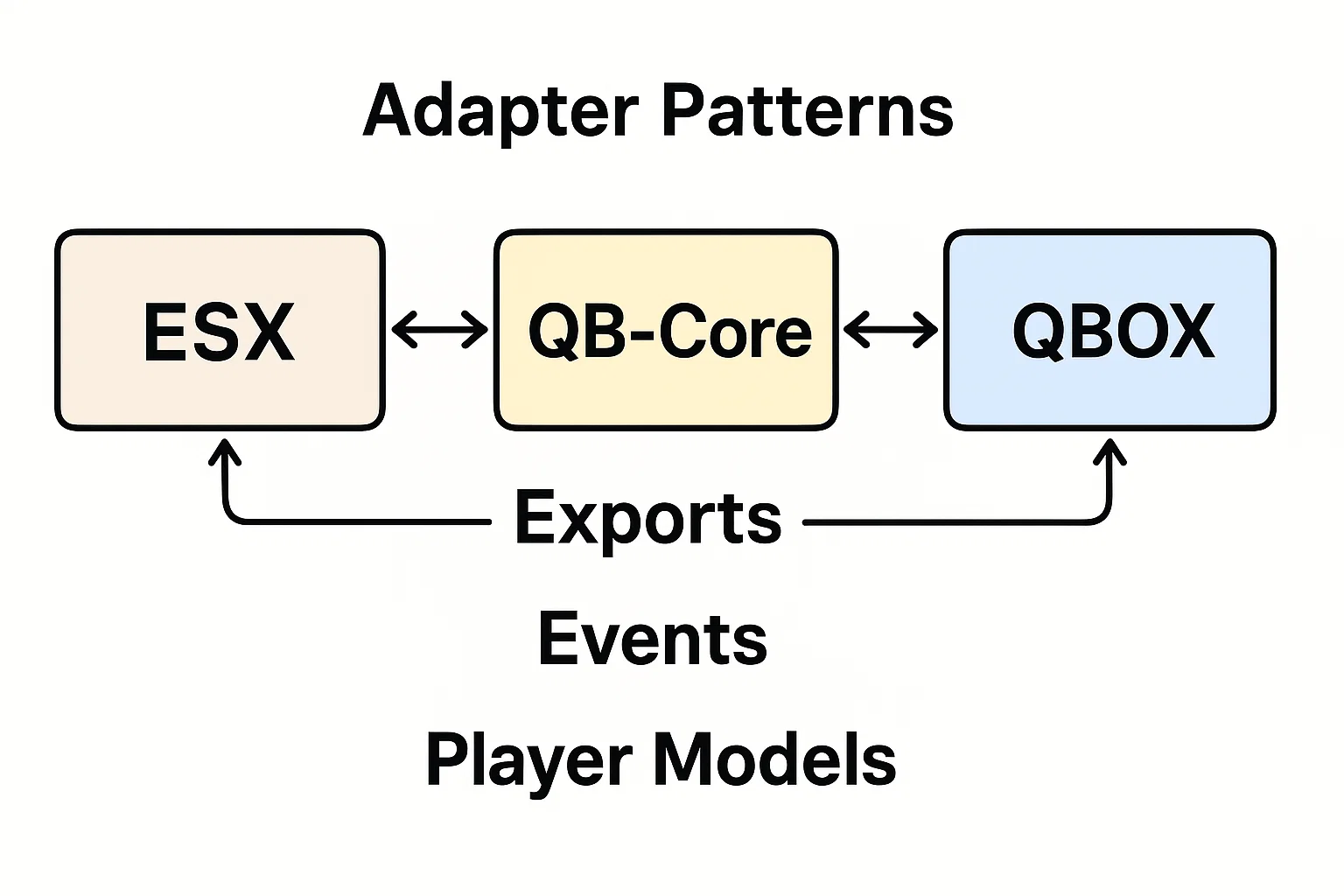
A framework adapter gives your resource a small interface while keeping ESX, QBCore and Qbox details in one place. Start with a read-only operation, verify it on each supported framework, and add money or inventory operations only when their failure behavior is defined.

Convert a FiveM resource by mapping its framework, inventory and database dependencies, then testing one gameplay flow at a time. Renaming ESX events to QBCore events is not a complete conversion. A server-wide character migration is a separate project.

Choose QBCore settings from your installed version and the experience you want players to have. There is no universal config.lua preset that fixes lag, economy balance and permissions together.

Install ScubeScripts sc_textUI with its actual client exports and server events, then test prompt cleanup and translated text.
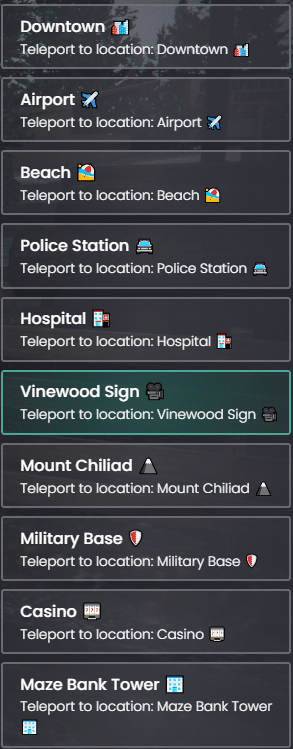
Review Durexio’s teleport menu before installation: actual QBCore dependencies, incomplete ESX support, disabled access checks and shared webhook configuration.
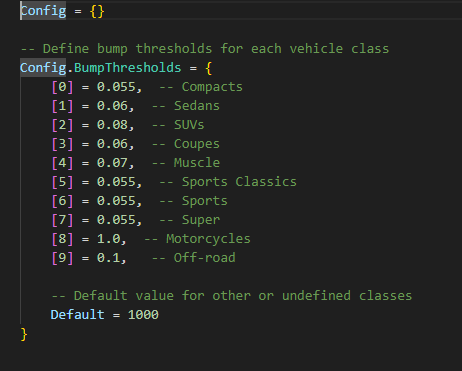
Review GM-AntiBump: vehicle-class thresholds, suspension sampling, speed-limit changes and checks for conflicts with handling scripts.

Start with the exact resource you want to change. Read its fxmanifest.lua, configuration and documented exports before editing. Record the installed QBCore and resource revisions, copy the configuration and database to a private test server, and change one behavior at a time.

KM-HUD is a QBCore resource in the Angelinn142/km-hud repository. Its manifest requires qb-core and loads html/ui.html; the client code displays cash, bank balance, job and job grade. The HUD toggle command is /zshud.

Direct answer: Do not run ESX and QBCore as two authoritative cores for the same players. Both can technically start as FiveM resources, but they model identity, jobs, money, inventory, callbacks and events differently. Without a purpose-built bridge and one declared source of truth, duplicated state becomes unsafe and hard to recover.

Check Ksp-AutoRepairs for QBCore: PolyZone imports, bank charges, cancellation behavior, location checks and installation requirements.

Set up QBCore scripts with a clear manifest and dependency list, then test configuration, locales, start order and server-side event checks before production.