Save 20% with WELCOMEView sales
FiveM Upvotes

What are FiveM Upvotes? – FiveM Related

TL;DR  FiveM Upvotes are paid promotion points that server owners purchase from the official Cfx.re Portal. When you apply them, your GTA V (FiveM) or RedM server jumps higher in the in‑game server list—sometimes even into the main‑menu carousel—so more players notice and join. Why do Upvotes exist? The public server list contains 10 000+ entries. Without some signal […]

Power Gaming

Powergaming in FiveM: Meaning, Examples and Rules

Powergaming in FiveM means forcing an action or outcome on another player, or making your character do something unrealistically powerful, without giving the other people in the scene a fair chance to respond. The exact rule varies by server, but good roleplay leaves room for reaction, uncertainty and believable consequences. What is powergaming in FiveM? […]

How to Clear FiveM Cache

Say goodbye to stutters, crashes, and weird glitches—clearing your FiveM cache is the quick fix that keeps the ride smooth and glitch‑free. Our step‑by‑step guide shows you how to wipe it safely and fast, so you can get back to enjoying the game.

FiveM Connection failed

FiveM Connection Failed: Diagnostic and Resolution Guide

FiveM connection failures occur at TCP handshake (30120), UDP stream initialization (30110-30125), or authentication timeout with nucleus servers. Error presents as Failed to connect to server: Connection timed out after 15-second threshold. Diagnostic Framework If you are server-owner, make sure to host your server on a good host. Network Diagnostics 1. Port Accessibility Test Expected: […]

FiveM Could Not Find Game Executable

FiveM Could Not Find Game Executable: Resolution Guide

FiveM launcher fails to locate GTA V executable when registry keys point to incorrect paths, game files moved post-installation, or platform-specific DRM wrappers interfere with detection. Error manifests as popup: Could not find game executable at %s. Prerequisites Root Cause Analysis 1. Registry Key Verification Expected output: If missing or incorrect, proceed to platform-specific fixes. […]

FiveM Infinite Loading Screen: Complete Fix Guide

FiveM loading screen hangs occur when client-server handshake fails, resources exceed streaming capacity, or network paths block essential UDP traffic on ports 30110-30125. This guide provides systematic diagnostics and fixes for all three failure categories. Immediate Diagnostics Press F8 during hang to access console: Stuck phase determines fix path. Scope Covers: Network timeouts, resource streaming […]

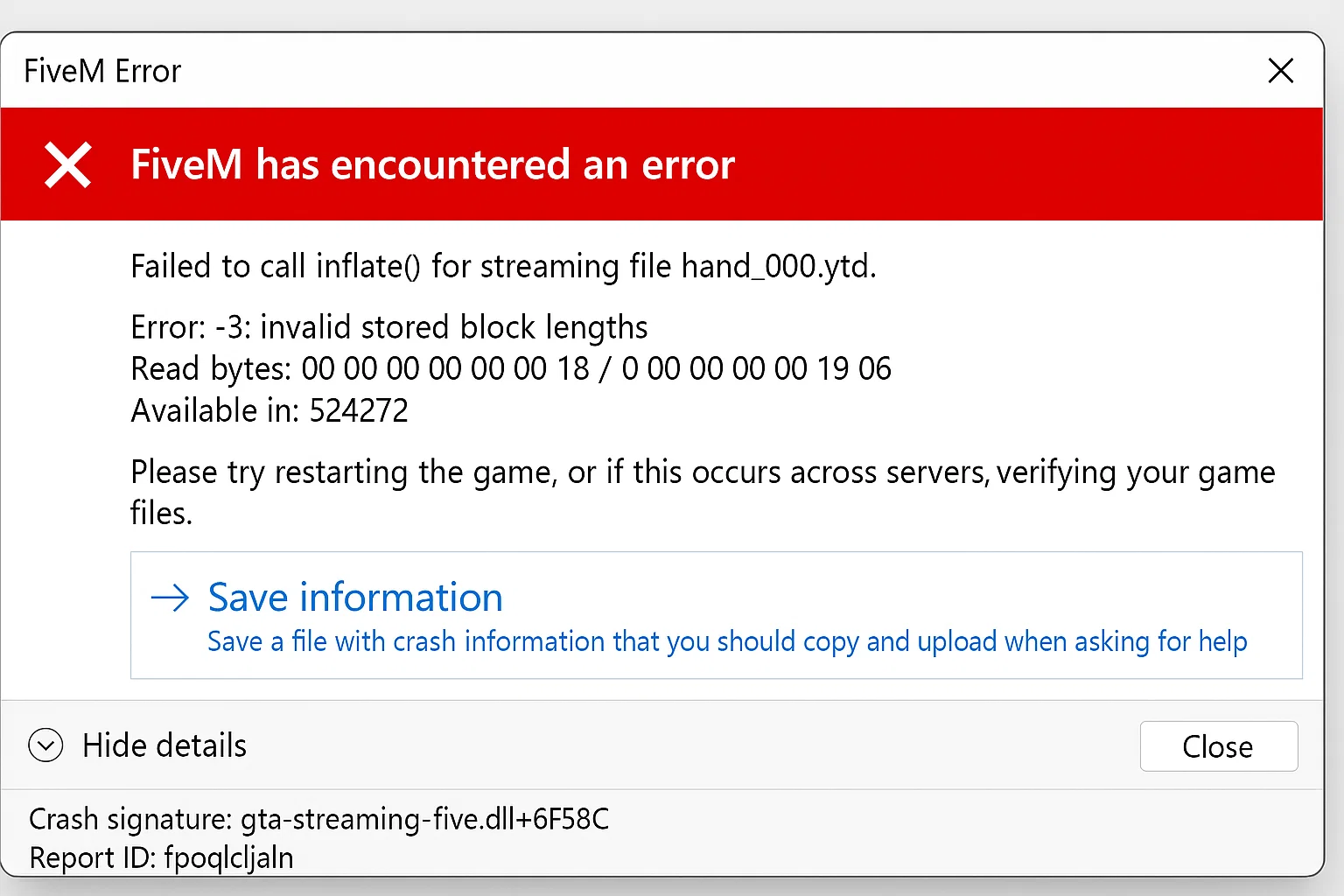
How I Fixed the 'Failed to Inflate Error' in FiveM (Step-by-Step Guide)

FiveM Crash Help: Troubleshooting Guide

Quick‑Start FiveM Crash Fix Guide > Got a “no‑launch” error? Follow these simple steps and you’ll have your FiveM client up and running in minutes. Prerequisites Diagnostic Steps 1. Check Crash Logs Navigate to FiveM installation directory and locate crash dumps: Open the most recent .dmp file timestamp to identify specific error codes. 2. Verify […]

FiveM

How To Install FiveM on Windows (10 / 11)

Prerequisites Before installation, verify your system meets these requirements: System Requirements Minimum: Recommended: Required Software Step 1: Verify GTA V Installation Steam Users: Epic Games Users: Rockstar Launcher Users: Step 2: Download FiveM You can also use our direct link here Security Note: Always download from the official website or fivemx.com to avoid malware! Step […]

How I Fixed the 'Failed to Inflate Error' in FiveM (Step-by-Step Guide)

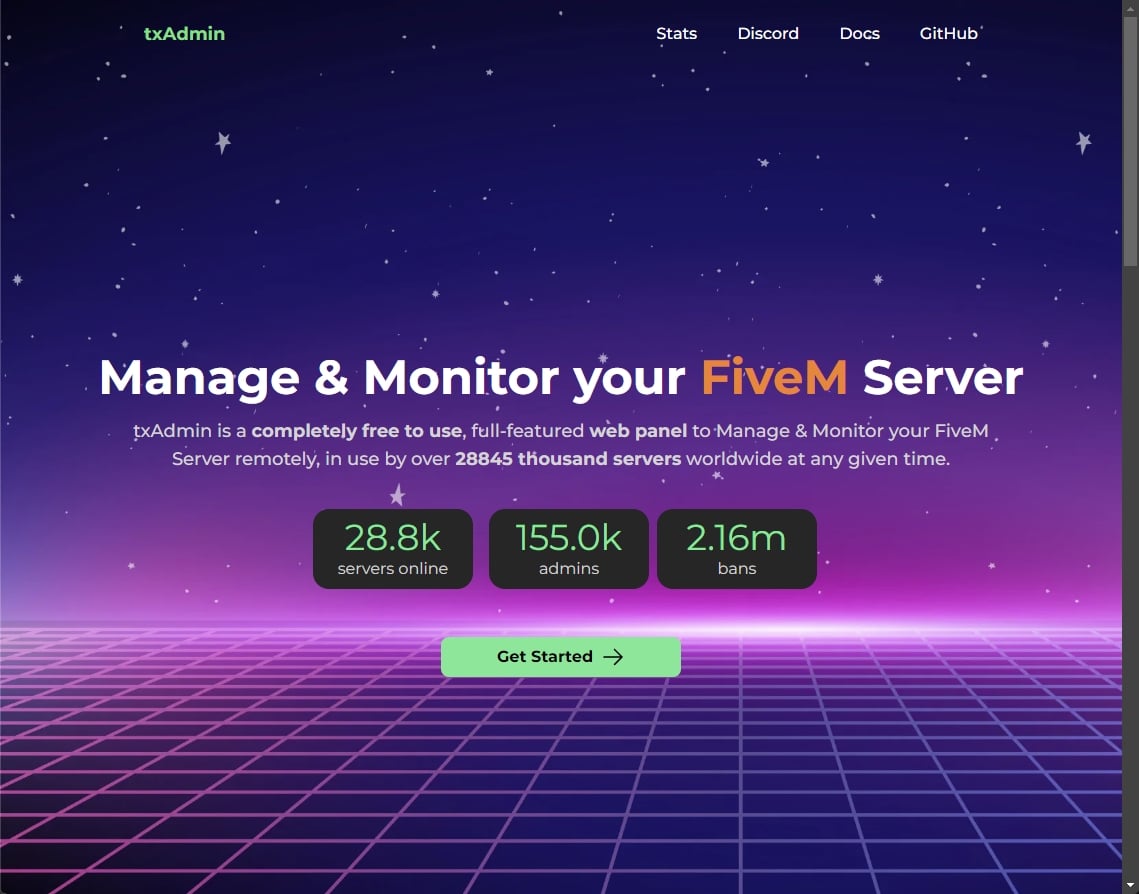
Troubleshooting: FXServer is not responding! (How to fix)

When your FXServer shows “not responding” errors, you’re typically dealing with one of five core issues. This guide provides systematic troubleshooting steps for FiveM server administrators experiencing connectivity failures between txAdmin and FXServer. Primary Cause: Port Configuration Mismatch Issue: txAdmin cannot connect to FXServer due to incorrect port configuration in server.cfg Fix: Verify your server.cfg […]

txAdmin

How to Check txAdmin Logs for Errors

txAdmin maintains three types of persistent log files in the txData/<profile>/logs/ directory: admin logs for administrative actions, fxserver logs for console output, and server logs for in-game events. These logs are essential for diagnosing server issues, tracking player activities, and monitoring system performance. Target Audience: FiveM server administrators using txAdmin v4.6.0 or newer with log […]

How to use FiveM mods

How to Use FiveM Mods: Complete Installation and Setup Guide

FiveM mods enhance your Grand Theft Auto V multiplayer experience by adding custom content, vehicles, scripts, and gameplay features. This guide provides the exact steps to install and configure mods correctly. Prerequisites Before installing any mods, verify you have: Mod Installation Methods Method 1: Server-Side Mods (Automatic) Most FiveM servers handle mod installation automatically: Cache […]

fivem txadmin ban

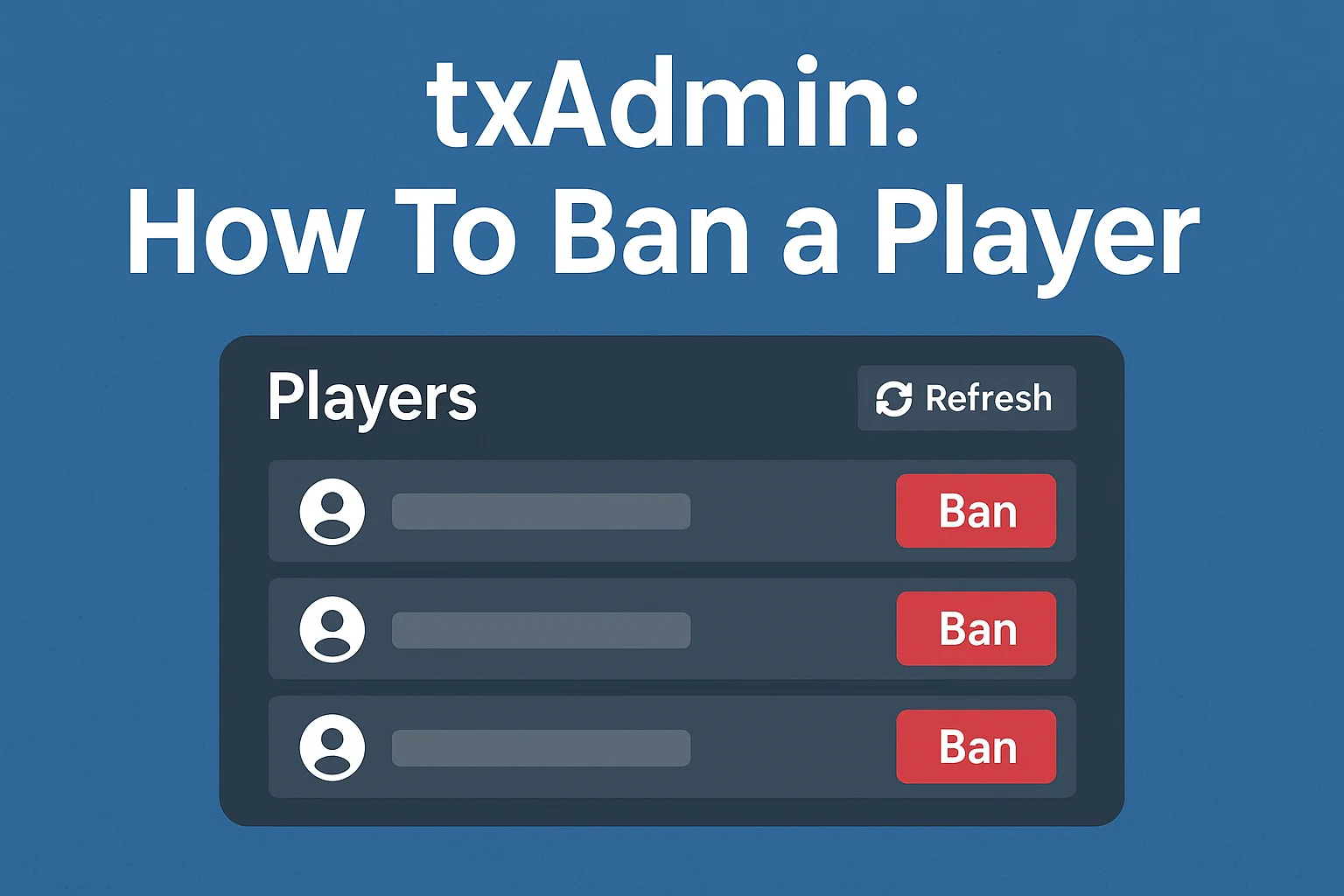
FiveM & txAdmin: How To Ban a Player

Prerequisites Method 1: Ban via Live Console Method 2: Ban via Players Page Method 3: Ban Offline Players Method 4: In-Game Commands Execute in the server console or in-game chat (with proper permissions): Examples: Duration formats: Ban Configuration Options Global Ban Settings Ban Identifiers Priority txAdmin bans multiple identifiers by default: Verifying and Managing Bans […]

FiveM Bridge

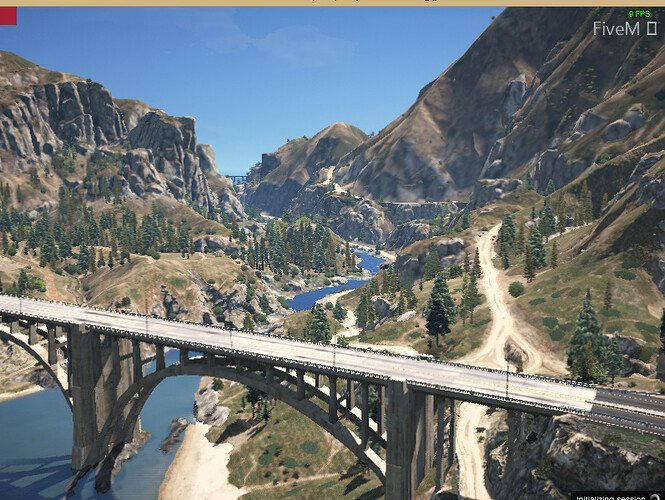
Disable Bridge Element in FiveM Loading Screen

This tutorial explains how to remove the bridge from FiveM server loading screenby creating or modifying a loading screen resource. Prerequisites Method 1: Create New Loading Screen Resource Step 1: Create Resource Structure Step 2: Configure fxmanifest.lua Step 3: Create index.html Step 4: Add to server.cfg Method 2: Modify Existing Loading Screen Step 1: Locate […]

fivem vdm

What is VDM (FiveM)? Definition & Prevention

What is VDM? Vehicle Deathmatch (VDM) refers to the act of using a vehicle as a weapon to intentionally ram, kill, or injure other players without proper roleplay justification. In FiveM roleplay servers, VDM violates fundamental server rules and disrupts the roleplay experience players seek. Why VDM Matters Roleplay servers operate on the principle of […]

FiveM Whitelist

FiveM Whitelist — Complete Guide (txAdmin, Scripts, DB)

A whitelist in FiveM is an access-control mechanism that restricts server entry to pre‑approved players, matched by their unique identifiers (Rockstar license, Steam ID, Discord ID, etc.). Below is a production‑ready guide covering txAdmin’s built‑in whitelist, script patterns, database storage, and reliability notes. TL;DR Options Matrix Mode Where to set What it checks Best for […]

FiveM Pure Mode

FiveM Pure Mode: sv_pureLevel 1 vs 2 Explained

FiveM Pure Mode is a server setting that restricts modified client files. Add sv_pureLevel 1 or sv_pureLevel 2 to server.cfg, restart FXServer, and test with the same graphics and audio modifications your players use. Level 1 allows audio files and known graphics mods; level 2 blocks all modified client files. Verified against the official Cfx.re […]

Gaming Server Website

How To Create a Website for your Gaming Server

Read time: 12 minutes | Technical level: Beginner-Intermediate If using FiveM: Make sure to have your FiveM Server already up & running, before proceeding. You’ve got a gaming server. Now you need a website that doesn’t look like it was built in 2005. This guide cuts through the BS and shows you exactly how to […]

Creating Subscription Tiers That Players Actually Want

Creating Subscription Tiers That Players Actually Want

Target Audience: FiveM server owners looking to implement sustainable monetization without compromising player experience. The Economics of FiveM Subscription Tiers Running a FiveM server costs money. According to recent industry data, the average 100-slot server costs between $150-$500 monthly when factoring in hosting, development, and marketing. Yet 73% of servers fail to break even because […]