



Understand Zoidberg’s mansion scene, object-list requirements and the limits of its documented FiveM support.

 English
Understand Zoidberg’s mansion scene, object-list requirements and the limits of its documented FiveM support.
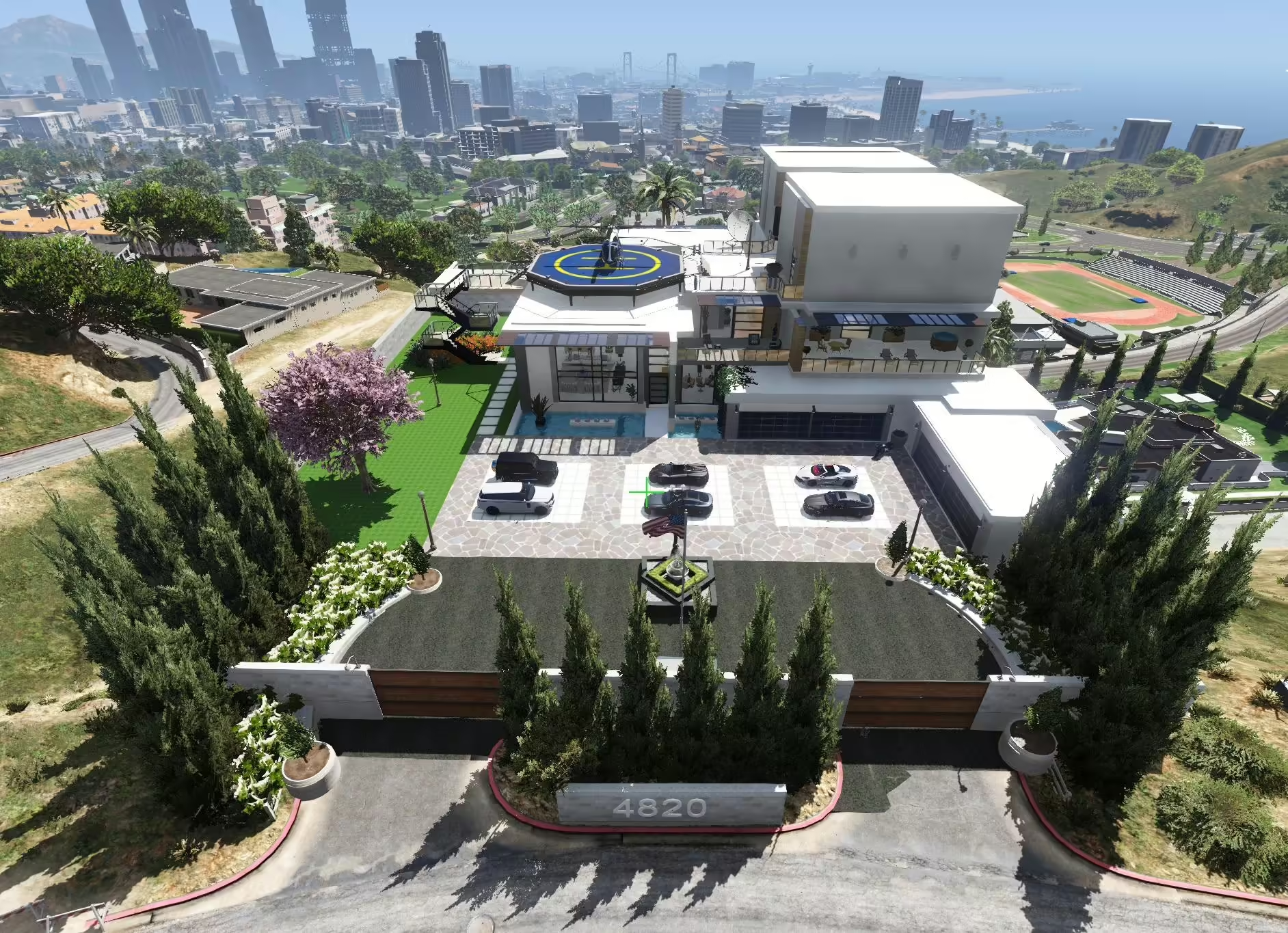
Compare KINGMAV’s separate Modern Mansion downloads, required files and version-specific setup before installing.
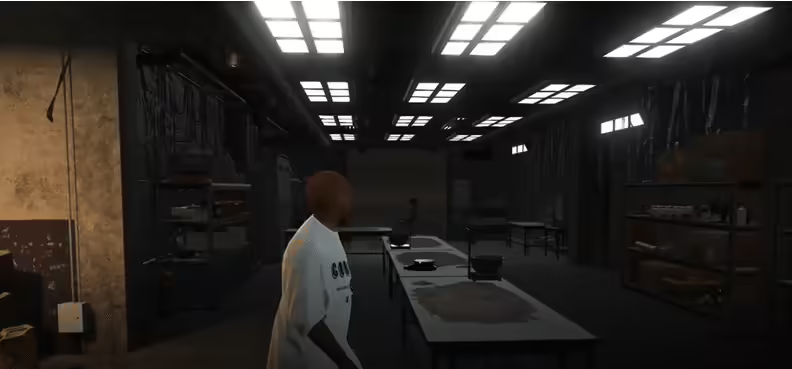
Sandy Cokelab is MrBrown1999’s MLO interior published in 2019. The original listing gives separate single-player and FiveM instructions. For FiveM it specifies the server resources folder and start cokelab in server.cfg; the dlclist.xml steps belong to single-player installation.

Find TuneWorx’s BMW X6M release, distinguish published updates from planned V3 features and follow the correct GTA V add-on workflow.
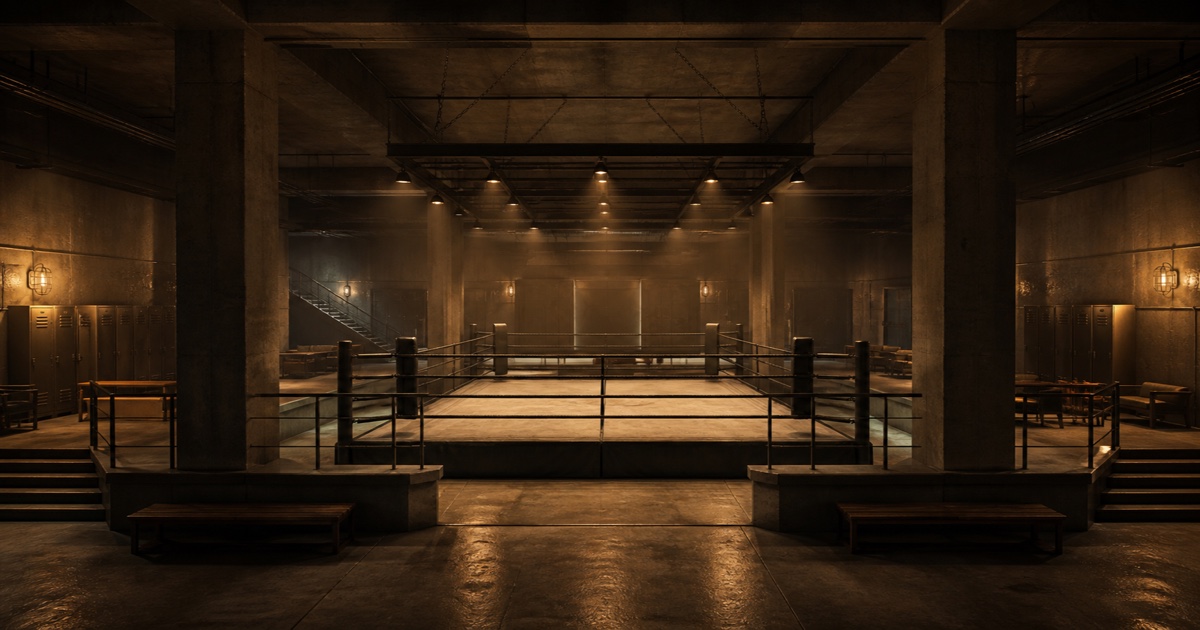
Install MrBrown1999’s Fight Club interior using its separate FiveM or SP folder, correct DLC-list path and creator coordinates. Review the legacy manifest.
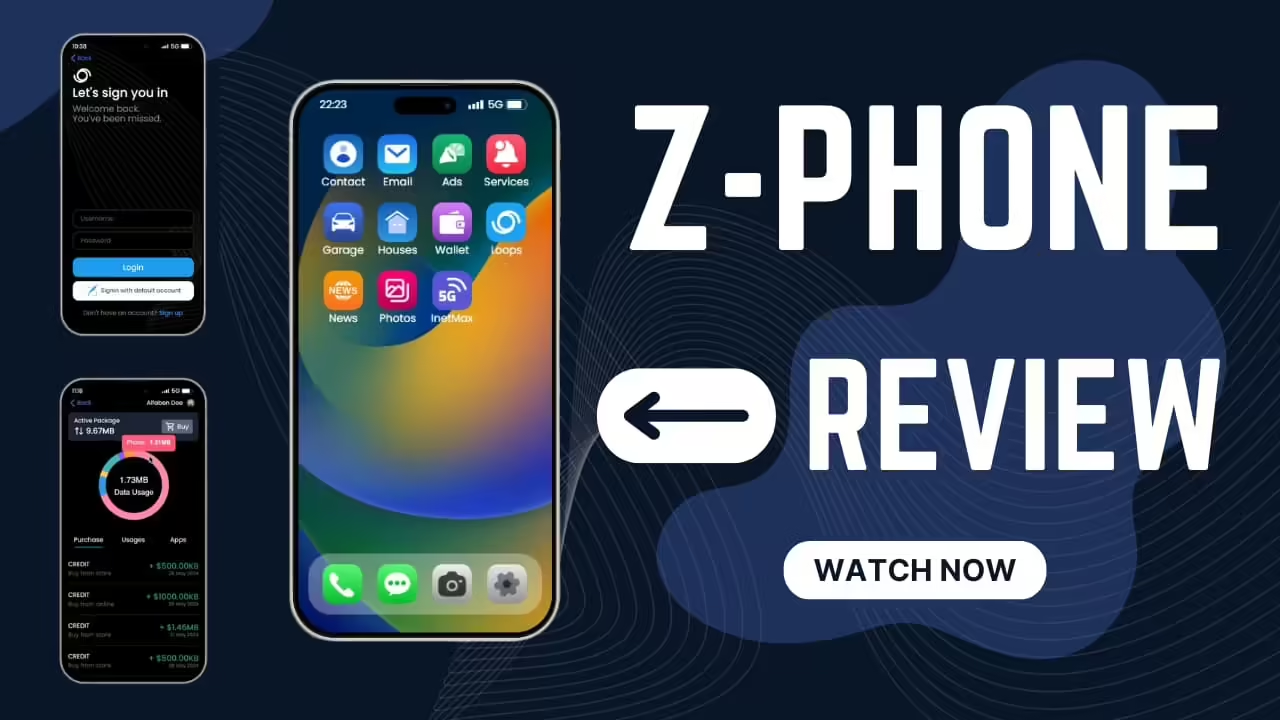
Z-Phone for FiveM: framework settings, phone dependencies, destructive SQL import and banking issues in the reviewed source.
Find the original NProbleM Admin Tag release and understand its unavailable download. Review permissions before choosing a replacement admin tool.
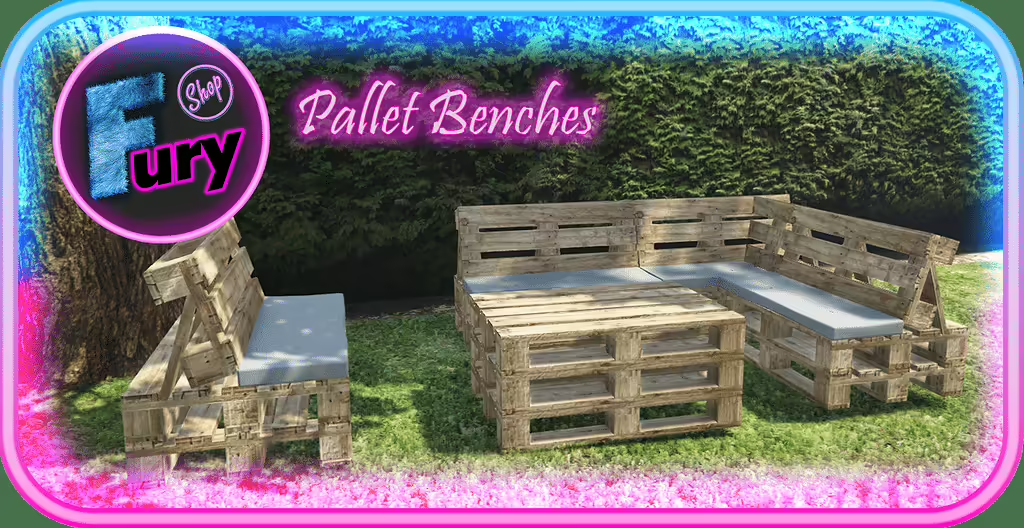
Install Fury Shop’s pallet props for FiveM: exact resource folder, three model names, placement requirements and source attribution.

Find BigShaqNOKetchup’s original Nature Weekend House, follow the single-player package layout and check the creator’s server-use terms.
Review HideInTrash installation, the E interaction and /resetTrash, including collision recovery and client-only occupancy limitations.
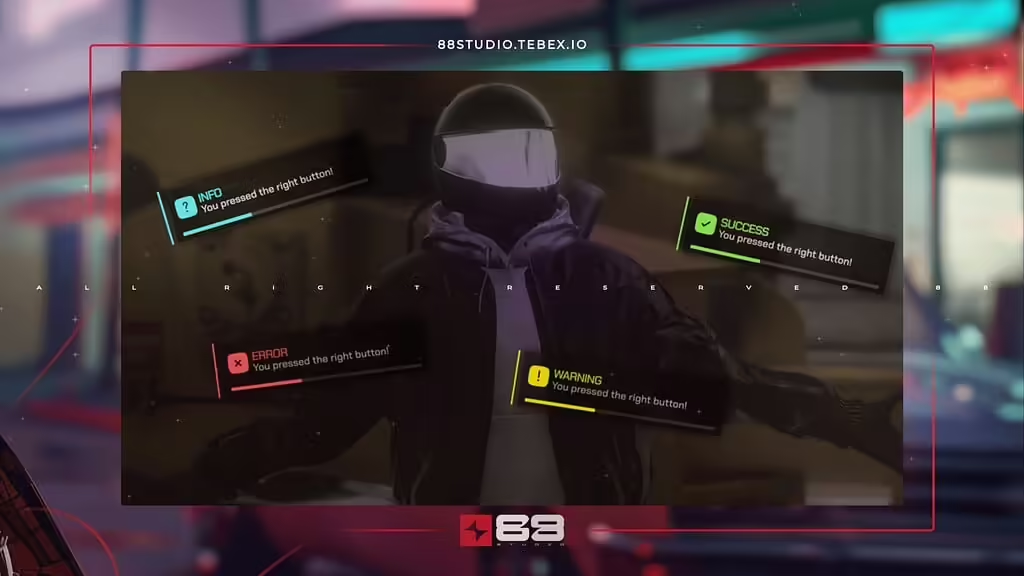
Check the original 88 Studio notification release, current availability and client-side integration before replacing framework notifications.

LTRipjaws’ Mega Reshade Pack is a set of GTA V graphics presets built around NaturalVision Evolved and medium ENB settings. The creator’s listing dates to 2021. It is a client graphics modification; placing the files in a FiveM server resources folder will not install the presets for players.
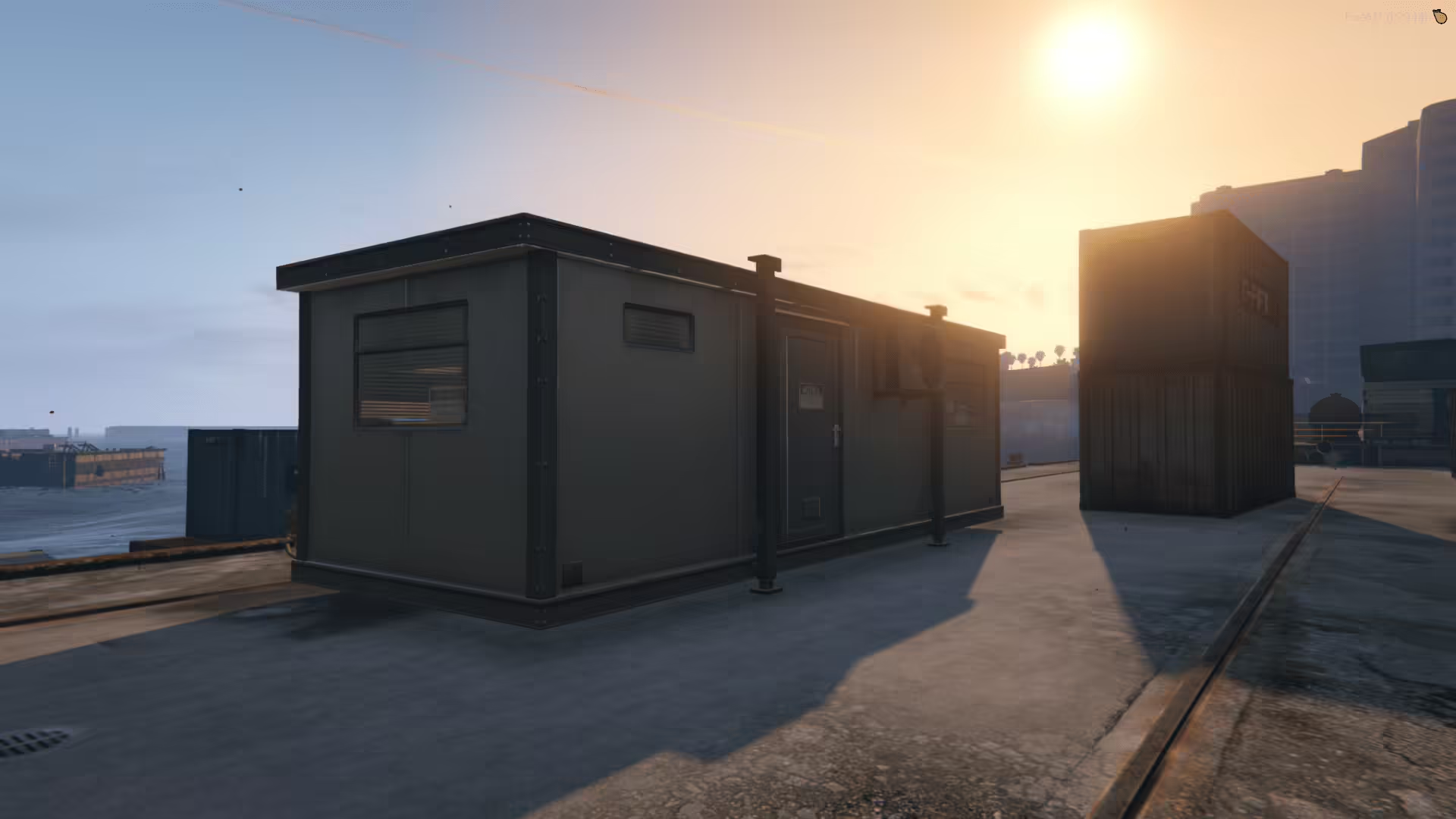
Install Changer’s container using the actual changer_container resource folder. Keep the FiveM map assets together and separate the single-player files.

Identify turtle8675309’s Legion Square project, understand its optional YMAP layers and check the currently unavailable source link.
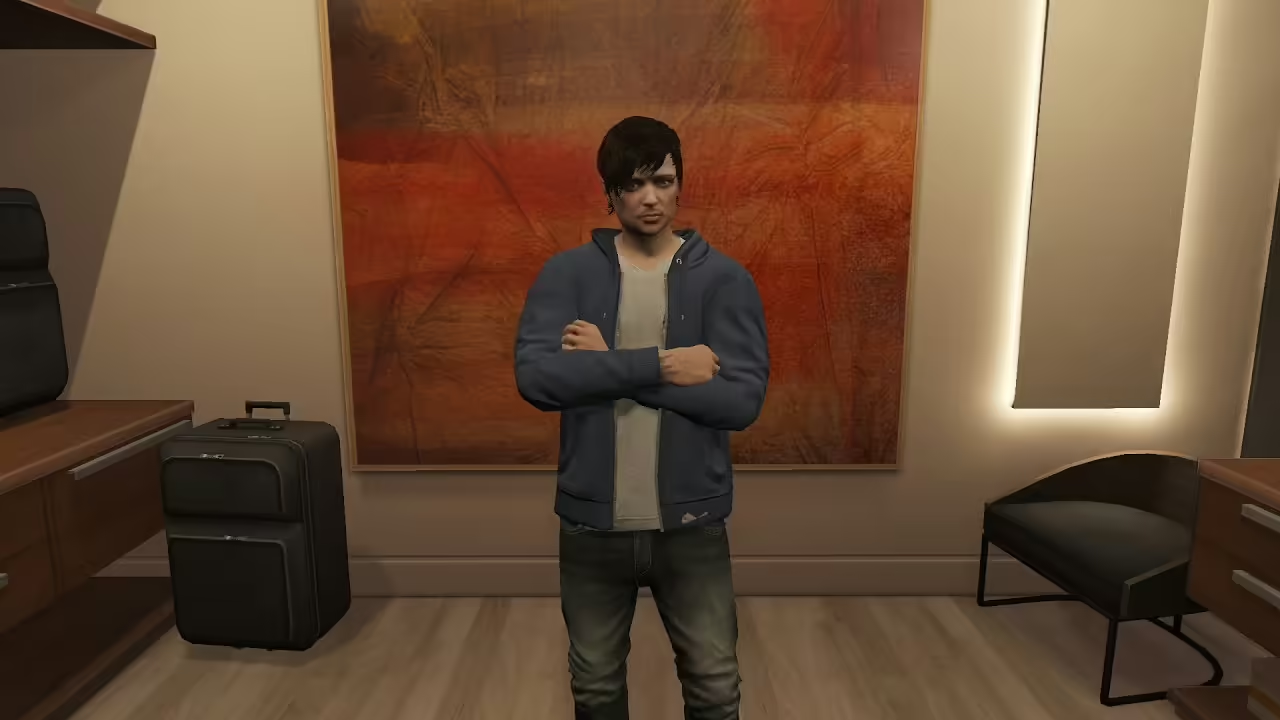
Review the idle animation replacement: original creator credit, nested FiveM resource folder and missing idle/model checks in its client loop.
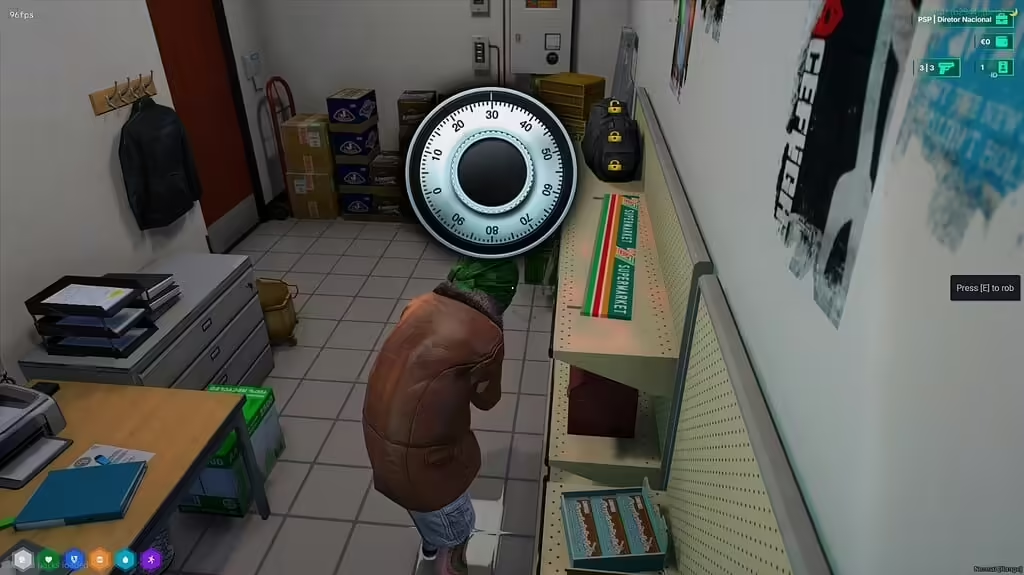
Review assaltos_247 1.0.1, its ESX and inventory dependencies, safe minigame, reward configuration and server checks before deployment.
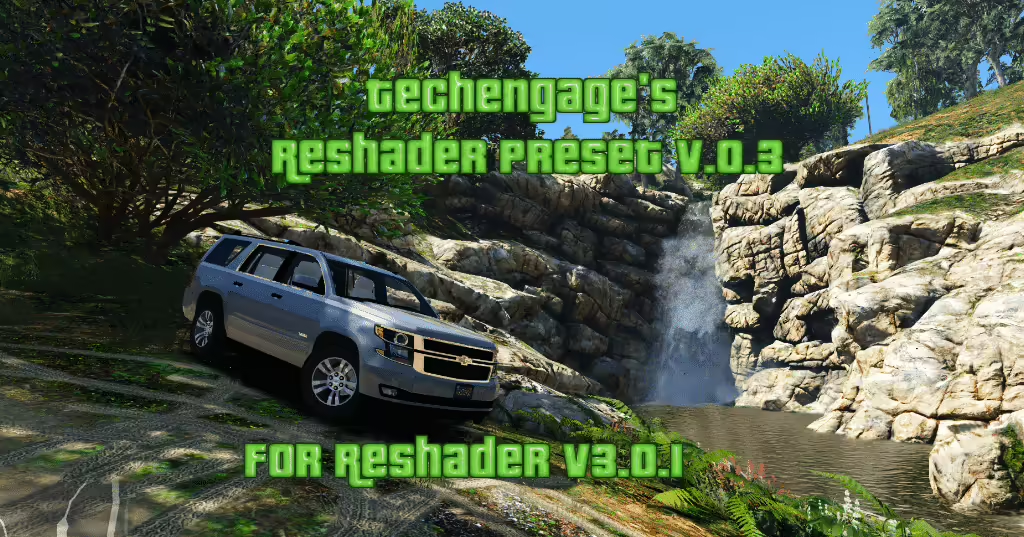
Review Techengage’s grand.ini preset, distinguish old ReShade 3 instructions from current setup, and check compatibility before using FiveM.
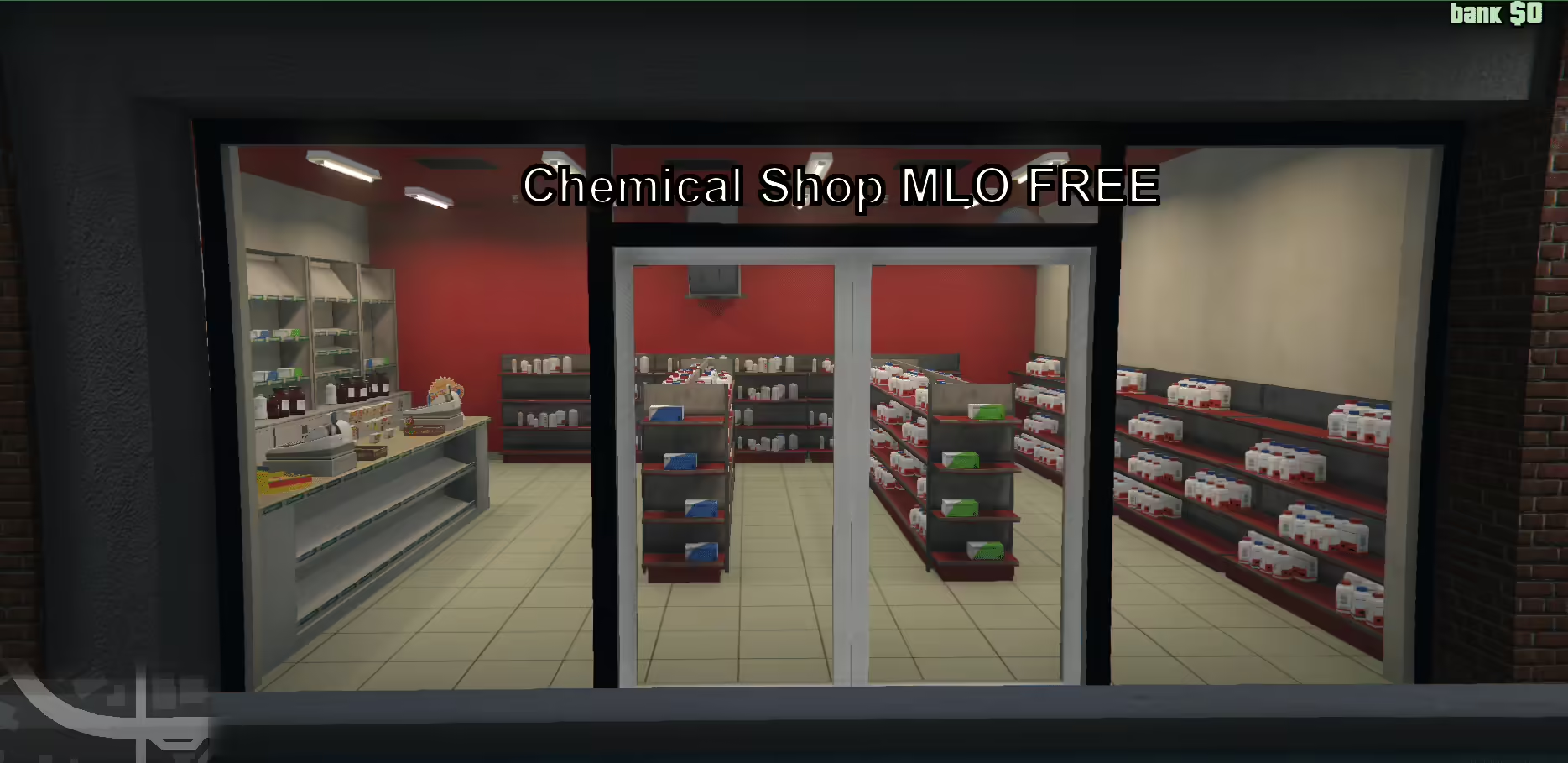
Find the original Chemical Shop V2, select the correct FiveM or SP folder and review the manifest reference to a missing peds.meta before installation.