Use Coupon WELCOME to save 20%

$ USD
  • $ USD
  • € EUR
  • £ GBP
  • $ AUD
  • R$ BRL
  • CHF CHF
  • ¥ JPY

FiveM guides: find help for your next task

Tutorial Image: Tebex Store

How to Create a Tebex Store for a FiveM Server

To create a Tebex store for FiveM, register the store in Tebex, select the FiveM integration, copy the generated secret into the server-side sv_tebexSecret setting, restart the server and verify authentication before adding packages. Use the current official setup page while you work; dashboard labels and onboarding steps can change.

How to Install Graphics Mods for FiveM

How to Install Graphics Mods for FiveM

Short answer: first identify whether you have a client-side visual mod or a server resource. They use different installation paths. A client graphics pack should not be installed as a server resource or added to server.cfg .

How To Report a FiveM Server

How to Report a FiveM Server to Cfx.re or Rockstar

To report a FiveM server, use the server’s Report Server button in the FiveM server browser or the official Cfx.re web form. Send Rockstar reports only when the issue belongs to Rockstar’s services or intellectual property rather than the operation of a FiveM server.

SaltyChat Channel Switching Fix for FiveM

SaltyChat Channel Switching Fix for FiveM

Start by identifying the symptom. Use DNS only when the FiveM NUI is stuck at “Connecting…”; otherwise check channel state, logs and the integration.

How to Refund a Tebex Purchase

How to Refund a Tebex Purchase

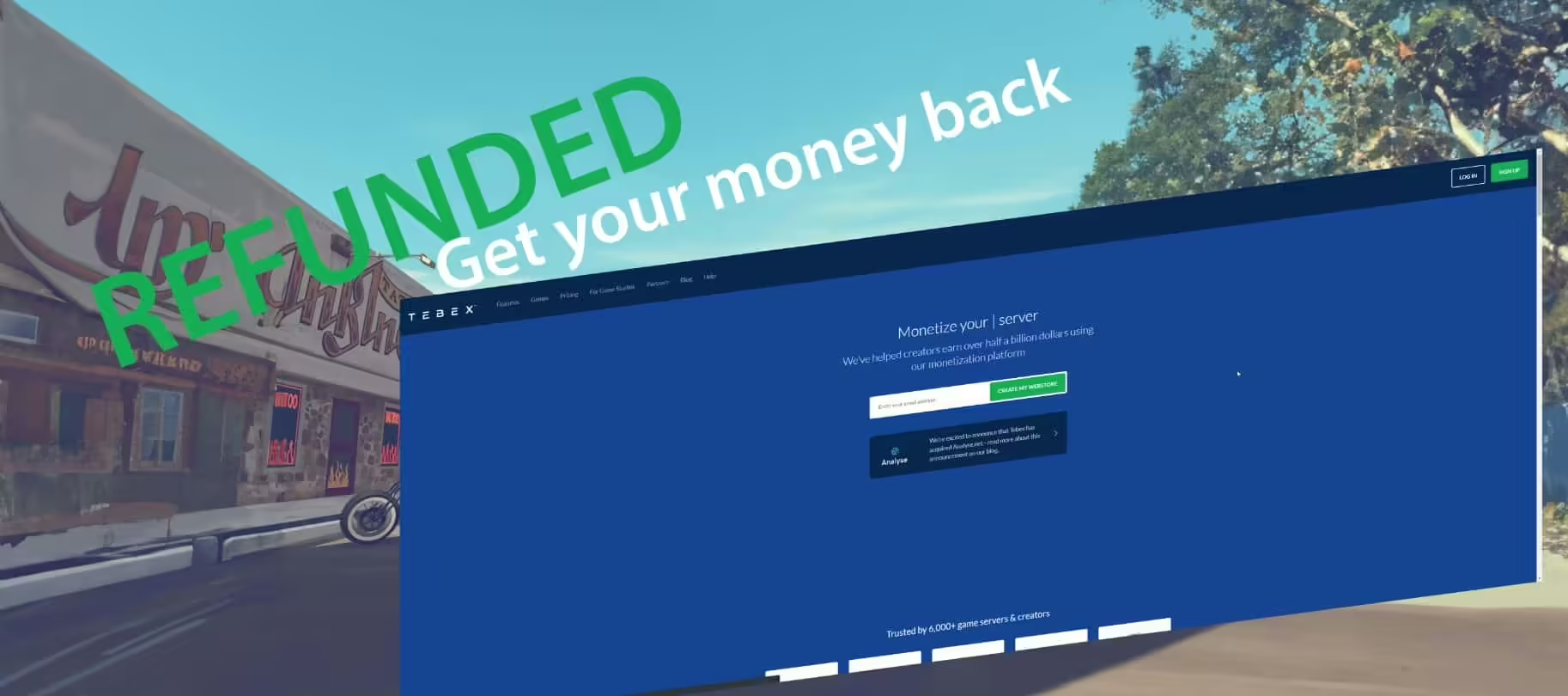
For a Tebex purchase issue, keep your order details and check Tebex Buyer Support and the checkout terms. Tebex’s Buyer FAQ says it does not issue refunds for these digital transactions; the checkout terms preserve refunds required by applicable consumer law.

FiveM Graphics Mods

Choose and Test Graphics Mods for FiveM

FiveM graphics changes fall into different categories: game/client modifications, post-processing presets and assets streamed by a server. Identify which one you are using before installing anything. A player-side preset is not installed by adding a server ensure command.

FiveM Admin Guide (2025): Safe, Correct, and Fast Setup

FiveM Server Administration: Setup and Daily Checks

FiveM administration has several permission systems: txAdmin controls, FXServer ACE permissions and the permissions used by your framework or admin resource. Identify which one owns the action you need before granting access. Server-owner approval is required.

FiveM Whitelist

How to Design a FiveM Whitelist Application

This guide covers the application and review process. For ACE, identifiers, Discord roles and server enforcement, use the separate technical FiveM whitelist guide .

Fail RP

What Is FailRP? Meaning, Examples and How to Avoid It

FailRP is a community term for actions that break a server’s roleplay expectations. Its exact meaning depends on that server’s rulebook. Losing a scene or making a believable character mistake is not automatically FailRP.

FiveM Game Server Rules

How to Write FiveM Server Rules (Template + Enforcement)

Good FiveM server rules define observable conduct, examples, exceptions, evidence and proportionate consequences. A short rulebook applied consistently is more useful than a long list of vague labels that staff interpret differently.

Screenshot of the Tebex Website - Refund

What Is Tebex? How FiveM Servers Use It for Monetization

Tebex is the monetization partner named in Cfx.re’s FiveM and RedM documentation. For a server operator, it connects a store to the server’s fulfilment flow. For a buyer, the checkout service and the seller’s product documentation answer different questions.

How to Find Hidden Secrets: The Ultimate Best Guide

How to Find Hidden Locations in FiveM: Player and Admin Methods

To find hidden locations in FiveM, use the method your server access permits: players can follow map and roleplay clues; administrators can use server-provided coordinate or teleport tools; developers can read resource configuration and log entity coordinates. FiveM does not provide a universal F8 command called getcoords . Any such command comes from a resource installed by that particular server.

Why Players Get Banned on FiveM: Server vs Global Bans

Why Players Get Banned on FiveM: Server vs Global Bans

Read the exact message before deciding why you cannot join. A community-server ban, a global Cfx.re ban and a connection error have different support routes. A ban from one server does not by itself mean that your FiveM account is globally banned.

Inventory error

How to Fix ESX Weight Inventory Issues

An ESX inventory error needs the exact error text and the inventory resource in use. A missing canCarryItem function is an API or integration problem; a player being unable to carry more weight is a different condition. Do not replace ESX and your inventory together without checking compatibility.

FiveM Fix

How to Fix the FiveM Invisible Wall Bug

First separate two problems: an invisible obstacle that blocks movement, and missing ground that lets you fall through. Both need the exact location and affected server to diagnose. Reinstalling FiveM or deleting all application data is not a useful first step.

How to Hide a FiveM Server IP Address

How to Hide a FiveM Server IP Address

Players must be able to reach a public network endpoint to join your FiveM server. A join code or domain makes the address easier to use; it does not make the destination secret. To keep a backend address separate, you need a properly configured proxy and a firewall that prevents direct access.

Title Image: FiveM Emote Binding

How to Bind Emotes in FiveM

Open the FiveM client console with F8 and bind a key to the emote command your server supports. First check the server’s emote menu or help: e , emote and animation names belong to the installed resource and are not universal.

FiveM Server name

How to Choose a FiveM Server Name

Choose a FiveM server name that players can pronounce, remember and find again. Start with the community you want to build, shortlist a few names and test them before changing your server listing or artwork.