




Usage
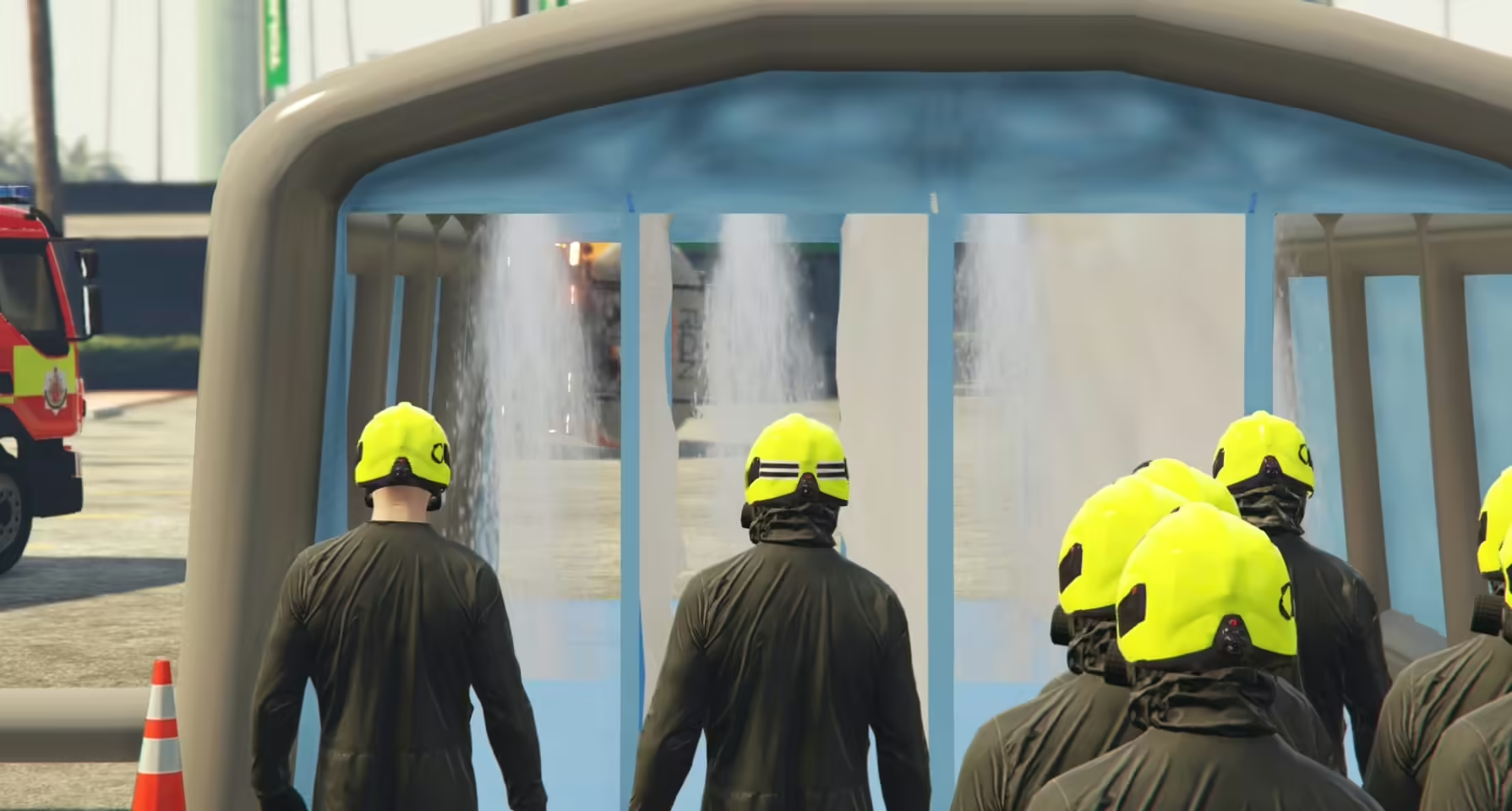
/decontent setup – This sets up a decontamination tent in front of you. To toggle the showers, walk close to a decontamination tent and press E. This is also shown on-screen with a help message. The maximum distance to toggle the showers can be set in the configuration file, along with the keybind. /decontent remove – This removes the nearest decontamination tent, even if you didn’t create it. You cannot remove a decontamination tent if the showers are active. These must be turned off first.
How to install
- Purchase the Resource Begin by purchasing the resource
- Create a Resource Folder In your server directory, create a new folder to store the resource files.
- Download the Resource After purchase, check your email for the download link. Be sure to check your spam or junk folder if you don’t see it in your inbox.
- Extract the Files Once downloaded, extract the contents of the .zip file and place them in the resource folder you created.
- Configure the Resource Customize the resource settings to match your preferences.


Reviews
There are no reviews yet.