



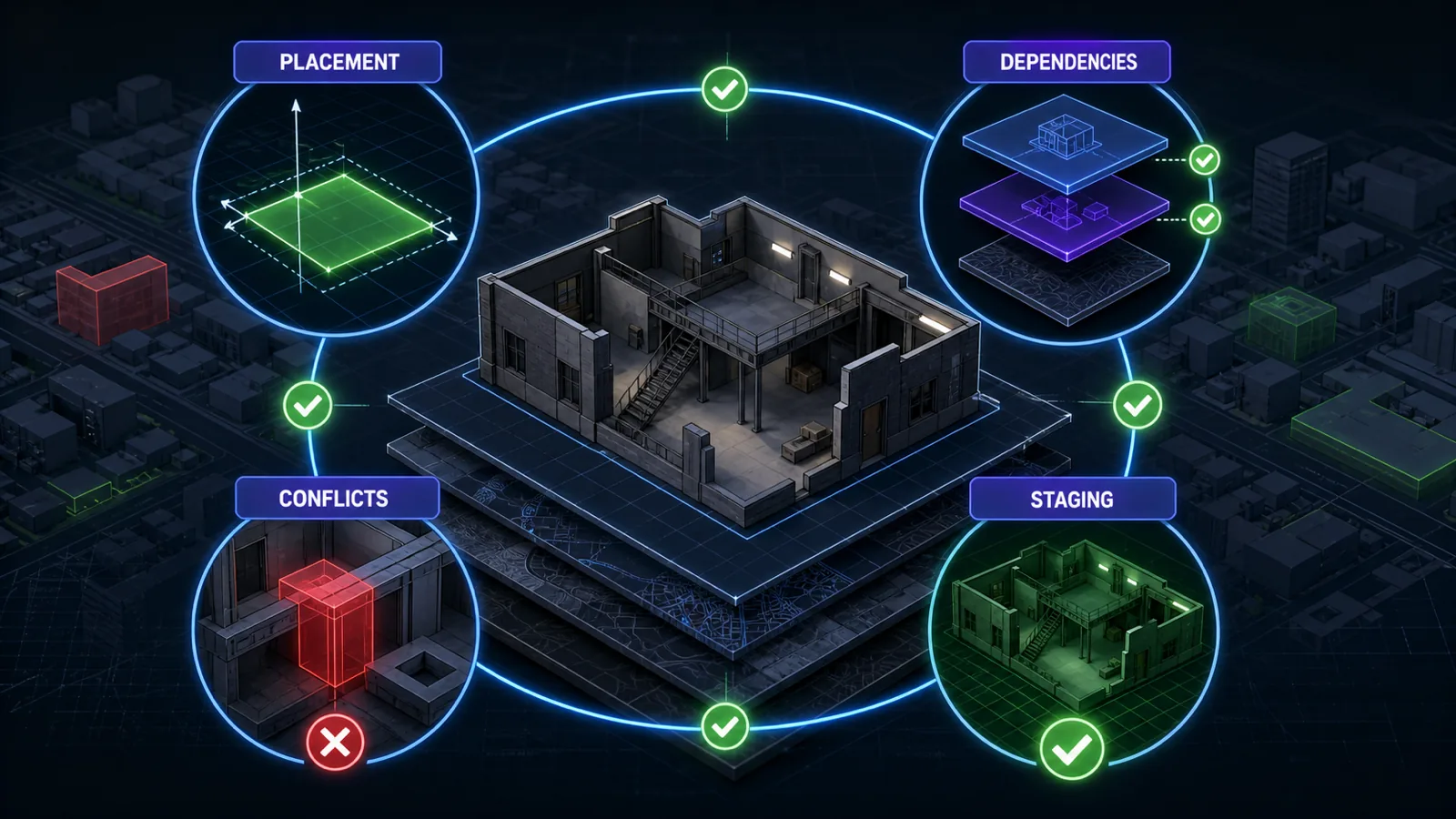
Direct answer: Most FiveM MLO files are framework-independent map assets, but the complete installation may not be. Compatibility can fail through overlapping world edits, missing archetypes or models, IPL conflicts, door systems, teleporters, routing buckets, target zones, garages, jobs, or other scripts tied to exact coordinates.
Compatibility layers
| Layer | Verify | Typical failure |
|---|---|---|
| World placement | Coordinates and nearby map edits. | Duplicate geometry, blocked entrances or terrain seams. |
| Streamed assets | Manifest, YMAP/YTYP and referenced models or textures. | Missing objects, collision or interior data. |
| Interior state | Required or removed IPLs and loader resources. | A competing vanilla or custom interior remains enabled. |
| Interactions | Doorlock, target, garage, stash, job and teleport coordinates. | The map loads but gameplay actions do not. |
| Isolation | Routing-bucket and instancing assumptions. | Players or entities appear in the wrong instance. |
Repeatable staging procedure
- Back up the configuration and inventory every map resource that touches the location.
- Start the new map with only its declared dependencies and inspect client and server logs.
- Walk every approach, doorway, room and transition; test collision, lighting and streamed assets.
- Add nearby maps and IPL loaders one at a time.
- Add door, target, garage and framework integrations separately, testing allowed and denied roles.
- Restart the resource and server, reconnect, and repeat the critical path before acceptance.
Framework category evidence
The FiveM Framework Coverage Report counts catalog categories for ESX, QBCore, Qbox and Standalone. Those labels help locate candidate integrations, but they do not prove MLO compatibility or replace the staged tests above.
Scope and limitations
This checklist cannot certify a package that FiveMX has not run against the exact production map stack. Screenshots and a successful resource start are not collision or interaction tests. Recheck the seller’s current dependency documentation and preserve a rollback copy before installation.