
Showing 481–504 of 574 results











How to choose a FiveM MLO
Quick answer: the best FiveM MLO is the interior that fits the intended roleplay, does not replace a location already used by the server, and has enough product evidence to verify its layout and files. Compare the exact map location, entrances, rooms, dependencies and installation notes before buying.
FiveM MLO comparison criteria
| Criterion | What to inspect | Why it matters |
|---|---|---|
| Map location | Street, building footprint and exterior replacements. | Two resources editing the same location can conflict or overlap. |
| Roleplay layout | Entrances, rooms, counters, cells, storage and vehicle access. | The interior must support the activity players will perform there. |
| Product evidence | Current screenshots, walkthrough video and an exact file description. | Preview evidence makes the usable space and visible design verifiable. |
| Integrations | Door-lock coordinates, job scripts, teleporters or optional files. | A map can load correctly while connected gameplay remains incomplete. |
| Installation risk | Resource folder, manifest, dependencies and rollback instructions. | Staging and a documented backup reduce the risk to an existing city. |
Check the exact interior before checkout
- Choose the roleplay location first: police, hospital, restaurant, nightclub, housing or another use case.
- Compare the map footprint with every MLO and YMAP already installed.
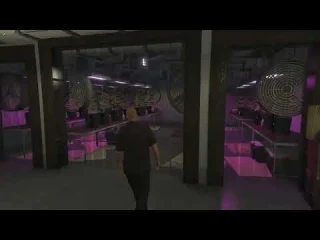
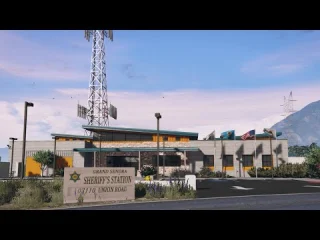
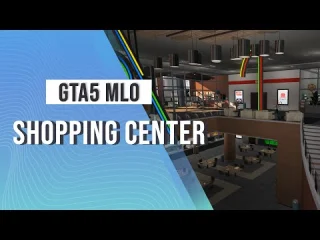
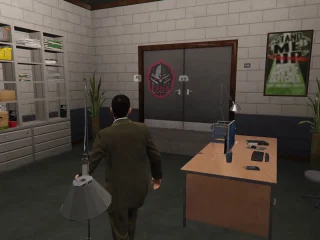
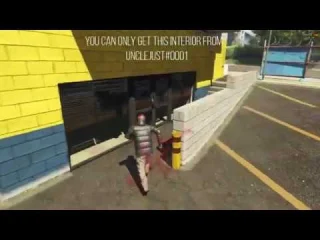
- Use the product gallery or video to verify the rooms and access routes you need.
- Read the included-file and dependency notes instead of assuming scripts or door locks are bundled.
- Back up the resource list and test collisions, doors and player movement on staging.
Browse narrower collections for police stations, hospital interiors and restaurant MLOs. If you are still exploring options, compare the separate free FiveM MLO archive.
FiveM MLO FAQ
What makes one FiveM MLO better than another?
A better MLO fits the server’s intended roleplay, location and existing map stack. Room count alone is not enough. Compare entrances, usable spaces, vehicle access, exterior changes, preview evidence and any included integration files before deciding.
Can two FiveM MLOs conflict?
Yes. Two resources can replace the same building, edit nearby collisions or stream overlapping map data. Record every installed map location, install the new resource on staging and inspect the exterior, interior, doors and surrounding roads before public use.
Does an MLO include scripts and door locks?
Not automatically. An MLO is primarily a map or interior resource. Door-lock coordinates, job scripts, teleporters and other integrations are included only when the exact product page says so. Treat anything not listed as a separate requirement.
Should I test an MLO before adding it to production?
Yes. Keep a backup of the server resource list and test the MLO on staging. Check collisions, lighting, doors, entrances, vehicle access and conflicts with other streamed maps, then keep a rollback path for the previous configuration.


