







Installation tutorial
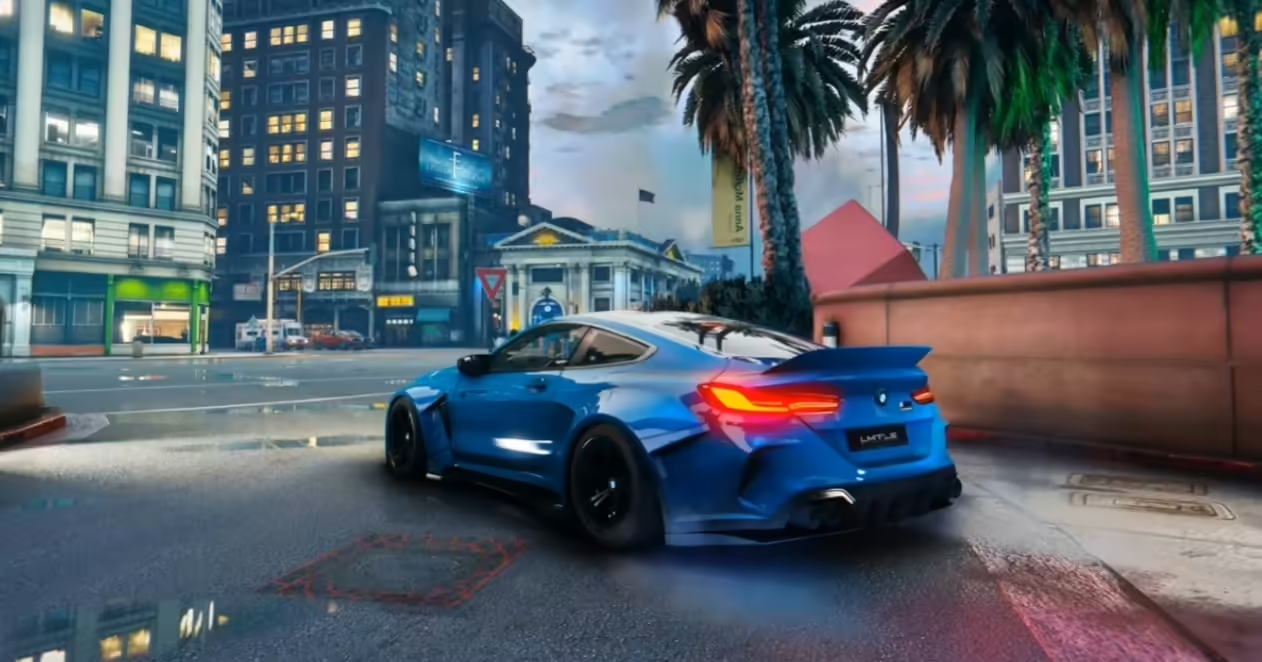
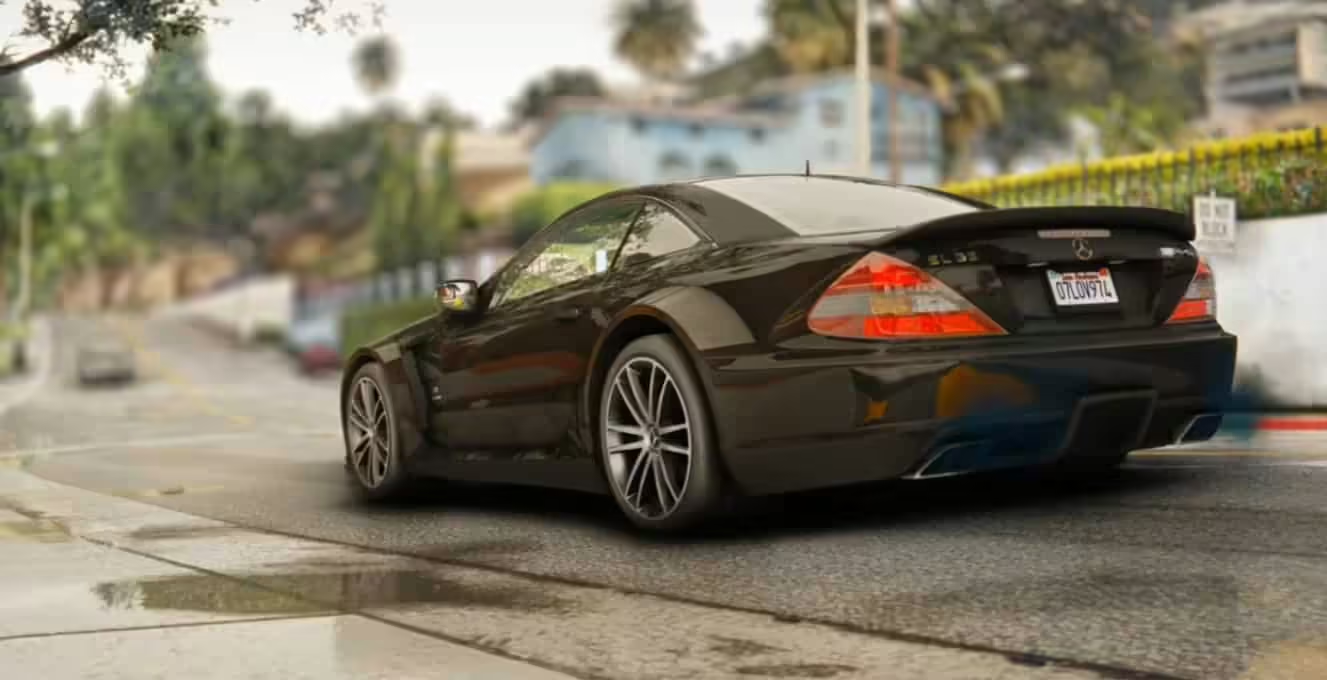
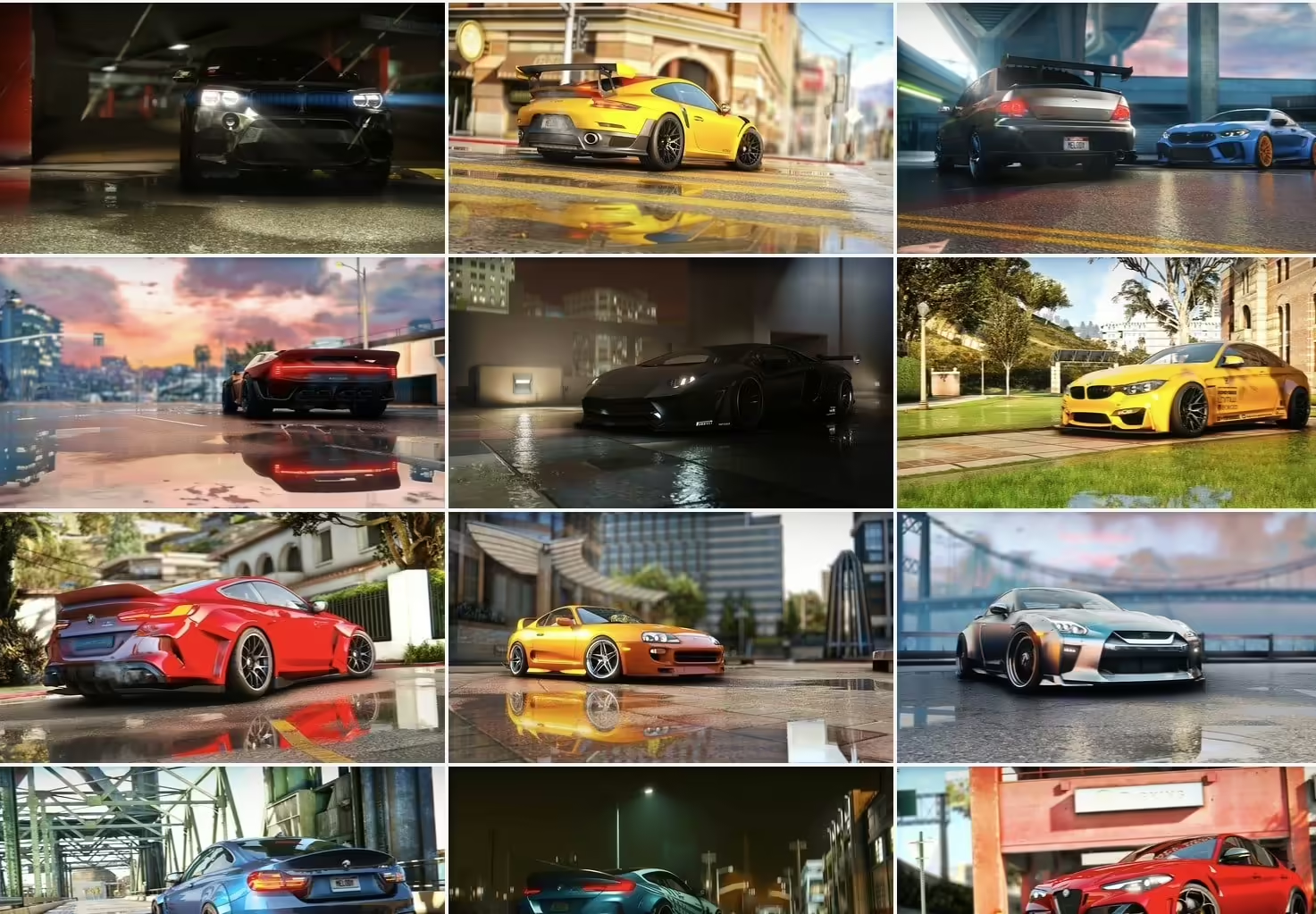
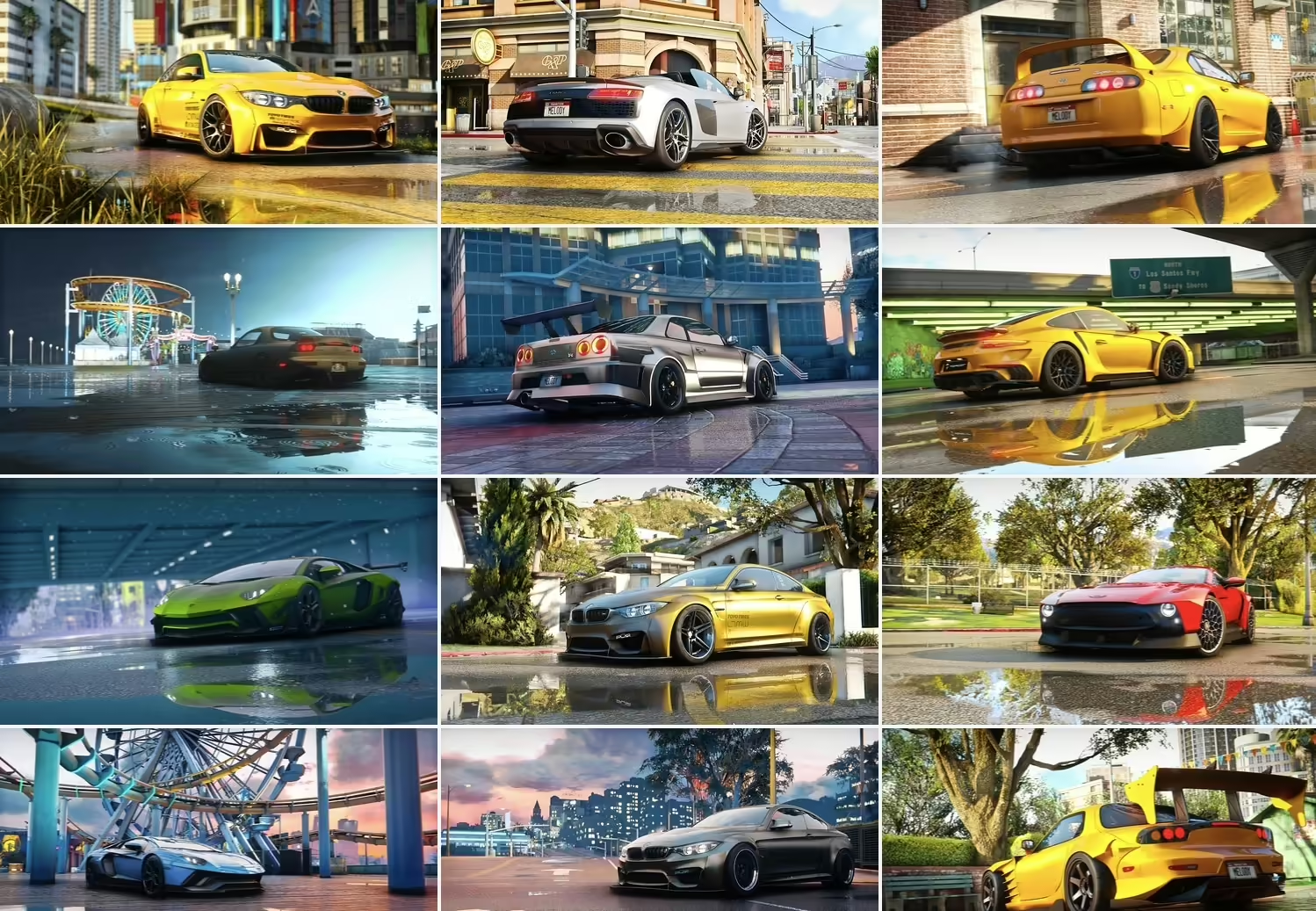
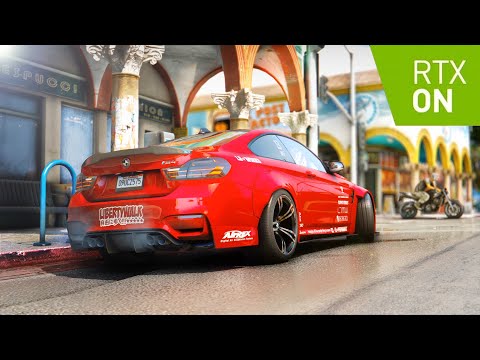
Awesomekills Graphics RT mod for GTA V!
Gameplay video
INSTALLATION
YOU NEED A CLEAR GTA WITHOUT ANY GRAPHIC MODS
PLEASE MAKE SURE YOU ARE DONE ALL STEPS!
Neccesary files links:
Visual V: https://www.gta5-mods.com/misc/visualv- Using OpenlV install VisualV. Also i recommend install this optionals:
-Removed grass dithering + trees reflections
-Advanced motion blur - Using OpenlV install Awesomekills graphics.oiv package
- Install Reshade (installer in archive)
- Copy all files from “GTAV main folder” to your gta main folder with replace. I recommend to install L.A. REVO mod (its more detailed roads and trees)
Link: https://drive.google.com/file/d/1xac47HKe6S8V7w3nkatFBm50qQQw3_7v/view?usp=sharing
!! After complete all steps launch the game, in game press “Home”, reshade menu will opens,
then press continue -> continue -> continue -> finish, then click to DefaultPreset (on the top of Reshade window), the list will come out and select preset you need.
Presets list:
Awesomekills_RT_1080p gameplay
Awesomekills_RT_1080p screenshots
Awesomekills_RT_2160p screenshots_DOF Anamorph
Awesomekills_RT_2160p screenshots_DOF big
Awesomekills_RT_2160p screenshots_DOF small
!!! This mod includes 2 types of presets: for gameplay and for screenshots, you can change them ingame using reshade menu.
We done here!:) Good luck.

![AN Mechanic Job for FiveM [ESX & QBCore] preview](https://fivemx.com/wp-content/fivemx-cache/product-thumbs/107468-1b4fd61e9811-320x240.webp)
![Advanced Banking System [Level System][Standalone] FiveM resource preview](https://fivemx.com/wp-content/fivemx-cache/product-thumbs/43594-9660601b988f-320x240.webp)



ZoeLegend148 (verified owner) –
Great resource with a polished design. It fits our server well and required very little customization.
Danika (verified owner) –
Thank you guys for this amazing creation! Absolutely mind-blowing!
Caroline (verified owner) –
Wished I had found this sooner, it took me a lot of money and time until I found my dream product here!
Armand (verified owner) –
Amazing thanks
Lue (verified owner) –
No complicated installation process and no hidden dependencies. Everything was clearly explained.
Walter (verified owner) –
Just love the design and the customer support is the nicest.