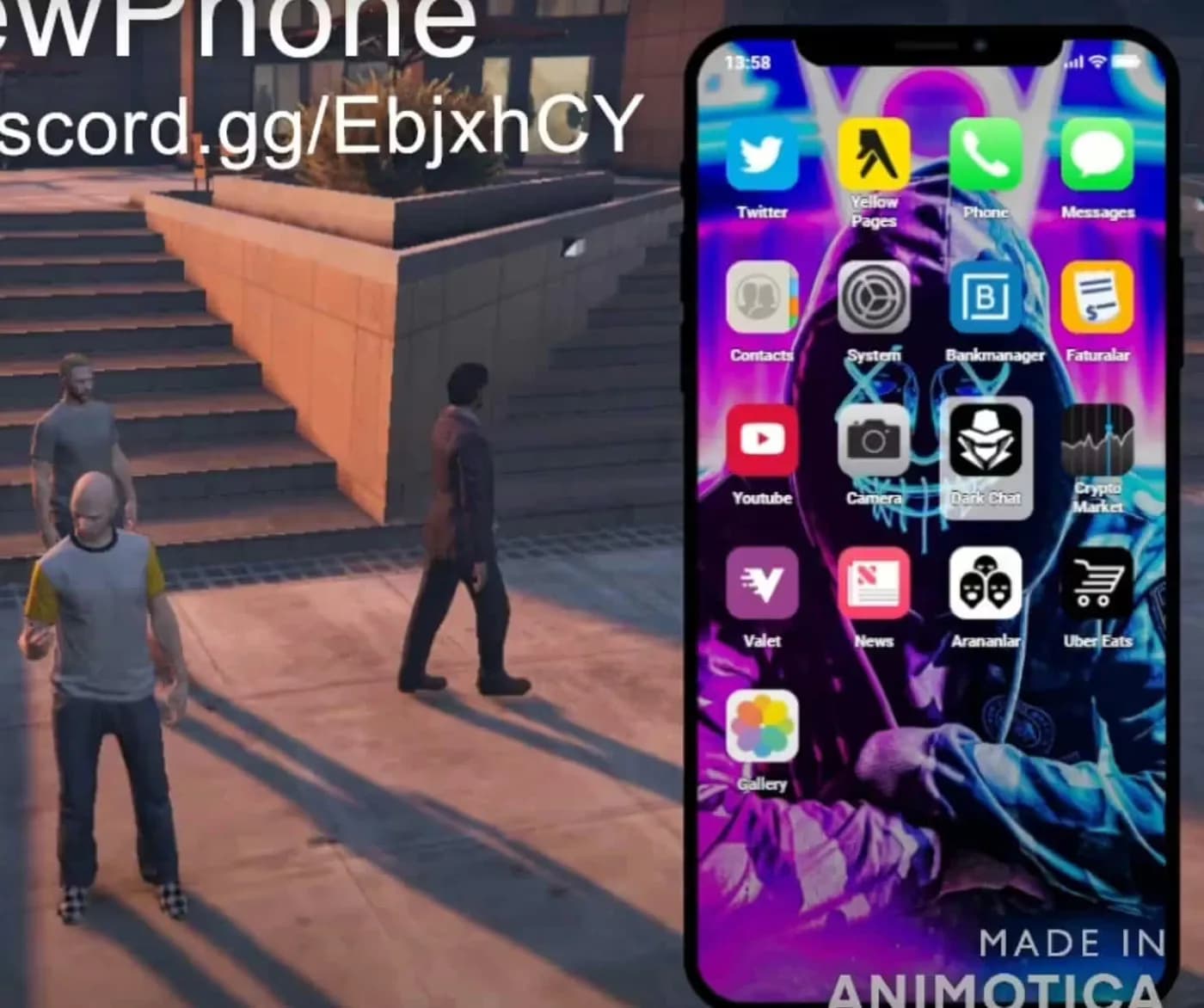
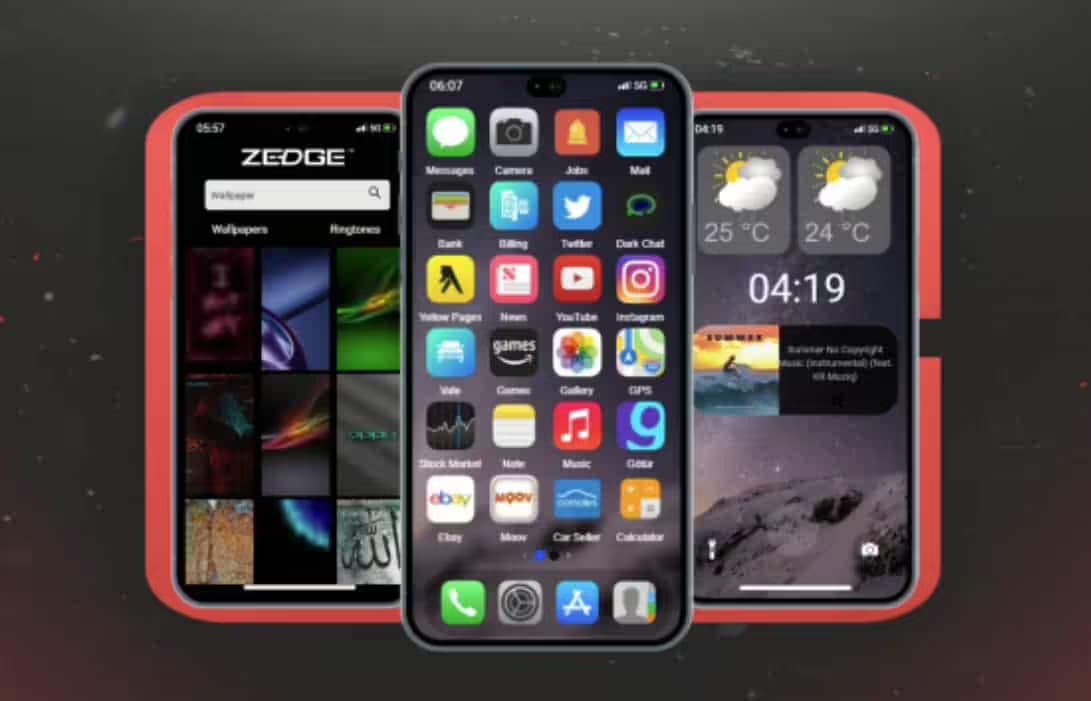
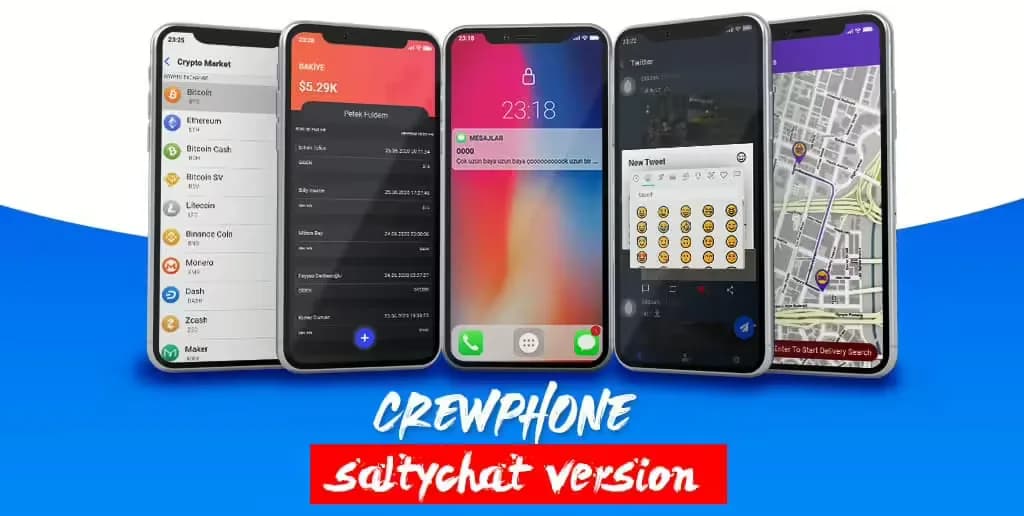
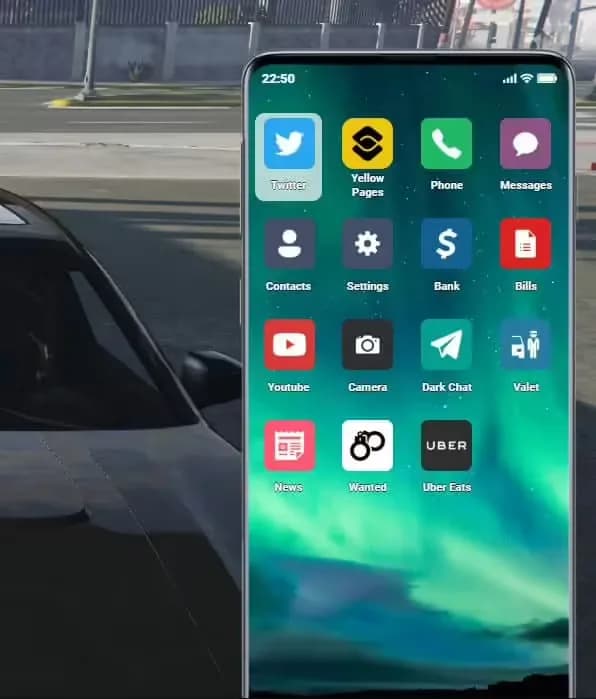
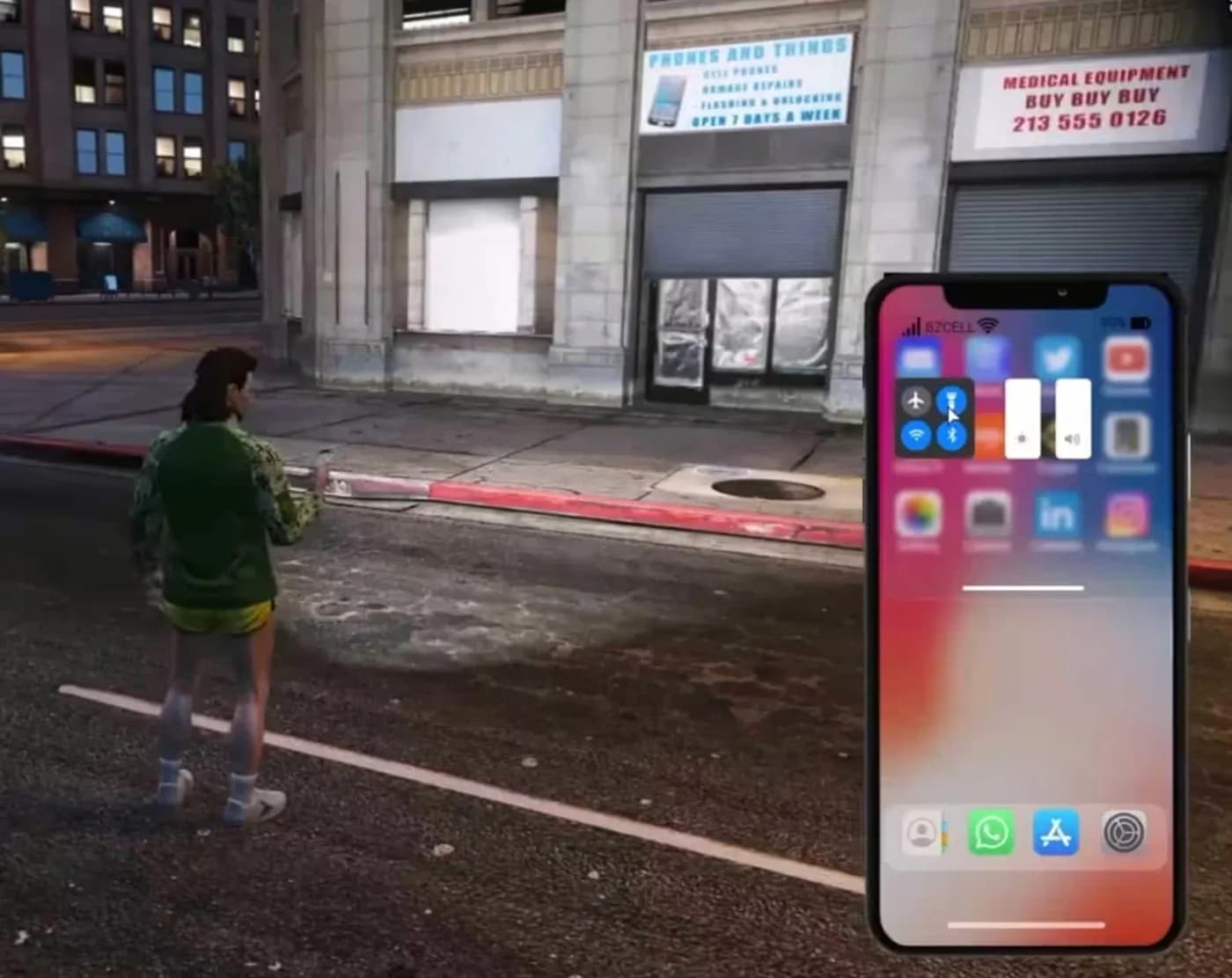
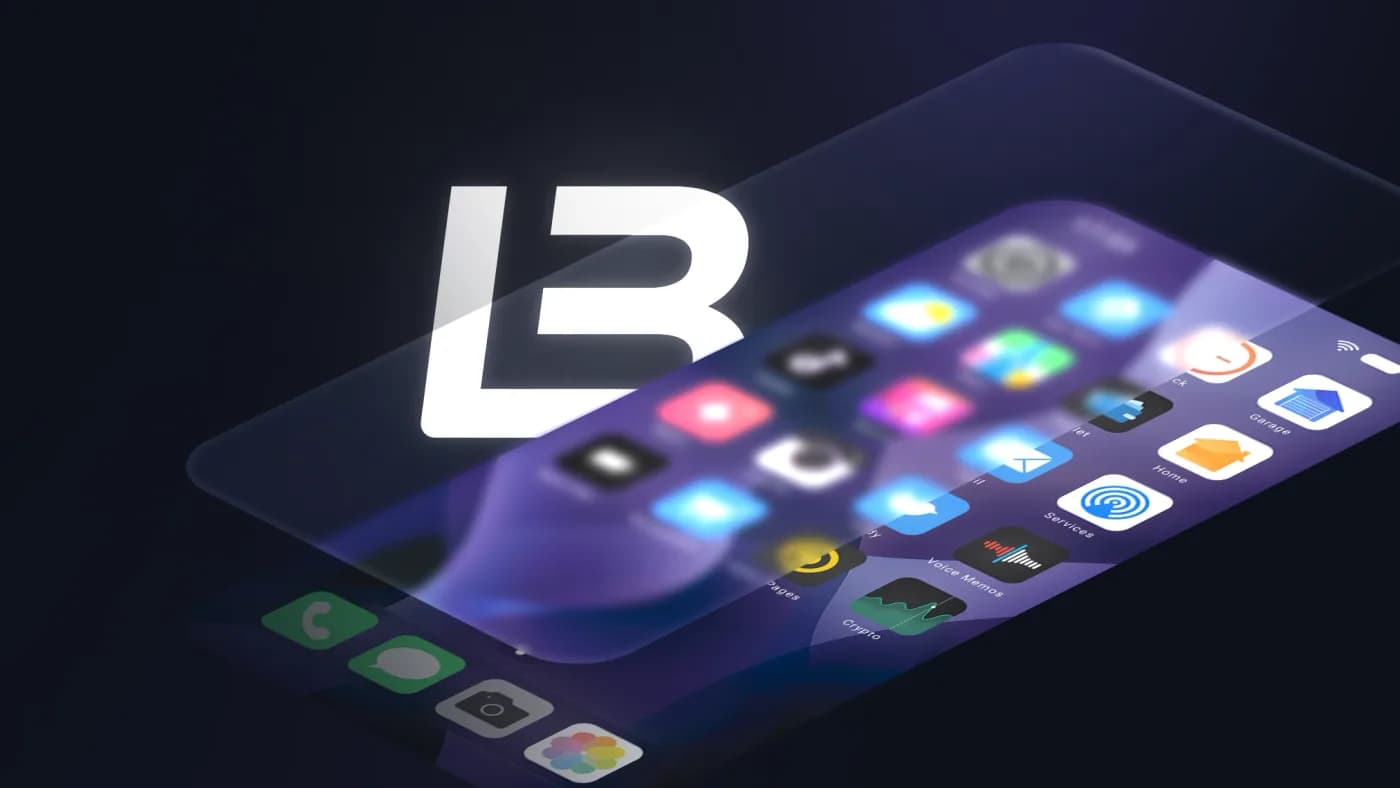
Replace the default phone with modern smartphone interfaces featuring messaging, banking apps, social media, and more.
Top-rated smartphone and phone system scripts for FiveM.
Get started with free phone system scripts for your server.
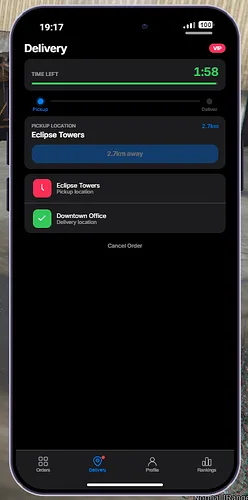
Become a courier with Portis Delivery! A phone-based delivery system with orders, levels, leaderboards, and multi-framework support.
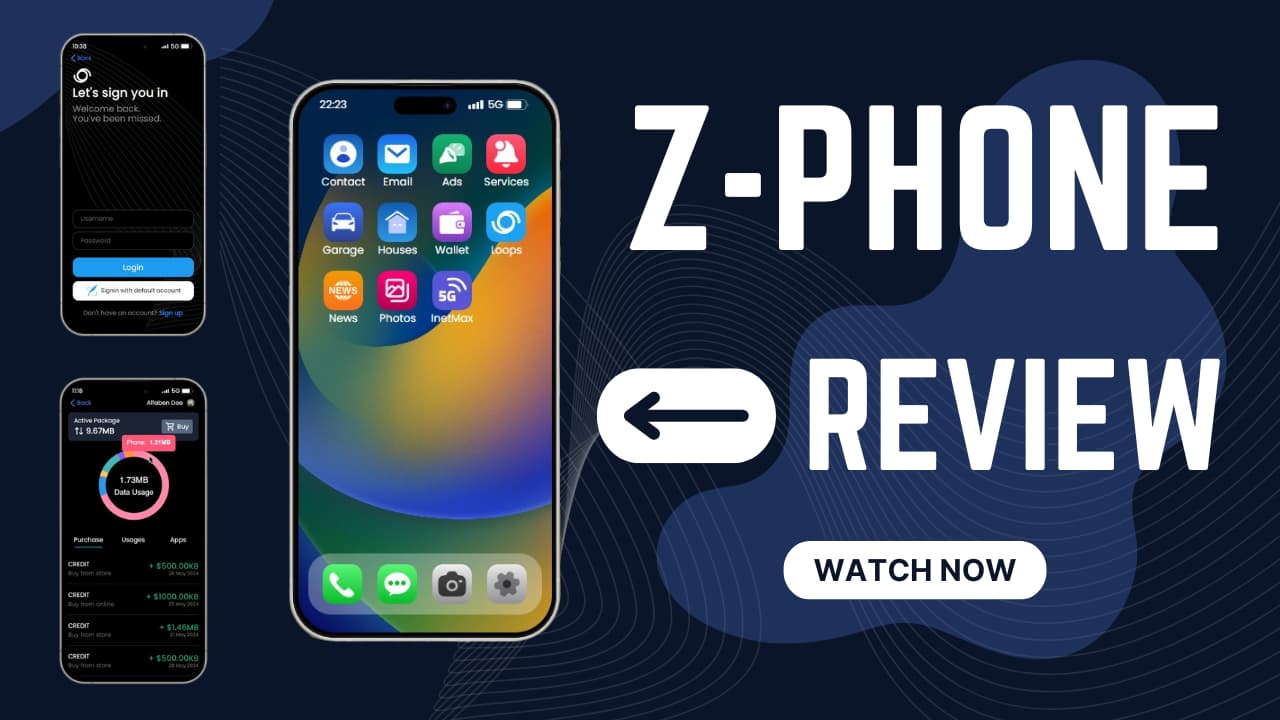
Introduction to Project Version 1: Z-Phone for FiveM You are invited to experience the latest release of Project Version 1—Z-Phone (Free Phone Script), an exciting addition to your GTA V roleplay experience. This project builds on the popul
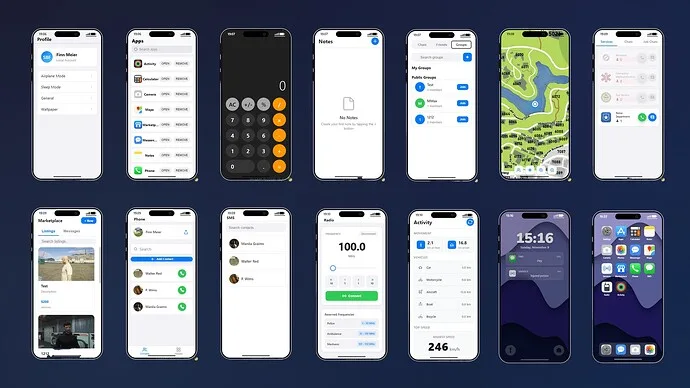
Enhance your FiveM server with the SBF Phone, a free and functional in-game phone system offering seamless communication and a modern user interface.
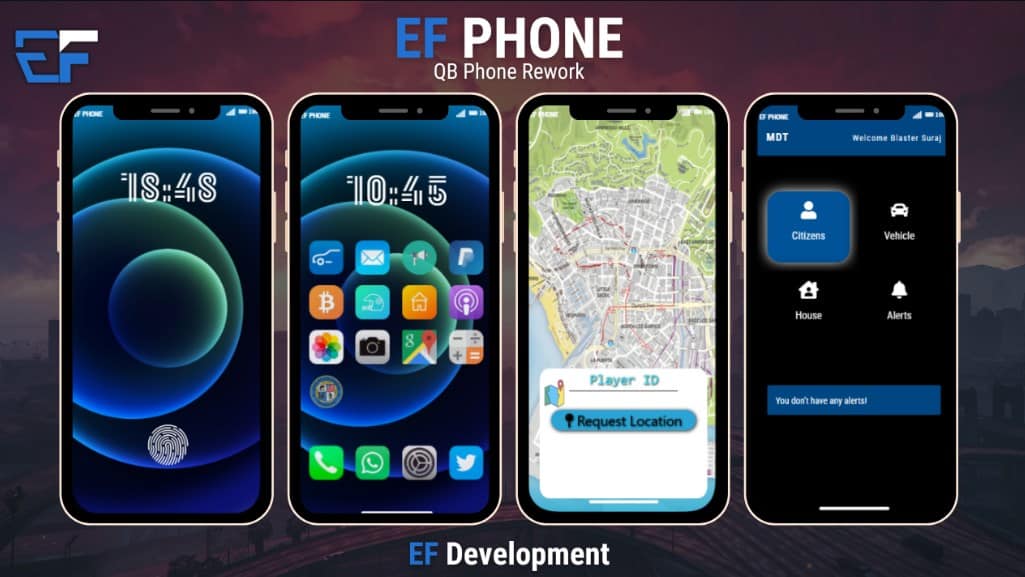
The EF Phone is a comprehensive smartphone mod designed specifically for FiveM servers using the qbCore framework. This mod brings a plethora of functionalities to enhance the in-game experience. Packed with features like a Lockscreen, Gara
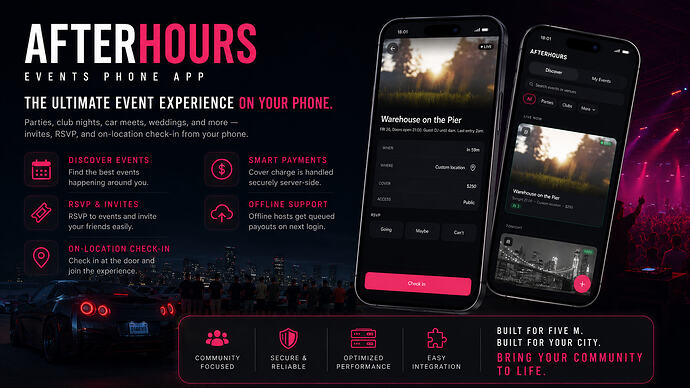
Create and manage in-world events with invites, RSVP, and on-location check-in from the phone. Cover charge is server-side; offline hosts get queued payouts on login.
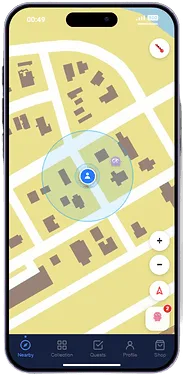
Bring creature catching to FiveM! Discover, catch, and evolve unique creatures with a full phone app experience. Skill-based catching, dynamic spawns, and progression!
Everything you need to know about FiveM phone scripts.
A FiveM phone script replaces the default GTA V mobile interface with a fully functional in-game smartphone system. Players get real text messaging, call history, photo galleries, banking apps, social feeds, GPS sharing, and app stores — all persistent per character and synchronized in real time across the server. Most phone systems are built in HTML/CSS/JavaScript using NUI and integrate directly with your FiveM framework (QBCore, ESX, or QBox) through exports and events. The data — messages, contacts, photos, and settings — is stored in your database and survives relogs. Modern phone scripts go well beyond communication. They become the central hub for player interaction: real estate listings, vehicle marketplace ads, job dispatch, stock market tickers, emergency 911 flows, and dating apps. If your server runs any economy or player-run businesses, the phone is the layer that ties it together.
Installing a FiveM phone script involves five steps. First, download the resource and extract the folder into your server's resources/ directory (e.g., resources/[phone]/lb-phone). Second, open server.cfg and add "ensure lb-phone" (or the resource name) — place it after your framework ensure line (qb-core, es_extended) and after your inventory resource so all dependencies are loaded first. Third, import the included SQL file into your database using HeidiSQL, phpMyAdmin, or the command line to create the phone's tables for messages, contacts, photos, and call logs. Fourth, open the config.lua or config.js file and set your framework (QBCore/ESX/QBox), item name for the physical phone, billing resource, and optional 911 dispatch integration. Fifth, restart the server or use the txAdmin resource manager. If the phone does not appear in-game, check the F8 console for missing dependency errors and verify the ensure order in server.cfg.
Yes — free FiveM phone scripts exist and some are fully functional for smaller servers. The most widely used free option is qb-phone, which ships as part of the QBCore framework and covers basic calling, messaging, contacts, and a few built-in apps like banking and Twitter. Free alternatives typically have limited app selection, basic UI designs, no custom app API, and receive slower updates than paid options. Premium phone scripts like lb-phone, qs-smartphone, and np-phone add hundreds of hours of development: polished UI, animation layers, in-game app stores, documented export APIs for third-party integrations, and dedicated developer support. For a server of 30+ players that runs a real economy, a premium phone pays for itself by reducing the friction of player-to-player interaction and keeping immersion intact.
The most widely used FiveM phone scripts in 2026 are lb-phone (cross-framework, active development, strong app API), qs-smartphone (QBCore and QBox, feature-rich with marketplace integration), and qb-phone (bundled with QBCore, free, reliable baseline). For ESX servers, esx_phone and bPhone are common choices. When choosing, match the phone to your framework first — lb-phone works across ESX/QBCore/QBox, while qb-phone is QBCore-only. Then check your inventory compatibility: most premium phones require ox_inventory, qb-inventory, or a specific SQL library. Finally, evaluate the app ecosystem: if your server runs real estate, vehicle dealerships, or delivery jobs, you need a phone with a documented export API so those systems can register their own app panels. Performance matters too — check that resmon stays under 0.05ms while idle.
Most modern FiveM phone scripts support multiple frameworks (QBCore, ESX, QBox) through a single config.lua switch. lb-phone and qs-smartphone are built framework-agnostic by default. However, compatibility goes deeper than the framework: phones also depend on your inventory system (ox_inventory, qb-inventory, qs-inventory), your billing/bank resource, and sometimes your notification system. Before purchasing, check the full dependency list in the product description — a phone that requires ox_inventory will not drop into a server running a different inventory without a bridge script. QBox servers should specifically confirm QBox support (not just QBCore) since QBox uses different exports. Standalone phone scripts work without a framework but lose job-linked features like duty status and salary deductions.
Premium phone scripts like lb-phone and qs-smartphone expose an API for third-party app development. You can build apps for real estate listings, gang management, or delivery tracking and register them through the phone's export system. Some phones also support a marketplace of community-made add-on apps.
Browse our collection of premium and free phone scripts.