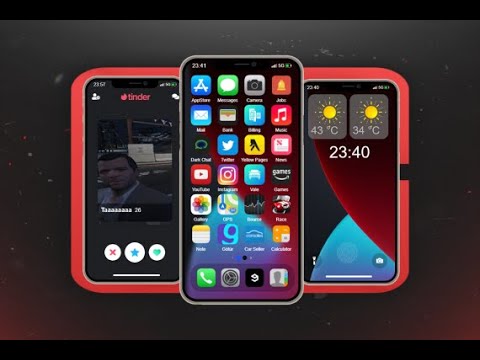
A FiveM phone is not just a visual menu. It can connect calls, messages, banking, jobs, dispatch, social apps and business systems, so the best choice is the one that fits the rest of your server. This guide gives ESX, QBCore and QBOX owners a practical way to compare phone scripts before buying. Use it to build a shortlist, then verify every requirement on the current product page and in a staging server.
How to choose a FiveM phone script
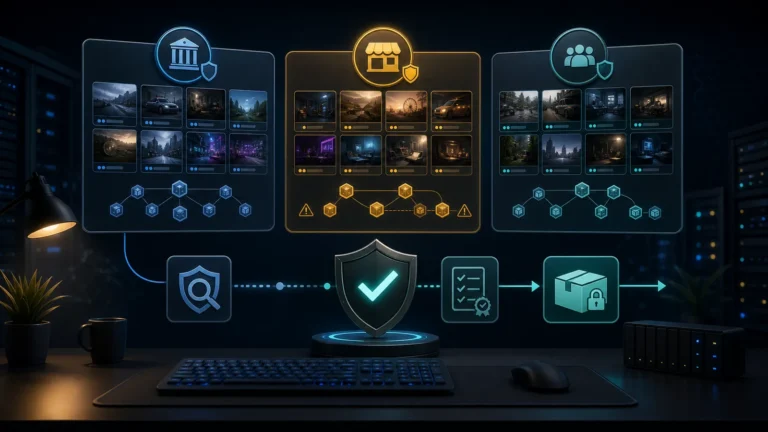
Start with compatibility, not the app count. A long feature list has little value if the phone expects a different framework version, inventory, database schema or voice resource. Write down the components already running on your server and compare them with the product documentation. If you are still planning the framework, browse the dedicated Scripts ESX, Scripts QBCore et scripts QBOX paths before deciding.
| Decision | Ce qu'il faut vérifier | Pourquoi c'est important |
|---|---|---|
| Framework | Exact ESX, QBCore or QBOX support and required bridge | Framework labels alone do not prove compatibility with your version. |
| Dépendances | Database, voice, inventory, target and UI libraries | A missing dependency can block installation or duplicate an existing system. |
| Core apps | Calls, messages, contacts, camera, banking and jobs | These are the daily workflows players notice first. |
| Intégrations | Dispatch, police, business, housing and garage hooks | Integration depth determines whether the phone feels connected to the server. |
| Migration | Existing phone numbers, contacts, photos and app data | A clean launch is easier than replacing a phone on an active community. |
Compare the total installation fit
Check the resource manifest, configuration files and installation instructions before replacing anything. Confirm whether the script creates new database tables and whether table names can coexist with your current phone. If the product includes framework bridges, identify which bridge is maintained for your setup. Also check whether server-side callbacks, exports or events are documented, because those interfaces are normally how jobs and custom resources connect to the phone.
Voice support deserves its own check. Calls can depend on a specific voice resource or routing method. A server that already uses custom radio channels should test calls and radio behavior together. For image uploads, review the configured storage approach and file limits. Do not assume that a demo configuration is the correct production configuration for privacy, retention or capacity.
Choose apps around the player journey
A roleplay server rarely needs every possible app on day one. Prioritize the actions that connect the first player session: creating a contact, calling another player, receiving a job or dispatch alert, paying an invoice and finding a business. Police and EMS communities may value dispatch and service alerts first. Economy servers may prioritize banking, marketplace and business apps. Social-heavy communities may care more about media, posts and messaging.
Extra apps can increase setup and moderation work, so treat them as optional modules rather than an automatic advantage. Ask which apps can be disabled, which permissions control them and which jobs can access their actions. A shorter, coherent phone setup is often easier to test than a large collection of apps with overlapping features.
Plan a safe migration
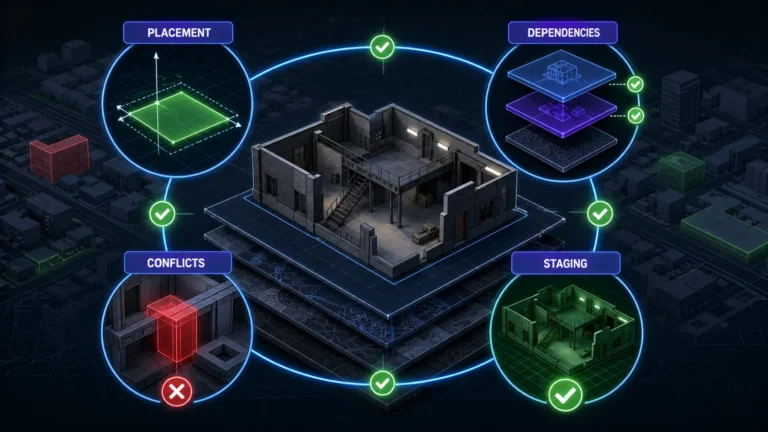
Install the candidate on staging with a copy of the server configuration, never first on the live server. Back up the database and current phone resource. Test a new character and an existing character, then check calls, messages, notifications, job access and reconnect behavior. If you are replacing another phone, document what data can be migrated and what will be reset. Tell players about any unavoidable reset before launch.
Utilisez le FiveM phone scripts category to compare the current catalog. The product cards attached to this guide show live shop information and are a starting shortlist, not a universal ranking. Open each product, confirm current dependencies and support statements, and choose the option whose documented interfaces match your actual server stack.
A practical phone-script acceptance test
Run the shortlisted phone on a staging copy with the same framework, database, inventory, voice and job resources used in production. Test a new character and an existing character. Confirm calls, messages, contacts, photos, banking actions and job alerts survive a reconnect and a resource restart.
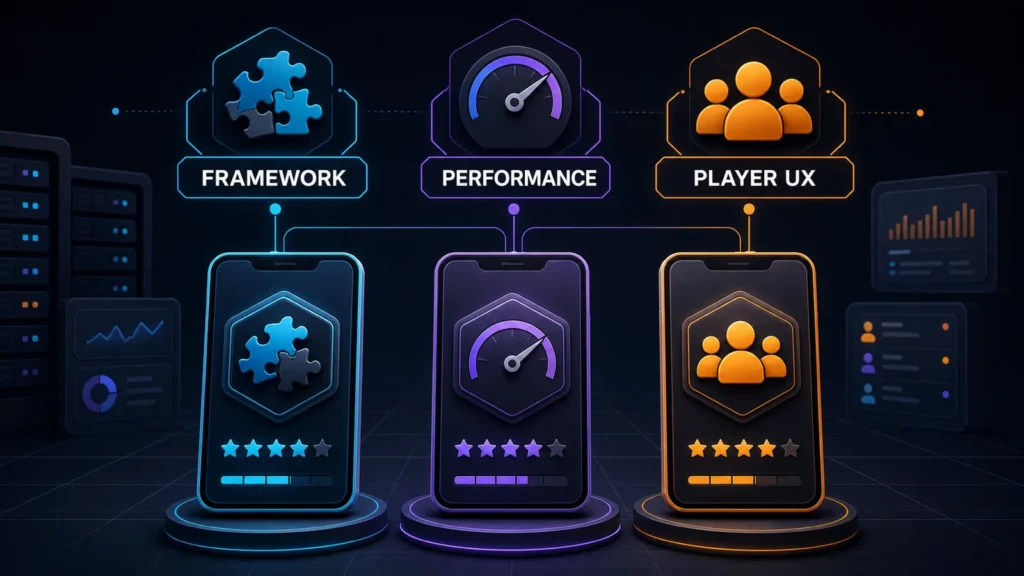
- Compatibilité: document the exact framework version, required bridge and database migration before installation.
- Performance: compare idle and active resource time while several players use calls, media and job integrations.
- Player UX: check keyboard, controller and common screen sizes, then test the complete first-session journey.
Treat a polished demo as a starting point, not proof of production fit. Keep a rollback of the old resource and database tables until the new phone has passed a full staging session.
Use the buyer guide to define your framework, dependencies and required integrations, then verify the current product page before checkout.