Compatibility
- Frameworks
- QBCore, ESX
- Game Mode
- FiveM
Free download (ad supported)
Free downloads are supported by a brief ad page (Linkvertise) to keep this service running.
Production server?
Browse paid scripts with instant delivery, support signals, and no ad step.
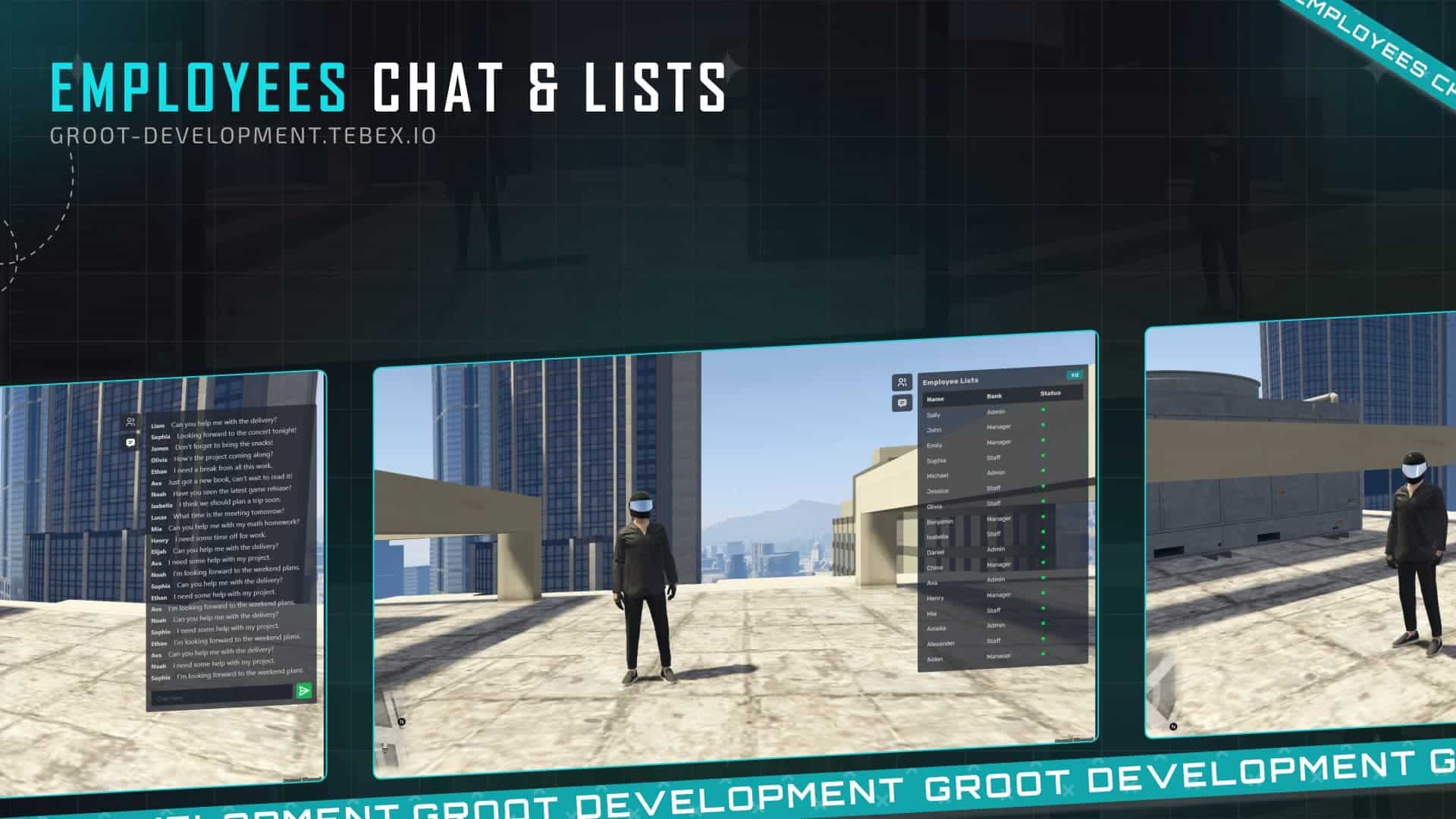
Are you looking to enhance your gaming experience with a convenient employee chat and list script? This script allows you to add as many jobs as you want through the configuration file, making it a flexible option for your needs. It displays the total number of employees as well as how many are currently online, ensuring you always have up-to-date information at your fingertips.
This script is compatible with popular frameworks such as QBOX, QBCore, and ESX. Whether you are using one of these systems, you can integrate this script seamlessly.
Installing the employee chat and list script is straightforward. Follow these steps to get started:
Download the Script: You can download the script directly here. Make sure to verify that your downloaded file is safe and complete.
Configuration: Once downloaded, locate the configuration file in the script folder. Open the configuration file and you can easily add or modify job roles as per your requirements.
Integration: Place the downloaded script files into your server’s appropriate scripts directory. Ensure that you are following the file structure required by your selected framework (QBOX, QBCore, or ESX).
Starting the Script: After integrating the script into your server, restart your server to allow the new script to load properly. Once the server is back up, the employee chat and list should now be active.
To see the script in action before you install, check out the preview on YouTube.
By following these simple steps, you can elevate the functionality of your server with an efficient employee chat and list script, enhancing the interaction and management of employees in your game. Don't miss out on optimizing your server's potential!
Premium Alternative
Get premium scripts with dedicated support, lifetime updates, and one-click installation.
Quick answers based on the information published for Employee Chat & Lists.
Have another question? Check the mod description above for more details.
Learn more about setting up, configuring, and using this type of resource.
Discover more resources for your FiveM or GTA 5 server.
Free mods are a good starting point. When your server needs stronger support, cleaner installs, and premium systems, move into the commercial hubs below.
Framework hub
Move from free QBCore resources into verified paid systems with support, updates, and cleaner install paths.
Open QBCore hubPremium catalog
See paid scripts, framework labels, bundles, and install-ready products once the free version no longer covers your server needs.
Open premium shopMoney page
Add police, mechanic, gang, and economy systems around this mod with stronger commercial scripts.
See job scriptsLaunch faster
Bundles shorten setup time by grouping the highest-leverage systems into one commercial starting point.
Written by the FiveMX editorial team based on the current CitizenFX artifact and each supported framework — not copy-pasted from the upstream post.
resources/[qb]/employee-chat-lists on your server. Keep the resource folder name as-is — most manifests reference it verbatim.*.sql), import it into your FiveM database — FiveMX test servers use oxmysql against MariaDB 10.6.ensure employee-chat-lists to your server.cfg after the qb-core ensure line.config.lua, open it before your first boot and match the job names, inventory items, and locale to your own qb-core setup — otherwise targets silently fall through.ensure employee-chat-lists in the live console to confirm it loads without red errors. If you hit a dependency error, the mod probably needs or — install those first, then retry.resources/[esx]/employee-chat-lists on your server. Keep the resource folder name as-is — most manifests reference it verbatim.*.sql), import it into your FiveM database — FiveMX test servers use oxmysql against MariaDB 10.6.ensure employee-chat-lists to your server.cfg after es_extended.TriggerEvent("esx:getSharedObject") — some older releases need a one-line patch to use ESX = exports["es_extended"]:getSharedObject().ensure employee-chat-lists in the live console to confirm it loads without red errors. If you hit a dependency error, the mod probably needs or — install those first, then retry.Other popular free mods you might find useful for your server.
ox_libox_inventoryox_libox_inventoryKeep the download flow free, but compare production-ready scripts and server packs before this resource becomes part of a live roleplay stack.

Premium FiveM vehicle HUD with speed, gear, mileage tracking, and steering wheel controls for ESX and QBCore servers.
$6.99
View product
This mod will make the streets european (German Roads)! Hand-crafted mod, for your server. With the Roads mod, you'll experience an authentic European feel with every step you take. Hand-crafted with precision and attention to detail, this mod is designed to give your server a unique touch
$4.49
View product
FiveM Anticheat script/mod | OPTIMIZED and perfect for ESX detects modders and ban them instantly. Many server owners struggle because of cheaters, modders and hackers. There are a couple of hacks and mod menus for FiveM and money hacks for ESX framework. ? Hackers are quite annoying but the
$21.99
View product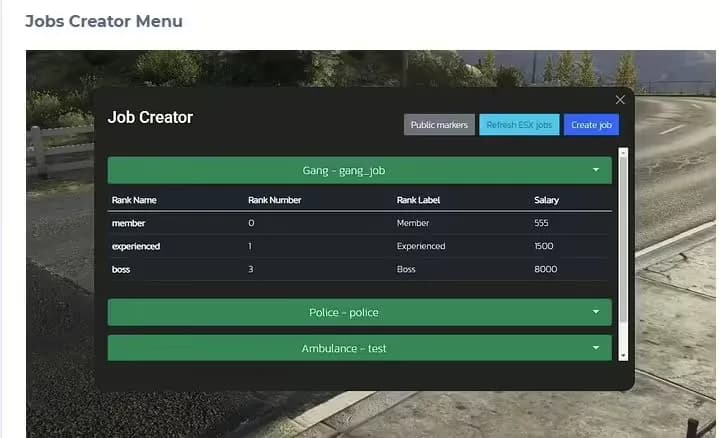
The #1 FiveM Jobs Creator Script - that allows server administrators to easily create generic jobs with many customizable interaction points.
$22.99
View product