Compatibility
- Frameworks
- Standalone
- Game Mode
- FiveM
Free download (ad supported)
Free downloads are supported by a brief ad page (Linkvertise) to keep this service running.
Production server?
Browse paid scripts with instant delivery, support signals, and no ad step.
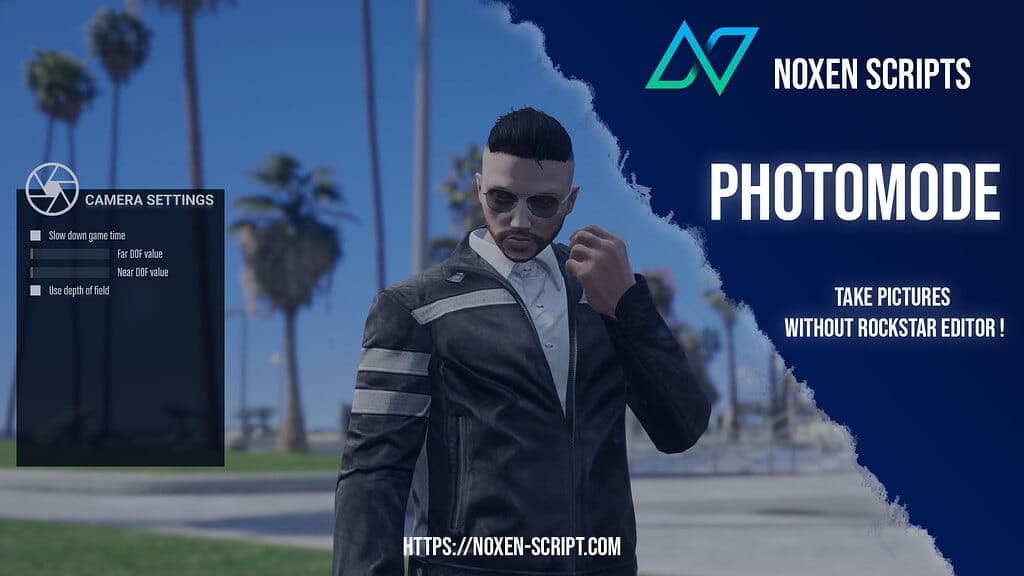
Are you looking to enhance your gaming experience with stunning visuals? The Photomode mod is a fantastic way to take breathtaking screenshots and capture your gameplay moments like never before. In this guide, I’ll explain how to install this exciting mod and make the most out of its features.
Photomode is a standalone mod designed to allow players to pause the game and manipulate the camera freely. You'll be able to focus on details, change angles, and adjust a variety of settings to create the perfect shot. Whether you’re a content creator or just someone who appreciates beautiful scenery in games, this mod will elevate your gaming experience.
Installing the Photomode mod is a straightforward process. Just follow these steps:
Download the Mod
First, you need to download the Photomode mod. Ensure you’re downloading the latest version for the best performance.
Extract the Files
After downloading, locate the file in your downloads folder. It will likely be in a compressed format (like .zip or .rar). Use extraction software (like WinRAR or 7-Zip) to extract the contents to a folder of your choice.
Locate Your Game Directory
You need to find your game’s installation directory. This can usually be found in your Steam library or wherever you installed the game.
Install the Mod
Inside the extracted folder, you’ll find several files. Copy and paste these files into the appropriate directory within your game folder. Make sure to follow any specific instructions included in the mod files.
Launch the Game
Once you've installed the mod, launch your game as you normally would.
Access Photomode
To activate Photomode during gameplay, follow the instructions provided in the mod documentation. This usually involves a simple key combination or a menu option.
Tips for Taking Great Screenshots
By following these steps, you’ll be well on your way to capturing breathtaking images that showcase your gaming adventures. Enjoy using the Photomode mod and have fun expressing your creativity!
Premium Alternative
Get premium scripts with dedicated support, lifetime updates, and one-click installation.
Quick answers based on the information published for In-Game Photo Mode Tool.
Have another question? Check the mod description above for more details.
Learn more about setting up, configuring, and using this type of resource.
Discover more resources for your FiveM or GTA 5 server.
Free mods are a good starting point. When your server needs stronger support, cleaner installs, and premium systems, move into the commercial hubs below.
Premium catalog
See paid scripts, framework labels, bundles, and install-ready products once the free version no longer covers your server needs.
Open premium shopMoney page
Add police, mechanic, gang, and economy systems around this mod with stronger commercial scripts.
See job scriptsLaunch faster
Bundles shorten setup time by grouping the highest-leverage systems into one commercial starting point.
View bundlesWritten by the FiveMX editorial team based on the current CitizenFX artifact and the target framework — not copy-pasted from the upstream post.
resources/[standalone]/in-game-photo-mode-tool on your server. Keep the resource folder name as-is — most manifests reference it verbatim.ensure in-game-photo-mode-tool to your server.cfg.ensure in-game-photo-mode-tool in the live console to confirm it loads without red errors. If you hit a dependency error, the mod probably needs ox_lib or ox_inventory — install those first, then retry.Other popular free mods you might find useful for your server.
Keep the download flow free, but compare production-ready scripts and server packs before this resource becomes part of a live roleplay stack.
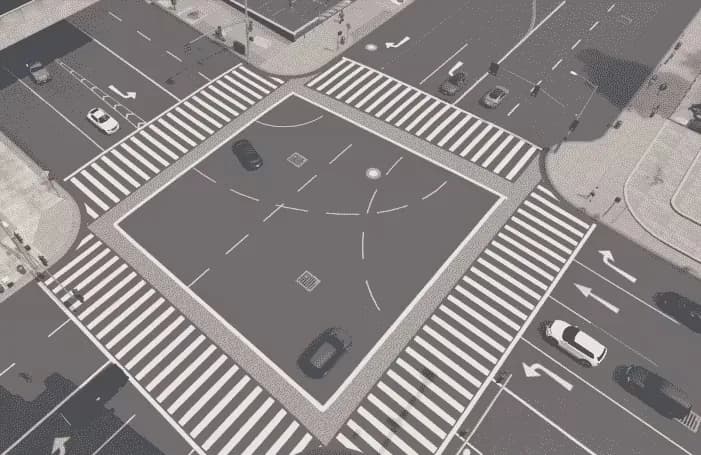
This mod will make the streets european (German Roads)! Hand-crafted mod, for your server. With the Roads mod, you'll experience an authentic European feel with every step you take. Hand-crafted with precision and attention to detail, this mod is designed to give your server a unique touch
$4.49
View product
FiveM Anticheat script/mod | OPTIMIZED and perfect for ESX detects modders and ban them instantly. Many server owners struggle because of cheaters, modders and hackers. There are a couple of hacks and mod menus for FiveM and money hacks for ESX framework. ? Hackers are quite annoying but the
$21.99
View product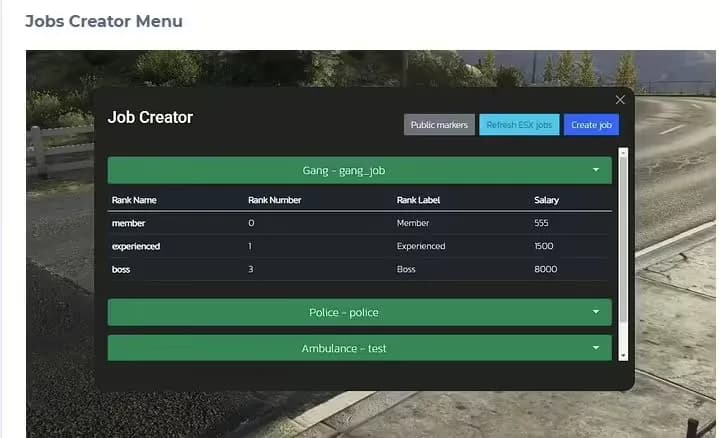
The #1 FiveM Jobs Creator Script - that allows server administrators to easily create generic jobs with many customizable interaction points.
$22.99
View product
100 luxury residential properties in Mirror Park with detailed interiors, custom exteriors, optimized FiveM streaming, and housing-script compatibility.
$6.99
View product