
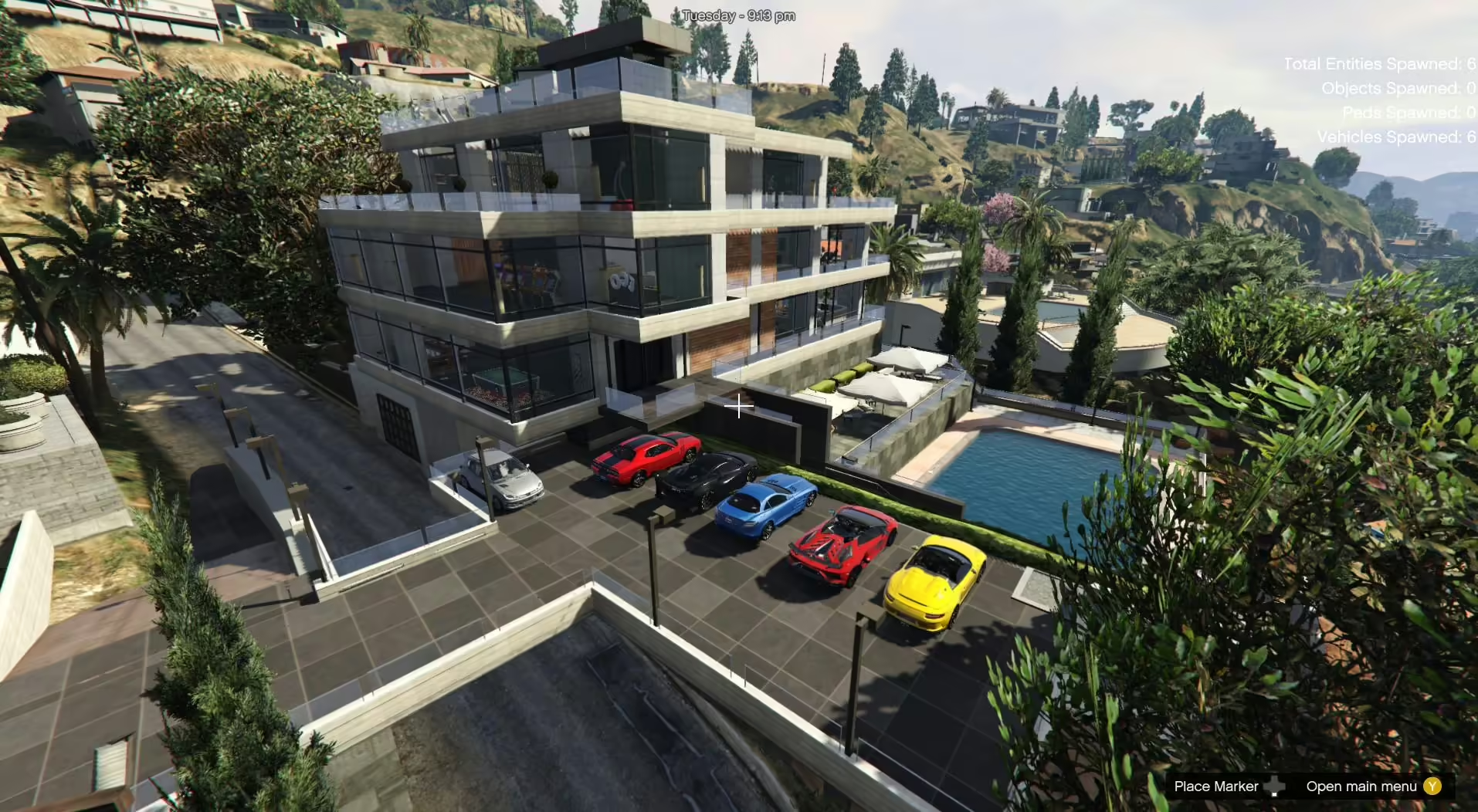
- Create the Mods Folder: If you don’t already have a mods folder, create one in your GTA V main directory. Add the original
common.rpffile to this folder. - Essential Software: Ensure that you have the following tools installed:
- Adding Maps:
- For the Addon (YMAP Files):
- Open OpenIV and copy the “custom maps” folder to:
mods > update > x64 > dlcpacks. - Next, add
dlcpacks: custom mapsin thedlclist.xmlfile by navigating to:mods > update.rpf > common > data. - Alternatively, if you’re using an existing custom maps folder, navigate to
mods > update > x64 > dlcpacks > custom maps > dlc.rpf > x64 > levels > gta5 > citye > maps > custom maps.rpfand add the files: Beverly Hills Mansion.ymapBeverly Hills add.ymap- Do not rename these files; OpenIV will handle the rest.
- Open OpenIV and copy the “custom maps” folder to:
- For the Addon (YMAP Files):
- Adding Vehicles with MENYOO:
- Copy
Beverly Hills Vehicles.xmlfrom the mod archive toGTAV menyooStuff > Spooner. - Launch GTA V and press F8 to open MENYOO. Select “Object Spooner,” then “Saved Files,” and load:
Beverly Hills Vehicles.xml
- You will be teleported in front of the vehicles in the parking area.
- Copy
- For the Beverly Mansion with MENYOO:
- Copy the following XML files to
GTAV menyooStuff > Spooner:Beverly Hills Mansion.xmlBeverly Hills add.xml
- Again, launch GTA V, press F8, select “Object Spooner,” then “Saved Files,” and load:
Beverly Hills Mansion.xmlBeverly Hills add.xml
- Copy the following XML files to
- Version 1.0: Created the Beverly Mansion.
- Version 1.1: Added an outside parking area and improved indoor lighting.
- Version 1.2: Adjusted stairs and kitchen for accessibility.
- Version 1.3: Installed a gate for the outdoor garage and enhanced the ramp.
- Version 1.4: Added a glass roof with pillars in the outdoor parking.
- Version 1.5: Replaced the glass roof with a second level for small vehicles; integrated vehicles with MENYOO.
- Version 2.0: Adjusted props for better parking space; updated outdoor lighting and added a garage under the ramp.
- Version 2.1: Added additional MENYOO files for improved functionality.
Review before live use
Before adding this resource to a live server, test the main workflow on staging, check the current source package, and keep a rollback copy of changed files. For comparison, also review FiveM mansion MLOs, free FiveM MLOs.