
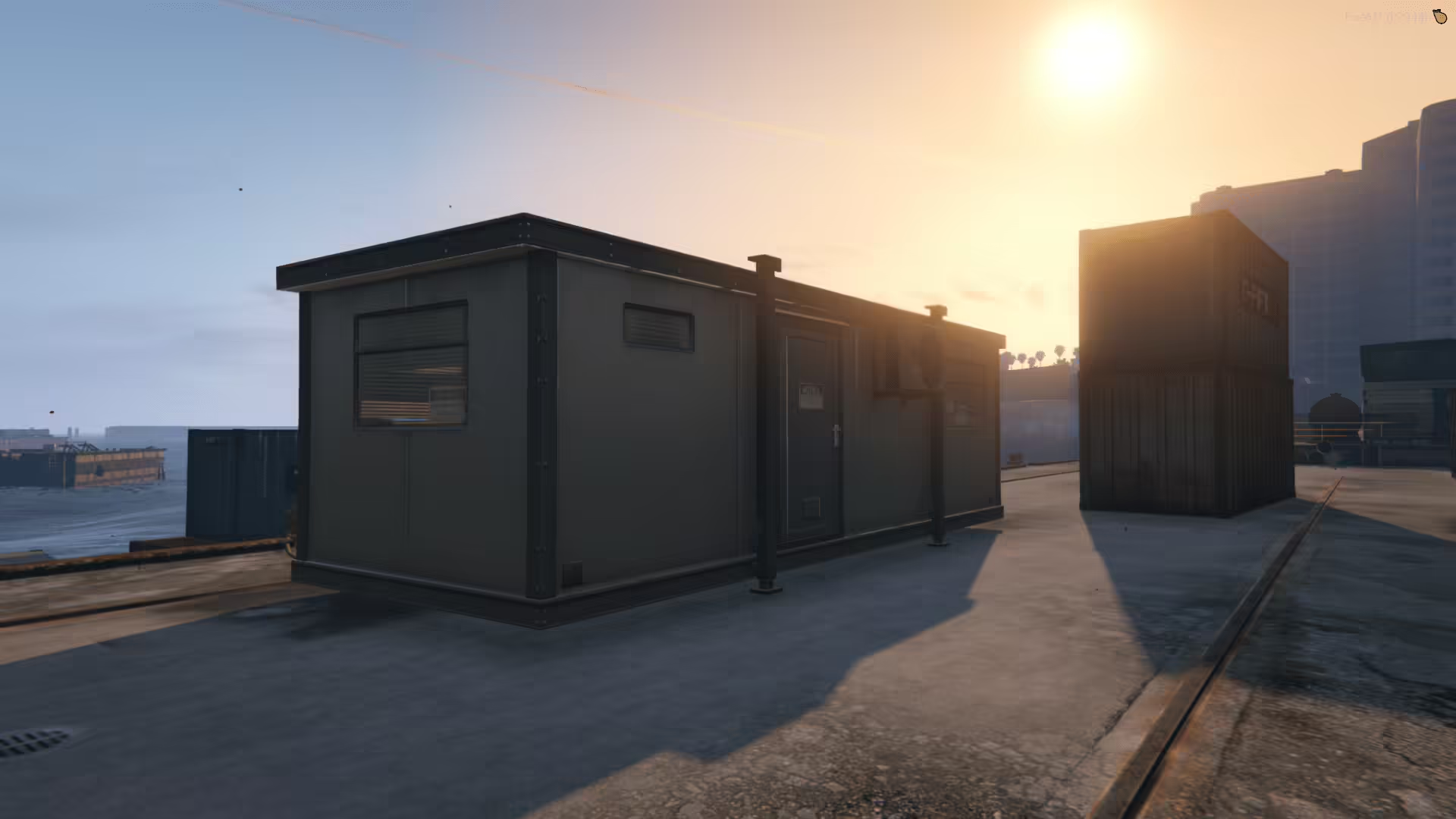
Container MLO is kept on FiveMX as a free FiveM resource reference. The previous post was too thin and promotional, so this version focuses on what can be checked before installing it rather than promising compatibility, performance or safety.
What the existing notes mention
- The old post described a compact container-style interior.
- It included map coordinates for finding the location in game.
- The resource should be checked like any other MLO before live use.
Before using it live
- Check the resource folder name, manifest and dependencies against your server build.
- Confirm framework requirements such as ESX, QBCore, QBOX, ox_lib or standalone use in the source files.
- Test performance, console errors and player permissions on a staging server first.
- Keep a rollback backup so the resource can be removed quickly if it conflicts with other scripts or maps.
Staging checklist
- Install the resource on a private test server, not directly on production.
- Restart the resource and check the server console for missing dependencies or Lua errors.
- Test the main feature with a normal player account and an admin account.
- Remove the resource again and confirm the server returns to its previous state cleanly.
When to skip it
Skip this resource if the source is unclear, the files cannot be inspected, the dependency list does not match your framework, or the script creates errors during a short staging test. Free resources can be useful for prototypes, but a live server should prefer resources that are maintained, documented and easy to roll back.
External source links
Related FiveMX resources
For safer browsing paths, compare free FiveM scripts, premium FiveM scripts, FiveM MLOs and the FiveM server starter stack.