

A real-time Live Map Script for FiveM – This mod allows users to view a live map of their game world, making it easier to manage, interact, and enhance the overall gaming experience. It includes both a server-side resource and a web interface.
Preview
Here’s a quick preview of what the Live Map looks like in action.
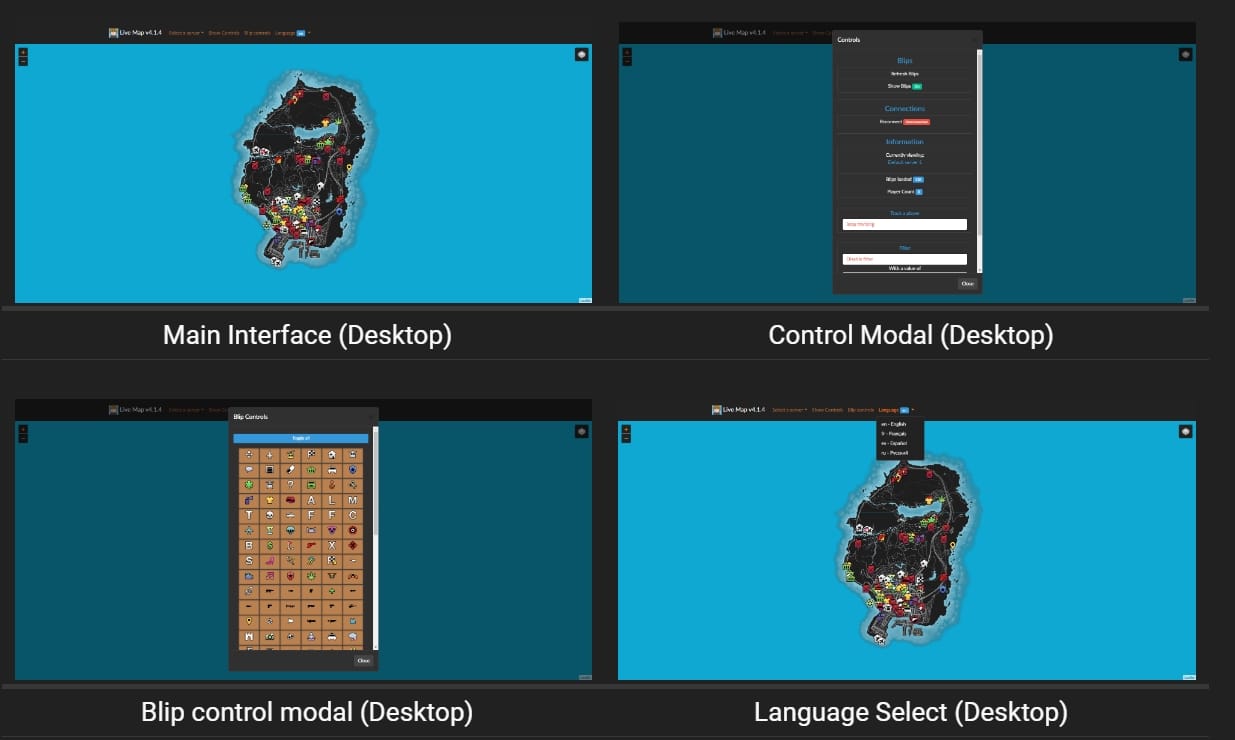
Download Resource
Installing live_map
- Download the latest version:
- Extract the contents:
- Place the files into their own folder, e.g.,
resources/live_map.
- Place the files into their own folder, e.g.,
- Configure
server.cfg:- Open your
server.cfgfile. - Add the following line:
start live_map
- Open your
- Start your server:
- Run your server and check for the following output in the console:
1 2 3 Loaded live_map.net, ... Started resource: live_map
Installing live_map-interface
- Download the latest version:
- Extract to your webserver:
- Place the files into their own directory on your web server.
- Rename Configuration:
- Rename
config.example.jsontoconfig.json.
- Rename
- Edit the Configuration:
- Open
config.jsonand adjust the values to fit your server settings.
- Open
- Verify Installation:
- Check that everything works by navigating to your web interface URL.
Add the following to your server.cfg file.
set socket_port 30121
set livemap_debug "warn" # "[all]" 'trace', 'debug', 'info', 'warn', 'error', 'fatal', 'off'
set blip_file "server/blips.json"
set livemap_access_control "*"
set livemap_use_nucleus true # Allow livemap to set up a secure reverseProxy using the Nucleus project

ensure live_map
Stay tuned for updates, improvements, and new features. If you encounter any issues or have suggestions, feel free to reach out via the documentation pages or our community forums.
FiveMX safety note
This legacy free resource is kept available for users, but it is noindexed until a cleaner primary source or stronger page value is confirmed. If you download it, scan the files, inspect the code, test on a staging server, and keep a backup before adding it to a live FiveM server.
For cleaner alternatives, browse free FiveM scripts, paid FiveM scripts, or FiveM MLOs.