
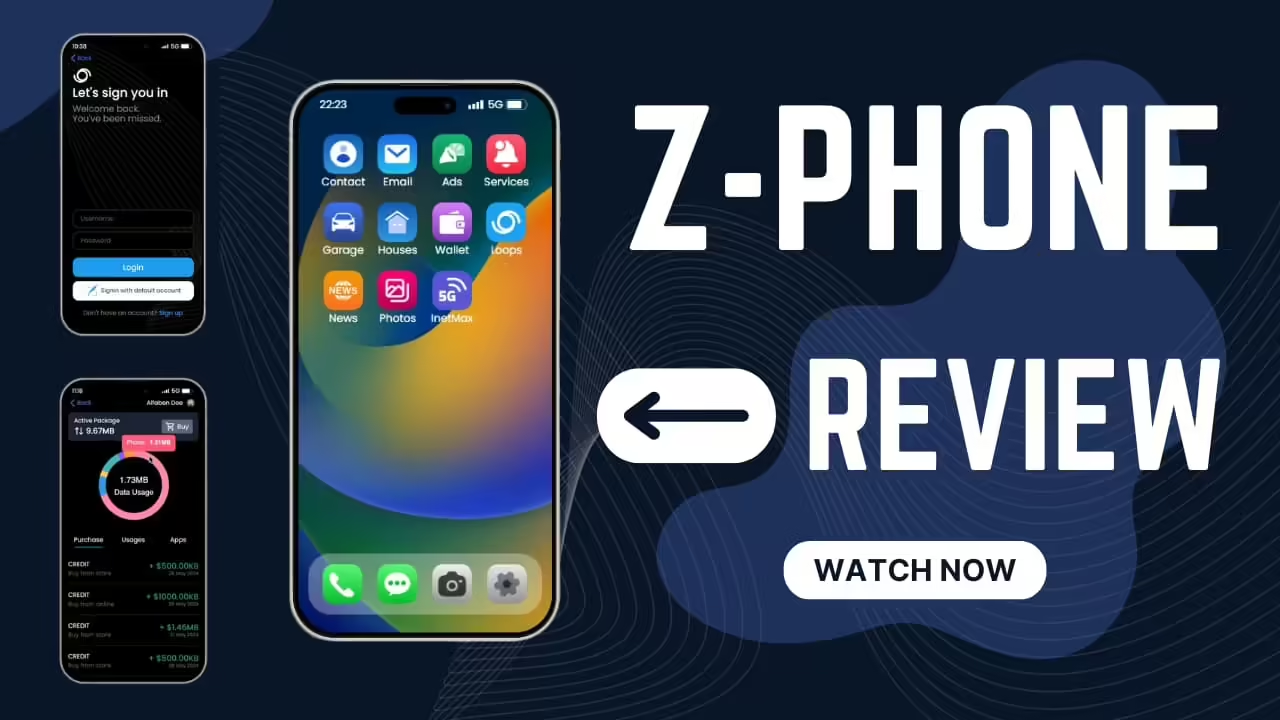
Current verification status: this page does not establish a maintained official Z-Phone repository, current version, license, supported framework list or authoritative download. Treat Z-Phone as a legacy research lead until the exact archive can be matched to a creator-controlled source and documented release.
If you cannot establish that chain, compare a maintained phone system instead of replacing a live phone. Phone migrations affect contacts, messages, media, banking, dispatch and job apps, so an unidentified archive is a production risk even when it starts successfully.
Fast answer: Z-Phone is a FiveM phone resource. Before installing it on a live server, confirm framework compatibility, database requirements, app dependencies, and conflicts with your current phone, inventory, dispatch, and banking scripts.
Last updated: June 25, 2026
Install checklist
- Read the resource requirements.
- Check framework support for ESX, QBCore, Qbox, or standalone use.
- Back up database tables before replacing an existing phone.
- Install on staging first.
- Test calling, messaging, contacts, billing, apps, and notifications.
Common phone script conflicts
- Two phone resources running at the same time.
- Old database tables from a previous phone.
- Dispatch, banking, or garage apps expecting a different phone API.
- NUI focus issues with inventory or radial menus.
Migration notes
Do not replace a live phone script during peak hours. Phone systems often touch contacts, messages, billing, jobs, dispatch, and app integrations. Run a test migration, verify data, and keep a rollback path.
Related resources
Phone migration checklist
Export or back up old phone tables before migration. Check contacts, messages, gallery/media, banking apps, dispatch apps, business apps, and job integrations. A phone swap touches more server systems than most UI resources.
Go-live advice
Announce the migration, keep the old phone disabled but available for rollback, and test with real staff accounts before letting all players in. Watch server logs for database errors during the first hour.
FiveMX safety note
This free resource is kept indexed because it has existing demand or useful internal value, but the external source should still be reviewed before use. If you download it, scan the files, inspect the code, test on a staging server, and keep a backup before adding it to a live FiveM server.
For cleaner alternatives, browse free FiveM scripts, paid FiveM scripts, or FiveM MLOs.
Source and install confidence
Phone resources touch contacts, messages, banking apps, dispatch, job apps and sometimes media storage. Treat any free phone page as a research starting point, not as approval to install it live. Confirm the maintained source, framework support and database schema before replacing an existing phone.
What to test before switching phones
- Existing contact and message data after migration.
- Calls, notifications, camera/gallery behavior and app permissions.
- Banking, dispatch, business, garage and job integrations.
- Reconnect behavior after a character reload.
- Rollback with the old phone disabled but still available.
Support questions to answer before release
Write down whether old messages migrate, whether emergency services need a new app, whether business apps keep permissions and whether players must relog after the change. Phone scripts become support-heavy when players lose contacts, banking shortcuts or dispatch notifications without warning.
If you cannot verify the source or current maintenance status, keep the page as research only and compare maintained phone options in FiveM phone scripts before replacing a production system.
Also test low-signal situations: two players calling at once, a player disconnecting during a call, a job app opening without the right job and a phone notification arriving while the inventory is open.
Source gate before testing Z-Phone
- Record the creator-controlled repository or store page, exact release or commit, license and archive checksum.
- Confirm the framework adapter, SQL schema, inventory item, voice dependency and required resource order from that source.
- Compare events and exports with banking, dispatch, garage, business and job resources.
- Import only a database copy on staging; test old contacts, messages, calls, notifications, media and reconnect behavior.
- Keep the old phone and database backup available until the rollback test succeeds.
No primary Z-Phone source was confirmed for this rework. The existing operational checklist remains useful, but it must not be read as a compatibility, maintenance, licensing or download-safety guarantee. Browse FiveM phone scripts to compare alternatives with clearer source and support evidence.