







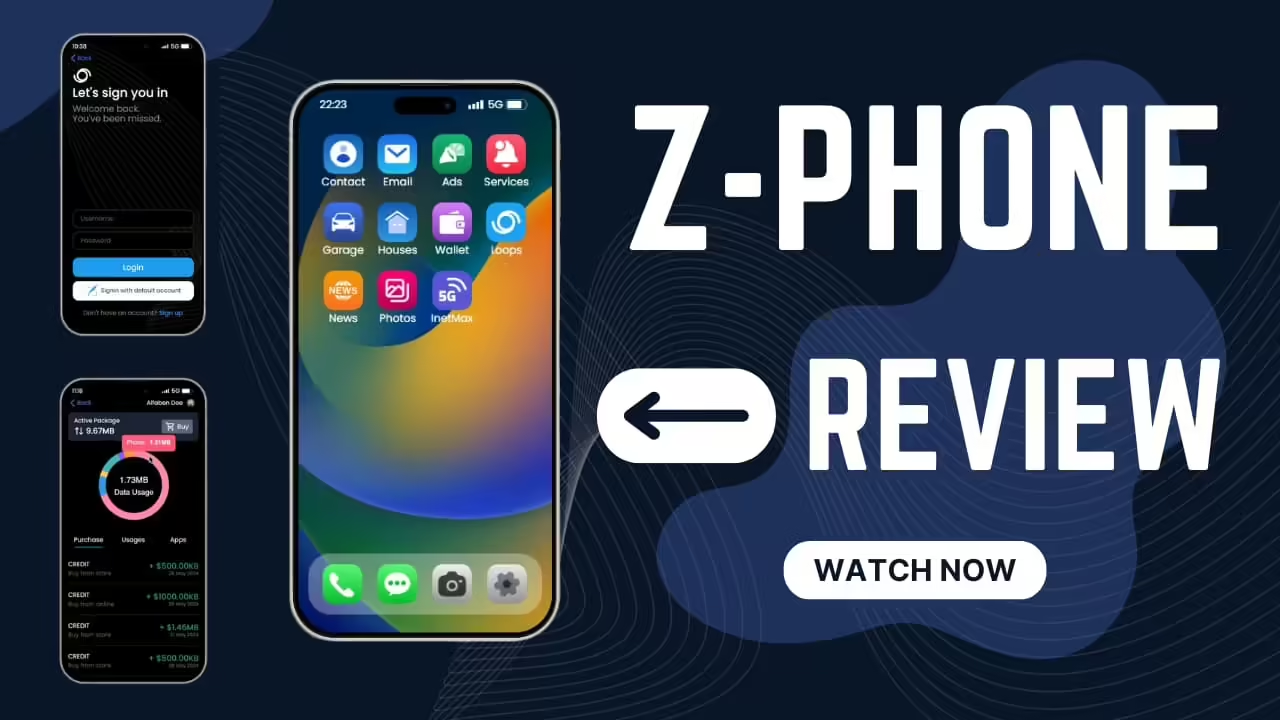
Introduzione al progetto versione 1: Z-Phone per FiveM
You are invited to experience the latest release of Project Version 1—Z-Phone (Free Phone Script), an exciting addition to your GTA V roleplay experience. This project builds on the popular QB Phone from QB-Core while introducing a fresh and modern aesthetic that enhances the user interface. With your continued support and feedback, we’ve fine-tuned this mod to create a user-friendly tool that maintains the beloved nucleo functionalities you expect.
Cosa devi sapere
Prima di immergerti nel processo di installazione, è fondamentale conoscere i requisiti e il supporto disponibili per questa mod. Avrai bisogno di QBCore e OX Lib per garantire che tutto funzioni senza problemi. Il codice è composto da oltre 3000 righe, il che lo rende un'aggiunta solida alla tua esperienza di gioco. Inoltre, il progetto prospera grazie al coinvolgimento della community. Se hai idee o vuoi segnalare problemi, sentiti libero di contribuire!
Come installare Z-Phone
Iniziare a usare Z-Phone è semplicissimo. Segui questi passaggi per installare la mod e migliorare il tuo gameplay:
-
Scarica il file
First, you need to download the Z-Phone mod file. Click on the link below to begin the download.
Scarica il file -
Estrarre i file
Una volta scaricato il file, estrailo in una posizione sul tuo computer da cui potrai accedervi facilmente. -
Aggiungi lo script al tuo server
Apri i file del server e vai alla cartella resources. Sposta i file Z-Phone estratti nella directory resources. -
Aggiorna la configurazione del server
Ora, dovrai aggiornare il file di configurazione del server. Apri ilserver.cfgfile e aggiungi la rigastart z-phoneper garantire che la mod venga caricata all'avvio del server. - Prova l'installazione
Avvia il tuo server ed entra nel gioco. Dopo aver effettuato l'accesso, dovresti vedere l'interfaccia dello Z-Phone. Esplora le funzionalità e goditi l'esperienza utente modernizzata!
Coinvolgimento della comunità
Quando inizi a usare Z-Phone, ricorda che il contributo di giocatori come te è fondamentale. Se noti bug o pensi a funzionalità utili, non esitare a contattarci. Puoi inviare suggerimenti o segnalare problemi direttamente per la revisione.
Conclusione
Z-Phone offre un mix di familiarità e design moderno, rispondendo alle esigenze in continua evoluzione della community di giocatori. Installalo oggi stesso e porta il tuo gioco di ruolo in GTA V a un livello superiore! Il tuo feedback e i tuoi contributi sono preziosi per rendere Z-Phone un'esperienza ancora migliore per tutti i giocatori. Goditi la tua esperienza di gioco con Z-Phone!
