$ USD
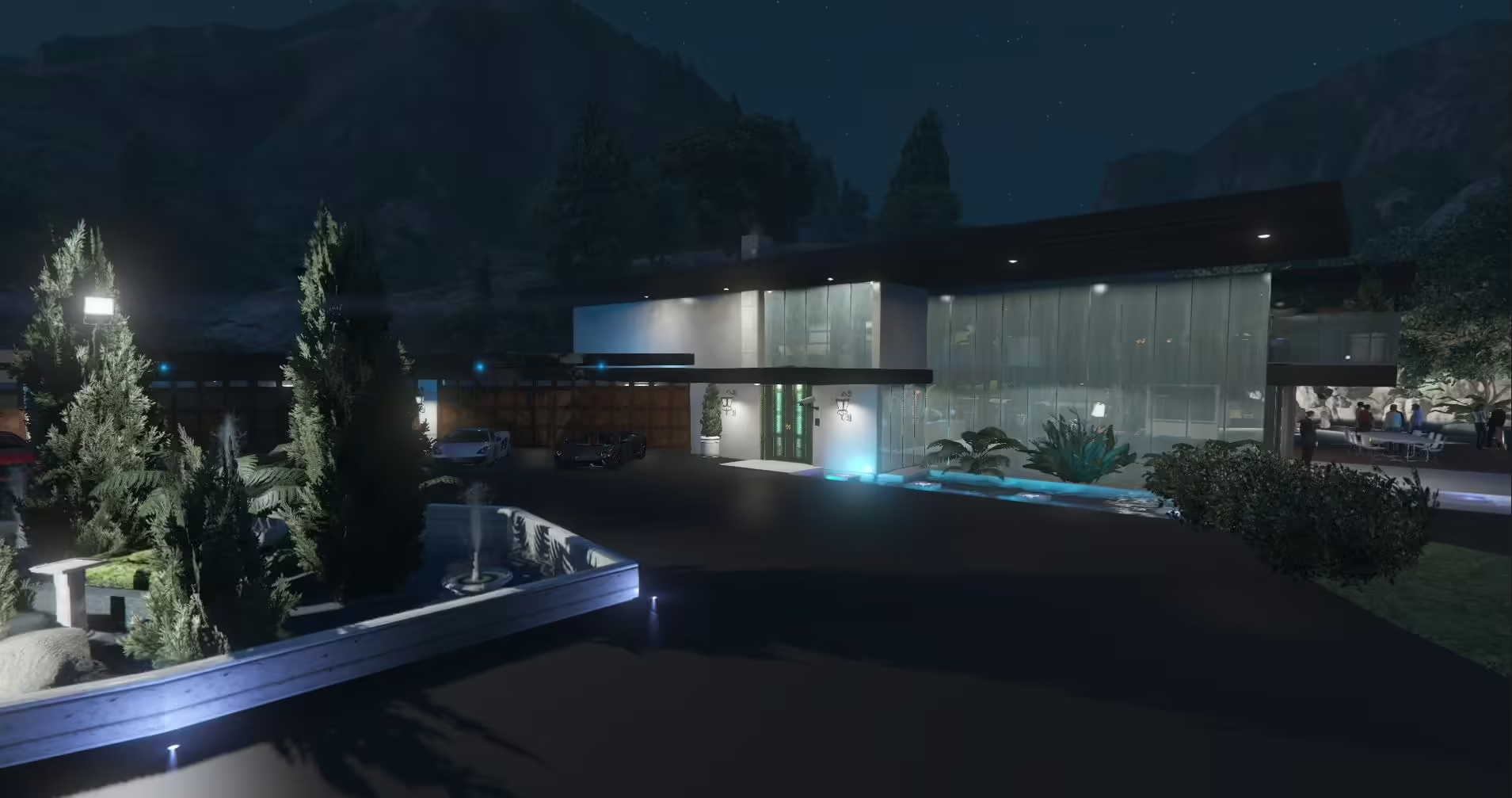
Luxury Mansion – Free FiveM Mansions
Een gratis kaart testen?
Gratis MLO's zijn handig voor prototypes. Voor een live RP-server, vergelijk premium interieurs en serverpakketten vóór de lancering.
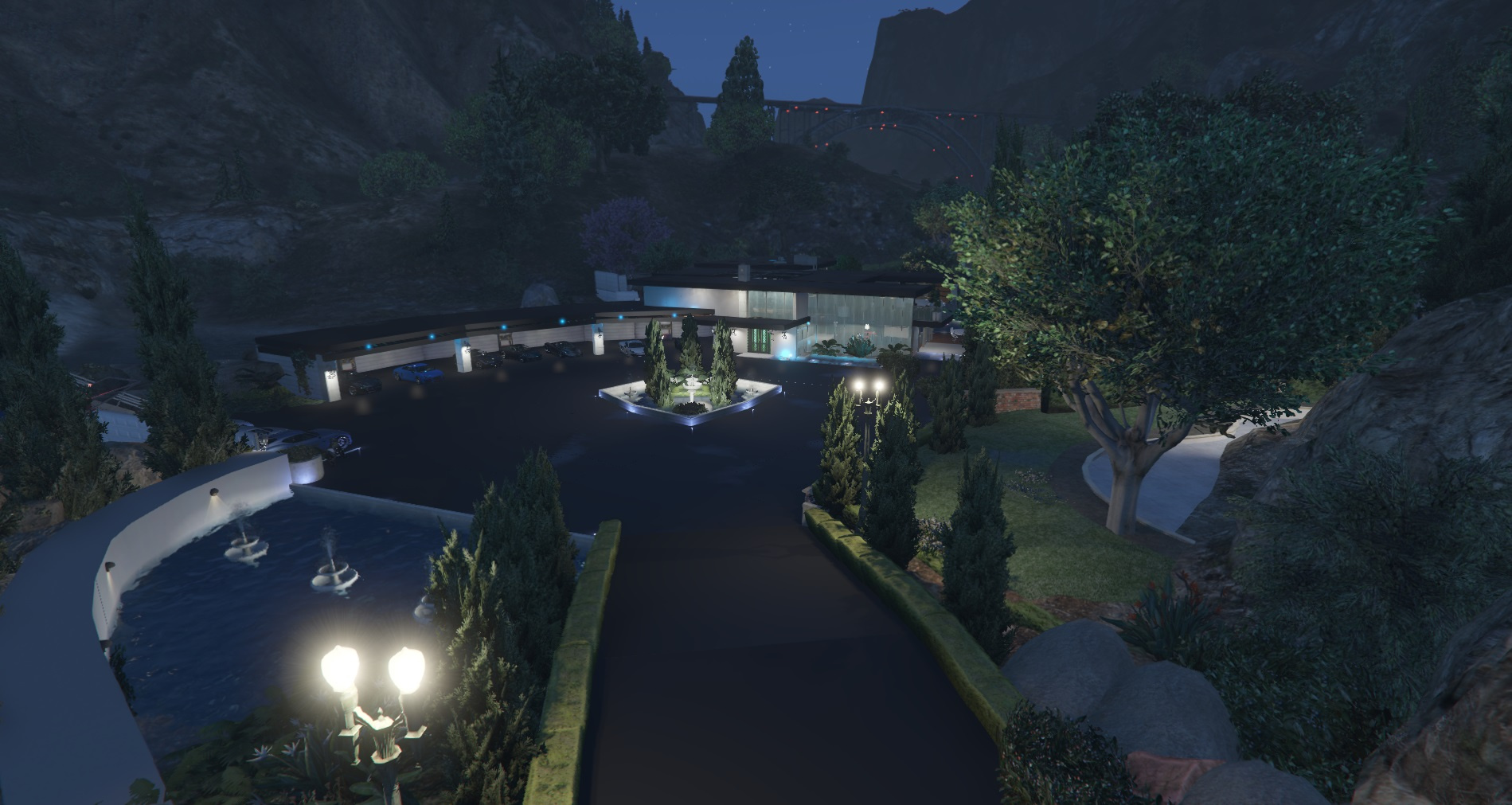
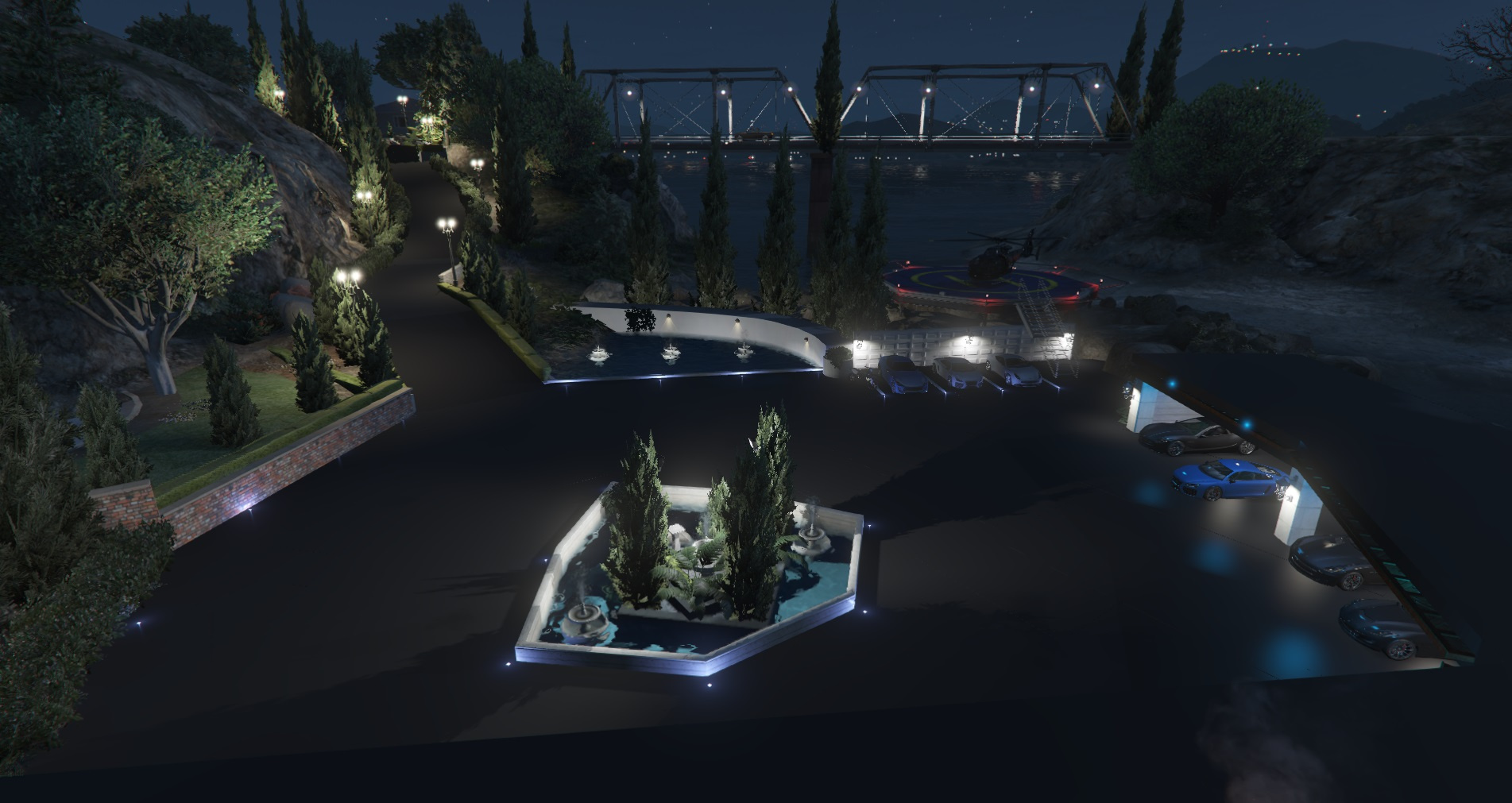
Step into luxury with the Luxury Party Mansion mod for GTA V. This stunning mansion brings a vibrant party atmosphere to your game, featuring spacious rooms, lively decoration, and an engaging environment that invites excitement and fun.
Visual Overview
The Luxury Party Mansion offers a glamorous setting perfect for social gatherings in the game. Check out some images to get a feel for this incredible mod:
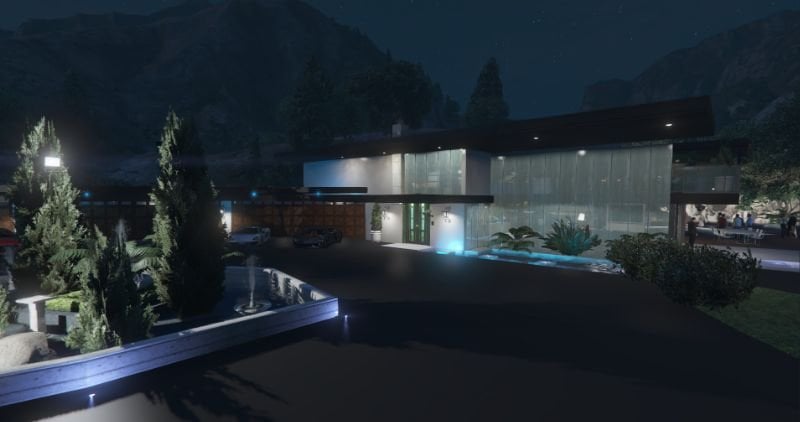
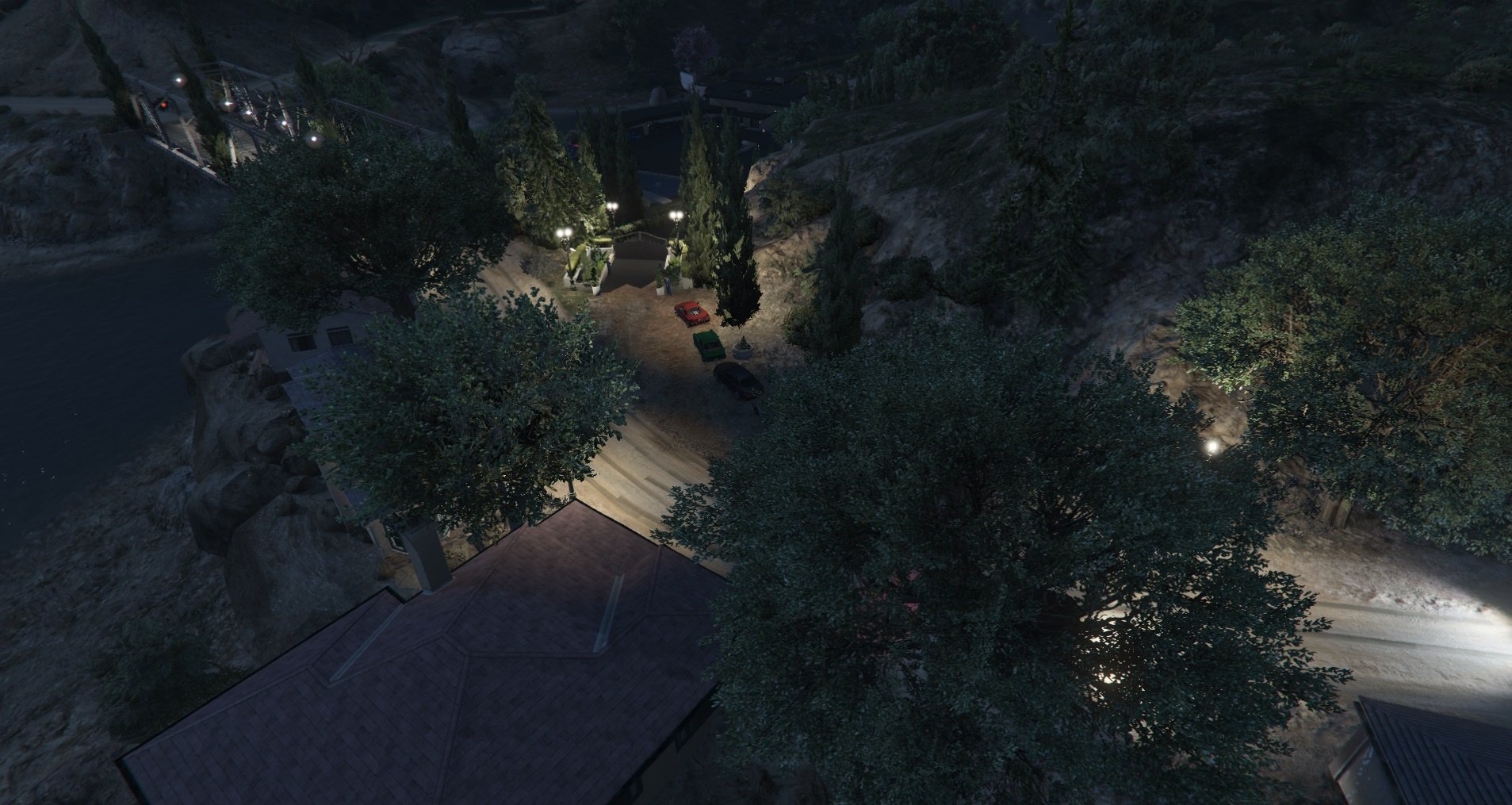
Additional views of the mansion:

Installatie-instructies
To install the Luxury Party Mansion mod, follow these steps:
- Download the mod file using the button below.
- Extract the downloaded file.
- Locate the “Luxury Party Mansion” folder within the extracted files.
- Move the folder to the “maps” directory in your GTA V directory.
- For the mod to function smoothly, go to the coordinates indicated in the 14th and 15th images (Southeast of the Golf Club near Michael’s House).
- Load the map, and once loaded, test the dynamics in all the doors, and enjoy the lavish design!
Get Started
Ready to add a touch of luxury to your game? Click the button below to download the Luxury Party Mansion mod now!
Transform your GTA V experience with this extraordinary mansion mod and let the party begin!
Resource summary
Luxury Mansion – Free FiveM Mansions is listed as a free FiveM resource. Treat it as a candidate resource: review the source, test it on a staging server, and confirm framework compatibility before using it on a live roleplay server.
Compatibiliteit
Check the original source page and the files inside the resource for ESX, QBCore, QBOX, standalone, dependency, and version notes. If the resource touches jobs, vehicles, inventory, maps, clothing, HUDs, or server events, test it with your existing scripts before publishing it to players.
Install notes
- Download the resource from the verified source or trusted listing.
- Scan the archive and review configuration files before upload.
- Place the folder in your server resources directory and add the correct
zorg ervoorline toserver.cfg. - Restart on staging first and check console errors, missing dependencies, and client performance.
Source / download