







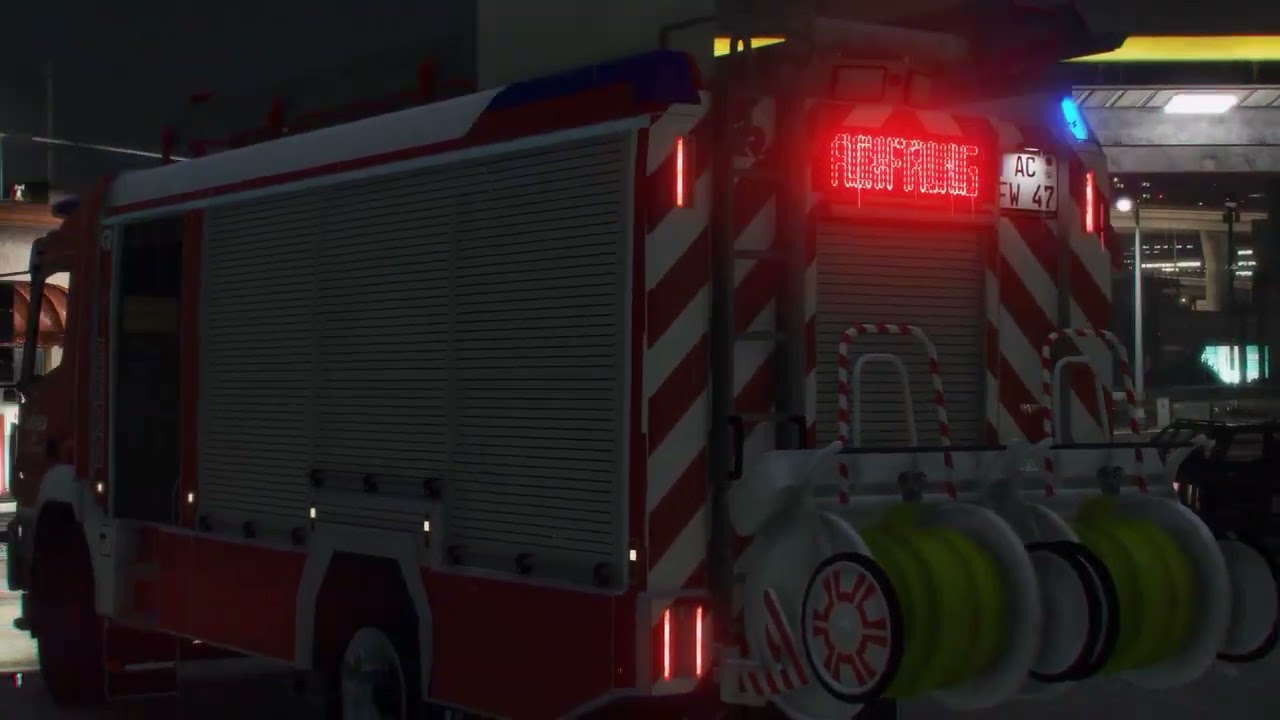
Op zoek naar het beste Noodverlichtingssysteem (ELS) voor FiveM?
Dit gloednieuwe, op maat gebouwde ELS voor FiveM is eindelijk hier – helemaal opnieuw geschreven om maximale prestaties, vloeiende synchronisatie en een moderne gebruikerservaring te leveren.
In tegenstelling tot oudere of verouderde ELS mods, is dit systeem volledig geoptimaliseerd voor OneSync en ondersteunt geavanceerde configuratie-opties om uw server de meest realistische en flexibele noodverlichting mogelijk te geven.
✅ Belangrijkste functies
- Meerdere flitspatronen voor realistische noodverlichting
- Individueel schakelbare verlichtingsgroepen (Primair, Secundair, Waarschuwing, Takedowns, Scenelights, etc.)
- Meeslepend omgevingsverlichting
- Aanpasbaar UI panelen (maak je eigen of gebruik meegeleverde)
- Geavanceerd XML\/VCF configuratie
- Definieer panelen per voertuig
- Instelbaar helderheid per extra
- Extra's toewijzen voor takedowns en scenelights
- Server-side sirene-streaming voor betere synchronisatie
- Richtingsverlichting ondersteuning
⚡ Waarom voor deze ELS kiezen?
Dit is niet zomaar een aangepast script – het is een compleet nieuwe FiveM ELS resource, ontworpen om lichtgewicht, stabiel en gemakkelijk te configureren te zijn. Of je nu een roleplayserver of een communityproject draait, dit ELS-systeem zorgt ervoor dat je politie-, brandweer- en EMS-voertuigen de meest realistische verlichtingsopstelling hebben die beschikbaar is.
? Download & Installation
Dit ELS voor FiveM is beschikbaar als gratis mod
- Compatibel met OneSync servers
- Gebruikt de officiële FiveM Escrow System voor beveiliging
- Gemakkelijk te installeren en configureren