







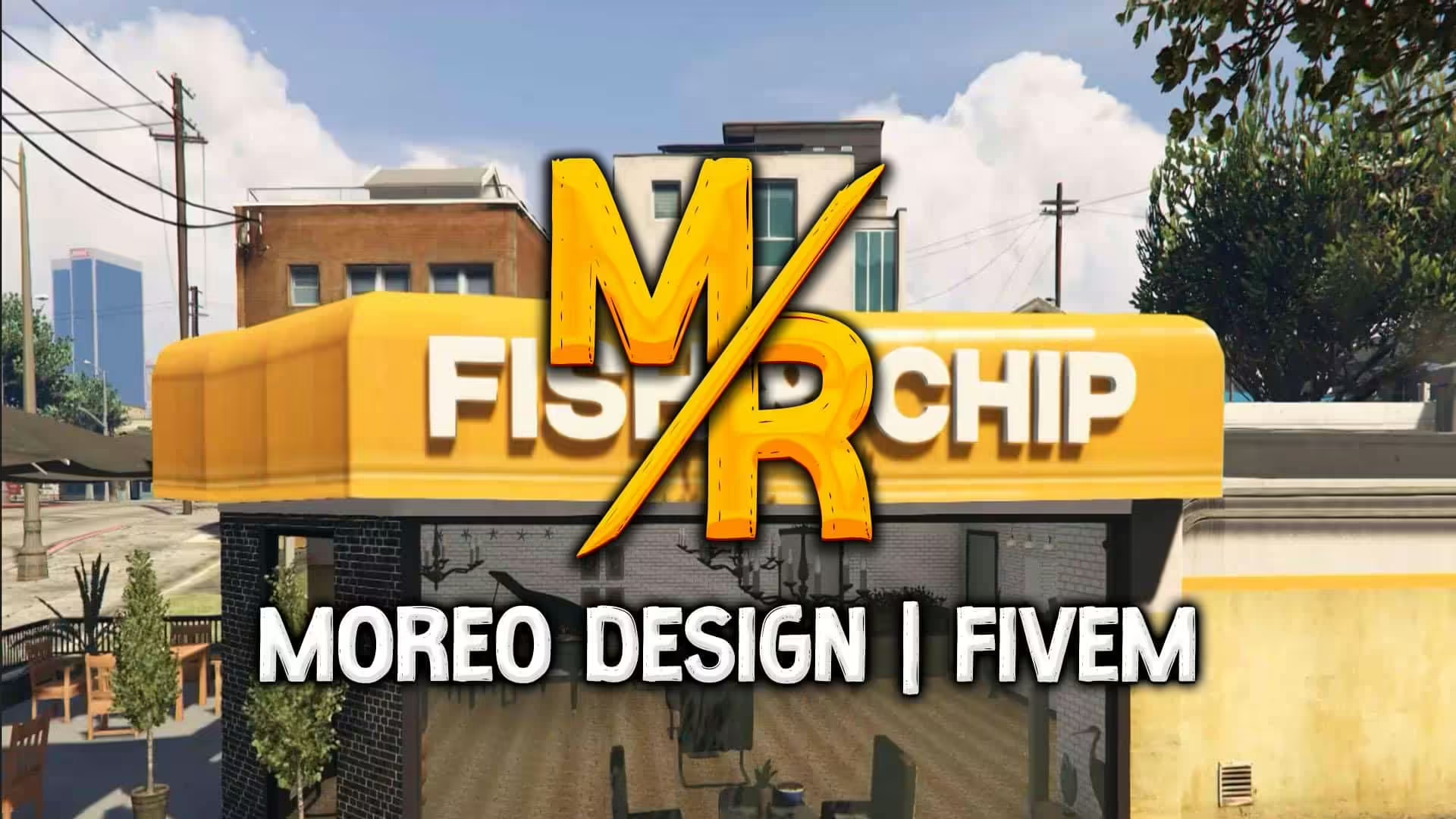
Verken de levendige wereld van Grand Theft Auto V met de Fish & Chip Restaurant mod! Deze spannende toevoeging verbetert niet alleen je single-player ervaring, maar integreert ook gedocumenteerd in je FiveM server gameplay. Ontworpen door de getalenteerde Moreo TM, brengt deze mod een heerlijke eetgelegenheid naar het spel, geschikt voor role-playing of gewoon om van de sfeer te genieten.
Kenmerken van de Fish & Chip Restaurant Mod:
- Realistische restaurantomgeving met een thema van de klassieke fish and chip-zaak.
- Werk voor online interacties met vrienden of NPC's.
- Mooi gedetailleerd zowel van binnen als van buiten, wat de esthetische aantrekkingskracht van je spel vergroot.
Hoe de mod te installeren:
Installatie voor Single Player (SP):
- Download het mod-pakket.
- Pak de map met de naam "moreo_fishandchip" uit."
- Kopieer en plak deze map naar de volgende directory:
- mods > update > x64 > dlcpacks
- Open OpenIV en navigeer naar het pad:
- mods > update.rpf > common > data
- Zoek en bewerk het
dlclist.xmlbestand door de volgende regel toe te voegen:dlcpacks:/moreo_fishandchip/
FiveM-installatie:
- Download het mod-pakket.
- Pak de map "moreo_fishandchip" uit.
- Plaats deze map in de resources-directory van je server.
- Open je
server.cfgbestand en voeg de regel toe:ensure moreo_fishandchip
Eenmaal geïnstalleerd, bekijk het spel en ervaar alles wat de Fish & Chip Restaurant te bieden heeft!
Als je deze mod leuk vindt, overweeg dan om Moreo TM te steunen door je te abonneren op hun YouTube-kanaal. Verken het restaurant in het spel vandaag nog en pas je GTA V-ervaring aan!
Download de Mod: Download hier