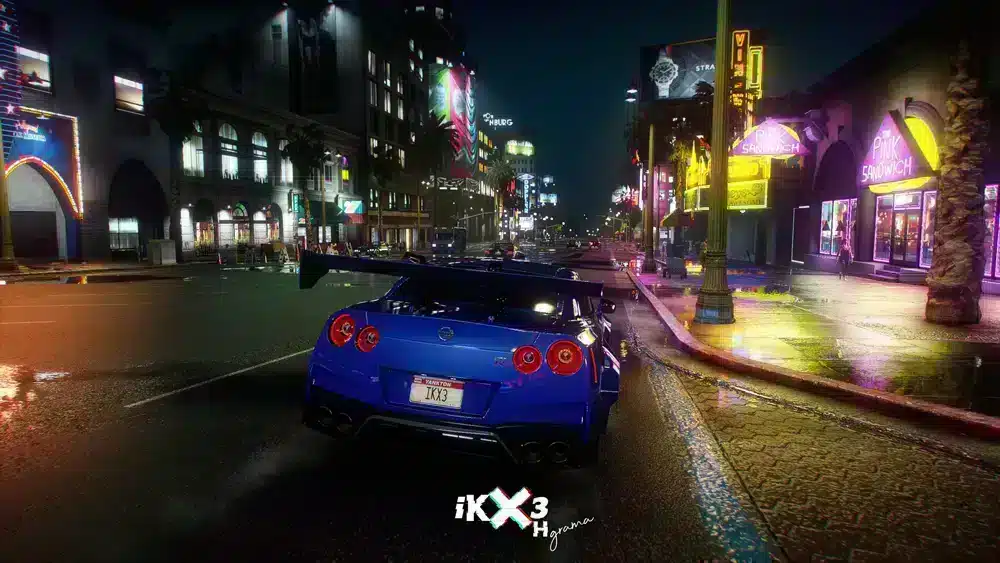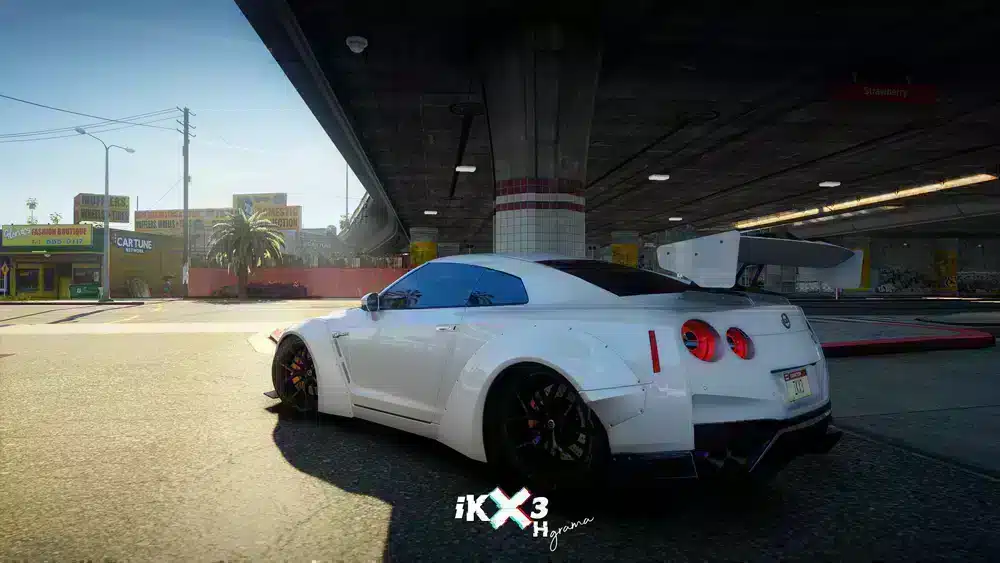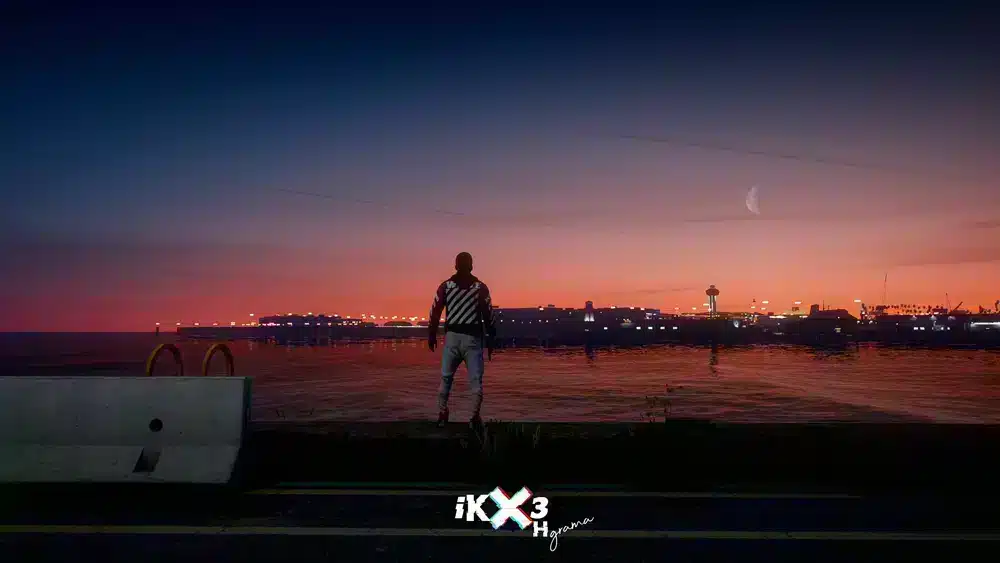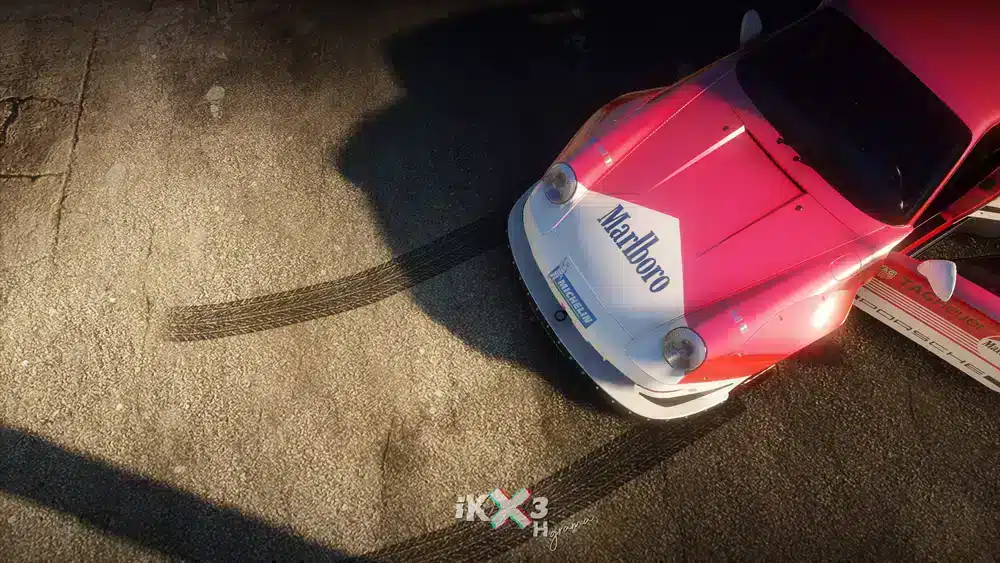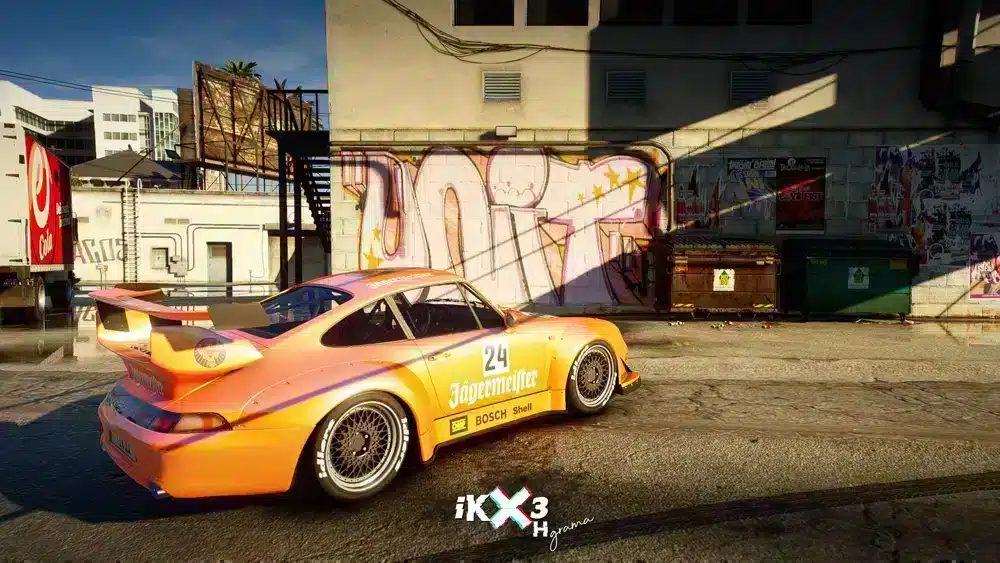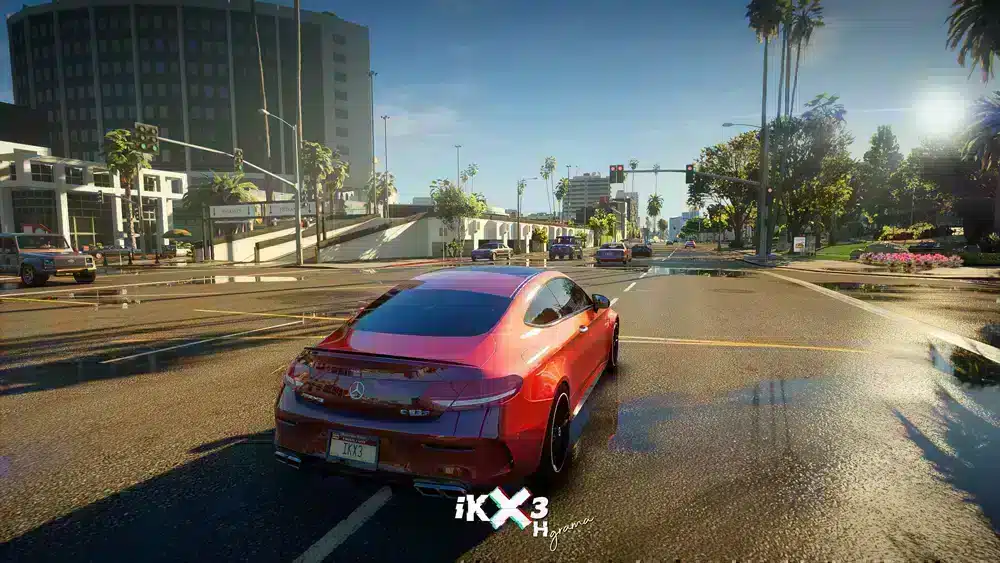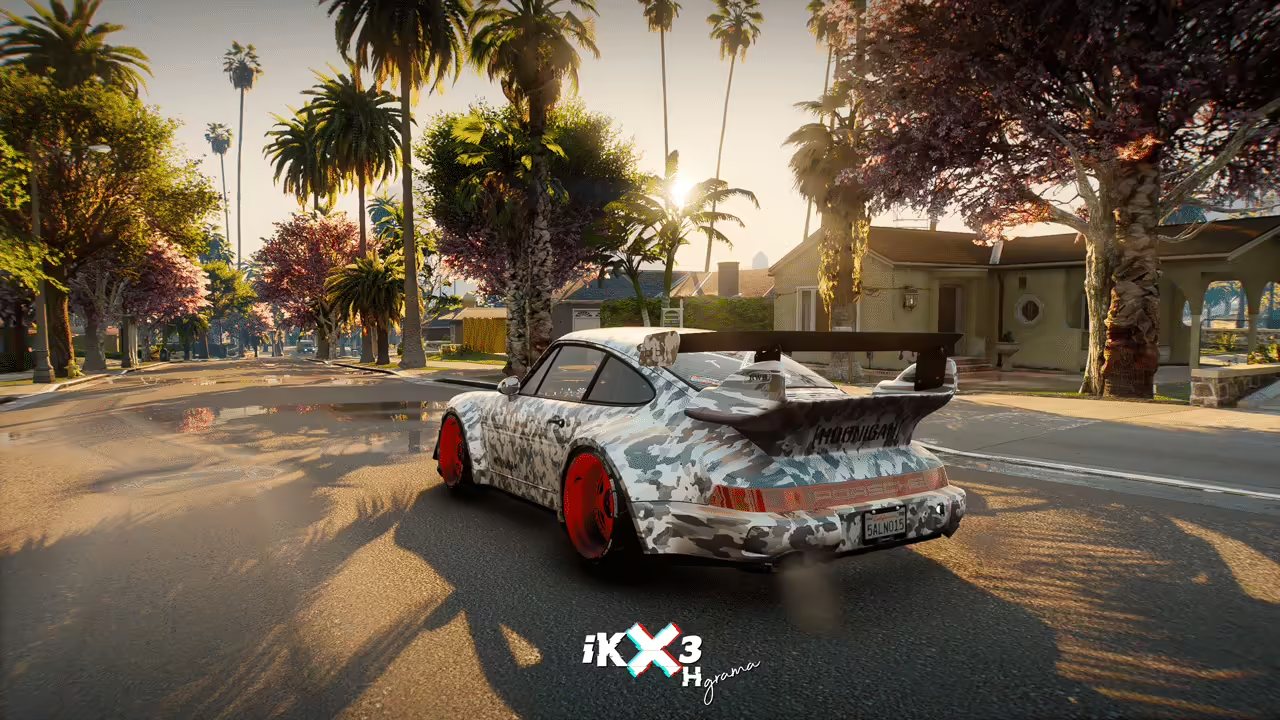
Transformeer je GTA V-gameplay met onze prachtige reshade-preset, speciaal ontworpen voor wie op zoek is naar een visueel boeiende ervaring in de wereld van FiveM. Deze aanpasbare preset verbetert de levendige beelden en voegt diepte toe aan je scènes, waardoor elk in-game moment levendiger aanvoelt, vooral in landhuizen.
Installatiehandleiding
Om aan de slag te gaan met deze reshade-preset, volg je deze eenvoudige stappen:
-
download de Reshade: Klik eerst op de onderstaande downloadlink om het preset-bestand te krijgen.
-
Installeer Reshade: Als je dat nog niet hebt gedaan, download en installeer Reshade van de officiële site. Selecteer tijdens de installatie het uitvoerbare bestand van Grand Theft Auto V.
-
Voeg de preset toe: Plaats na installatie het gedownloade preset-bestand in de hoofdmap van je game, waar het uitvoerbare bestand van de game zich bevindt.
-
Activeer de preset: Start de game. Wanneer Reshade je vraagt een preset te selecteren, kies dan degene die je zojuist hebt toegevoegd.
- Geniet: Nu ben je klaar om de prachtige beelden van GTA V te bekijken! Verken de rijke omgevingen, vooral die enorme landhuizen, met de nieuwe graphics die elk detail verbeteren.
Wat is inbegrepen?
Dit preset verfijnt de kleuren, schaduwen en belichting in het spel, waardoor elke scène gedetailleerder wordt. Geniet van een helderdere en scherpere visuele ervaring, geschikt voor het verkennen van gedetailleerde locaties zoals herenhuizen en het genieten van online gameplay op FiveM.
Whether you are a seasoned player or new to the world of modding in GTA, this reshade preset will surely become a favorite. Transform your gameplay and see the difference it brings!
Wacht niet langer—installeer vandaag nog de preset en pas je visuele avontuur in GTA V aan!