







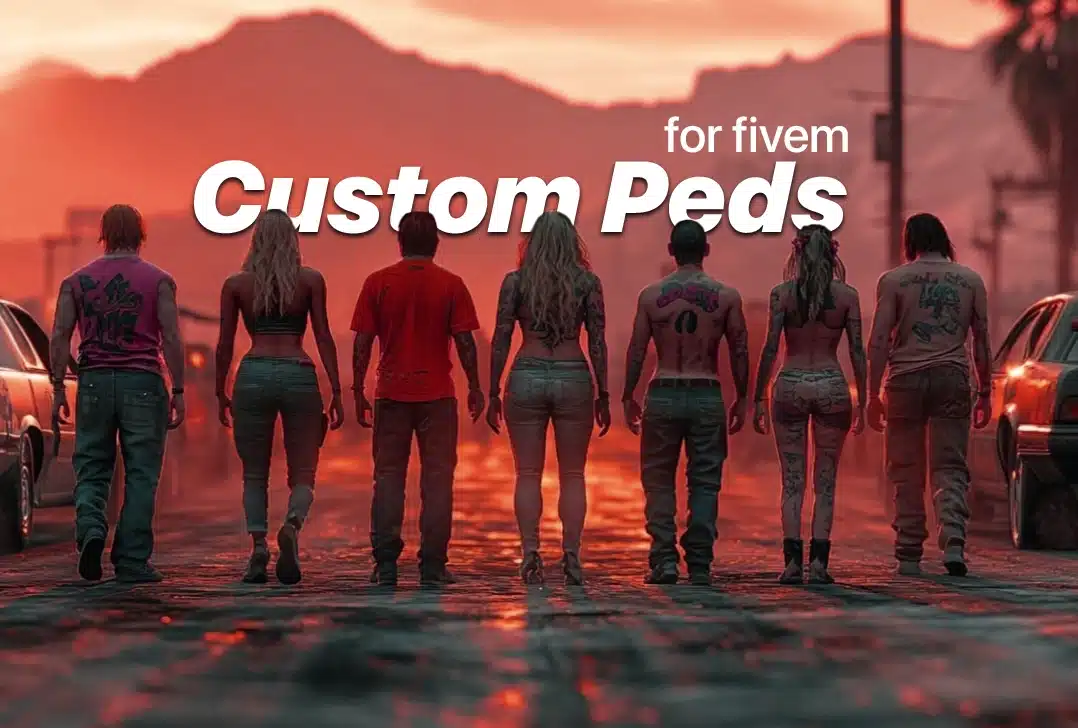
FiveM peds are character models used for players, jobs, ambient NPCs or scripted scenes. An add-on ped normally adds a new model name; a replacement ped overwrites an existing GTA V model. Add-ons are usually easier to isolate and roll back, while replacements can affect any resource that calls the original model.
Technical basis: reviewed 9 August 2026 against the official Cfx.re resource manifest documentation. Always follow the package’s own license and install notes.
What a ped package should contain
A streamable model commonly includes drawable and texture files plus a resource manifest. The exact files differ by model type. Do not rename files or copy them into another resource until you understand the package structure; model names, metadata and script references must continue to match.
Add-on or replacement?
| Type | Beste voor | Belangrijkste risico |
|---|---|---|
| Add-on ped | Named characters, jobs and opt-in player models | Model name collisions or a script that does not support custom models |
| Replacement ped | A deliberate global visual replacement | Unexpected changes wherever the original model is used |
| Scripted NPC | Shops, missions and scenes | Client-side spawning, network ownership or cleanup errors |
Installation workflow
- Check the license and confirm redistribution and commercial-server use are permitted.
- Create a dedicated resource rather than mixing unrelated models.
- Keep the supplied manifest and folder structure unless the documentation says otherwise.
- Add the resource to the staging server configuration and restart in a controlled window.
- Spawn the model through the documented command, menu or script—not an assumed universal command.
- Test reconnect, clothing/components, animations, vehicles, weapons and distance rendering.
Performance and quality checks
- Inspect texture resolution and file size. A visually simple ped can still carry oversized textures.
- Test several copies at once; a single model in an empty scene does not represent a busy server.
- Watch for missing textures, broken levels of detail, clipping and animation mismatch.
- Confirm the model is removed when the owning resource stops or the scripted scene ends.
- Check client F8 and server console output for streaming or model errors.
Common failures
If the model is invisible, verify the resource started and the requested model name matches the streamed files. If textures are missing, restore the original filenames and package structure. If only a script cannot select the ped, confirm that the script supports add-on models and that any allowlist uses the correct name. Roll back the dedicated resource if crashes or memory pressure begin after deployment.
Before publishing a ped
Keep the creator, license, version, source URL and install notes with the resource. Avoid reposting a model when the license is absent. For server-wide purchasing decisions, use the FiveMX pre-purchase checklist.