
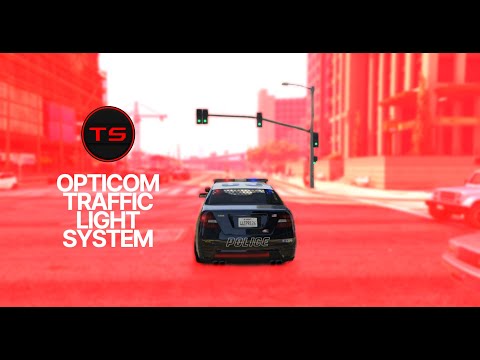
Opticom Traffic Light System
$12.99
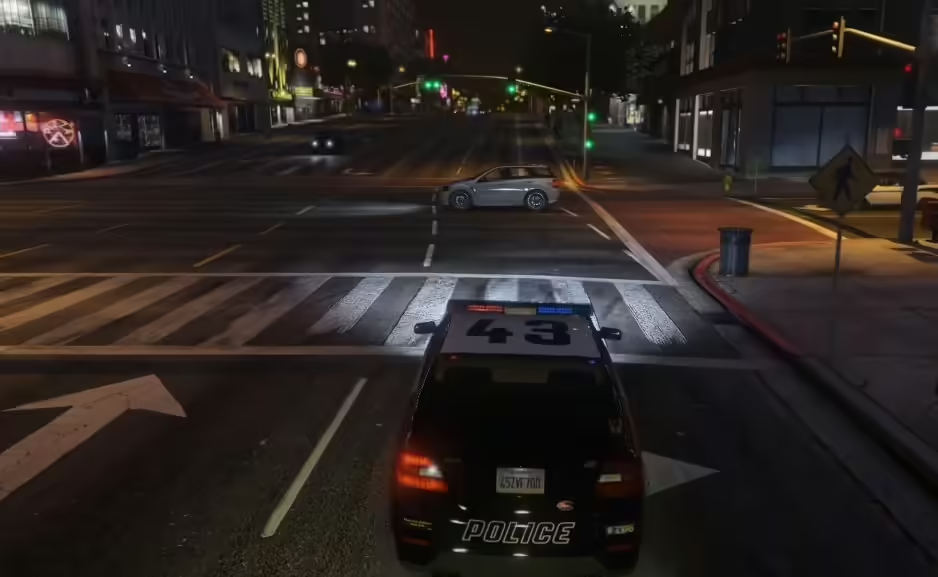
This script allows you to have a Realistic Opticom Infrared system with many realistic features to enhance your gameplay. Note: This Script Can Be Used As Standalone, ESX, QBCORE, and Any Framework Features
- Works On All Vehicles
- Works With Every Framework
- Heading To Traffic Light Turns Green On Detection
- Nearby Traffic Lights Turn Red On Detection
- Nearby AI Traffic Stops For The Emergency Vehicle once the Opticom Detects It
- Works With All Traffic Lights Including Custom Ones
- Whitelist Vehicles Other Than The Emergency Class Vehicles
- Blacklist Vehicles From Being Detected
- Traffic Lights And Traffic Resets After Detectance With A Defined Period Of Time
- Multiple Configuration Options Including Detection Distance, Detection Range, Toggle Emergency Vehicle Class Whitelist, Toggle Traffic Stopping, And More
- And Much More…
- Standalone, ESX, QBCORE, And Any Framework
- Perfectly Synced
- One sync Compatible
Installation 1. Purchase the resource. 2. Check your email (And Spam Folder) for the resource 3. Place the resource files in your server’s resources folder! Note: The Script Can Be Used On Multiple Servers And Doesn’t Use The Escrow System! Usage You Can Enable/Disable The Emergency Vehicle Class Whitelist In Settings.ini Edit Any Configuration Needed Inside The Settings.ini
$ USD
Lifetime update access. Files FiveMX publishes to this listing remain available to the original eligible purchase without a subscription. Read the exact scope
Additional information
| Framework | ESX, QBCore, QBOX, Standalone, vRP |
|---|
Only logged in customers who have purchased this product may leave a review.



Reviews
There are no reviews yet.