







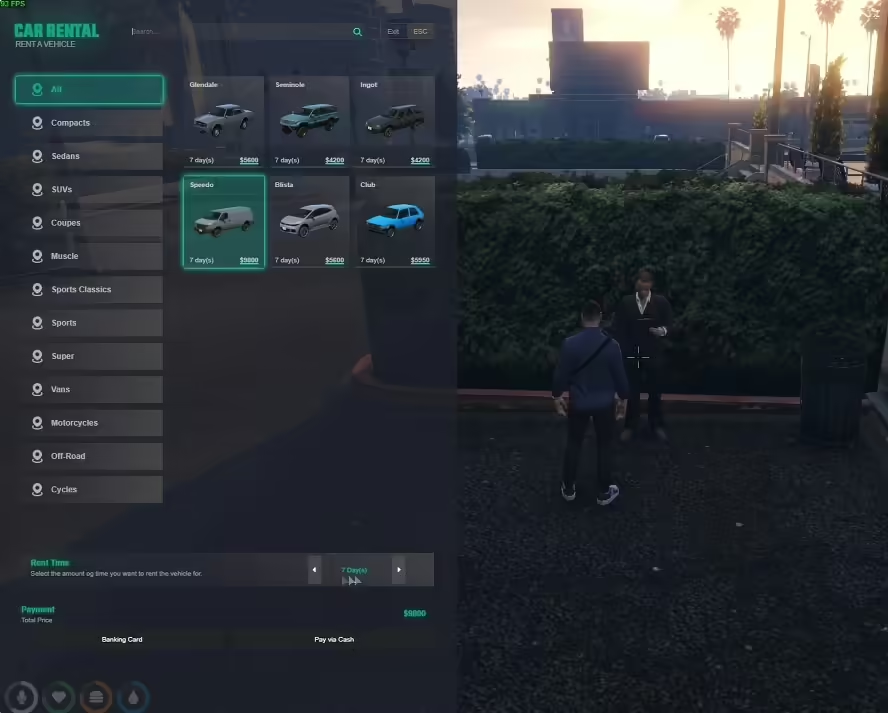
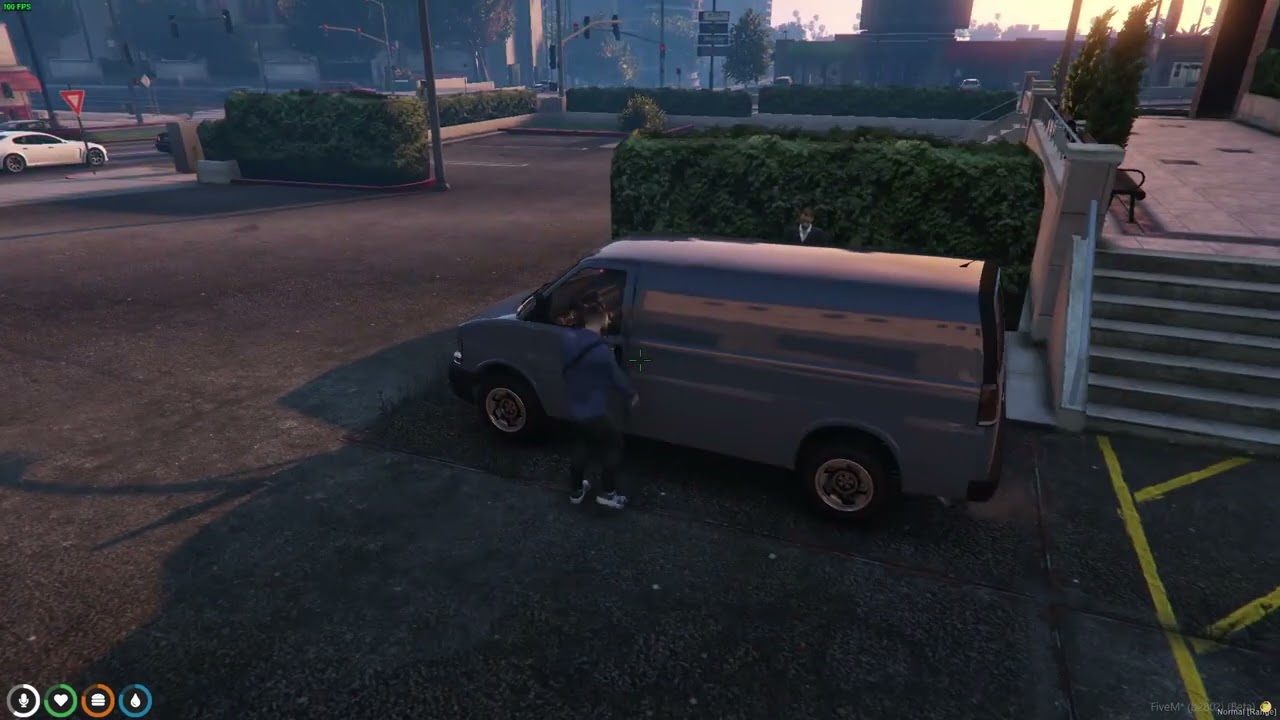




Podgląd wideo

Instalowanie zasobu
1. Sprawdź zależności: Upewnij się, że zainstalowałeś wszystkie wymagane zależności wymienione powyżej.
2. Wypakuj pliki: Rozpakuj archiwum i umieść zawartość w folderze resources.
3. Dodaj przedmiot: Otwórz plik `shared items.lua` i dodaj następujący przedmiot:
[“zat-rentalpaper”] = {
[“name”] = “zat-rentalpaper”,
[“label”] = “Papier wynajmu”,
[“created”] = nil,
[“decay”] = 999.0,
[“weight”] = 50,
[“type”] = “item”,
[“image”] = “zat-rentalpaper.png”,
[“unique”] = true,
[“useable”] = true,
[“shouldClose”] = true,
[“combinable”] = nil,
[“description”] = “”
}
4. **Zaktualizuj server.cfg**: Upewnij się, że dodałeś `ensure zat-carrental` do swojego pliku `server.cfg`.

Desmond (zweryfikowany) –
The user interface looks modern, clean, and professional. Our players understood it without needing any explanation.
Brady (zweryfikowany) –
A promising product, worth trying
BearIron (zweryfikowany) –
I had a compatibility problem with [framework/resource], and the support team helped me fix it immediately.
Destini (zweryfikowany) –
Reliable, customizable, and well supported. I would purchase from this developer again.
Fanny (zweryfikowany) –
Good performance, clean interface, and helpful support. Nothing to complain about.
RexTommy434 (zweryfikowany) –
4 stars for the product, work as described, but not as expected.
Henderson (zweryfikowany) –
Hope to see your improvement over time
Pietro (zweryfikowany) –
An awesome product with great flexibility. The customer support is superb. I recommend this without any doubt.
Halie (zweryfikowany) –
Just love the design and the customer support is the nicest.