






$ USD
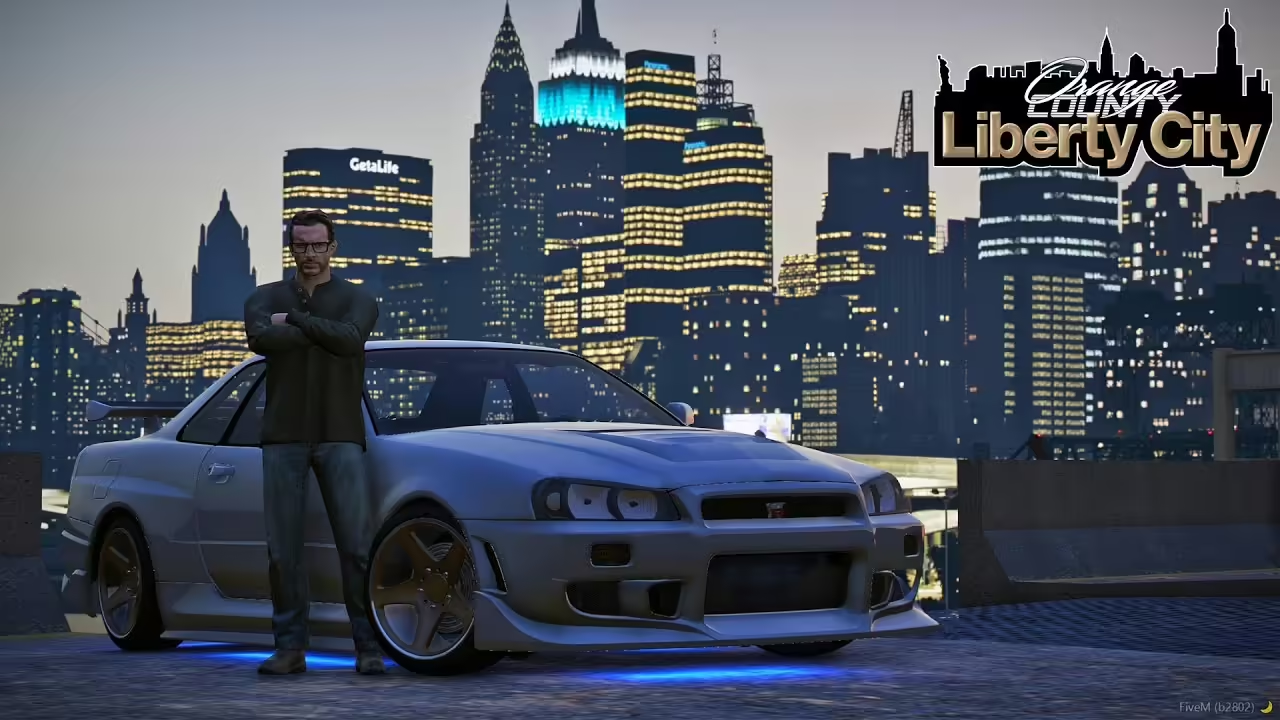
How To Install Liberty City (FiveM Server)
Testujesz bezpłatną mapę?
Darmowe moduły MLOs są przydatne w prototypach. W przypadku serwera RP, przed uruchomieniem należy porównać wnętrza premium i pakiety serwerowe.
Are you ready to transform your FiveM server experience with the iconic Liberty City map? Our step-by-step guide will help you easily install the Liberty City map onto your FiveM server. Follow the steps below to bring a whole new backdrop to your roleplaying adventures!
Learn more about the differences between these packages here
What You Need
Before we start, ensure you have these prerequisites:
- A running FiveM server.
- Basic knowledge of Serwer FiveM management.
- The Liberty City map files. You can download the map from this link.
Step-by-Step Installation Guide
Step 1: Download the Liberty City Map
First, download the Liberty City map from the provided link above. Make sure to unzip the downloaded file to a known location on your computer.
Step 2: Access Your FiveM Server Directory
Locate your FiveM server directory. This is usually the folder where your server’s executable files are stored.
Step 3: Create a New Folder for Liberty City
Inside your server directory, navigate to the zasoby folder. Create a new folder and name it liberty_city.
Step 4: Copy the Map Files
Copy the contents of the unzipped Liberty City map into your newly created liberty_city folder in the zasoby katalogu.
Step 5: Configure the server.cfg
To ensure your server loads the Liberty City map, you’ll need to update the server.cfg file. Open server.cfg with a text editor and add the following line:
start liberty_cityStep 6: Restart Your Server
Save the changes to server.cfg and restart your FiveM server. When the server restarts, it should load the Liberty City map automatically.
Not working?
- Map Not Loading: Double-check that the Liberty City map files are correctly placed in the
liberty_cityfolder and that there’s no spelling error in yourserver.cfgentry. - Server Crashes: Ensure that all required dependencies for the Liberty City map are correctly installed and up-to-date.
With Liberty City installed on your FiveM server, you’re all set for an exciting new range of roleplaying possibilities. Explore the expansive and nostalgic streets of Liberty City with your community and take your server to new heights.
Stay tuned for more guides and resources. If you encounter any issues, feel free to reach out to our support team or join our community forum for help.
Looking for more free stuff? Check it here
Liberty City – Standard vs. VIP
Here’s an improved comparison table using checkmarks (✓) and X to indicate the presence or absence of features in the Standard Liberty City Map oraz VIP Liberty City Map:
| Funkcja | Standard Liberty City Map | VIP Liberty City Map |
|---|---|---|
| Original City of GTA 4 | ✓ | ✓ |
| Functional Subways and Tunnels | ✗ (Flooded with water) | ✓ |
| Map Conversion | ✓ (Basic conversion) | ✓ (Enhanced with fixes) |
| MLOs (Multi-Level Objects) | ✗ | ✓ (64 MLOs) |
| Manhattan Island | ✓ | ✓ |
| Additional Islands | ✗ | ✓ |
| Police Departments | ✗ | ✓ (3 Police Departments) |
| Szpitale | ✗ | ✓ |
| Apartments | ✗ | ✓ |
| Barbershops | ✗ | ✓ |
| Tattoo Parlors | ✗ | ✓ |
| Weed Shop and Drug Locations | ✗ | ✓ |
| Nightclub | ✗ | ✓ |
| Gang Block Houses | ✗ | ✓ |
| Jewelry Store | ✗ | ✓ |
| Apple Store | ✗ | ✓ |
| Map Replacement (Los Santos) | ✓ | ✓ |
| Functional Trains | ✗ | ✓ |
| Street Lights | ✓ (Standard GTA 5 lights) | ✓ (Authentic NY lights) |
| Traffic Signals | ✓ (Standard GTA 5) | ✓ (NY-style signals) |
| HD Road Textures | ✗ | ✓ |
| Map Stability | ✗ (May crash) | ✓ (Stable, no crashes) |
| Interactive Blips | ✗ | ✓ |
| EUP (Emergency Uniforms Pack) | ✗ | ✓ (Optional) |







No resource.lua or manifest
Standard Liberty City Map doesnt work
Does anyone knows if the VIP Liberty City Map actually works? Because standard one was a waste of time. No Lua or Manifest