





FiveM Narzędzia i zasoby programistyczne
Tworzenie angażujących i stabilnych serwerów FiveM wymaga umiejętności, kreatywności oraz odpowiedniego zestawu Narzędzi do tworzenia FiveM.
Posiadanie odpowiedniego zestawu narzędzi może znacząco usprawnić przepływ pracy, zwiększyć wydajność i otworzyć nowe możliwości.
W FiveMX rozumiemy wyzwania i złożoność związaną z urzeczywistnianiem Twojej wizji FiveM.
Dlatego przygotowaliśmy tę listę świetnych narzędzi, w tym kilka naszych własnych innowacyjnych rozwiązań, które pomogą Ci budować lepiej, szybciej i mądrzej.
Niezależnie od tego, czy tworzysz skomplikowane zasoby, projektujesz niestandardowe mapy, czy zarządzasz swoim serwerem, te narzędzia są niezbędnym uzupełnieniem Twojego arsenału.
Edytory kodu i IDE
Wybór odpowiedniego środowiska do pisania i zarządzania kodem jest kluczowy:

- Potężny, darmowy i bardzo popularny edytor kodu.
- Obsługuje Lua, JavaScript, C# i inne.
- Oferuje ogromną bibliotekę rozszerzeń, w tym kilka specjalnie dostosowanych do tworzenia FiveM, usprawniających podświetlanie składni, autouzupełnianie i debugowanie.
- Wysoce konfigurowalny, aby dopasować się do preferowanego przepływu pracy.
FxDK (Zestaw narzędzi deweloperskich Cfx.re)
- Zintegrowane środowisko programistyczne zaprojektowane specjalnie dla FiveM przez zespół Cfx.re.
- Zapewnia automatyczne ponowne uruchamianie zasobów po wykryciu zmian w kodzie, oszczędzając cenny czas.
- Posiada zintegrowaną konsolę gry, konsolę serwera i monitor zasobów do informacji zwrotnych w czasie rzeczywistym.
- Zawiera FXCode (oparty na VS Code) z obsługą rozszerzeń.
- Oferuje Edytor Świata do wizualnego tworzenia i modyfikowania map.
- Upraszcza budowanie i wdrażanie serwera za pomocą działań jednym kliknięciem.
Pierwsze kroki
Jeśli masz zainstalowany FiveM – przejdź do kroku 2.
- Zainstaluj FiveM.
- Obok
FiveM.exeznajdziesz skrót o nazwieFiveM - Cfx.re Development Kit (FxDK). - Postępuj zgodnie z instrukcją lub pomiń ją i zacznij tworzyć od razu.
Zestaw narzędzi FiveMX
Stale wprowadzamy innowacje, aby dostarczać narzędzia odpowiadające konkretnym potrzebom społeczności programistów FiveM.
Sprawdź naszą rosnącą kolekcję specjalistycznych narzędzi zaprojektowanych, aby zwiększyć Twoją produktywność:
- Asystent AI FiveMX: Wykorzystaj sztuczną inteligencję do generowania kodu, debugowania i sugestii optymalizacyjnych. Znajdziesz go tutaj: https://fivemx.com/awesome-tools-for-fivem-development/
- Konwerter kodu FiveMX: Łatwo konwertuj fragmenty kodu między różnymi formatami lub językami istotnymi dla skryptowania FiveM. Uzyskaj do niego dostęp tutaj: https://fivemx.com/awesome-tools-for-fivem-development/
- Optymalizator skryptów FiveMX: Analizuj i optymalizuj swoje skrypty Lua pod kątem lepszej wydajności i mniejszego zużycia zasobów. Wypróbuj go: https://fivemx.com/awesome-tools-for-fivem-development/
- Generator zasad serwera FiveMX: Szybko utwórz kompleksowy zestaw zasad serwera dostosowanych do potrzeb Twojej społeczności. Wygeneruj zasady tutaj: https://fivemx.com/awesome-tools-for-fivem-development/fivem-server-rules-generator/
- Przeglądaj wszystkie narzędzia FiveMX: Odkryj nasz pełen zestaw narzędzi zaprojektowanych dla twórców FiveM: https://fivemx.com/awesome-tools-for-fivem-development/
Menu programistyczne i debugowania w grze
Narzędzia, których możesz używać bezpośrednio w środowisku gry, są nieocenione do szybkiego testowania i dostosowań.

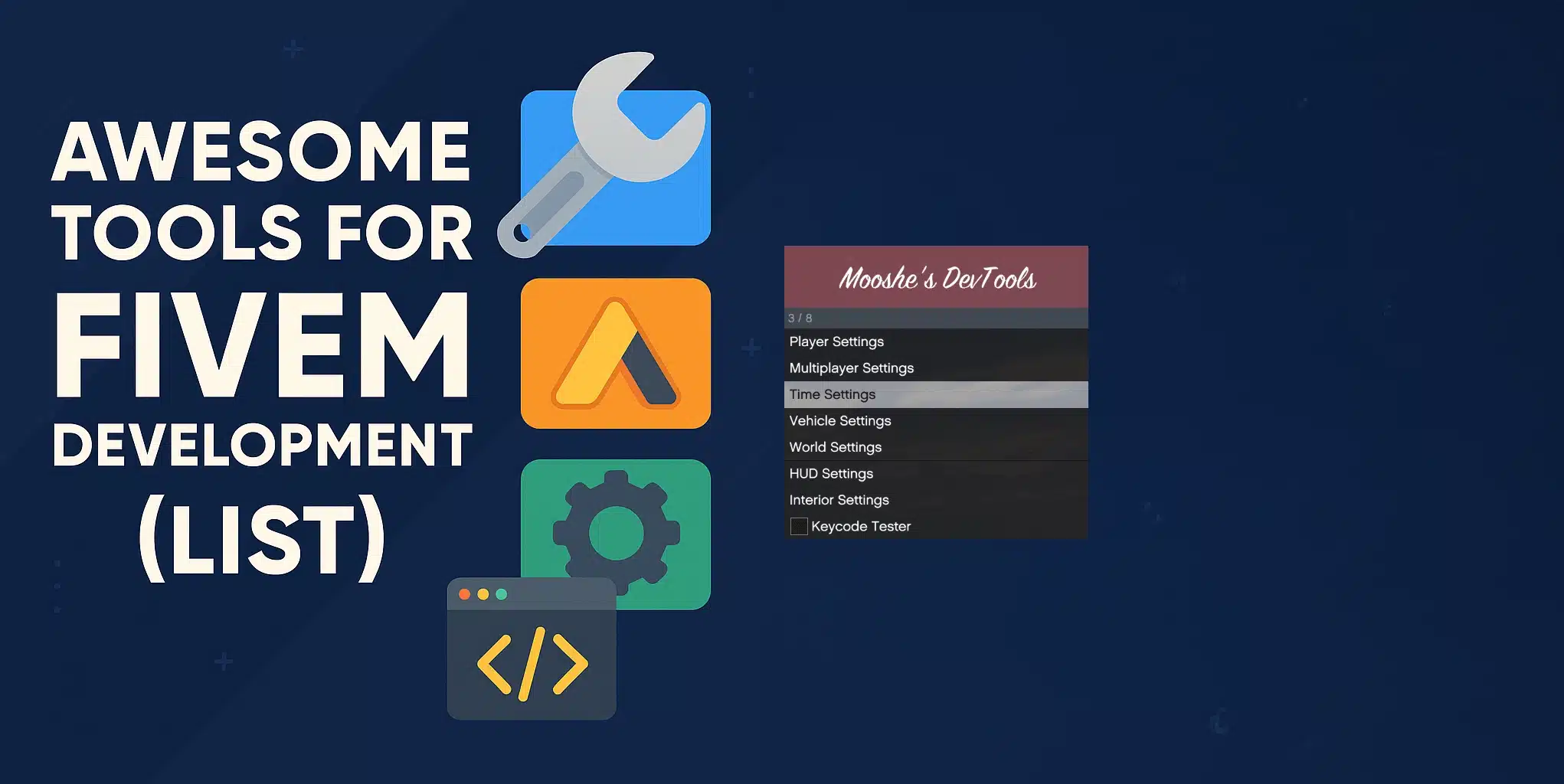
- Popularne samodzielne menu narzędziowe przeznaczone specjalnie dla programistów.
- Umożliwia łatwe zarządzanie ustawieniami gracza, takimi jak zdrowie, pancerz i broń, w scenariuszach testowych.
- Posiada zaawansowane funkcje spawnowania pojazdów i zarządzania nimi.
- Provides control over world settings like time and weather.
- Includes entity debugging capabilities.
- Offers Noclip/Freecam functionality for easy world exploration.
- Includes options for HUD toggles and customization.
- The official debugging and optimization tools built into the FiveM client.
- Access resource monitoring to check performance impacts.
- Utilize the event logger to track resource interactions.
- Employ the profiler to identify performance bottlenecks.
- Używać our network diagnostics for connection issues.
- View console and debug output directly in-game.
- Typically accessed via the F8 key (requires the Beta or Cutting Edge update channel to be enabled in FiveM settings).
Mapping & Design Resources
Creating immersive environments is key to a successful server.
- A powerful, standalone application for viewing and editing GTA V map files (YMAP, YTYP, etc.).
- Widely used for creating custom MLOs (interior maps) and exterior map modifications.
- Offers a 3D viewport and a user-friendly interface for manipulating objects and entities.
- Find it on GitHub: https://github.com/dexyfex/CodeWalker
- An essential multi-purpose modding tool for GTA V and other RAGE engine games.
- Crucial for accessing and modifying game archives (RPF files).
- Used for installing custom textures, models (vehicles, peds, weapons), and audio files.
- Necessary for preparing custom assets before integrating them into FiveM resources.
- OpenIV Website: openiv.com

- A popular in-game resource/plugin enabling the creation of custom maps using existing game props.
- Allows developers to place, rotate, and scale thousands of objects directly within their server environment.
- Great for creating custom scenes, racetracks, or unique locations without external modeling software.
Yes, Map Builder is also compatible with FiveM.
Server Management & Version Control
Keeping your server running smoothly and managing your codebase efficiently is vital.

- A comprehensive, web-based server management interface for FiveM servers.
- Provides real-time server performance monitoring.
- Offers extensive player management features (kick, ban, spectate, etc.).
- Includes tools for server configuration, resource management, and log viewing.
- Often included with popular FiveM server hosting providers or installable manually.

- The industry standard for version control.
- Essential for managing your codebase, especially when collaborating with others.
- Allows you to track changes, revert to previous versions, and merge code from multiple developers seamlessly.
- Platforms like GitHub, GitLab, or Bitbucket provide hosting for your Git repositories.
Documentation
Never underestimate the power of good documentation.
FiveM API Documentation (Native Reference)
- The official documentation for FiveM’s native functions and events.
- Absolutely invaluable for understanding the capabilities and limitations of the FiveM platform.
- Provides details on functions for scripting player interactions, vehicles, world manipulation, UI, and much more.
- Bookmark the official natives page relevant to your target game build.
Using these Narzędzi do tworzenia FiveM can dramatically improve your development process, helping you build more complex, stable, and engaging experiences for your players.
AI Tool

Frequently Asked Questions (FAQ)
Q1: Do I need all these tools to start FiveM development?
- No, you don’t need every single tool, especially when starting out.
- Beginners should focus on a good code editor (like VS Code), the official FiveM Dev Tools (F8 console), the FxDK, and the FiveM API documentation.
- As your projects grow in complexity, you can incorporate tools like Git, TXAdmin, CodeWalker, and OpenIV as needed.
Q2: Are the FiveMX tools free to use?
- You can find specific details about each tool, including any potential costs or usage tiers, on their respective pages linked above.
- We aim to offer valuable resources, and many of our tools have free access levels.
Q3: Which code editor is best: VS Code or FxDK?
- Both are excellent choices with slightly different focuses.
- VS Code is a general-purpose editor with great FiveM extensions, ideal if you work on diverse projects.
- FxDK is specifically designed for FiveM, offering tighter integration with the game environment (like auto-restarts and integrated consoles), which can streamline the workflow significantly.
- Many developers use both, leveraging FxDK for its integrated features and VS Code for its broader capabilities and extension ecosystem.
Q4: Is learning Git really necessary for solo development?
- While not strictly mandatory for solo projects, learning Git is highly recommended.
- It provides invaluable version history, allowing you to easily revert breaking changes.
- It serves as a backup for your code.
- It’s an essential skill if you ever plan to collaborate or contribute to open-source projects.
Powiązane zasoby FiveMX
Użyj tych sekcji FiveMX, aby porównać powiązane produkty, kategorie i wskazówki dotyczące konfiguracji przed wyborem zasobu.


