












![[ESX] Podgląd zasobu Zaawansowanej Pracy Ratownika Medycznego FiveM](https://cdn.fivemx.com/wp-content/uploads/2023/10/chrome_r89t4g1UUb-jpg-500x375.avif)


Podgląd wideo

Instrukcje instalacji
Wymagania
- es_rozszerzony
- mumble-voip
-
[OneSync]
- esx_holdup
Instalacja:
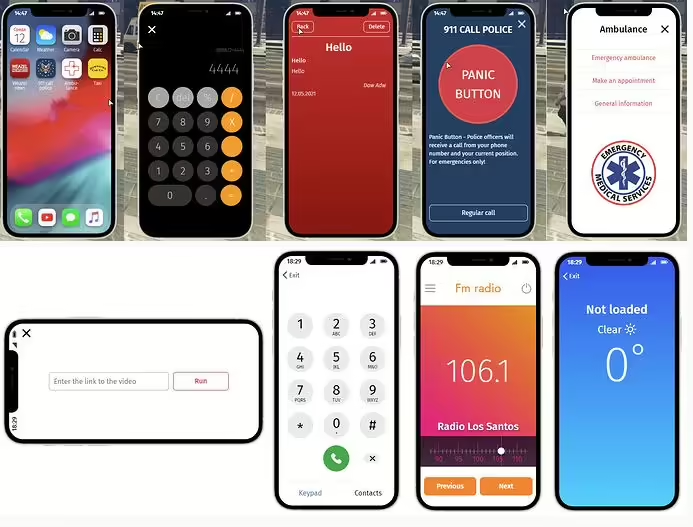
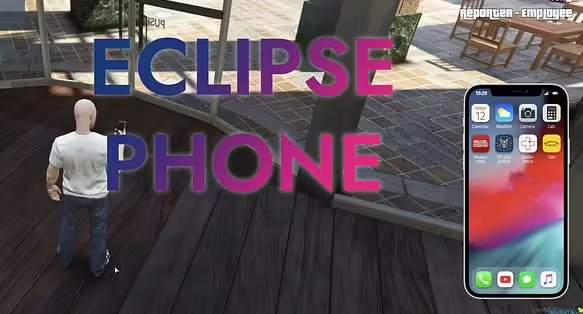
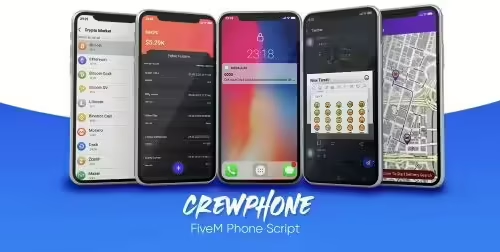
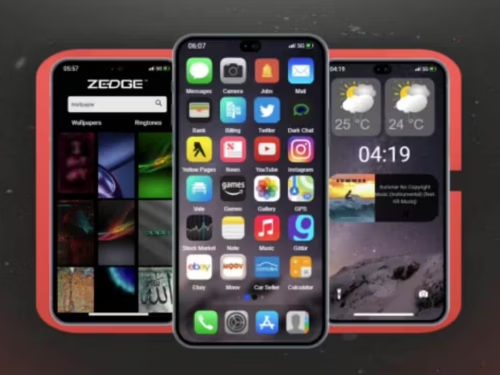
Umieść eclipse_phone w folderze zasobów. Upewnij się eclipse_phone w cfg twojego serwera. Wstaw zrzut SQL (weź eclipse_phone) do swojej bazy danych.
Aby zmienić identyfikator przycisku, użyj tego: D:\projects\gta5\marketplace\eclipse_phone\Phone\Phone\NuiController.cs 
 Dodaj tę kolumnę w tabeli
 users
Uruchom swój serwer.



Twila (zweryfikowany) –
Easy to install and easy to customize.
Coty (zweryfikowany) –
Very good product. Installation was quick, and the documentation answered all my questions.
Jabari (zweryfikowany) –
The resource matched the description and screenshots perfectly. No unpleasant surprises.
Camden (zweryfikowany) –
I normally build features myself, but purchasing this resource saved me many hours of work.
Nicola (zweryfikowany) –
Very beginner-friendly setup. The instructions made the installation process simple.
Erick (zweryfikowany) –
Support was friendly, fast, and knowledgeable. My issue was resolved within a short time.