
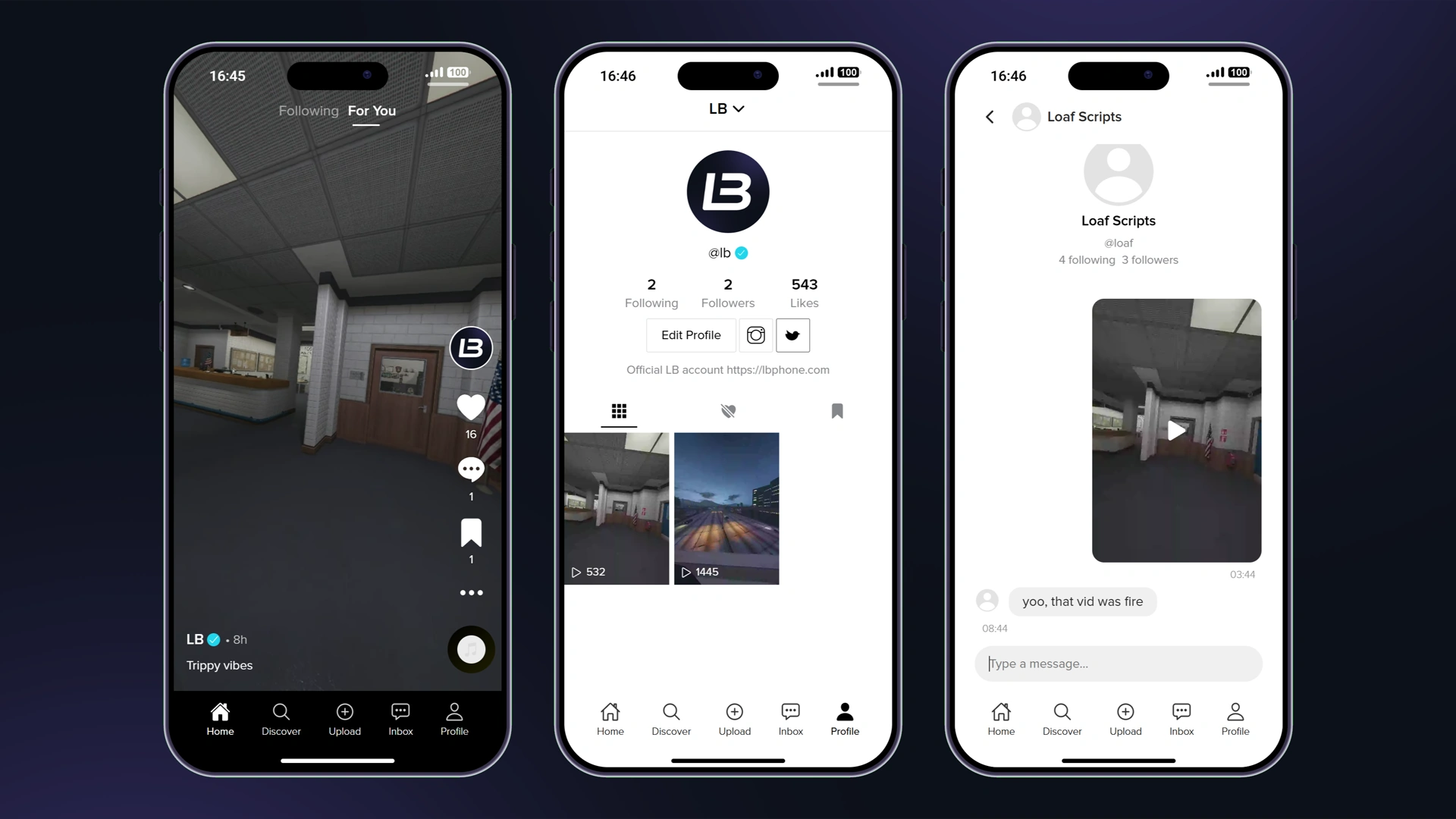
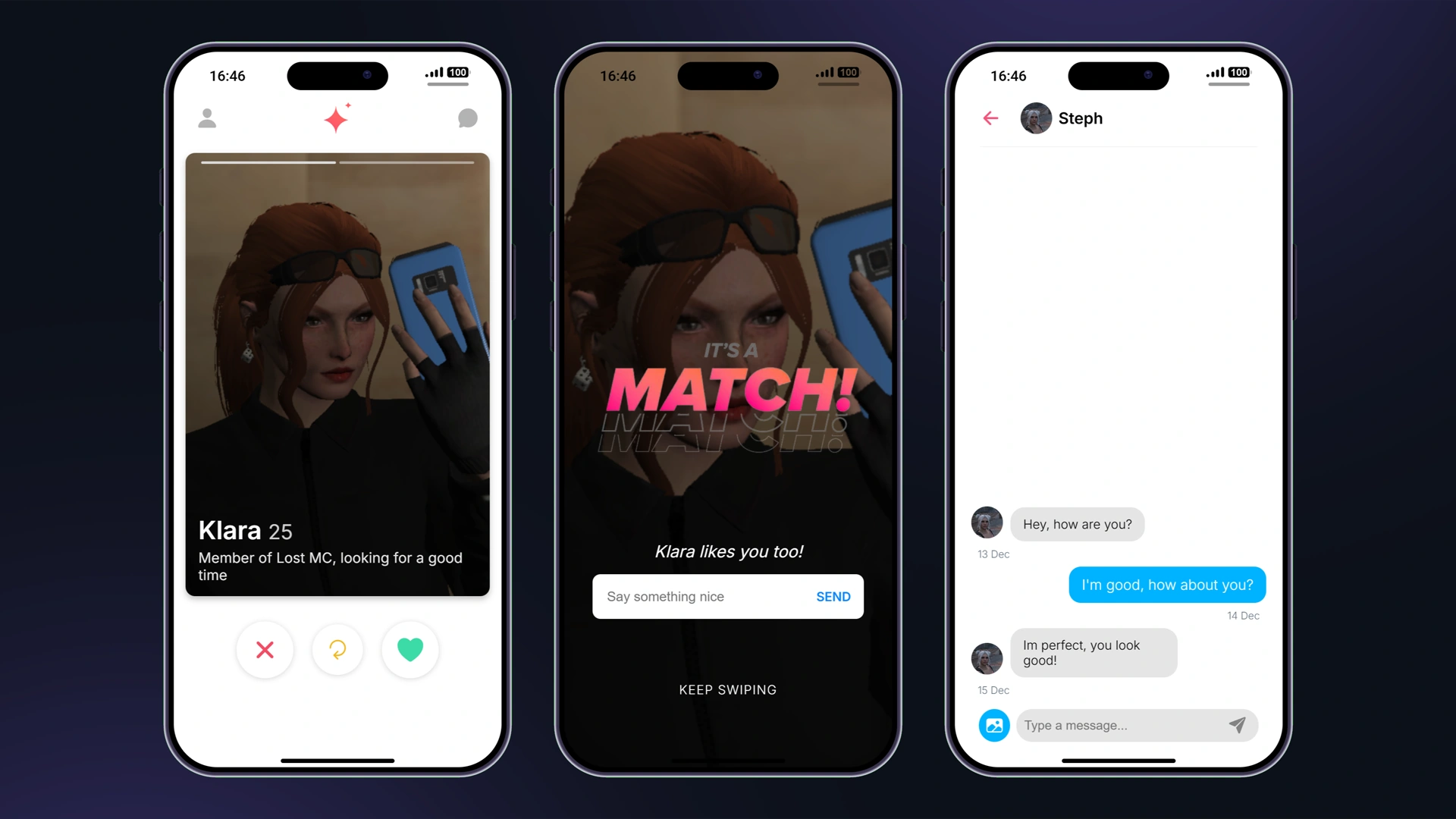
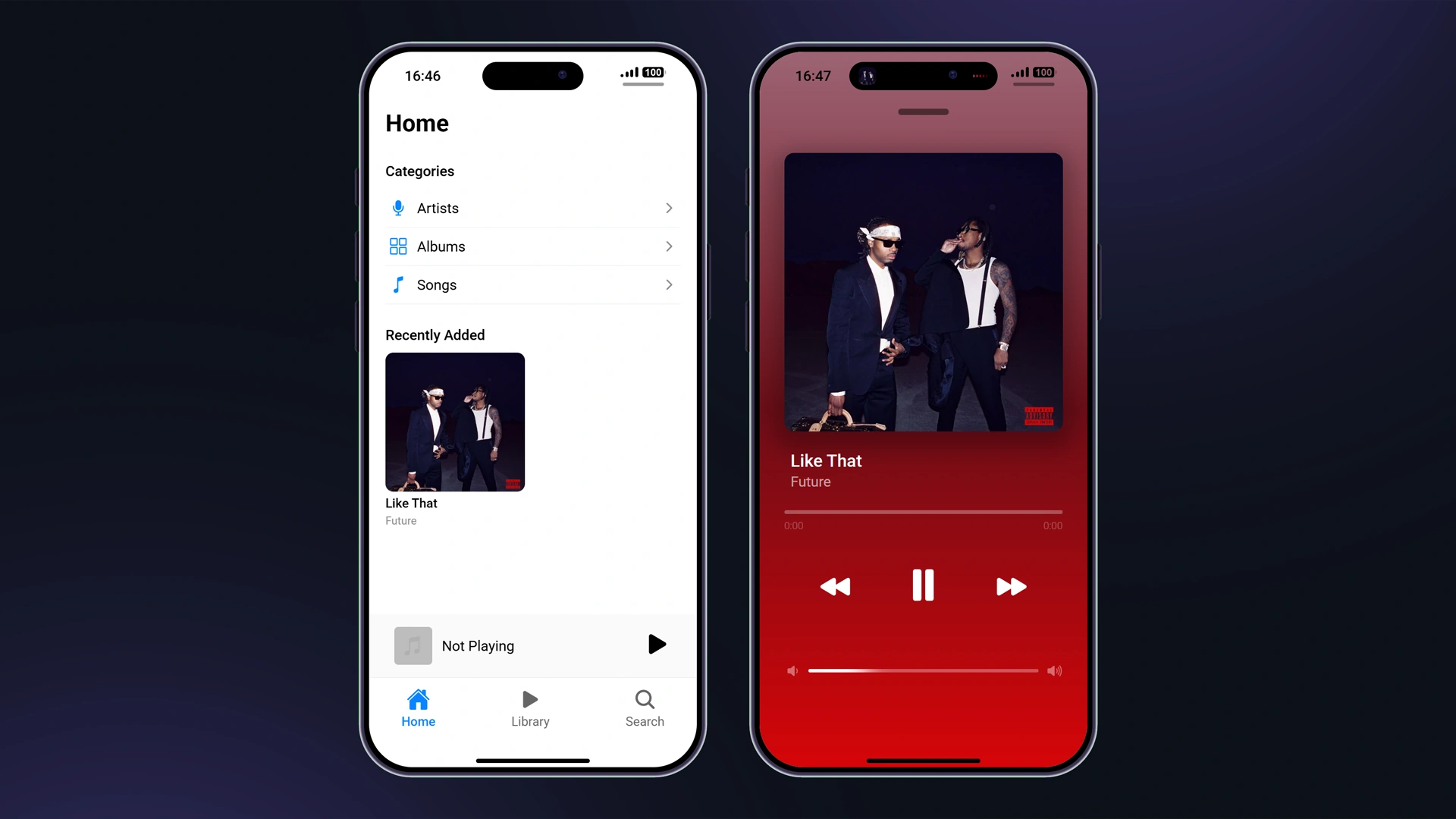
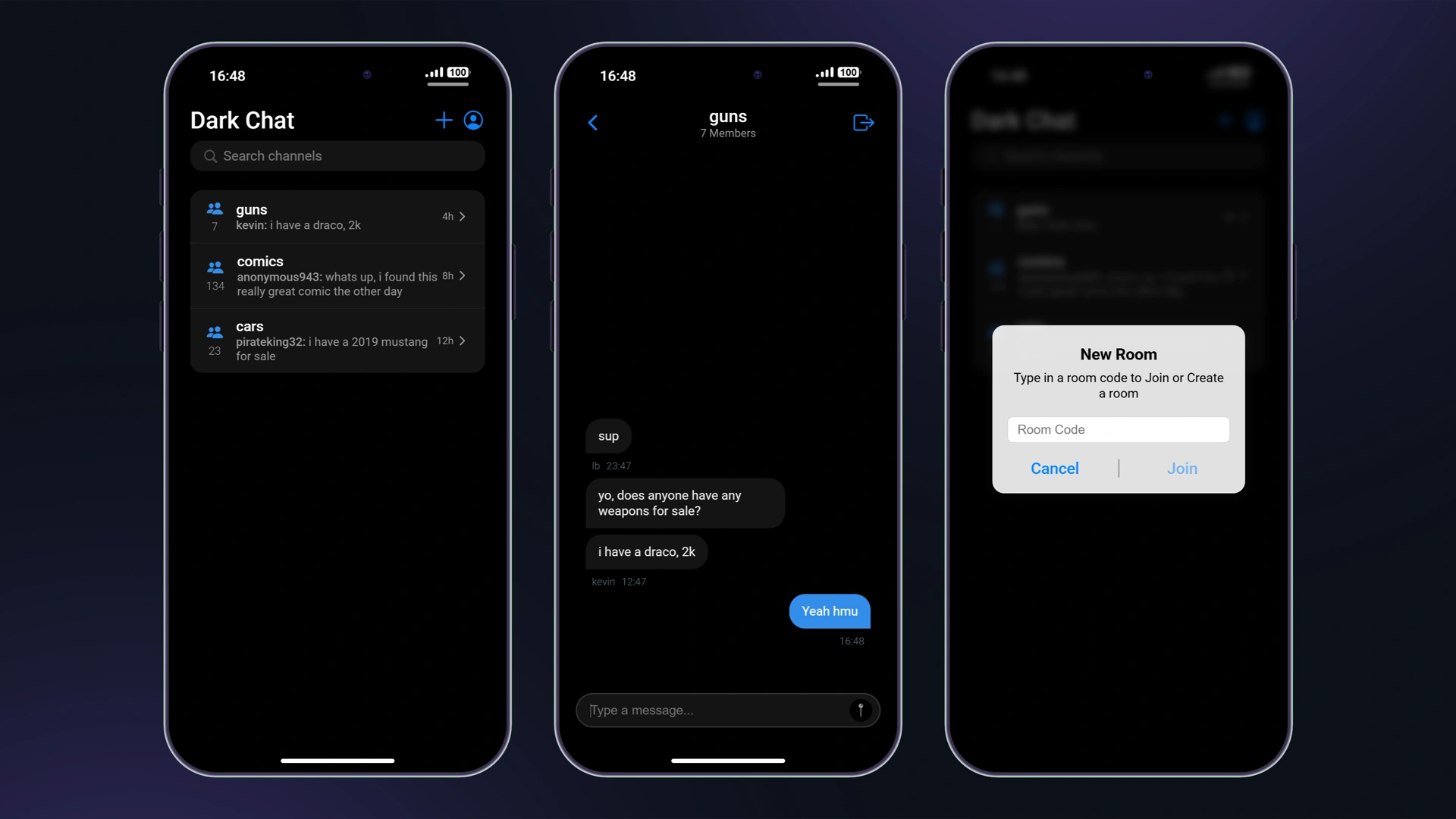







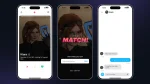
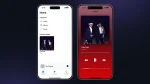
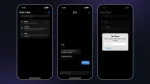
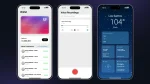

Niestandardowe aplikacje
LB Phone pozwala dodawać aplikacje, które albo mają UI, albo po prostu wyzwalają funkcje po otwarciu aplikacji. Aby dodać aplikację, która wyzwala funkcję po otwarciu, przejdź do lb-phone/config/config.lua i dodaj aplikację do Config.CustomApps tabeli, w ten sposób:
Config.CustomApps = { ["app_identifier"] = { -- A unique identifier for the app, not shown to the user name = "App Name", -- The name of the app, shown to the user description = "App Description", -- The description of the app, shown to the user developer = "LB Phone", -- OPTIONAL the developer of the app defaultApp = true, -- OPTIONAL if set to true, app should be added without having to download it, game = false, -- OPTIONAL if set to true, app will be added to the game section size = 59812, -- OPTIONAL in kB images = { "https://example.com/photo.jpg" }, -- OPTIONAL array of images for the app on the app store ui = "resource-name/ui/index.html", -- OPTIONAL icon = "https://cfx-nui-" .. GetCurrentResourceName() .. "/ui/icon.png", -- OPTIONAL app icon price = 0, -- OPTIONAL, Make players pay with in-game money to download the app landscape = false, -- OPTIONAL, if set to true, the app will be displayed in landscape mode keepOpen = true, -- OPTIONAL, if set to true, the app will not close when the player opens the app (only works if ui is not defined) onUse = function() -- OPTIONAL function to be called when the app is opened -- do something end, onServerUse = function(source) -- OPTIONAL server side function to be called when the app is opened -- do something end }}Niestandardowe aplikacje korzystające z UI
Jeśli chcesz użyć niestandardowego UI dla swojej aplikacji, musisz utworzyć osobny skrypt i podać ścieżkę pliku HTML oraz wysłać go jako ui.
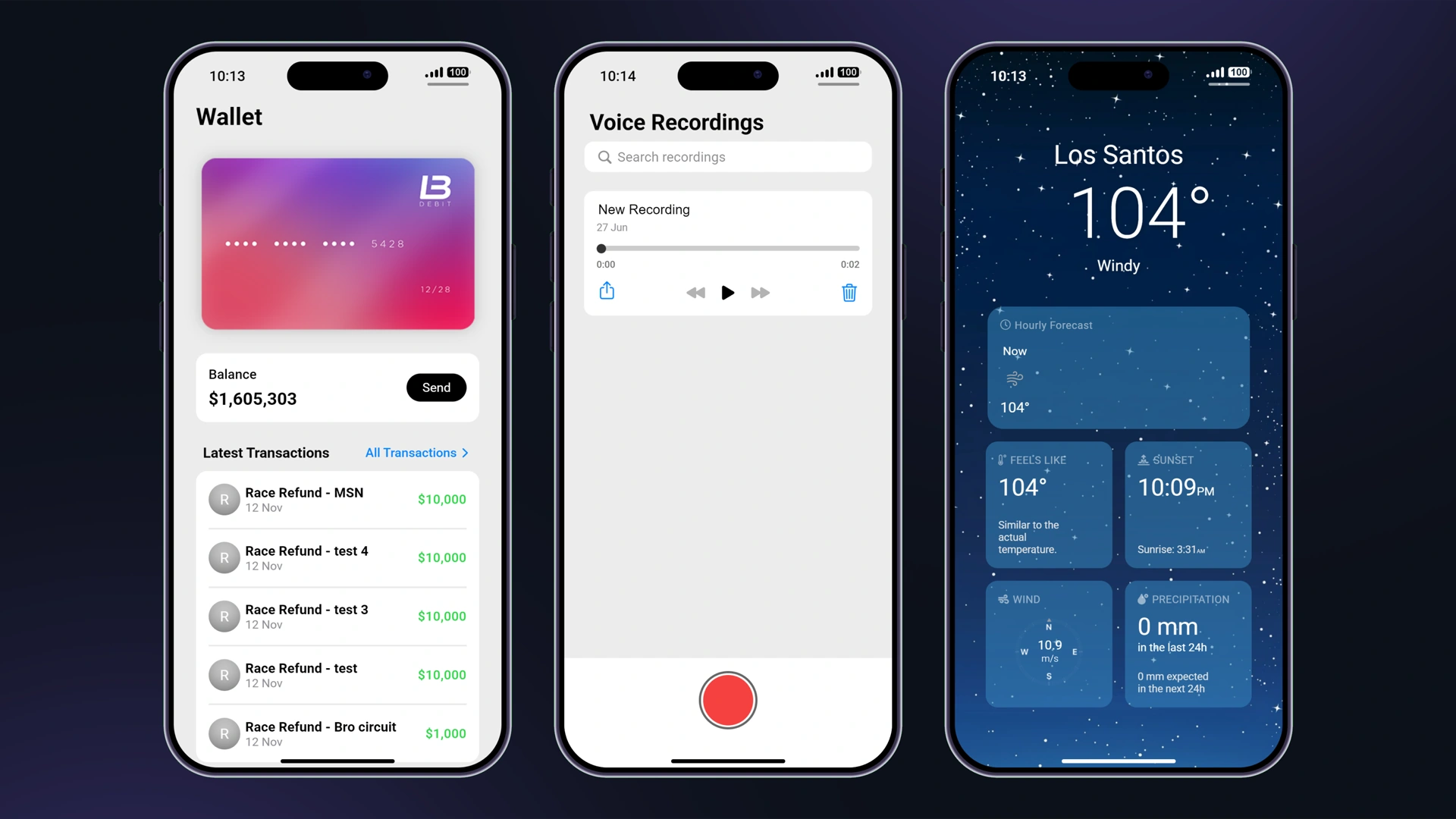
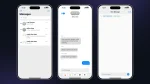
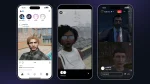
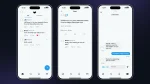
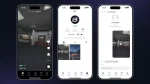
Zalecanym sposobem tworzenia aplikacji z UI jest utworzenie jej za pomocą eksportów. Mamy aplikacje szablonowe których możesz użyć jako odniesienia.
Jeśli użytkownik ma włączony tryb ciemny, data-theme zostanie ustawione na dark. W przeciwnym razie zostanie ustawione na light.
Dodawanie aplikacji
Aby dodać aplikację, użyj AddCustomApp eksportu.
Usuwanie aplikacji
Aby usunąć aplikację, użyj RemoveCustomApp eksportu.
Wysyłanie wiadomości do UI
Aby wysłać wiadomość do UI, musisz użyć SendCustomAppMessage eksportu zamiast SendNUIMessage. Nasłuchiwałbyś go w ten sam sposób we frontendzie.
Importowane komponenty & funkcje
Gdy aplikacja jest ładowana na telefonie, kilka funkcji jest importowanych do globalThis obiektu.
| Nazwa | Typ | Opis |
|---|---|---|
| resourceName | string | Nazwa zasobu, który dodał niestandardową aplikację |
| appName | string | Nazwa aplikacji |
| settings | obiekt | Ustawienia telefonu |
| components | obiekt | Przydatne components dla aplikacji |
Komponenty
Następujące komponenty można uzyskać przez globalThis.components. Możesz wyświetlić plik deklaracji TypeScript pod adresem lb-reactts/ui/src/components.d.ts.
createGameRender
Tworzy render gry, który renderuje grę na canvas. Służy do tworzenia kamery w aplikacji i powinien być używany z camera exports.
const gameRender = components.createGameRender(canvas) // set the aspect ratiogameRender.resizeByAspect(9 / 16) // pause the renderinggameRender.pause() // unpause the renderinggameRender.resume() // take a photoconst blob: Blob = await gameRender.takePhoto() // take a videoconst recorder = gameRender.startRecording((blob: Blob) => { const video = URL.createObjectURL(blob)}) await new Promise((resolve) => setTimeout(resolve, 5000)) recorder.stop() // destroy the game rendergameRender.destroy()uploadMedia
Przesyła media i zwraca Promise z adresem URL.
// Upload type can be 'Video' | 'Image' | 'Audio'const url = await components.uploadMedia('Video', blob)saveToGallery
Zapisuje URL do galerii i zwraca obietnicę z ID
const id = await components.saveToGallery(url)setColorPicker
components.setColorPicker({ onSelect(color) {}, onClose(color) {}})setPopUp
components.setPopUp({ title: 'Popup Menu', description: 'Confirm your choice', buttons: [ { title: 'Cancel', color: 'red', cb: () => { console.log('Cancel') } }, { title: 'Confirm', color: 'blue', cb: () => { console.log('Confirm') } } ]})setContextMenu
components.setContextMenu({ title: 'Context menu', buttons: [ { title: 'Phone Notification', color: 'blue', cb: () => { sendNotification({ title: notificationText }) } }, { title: 'GTA Notification', color: 'red', cb: () => { fetchNui('drawNotification', { message: notificationText }) } } ]})setContactSelector
components.setContactSelector({ onSelect(contact) { components.setPopUp({ title: 'Selected contact', description: `${contact.firstname ?? '??'} ${contact.lastname ?? ''} ${contact.number}`, buttons: [ { title: 'OK' } ] }) }})setShareComponent
Zobacz eksport AirShare jakie dane wysłać.
components.setShareComponent({ type: 'image', data: { isVideo: false, src: 'https://docs.lbscripts.com/images/icons/icon.png' }})setEmojiPickerVisible
components.setEmojiPickerVisible({ onSelect: (emoji) => { components.setEmojiPickerVisible(false) components.setPopUp({ title: 'Selected emoji', description: emoji.emoji, buttons: [ { title: 'OK' } ] }) }})setGifPickerVisible
components.setGifPickerVisible({ onSelect(gif) { components.setPopUp({ title: 'Selected GIF', attachment: { src: gif }, buttons: [ { title: 'OK' } ] }) }})setGallery
components.setGallery({ includeVideos: true, includeImages: true, allowExternal: true, multiSelect: false, onSelect(data) { components.setPopUp({ title: 'Selected media', attachment: { src: Array.isArray(data) ? data[0].src : data.src }, buttons: [ { title: 'OK' } ] }) }})setFullscreenImage
components.setFullscreenImage('https://docs.lbscripts.com/images/icons/icon.png')setHomeIndicatorVisible
components.setHomeIndicatorVisible(true)Funkcje
fetchNui(event, data, scriptName?)
fetchNui('test', { foo: 'bar'})onNuiEvent
Nasłuchuj wiadomości NUI wysyłanych za pomocą SendCustomAppMessage
onNuiEvent('test', (data) => { console.log(data)})onSettingsChange
Nasłuchuj zmian ustawień
onSettingsChange((newSettings) => { console.log(newSettings)})createCall
createCall({ number: '1234567890', // you can send `company` instead of `number` to call a company videoCall: false, hideNumber: false})