







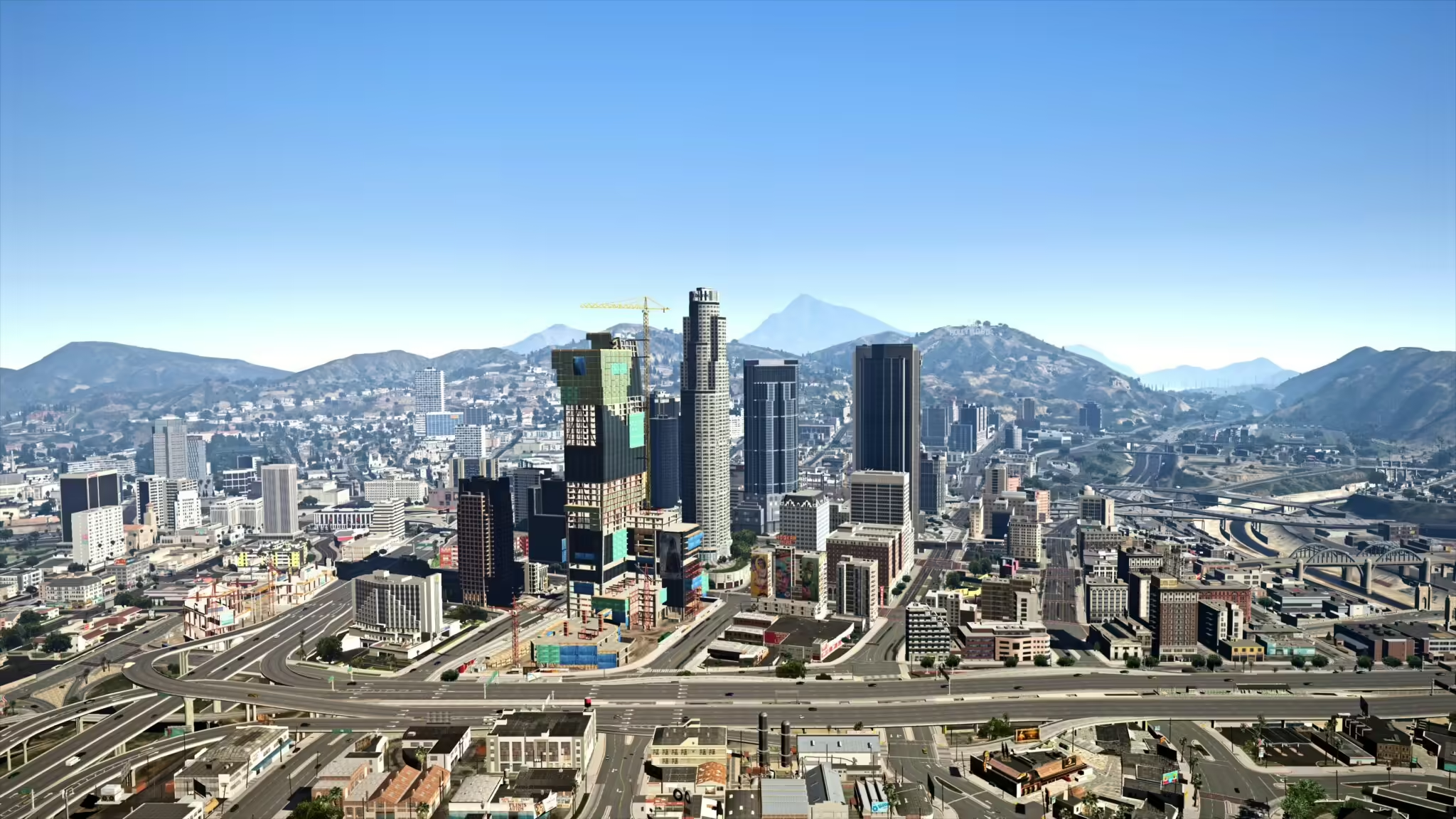
Przekształć swoje doświadczenie z FiveM i GTA dzięki realistycznemu presetowi Reacon’s Realistic L.A. Reshade! Ten preset został zaprojektowany, aby poprawić estetykę wizualną gry, sprawiając, że środowisko gry staje się bardziej żywe i realistyczne. Niezależnie od tego, czy eksplorujesz luksusowe rezydencje, czy przemierzasz tętniące życiem ulice Los Santos, ten reshade przeniesie Twoje przygody na nowy poziom.
Cechy
- Realistyczne kolory i ulepszone efekty oświetlenia dla bardziej szczegółowego odczucia
- Konfigurowalne ustawienia dopasowane do Twoich osobistych preferencji
- Zoptymalizowane pod kątem rozgrywki FiveM i GTA V
Jak zainstalować moda
-
Pobierz preset: Kliknij przycisk poniżej, aby otrzymać swoją kopię presetu Reacon’s Realistic L.A. Reshade.
-
Zainstaluj ReShade: Jeśli jeszcze nie zainstalowałeś ReShade, pobierz go z oficjalnej strony ReShade. Postępuj zgodnie z instrukcją instalacji, aby go skonfigurować.
-
Skopiuj pliki: Gdy pobierzesz preset i zainstalujesz ReShade, skopiuj pliki presetu do katalogu gry (tam, gdzie znajduje się plik wykonywalny gry).
-
Uruchom grę: Uruchom grę. Otwórz menu ReShade, naciskając domyślny klawisz (zwykle
Home) i wybierz preset Reacon’s z listy. - Dostosuj ustawienia: Użyj interfejsu ReShade, aby dostosować ustawienia według własnych upodobań.
Teraz jesteś gotowy, aby cieszyć się zupełnie nowym poziomem wierności graficznej w GTA V i FiveM!
Zaprezentuj swoją podróż
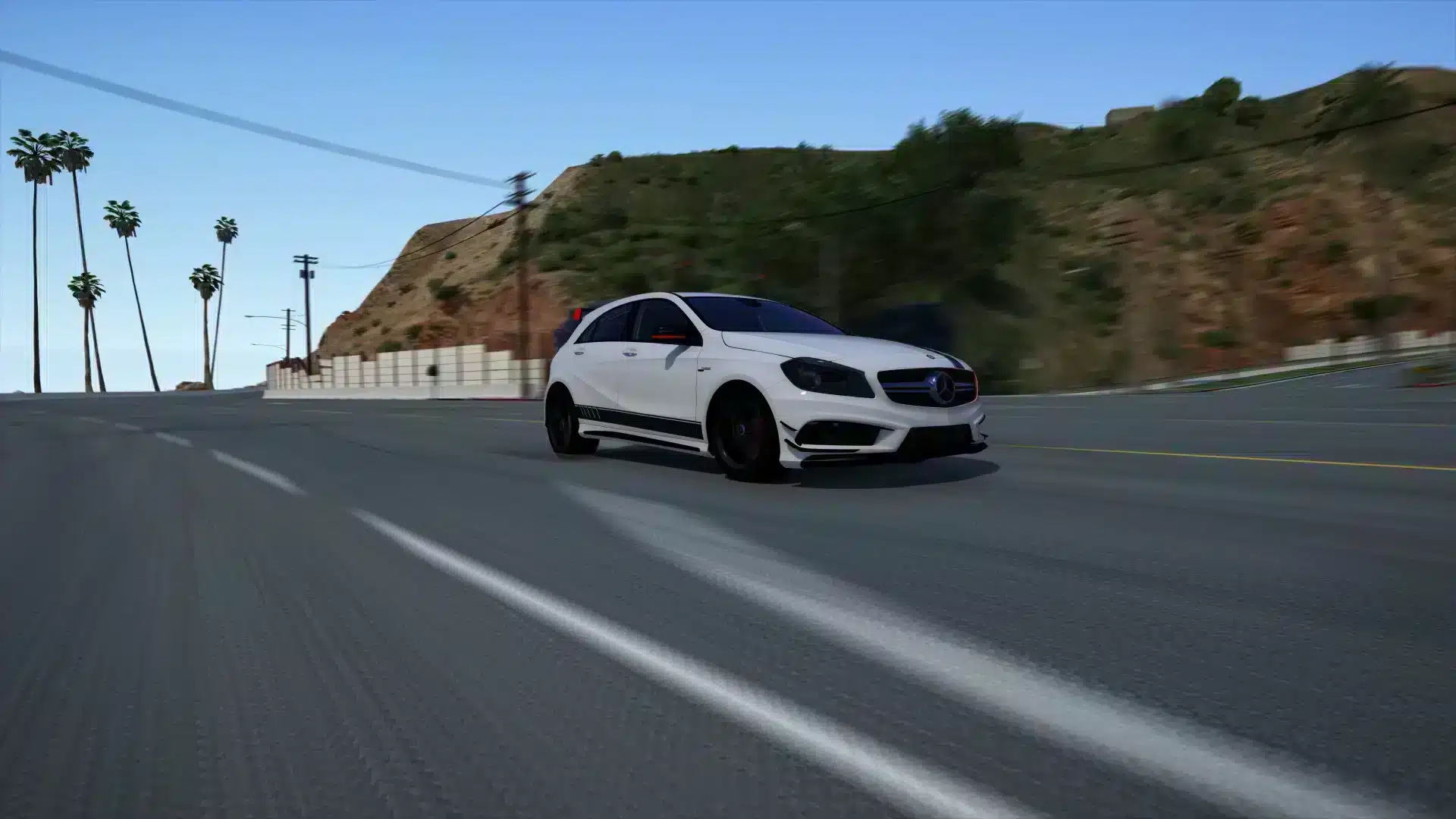
Sprawdź poniżej kilka oszałamiających wizualizacji, aby zobaczyć, co ten reshade może dla Ciebie zrobić.
popraw rozgrywkę i ciesz się pięknem Los Santos jak nigdy dotąd! Pobierz teraz i pozwól swoim przygodom się rozpocząć!
Kliknij tutaj, aby zobaczyć przegląd modów graficznych FiveM