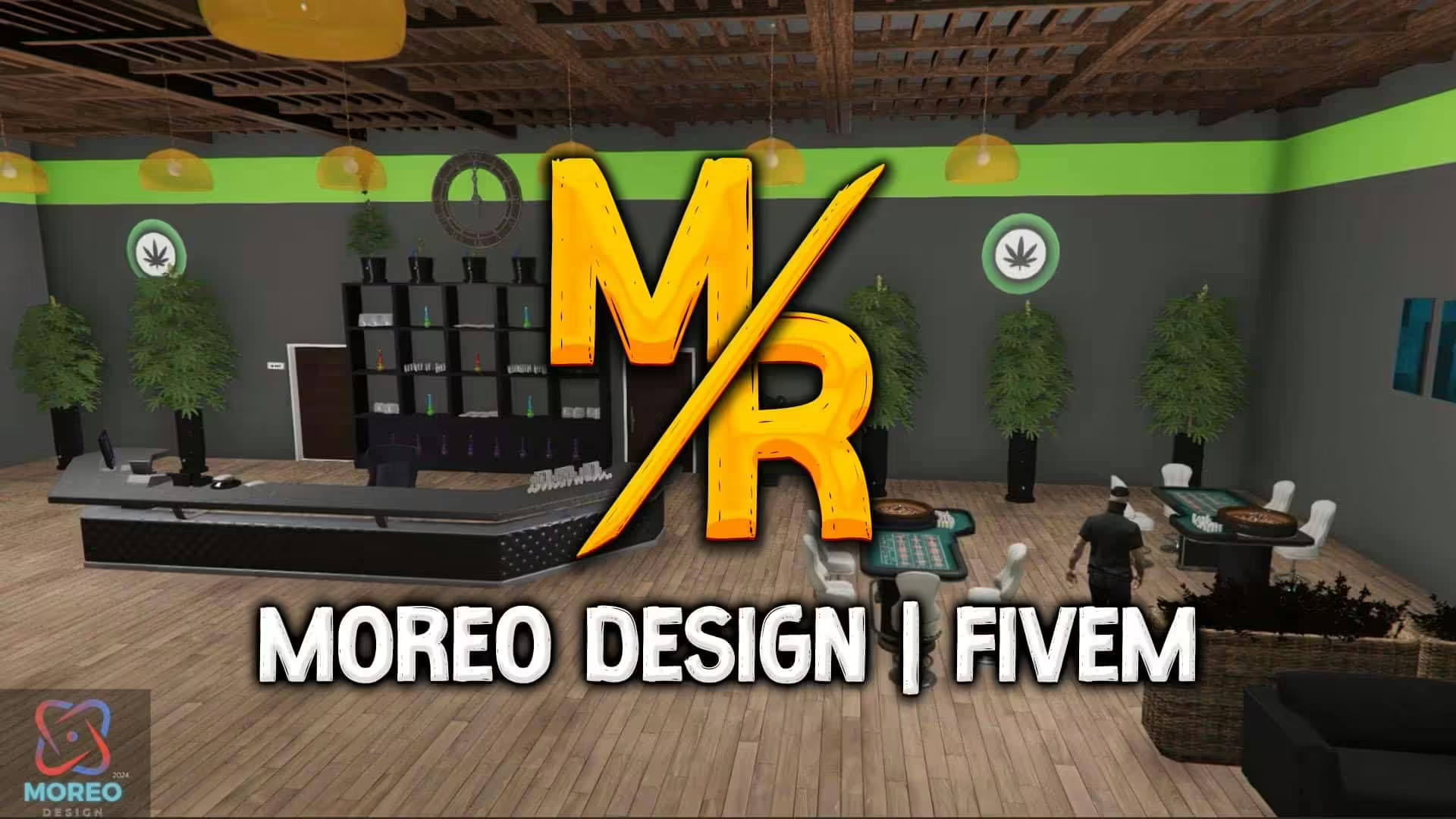
Zmień swoje doświadczenia z gry dzięki modowi [MLO] Weedshop, zaprojektowanemu specjalnie dla trybu Single Player i FiveM w GTA V. Ten unikalny mod wprowadza skrupulatnie wykonany sklep z konopiami, pozwalając Ci ulepszyć swoje środowisko gry w ekscytujący nowy sposób.
Funkcje moda Weedshop
Modyfikacja Weedshop to nie tylko kolejny dodatek do Twojej kolekcji; to w pełni immersyjne doświadczenie. Wejdź do szczegółowego otoczenia wypełnionego kreatywnymi zasobami, które pochłoną Twoje zmysły. Możesz zanurzyć się w bogatej atmosferze sklepu z ziołami, dzięki czemu Twoja rozgrywka stanie się bardziej żywa i realistyczna.
Jak zainstalować moda
Wykonaj te proste kroki, aby bez wysiłku zainstalować modyfikację Weedshop:
Dla Single Player (SP):
- Pobierz modyfikację z podanego linku.
- Zlokalizuj folder “moreo_weedshop” w swoich pobranych plikach.
- Skopiuj i wklej ten folder do katalogu instalacyjnego GTA V w lokalizacji:
mods > update > x64 > dlcpacks
- Następnie musisz zaktualizować
dlclist.xmlplik:- Otwórz OpenIV i przejdź do:
mods > update.rpf > common > data
- Dodaj następującą linię do
dlclist.xml:dlcpacks:/moreo_weedshop/
Dla FiveM:
- Pobierz modyfikację z podanego linku.
- Skopiuj folder “moreo_weedshop” do katalogu serwera
resourcesfalcówka. - Na koniec upewnij się, że zasób jest ładowany, dodając linię:
ensure moreo_weedshop
do twojegoserver.cfgplik.
Ciesz się swoim modem!
Po zainstalowaniu uruchom grę i zanurz się w nowej zawartości. Zanurz się w tętniącym życiem otoczeniu Weedshop i odkryj unikalne funkcje, które ma do zaoferowania.
Link do pobrania
Gotowy, aby ulepszyć swoją grę? Możesz pobrać moda Weedshop bezpośrednio stąd:
Pobierz moda Weedshop
Przekształć swoją rozgrywkę już dziś i pozwól, aby Weedshop stał się Twoim nowym ulubionym miejscem w Los Santos!
Kompatybilność serwera
Ten MLO jest kompatybilny z FiveM servers running GTA V. No specific framework is required — works on ESX, QBCore, QBOX, vRP, and standalone. Requires a FiveM server with up-to-date server artifacts.