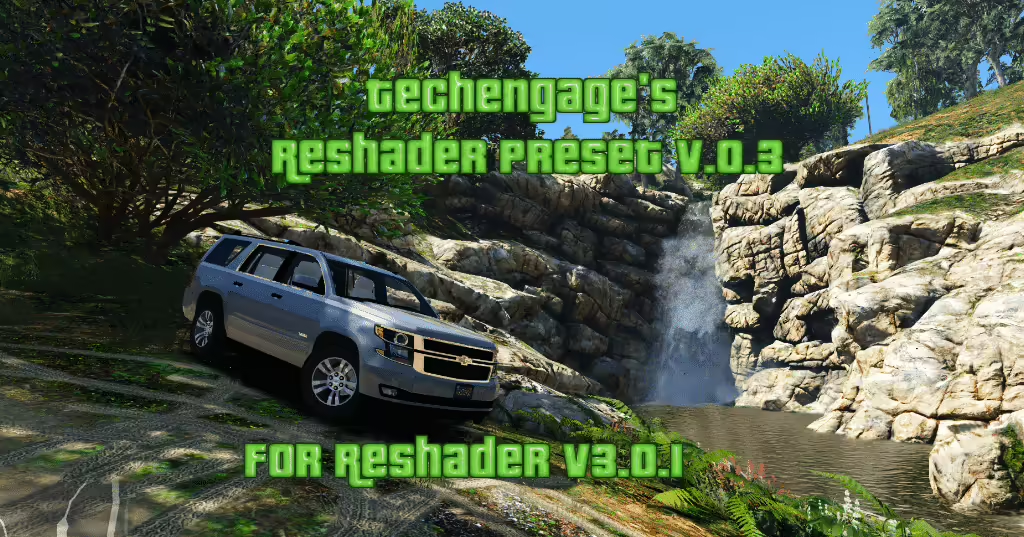
What is a ReShade preset for FiveM?
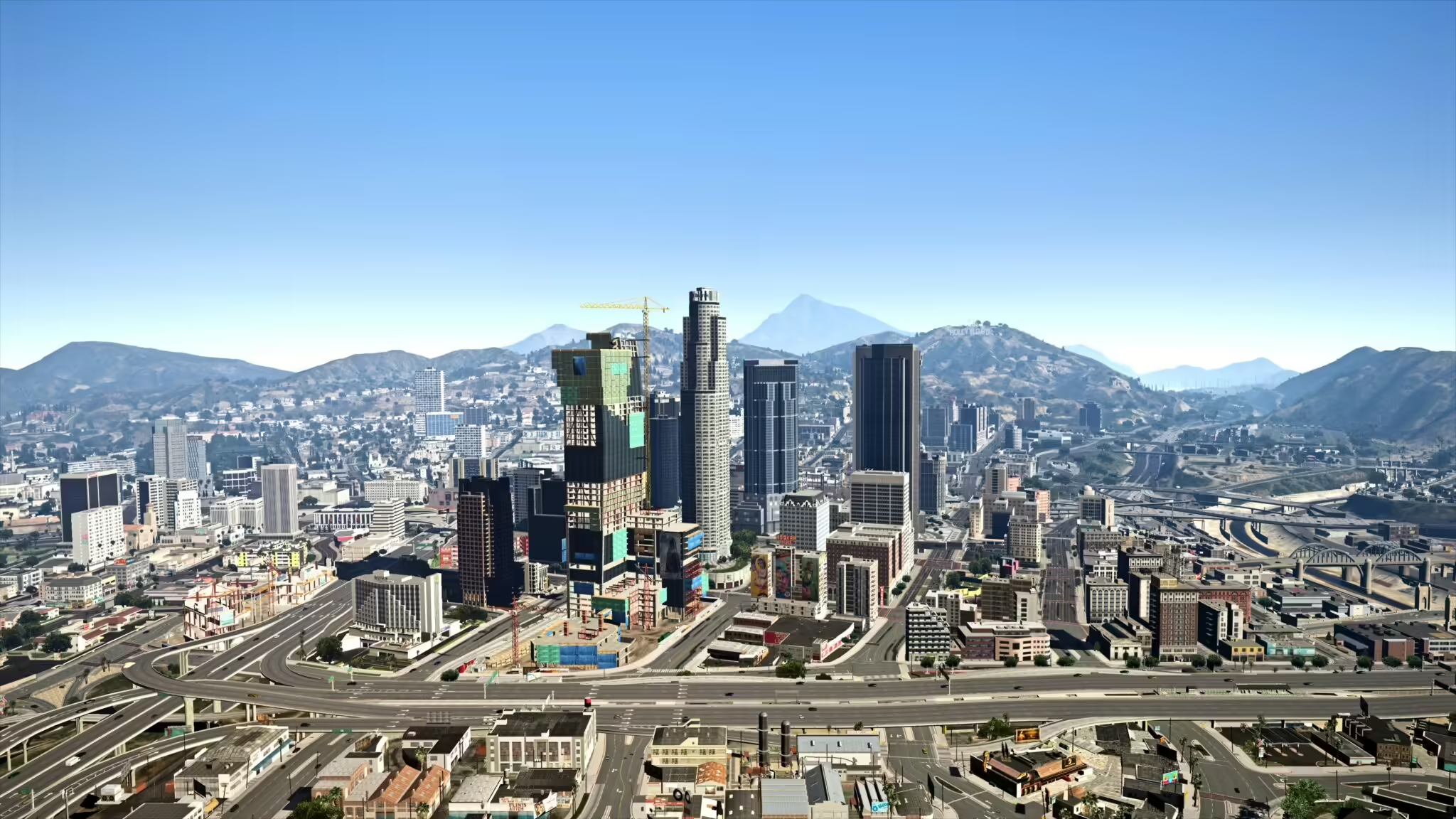
A ReShade preset for FiveM is a client-side configuration that changes post-processing effects such as color, contrast, sharpening, lighting tone and depth. The preset normally stores settings in an INI file and may require specific ReShade shaders; it is not a FiveM server script and is not installed in server resources. Before downloading, check the preset author, required ReShade version, included shader packages, screenshots, installation path and performance notes. Use the official ReShade installer, avoid repacked executables, back up existing preset and shader files, and test one preset at a time. Compare the same daytime, nighttime, weather and interior scenes so visual changes and FPS costs are measurable. Some servers restrict client plugins or modified files through their rules, pure mode or anti-cheat configuration, so confirm the server policy before joining. Remove the preset and restore the clean files if crashes, missing effects or severe frame-time spikes appear.
Install and remove a FiveM ReShade preset
Prepare a reversible setup
Record the preset source and required shader packages. Back up the current INI and shader folders before replacing anything, and change one preset at a time so the cause of a visual or performance problem remains clear.
Check readability in real play
Compare daylight, night, rain, fog, interiors, menus, and HUD elements. A dramatic screenshot can still make player names, road edges, or UI text hard to read. Keep a neutral reference screenshot from the same camera position.
Measure performance
Use the same route and graphics settings before and after installation. Compare frame rate, frame-time stability, loading behavior, and GPU use rather than judging only one still image. Disable expensive effects individually when performance drops.
Remove the preset cleanly
Restore the backed-up files or remove only the files installed by that preset and its documented shader set. Do not delete unrelated game or FiveM files. Recheck the server’s client-mod policy before joining with ReShade enabled.