• Instant digital delivery
  • Lifetime updates on selected products
  • Trusted by server owners
FiveMX
Shop
Full ServersBundlesNew releases
FiveMX

Start building your server today.

Curated FiveM resources, instant delivery, free starter mods, and practical guides in one calm marketplace.

Browse the shopsupport@fivemx.com

Shop

  • Shop
  • FiveM Mods
  • All Products
  • Free Mods
  • Best Scripts & Mods
  • FiveM Scripts

Frameworks

  • QBCore Scripts
  • ESX Scripts
  • QBox
  • Standalone

Community

  • Blog
  • Support
  • Creators
  • Affiliate

Legal

  • Privacy Policy
  • Terms of Service
  • Refund Policy
  • Digital Delivery
  • Cookie Policy
  • GDPR Compliance
  • DMCA
  • Imprint
  • Editorial Policy

Server Templates

  • QBCore Server Template
  • ESX Server Template
  • NoPixel Server Template
  • Server Packs
  • Free Server Templates
  • Tebex Alternative
© 2026 FiveMX. All rights reserved.·FiveMX is not affiliated with Rockstar Games, Take-Two Interactive, or CFX.re. All trademarks are property of their respective owners.
DiscordDocs
Compatibility:

BB Multichar (QB)

$12.49

Secure Checkout

Cards, Apple Pay, Google Pay, iDEAL/Wero, Bancontact, EPS, Przelewy24, and optional Crypto where available via Stripe.

Instant file access after paymentSupport and refund policy shown before checkout
Ask support before buyingRead refund policy
Instant Access
SSL Encrypted
Cards, wallets, bank redirects
Frameworksqbcore, qbox
Setup

Requires a FiveM server, QBCore, access to server resources, and permission to restart the resource after configuration.

RequirementsPublished on this page
PreviewAvailable

Description

BB-MULTICHARACTER

https://www.youtube.com/watch?v=rDTCuyhPz9M

Installation

  1. Drag & drop to your server, stop qb-multicharacter or whatever multicharacter you're using.
  2. Edit the server config as you like to fit your server.
  3. Enjoy.

Config

CoreConfig = {
    core = 'qb-core', -- your core name for the exports
    prefix = 'qb-', -- your trigger prefixes
    notify = 'QBCore:Notify', -- your notification trigger
    char_english_only = true, -- block to option to create character with non english names

    clothing_base = 'qb', -- Whether qb, raid, fivem-appearance or other
    clothing_name = 'qb-clothing' -- Your clothing resource name
}

Clothing

Default support for 2 clothing stores: qb-clothing & raid-clothing.

  • If youre using qb-clothing make sure to set it to qb even if your core name is different.
  • If youre using raid-clothing, make sure to add the following function to your client.
    [1] Paste the following code to the bottom of your raid-clothing/client/client.lua: function SetPedMetadata(ped, data) for i = 1, #drawable_names do if data.drawables[0] == nil then if drawable_names[i] == undershirts and data.drawables[tostring(i-1)][2] == -1 then SetPedComponentVariation(ped, i-1, 15, 0, 2) else SetPedComponentVariation(ped, i-1, data.drawables[tostring(i-1)][2], data.drawtextures[i][2], 2) end else if drawable_names[i] == undershirts and data.drawables[i-1][2] == -1 then SetPedComponentVariation(ped, i-1, 15, 0, 2) else SetPedComponentVariation(ped, i-1, data.drawables[i-1][2], data.drawtextures[i][2], 2) end end end for i = 1, #prop_names do local propZ = (data.drawables[0] == nil and data.props[tostring(i-1)][2] or data.props[i-1][2]) ClearPedProp(ped, i-1) SetPedPropIndex(ped, i-1, propZ, data.proptextures[i][2], true) end Wait(100) if data.headBlend then SetPedHairColor(ped, tonumber(data.hairColor[1]), tonumber(data.hairColor[2])) SetPedHeadBlend(data.headBlend) SetPedHeadBlendData(ped, tonumber(data.headBlend['shapeFirst']), tonumber(data.headBlend['shapeSecond']), tonumber(data.headBlend['shapeThird']), tonumber(data.headBlend['skinFirst']), tonumber(data.headBlend['skinSecond']), tonumber(data.headBlend['skinThird']), tonumber(data.headBlend['shapeMix']), tonumber(data.headBlend['skinMix']), tonumber(data.headBlend['thirdMix']), false) for i = 1, #face_features do SetPedFaceFeature(ped, i-1, data.headStructure[i]) end if json.encode(data) ~= [] then for i = 1, #head_overlays do SetPedHeadOverlay(ped, i-1, tonumber(data.headOverlay[i].overlayValue), tonumber(data.headOverlay[i].overlayOpacity)) end SetPedHeadOverlayColor(ped, 0, 0, tonumber(data.headOverlay[1].firstColour), tonumber(data.headOverlay[1].secondColour)) SetPedHeadOverlayColor(ped, 1, 1, tonumber(data.headOverlay[2].firstColour), tonumber(data.headOverlay[2].secondColour)) SetPedHeadOverlayColor(ped, 2, 1, tonumber(data.headOverlay[3].firstColour), tonumber(data.headOverlay[3].secondColour)) SetPedHeadOverlayColor(ped, 3, 0, tonumber(data.headOverlay[4].firstColour), tonumber(data.headOverlay[4].secondColour)) SetPedHeadOverlayColor(ped, 4, 2, tonumber(data.headOverlay[5].firstColour), tonumber(data.headOverlay[5].secondColour)) SetPedHeadOverlayColor(ped, 5, 2, tonumber(data.headOverlay[6].firstColour), tonumber(data.headOverlay[6].secondColour)) SetPedHeadOverlayColor(ped, 6, 0, tonumber(data.headOverlay[7].firstColour), tonumber(data.headOverlay[7].secondColour)) SetPedHeadOverlayColor(ped, 7, 0, tonumber(data.headOverlay[8].firstColour), tonumber(data.headOverlay[8].secondColour)) SetPedHeadOverlayColor(ped, 8, 2, tonumber(data.headOverlay[9].firstColour), tonumber(data.headOverlay[9].secondColour)) SetPedHeadOverlayColor(ped, 9, 0, tonumber(data.headOverlay[10].firstColour), tonumber(data.headOverlay[10].secondColour)) SetPedHeadOverlayColor(ped, 10, 1, tonumber(data.headOverlay[11].firstColour), tonumber(data.headOverlay[11].secondColour)) SetPedHeadOverlayColor(ped, 11, 0, tonumber(data.headOverlay[12].firstColour), tonumber(data.headOverlay[12].secondColour)) end endend [2] Paste the following code to the bottom of youre fxmanifest/__resource.lua in the raid clothing resource:
    export 'SetPedMetadata'
  • If youre using any other clothing store, set it to @other and make sure to edit all the functions related to the clothing,
    server/functions.lua --> edit the getOtherClothing function.
    client/main.lua --> search for @other and change all of the functions in there

Support

  • Write a ticket for any questions!

Installation notes

Requires a FiveM server, QBCore, access to server resources, and permission to restart the resource after configuration.
Installation notes
Requires a FiveM server, QBCore, access to server resources, and permission to restart the resource after configuration.

Buy this when it saves setup time

Use this checklist to decide quickly whether the resource fits your current server build, framework, and support expectations.

Server-owner payoff

BB Multichar (QB) is positioned to reduce Character & Appearance instead of making you rebuild the same system from scratch.

Compatibility

Works with qbcore, qbox. Check the requirements block before adding it to a live stack.

Purchase confidence

Instant download, Stripe checkout, support access, and refund policy context are shown before payment.

Decision assets

Requirements, Preview video, Product Q&A

Product fit, setup, and proof at a glance

Use the published facts on this page to confirm whether BB Multichar (QB) matches your server before checkout.

Compatibility

Frameworks
QBCore, QBOX
Category
Character & Appearance

Setup & requirements

Install flow
Download → resources folder → ensure in server.cfg
Requirements
Published on this page
File size
14.12 KB

Proof & buyer questions

Reviews
No reviews yet
Answered Q&A
Ask before buying

Only the facts published on this page should be treated as confirmed. If you need more detail, review the description, requirements, changelog, reviews, and product Q&A before checkout.

DescriptionRequirementsPreview video
Character & Appearance
Compatibility:
QBCore
QBOX

BB Multichar (QB)

Review process
$12.49

Secure Checkout

Cards, Apple Pay, Google Pay, iDEAL/Wero, Bancontact, EPS, Przelewy24, and optional Crypto where available via Stripe.

Instant file access after paymentSupport and refund policy shown before checkout
Ask support before buyingRead refund policy
Instant Access
SSL Encrypted
Cards, wallets, bank redirects
Frameworksqbcore, qbox
Setup

Requires a FiveM server, QBCore, access to server resources, and permission to restart the resource after configuration.

RequirementsPublished on this page
PreviewAvailable
Home
Shop
Character & Appearance
QBCore
QBOX
Review process

Key Features

  • Modern & Sleek UI

    Provides a modern and sleek user interface designed to enhance player experience on the server.

  • Default Clothing Store Support

    Includes default support for QB-clothing, RAID-clothing, and FiveM-Appearance clothing systems with options to add or edit as needed.

  • Discord Role Integration

    Allows players to have more characters based on discord role assignments.

  • Configurable Core Integration

    Supports customizable core name, trigger prefixes, and notification triggers through server config to fit different server setups.

  • English Name Restriction Option

    Includes configuration option to block character creation with non-English names.

Frequently Asked Questions

Related Products

$7.49
$7.49
$9.49
$10.49

Related Tutorials & Guides

Learn more about setting up, configuring, and using this type of resource.

QBox vs QBCore Migration Guide: Compatibility, Scripts & Performance (2026)

QBox vs QBCore Migration Guide: Compatibility, Scripts & Performance (2026)

Compare QBox vs QBCore in 2026, check script compatibility, and follow a practical migration plan for ox_lib, ox_inventory, banking, jobs, and testing.

ESX vs QBCore vs QBOX: Technical Framework Comparison 2026

ESX vs QBCore vs QBOX: Technical Framework Comparison 2026

Choosing a framework is the single most consequential decision when building a FiveM server. It determines which scripts you can use, how your developers write code, the…

FiveM Frameworks Explained: Complete Guide to ESX, QBCore & QBOX

FiveM Frameworks Explained: Complete Guide to ESX, QBCore & QBOX

FiveM frameworks form the backbone of roleplay servers. They're not just code libraries—they're complete systems that manage player identity, jobs, inventory, permissions,…

Continue Building Your FiveM Server

Use this product as part of a larger setup. Explore related categories, alternative frameworks, premium bundles, and free companion downloads.

Browse all scriptsCharacter & Appearance scriptsqbcore scriptsTry ESX insteadTry QBox insteadFree FiveM modsCompare bundles
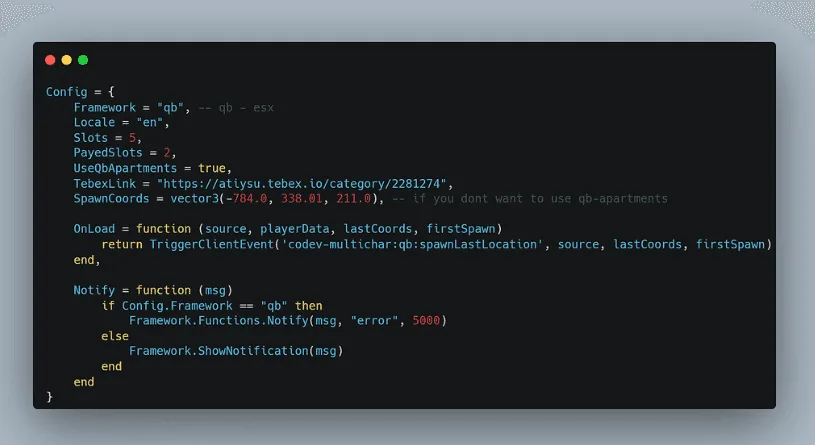
CodeV MultiCharacter

CodeV MultiCharacter

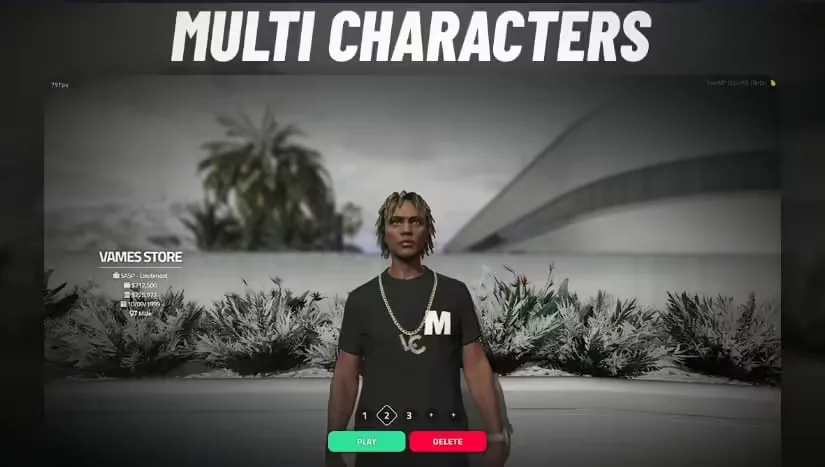
VMS Multicharacter

VMS Multicharacter

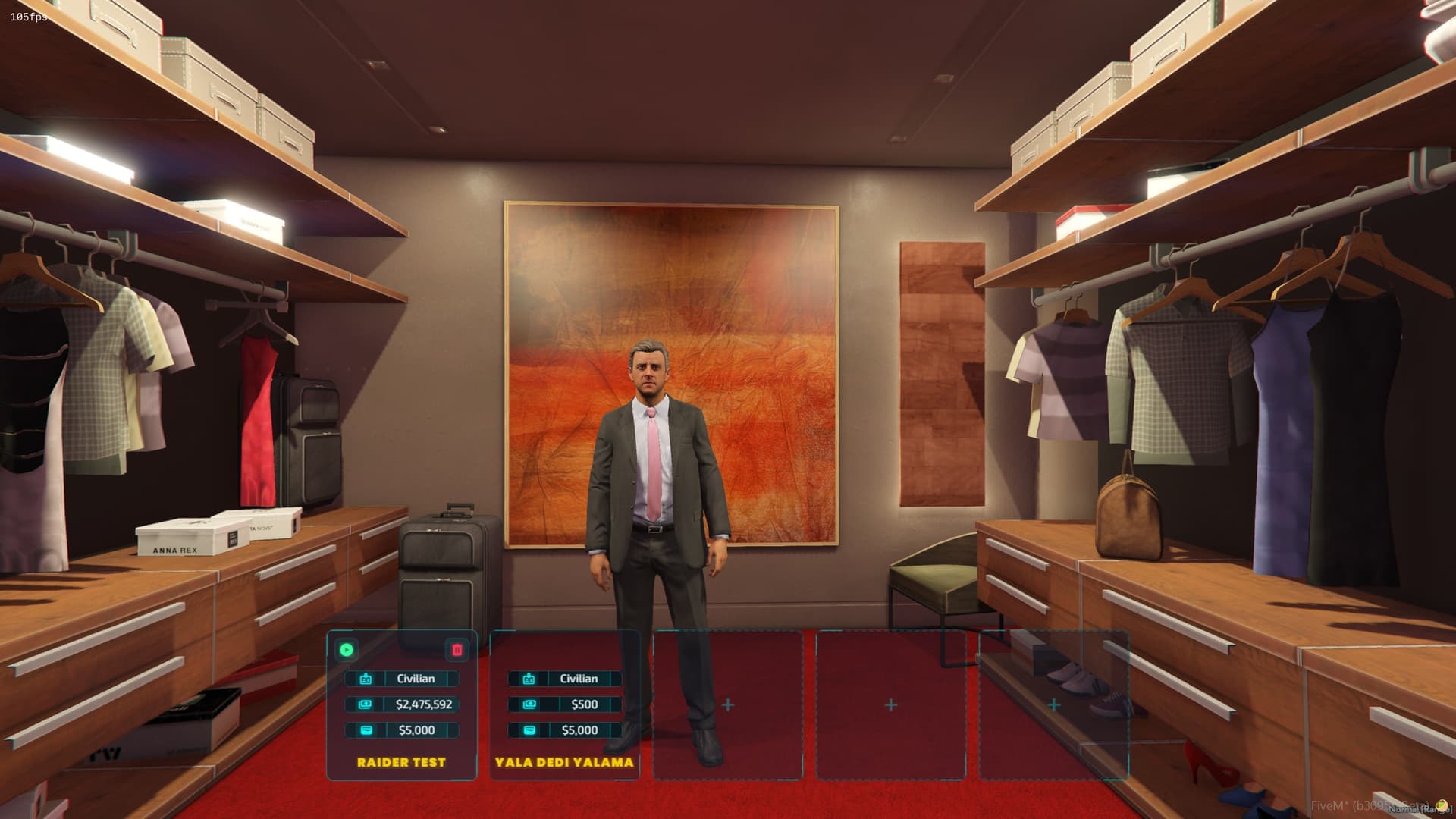
Cyber Multichar

Cyber Multichar

ZSX Multicharacter

ZSX Multicharacter